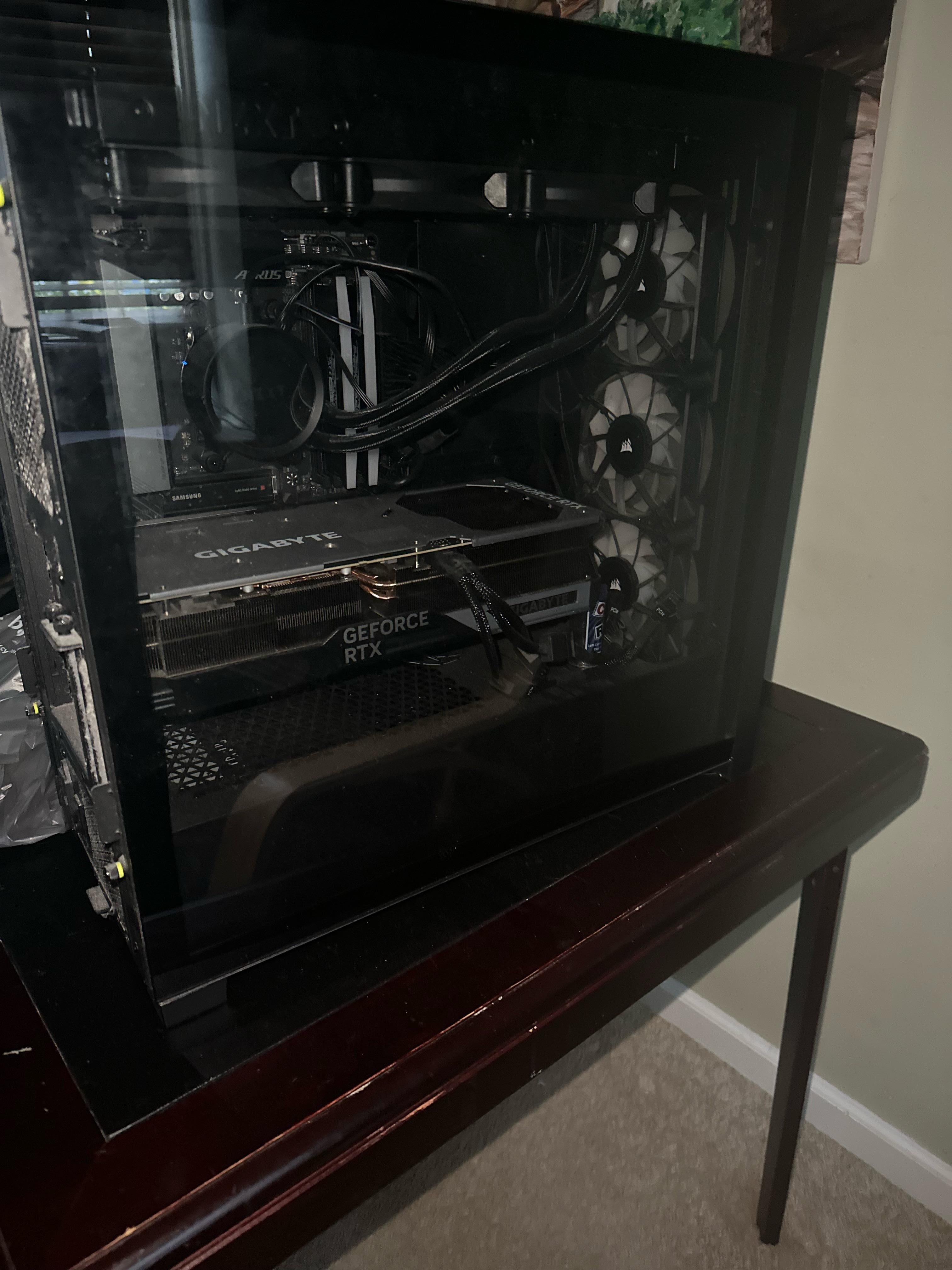
As title says I’m needing to drive about 15 min and move my PC. My 4080 seems pretty secure but should I still take it out before driving?

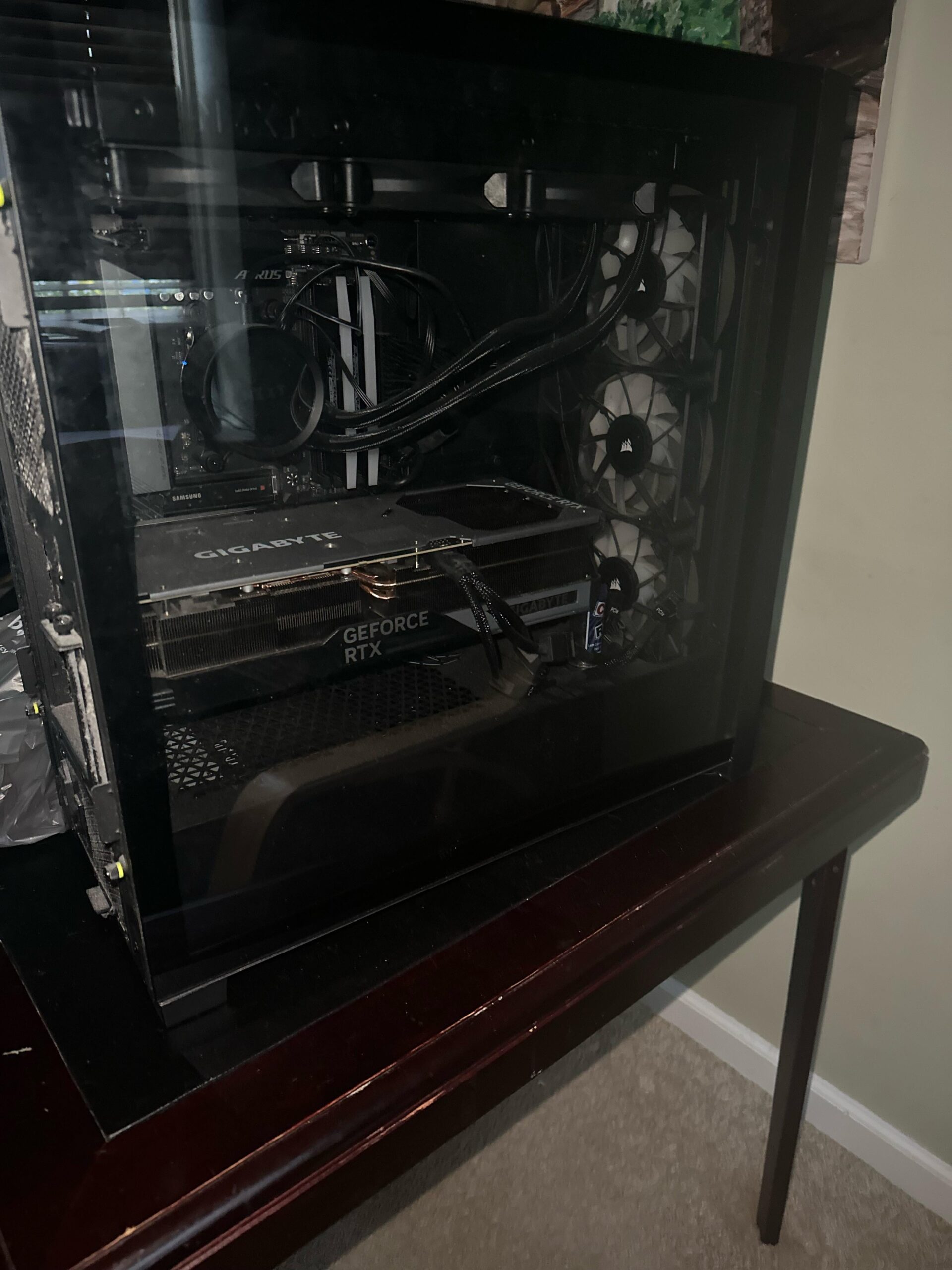
As title says I’m needing to drive about 15 min and move my PC. My 4080 seems pretty secure but should I still take it out before driving?
29 Comments
Definitely.
I took a 1.5hr flight. Took out GPU, AIO, and ram sticks. Scrunched a bunch of papers and stuck them inside the case and closed it to ensure other components have dampened movements.
Transported the graphics card, AIO, and Ram sticks in their original boxes.
Arrived at my new location and ran everything perfectly.
Drove 1500 miles, 4 times. Drive 300 miles dozens of times.
As long as you don’t have a glass panel on your motherboard side, simply lay it down on its side. Pack items around it tightly so it can’t slide around. That’s it. Nothing more. If you want to pull the GPU, by all means go for it, but my experience is that is totally unnecessary.
L
You only lose 2 minutes of your time by taking it off, anything could happen, so yes. You should
I have laid mine on its side (rear side panel down) and had no issues transporting it
Now a days I remove the GPU and transport it separately.
Both work. Entirely up to your personal risk tolerance
its one of heaviest components in a computer, one pothole or bump and it may be the end for your pcie slot 💔😰
so take it out
I pull the CPU/Ram/GPU and leave the rest together.
Makes it easier to re build since all you really need is a screwdriver and some thermal paste.
I pull the CPU/Ram/GPU and leave the rest together.
Makes it easier to re build since all you really need is a screwdriver and some thermal paste.
Absolutely.
Yes and disconnect all the cables and tighen any loose screws
100%, that should not even be a question. Unless you want to potentially replace the GPU and possibly the motherboard.
3 hours drive home and I don’t pull it out. Just pad it with cloth or something. Tho I definitely would if it’s a travel that I have no control of like unfamiliar road or someone else carrying it.
Safest practice is to take it off for traveling with. It’s really not that much of an inconvenience.
https://preview.redd.it/67bvenjqi0xc1.png?width=3024&format=png&auto=webp&s=5a86efd97d2a7ac7a4b224a2425f9504ca35ddfa
Update: GPU is out but GPU clip broke off motherboard 🫡
Better save than sorry. Unless you have the spare money to replace board and card u should treat them with as much care as u can.
You must.
You can stick some old tshirts for padding on the inside so it doesnt move around, but if you are capable i would just remove it.
Yeah it needs some fresh air
yes of course. one wrong move and the pcle slot is dying or the gpu connectors will break off.
I routinely run my PC to my parents place (30 minutes drive) and just lay the PC flat and drive carefully. Granted now GPUs are insanely huge and the slot is the same size. If you’re worried it’s probably the only component to worry about. Will only take a few minutes of your time.
15 minute drive will be fine just lay it on its side and secure it good so it doesn’t shift during travel
Always.
I was a long-haul trucker for 4 years (USA). Took my desktop gaming rig on the road with me the entire time. Traveled around 400k miles thru 47 states. Brother, let me tell you there was rough terrain. Never disconnected the GPU.
Or you lay the case flat
Sure, GPUs love to travel!
I would say there is a bigger chance of damage removing and reinstalling it.
If it was using the gigabyte mounting hardware, so it’s screwed directly into the motherboard tray, it wouldn’t need to be removed.
Wine and dine it and treat it right
Yes