
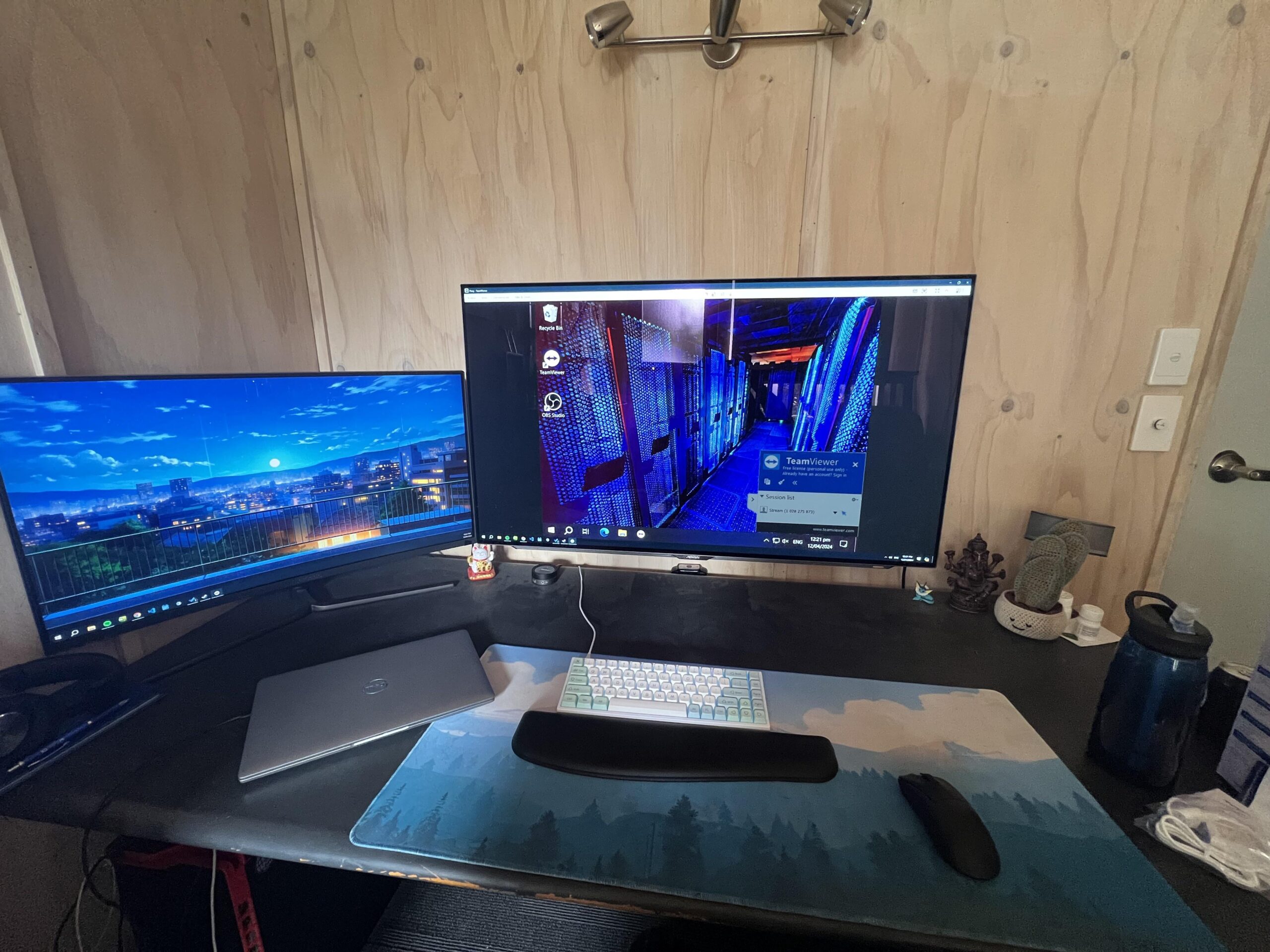
I have had so many issues with this Gigabyte AORUS FO48U it’s insane how I paid 2k for it.
Main complaint is that it auto dims the display after 2 minutes of the colours on the screen not significantly changing. This is fucked because when I’m coding, it just auto dims and I can’t see anything until I switch to a bright colourful window! I had to make a shitty program that flashes a bright blue image on the screen every two minutes to prevent it from dimming, this is not a good fix because I get epilepsy when I’m trying to code and my screen just flashes IN ORDER TO NOT DIM.
Also the burn in is clearly visible with the taskbar.
Only redeeming quality is that it’s nice to look at.
Anyway, if anyone here knows how to configure / code Gigabyte monitors firmware. Please hit me up I could use some advice.
by 1488lememe
7 Comments
Your biggest mistake was buying from GigaShyte!
AOC, ASUS, Alienware, Dell, and ACER are the best monitor brands to buy from. I’ve had so many different monitors due to the same issue. Plus, I’ve set up so many other people’s systems with the same complaints.
I bought a gigabyte 34″ UW m34wq monitor in 2022. It stopped working after less than a year. Fortunately it was under warranty. Dealing with their customer service and all the hassle with shipping it for repair really made me never want to buy any of their products ever again.
You paid $2k for an oled screen? And one from Gigabyte?!
Also you should be able to adjust or turn off the auto dim. Auto sim is present in almost every oled display. Read the manual lol.
OLED has trade offs, but in my humble opinion it is worth it. If you don’t move when doing coding yeah it will dim.
Also you might want to auto hide your task bar to avoid any burn in issues. Make sure your monitors shut them self off after 5 minutes of inactivity.
I have the 34inch QD-OLED from Alienware. Best monitor I’ve ever had hands down and I’ve had a lot.
2k for an Gigabyte oled god damn! Also auto dim is most definetly able to be disabled from the OSD menu. Research what you buy just a little a bit geez.
Wait, you bought an OLED and used it for coding and work tasks?
Sorry, that was not the most wise decision. Current OLEDs are mostly suitable for gaming/media consumption and maybe a bit of work (90%/10%). They just dont like static content. Get yourself a good IPS or VA panel.
My AW3423DW is used only for browsing and mostly gaming, i dont even hide the taskbar. No signs of burn in yet.