
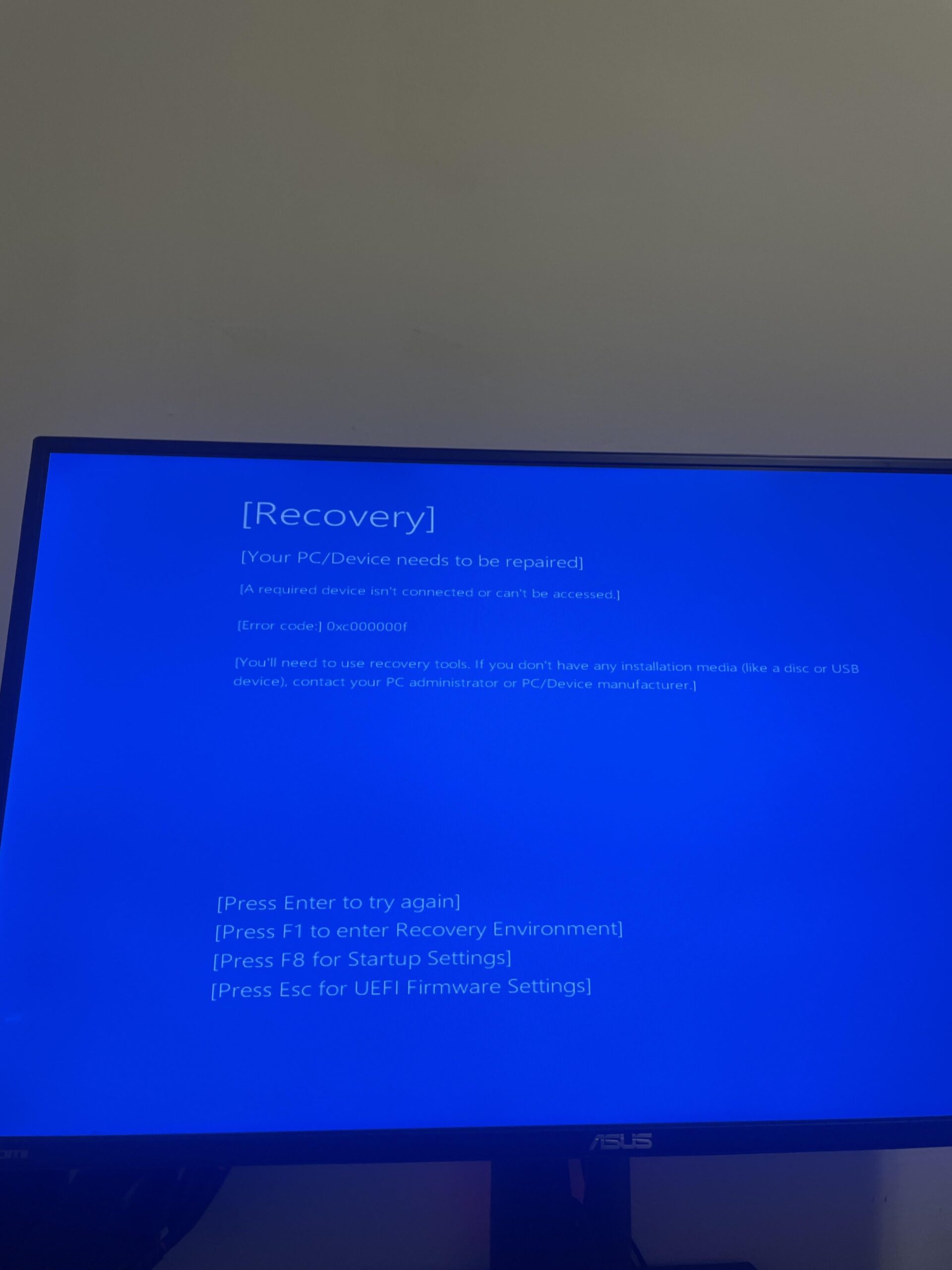
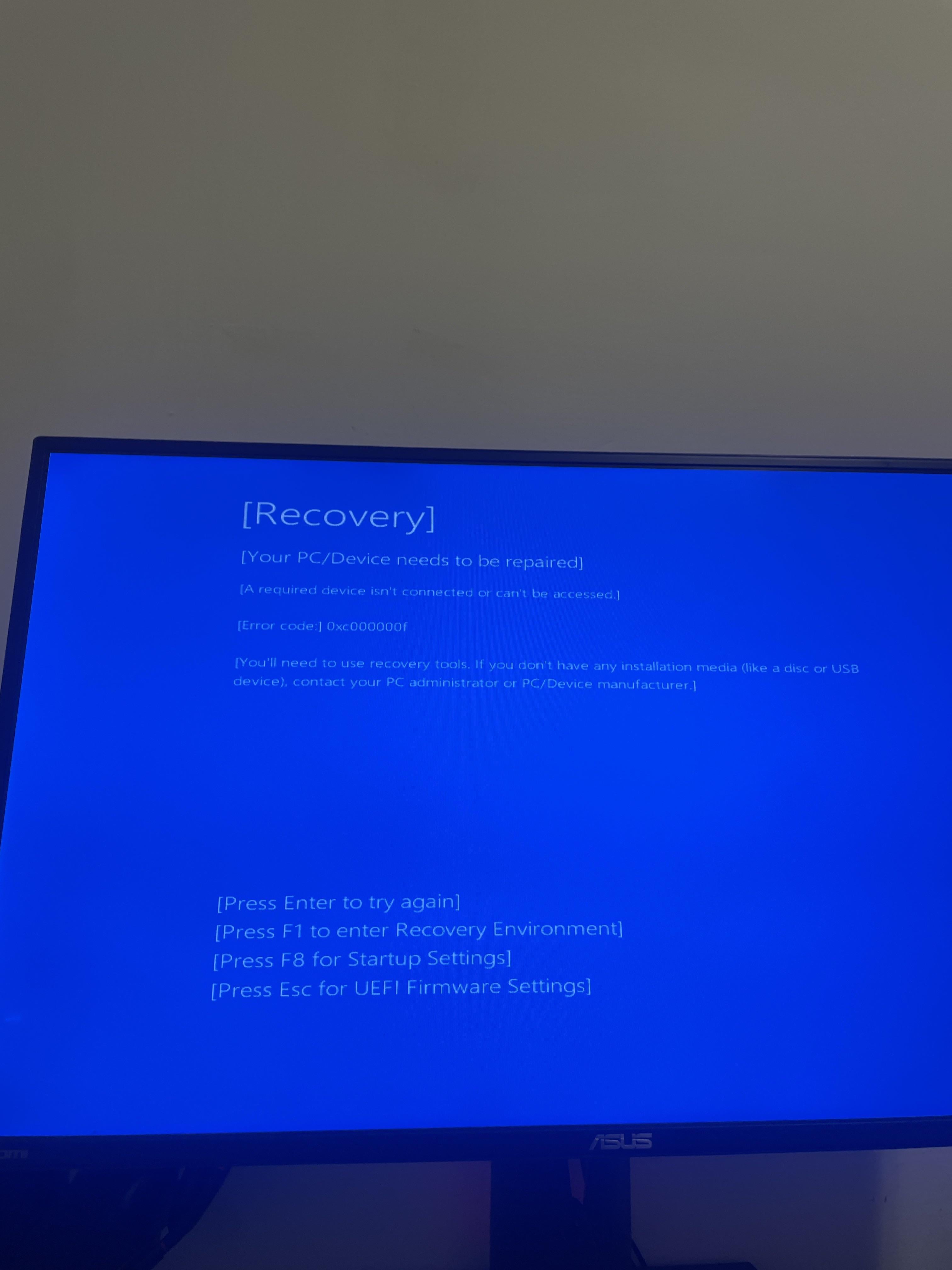
So I tried enabling xmp in the bios and now the system won’t boot.
When reverting the changes I made it still enters recovery mode.
Tried resetting bios settings in the bios setting and also tried pressing the clear cmos button in the back of the motherboard and still… no go. Any recommendations beside formatting my pc?🤙🏽
4 Comments
gg it got corrupted somehow :/
See if you can enter the recovery environment and run `CHKDSK C: /F /X /R`
Or use Windows installer to boot and try from there to mount and run chkdsk. afaik SHIFT+F10 should bring you the console or click the **Repair your computer** text.
diskpart is the thing to mount partitions from console:
1. `lis dis`
1. `pick the BOOT DISK`
2. `sel dis <BOOT DISK>`
3. `lis par`
1. `select C: drive, usually #2`
4. `sel par 2`
5. `ass letter=a`
6. `exit`
Now run `CHKDSK A: /F /X /R` from the console and wait for it to finish. Takes between 5min to 5 hours :3
You now have a Windows install drive if it fails again….
Extremely unfortunate OP.
You should post the rest of your system specs so other people can put together the pieces if they also have this happen.
Try getting back into bios to change it back.
Probably have a crappy batch cpu