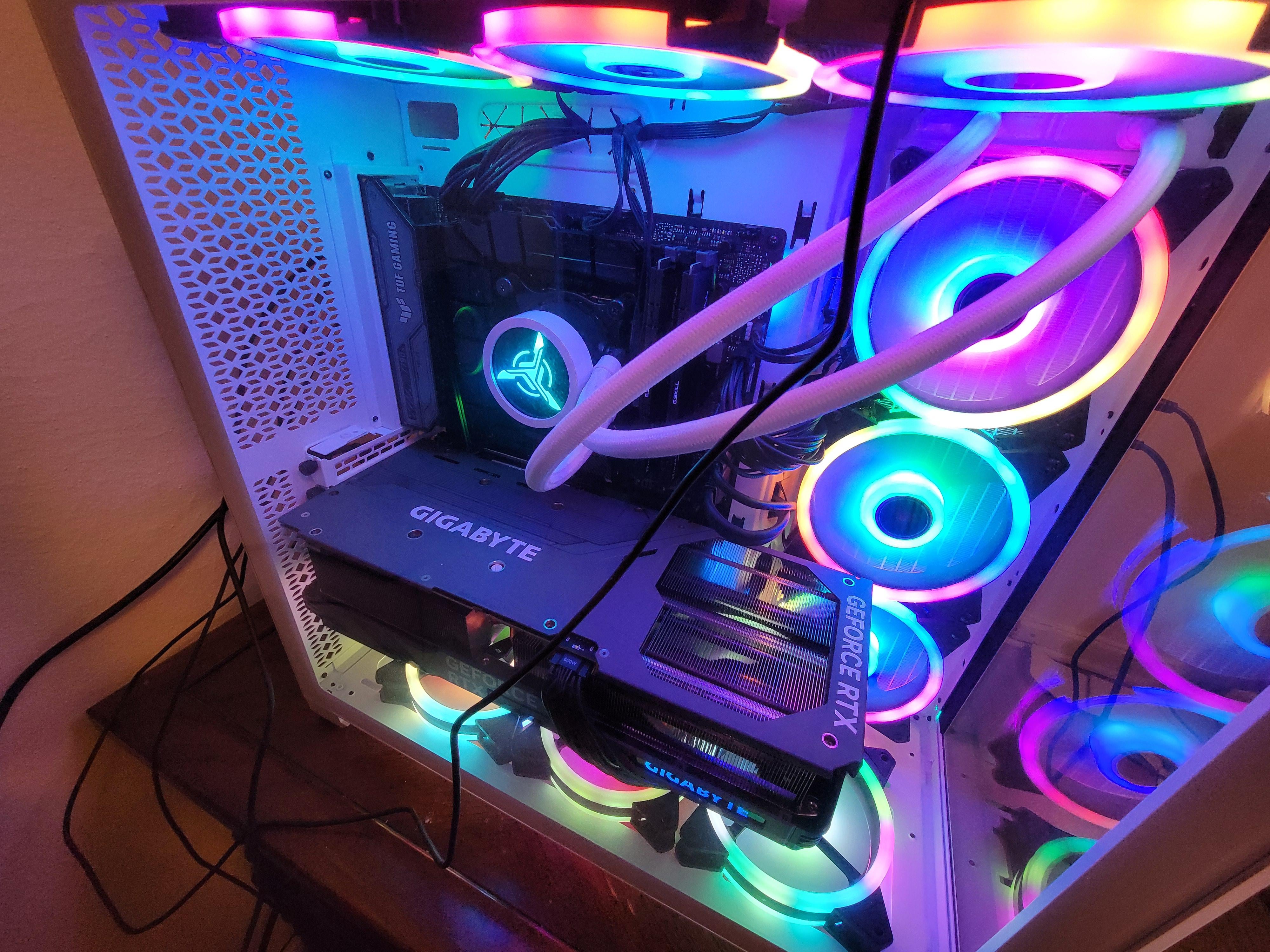
Seemingly every time I get up my pc turns on from sleep mode. I think its from static electricity. What can I do?

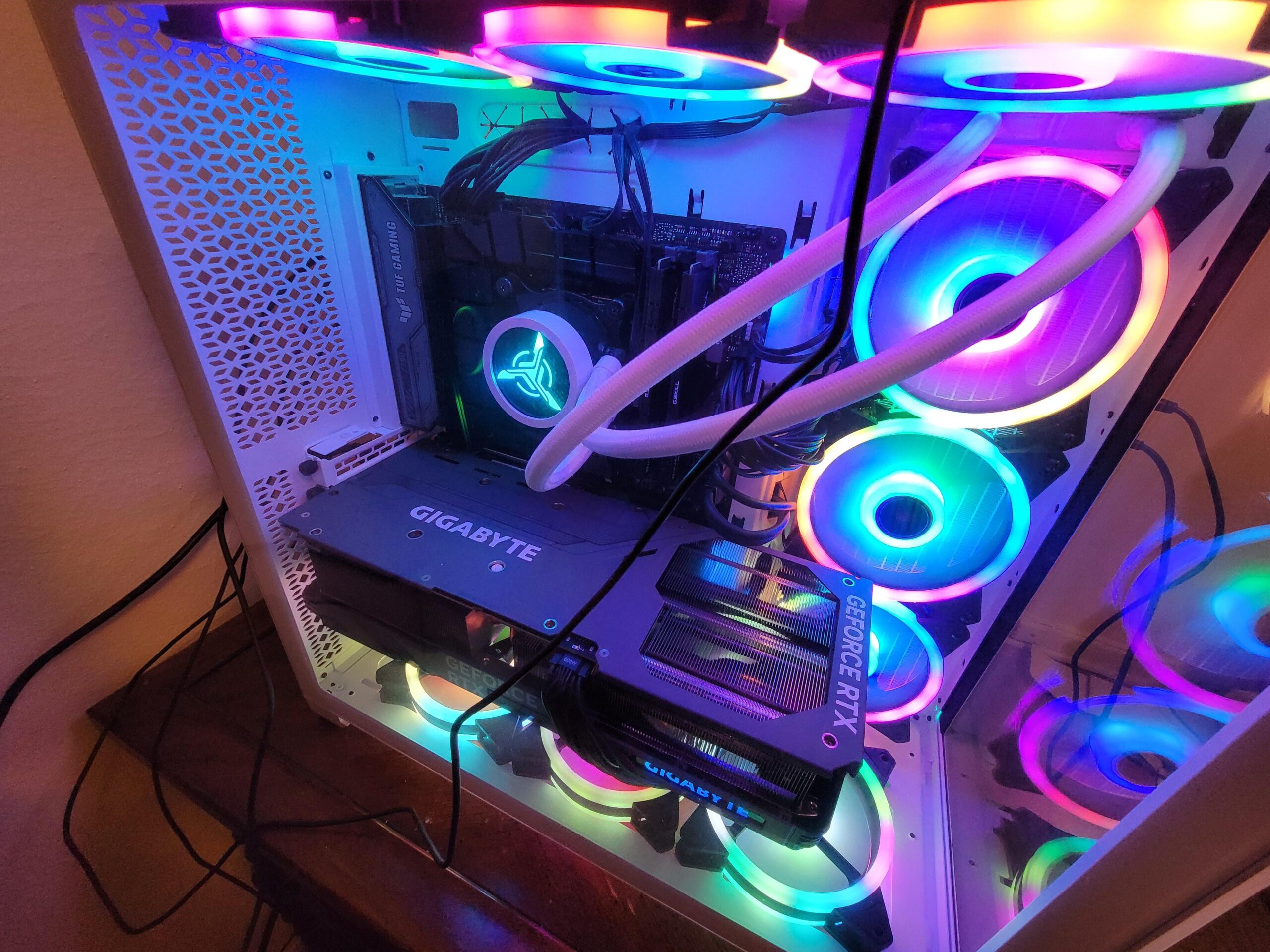
Seemingly every time I get up my pc turns on from sleep mode. I think its from static electricity. What can I do?
33 Comments
Why would static electricity wake your PC up? Your movement probably makes your mouse move or something
https://www.tenforums.com/tutorials/63136-see-wake-source-windows-10-a.html
This happens to me when there is a windows update waiting to be installed and restart. Annoying. Turned off in the settings, no longer happens.
In device manager go to your mouse and right click, properties, power management, untick “Allow this device to wake the computer”. Just have to wake the PC with the keyboard instead.
Also I would highly recommend not using sleep mode. Do a full shutdown every time.
why do people use sleep mode when an ssd boots a pc as fast as it wakes up from sleep
Bit of a random ask, but do you by chance have a Secretlab chair?
Make popcorn and enjoy the more lights more fast!
vibration moves your mouse so it wakes up.
Try disconnecting all USB devices, put it to sleep, get up.
If it still turns on then it’s probably smt electricity based?
In a totally unrelated note, the Netflix app on my TV automatically un-pauses every time the remote is moved just the slightest. Like, someone closing the door to the room or someone sneezing. And it can’t be turned off in the app nor in the TV settings.
This is so annoying that I stopped watching Netflix altogether
Do you have a floor mat? Jayz2cents did a video on this years ago. My last build really didn’t like the ESD and I actually fried a sound card because of it (I could hear it in my headphones every time I moved my chair). My new build (same location) has had zero issues. I think my old motherboard had some strange grounding issues. The only thing I swapped was the motherboard/cpu
Maybe disable “wake on lan” in the bios. I had an issue of my computer coming from sleep randomly and that fixed it
omg this 12vhpwr is so bend 😮
Turn your mouse over or off.
Your thunderous footfalls are moving it.
Unplug your ethernet cable and have wifi turned off.
Or you can change the Windows settings->allow updates during the day. This happens when windows tries to ask for updates at a convenient time. *Since your pc is sleeping, you must not need it right now, right?* Stupid.
r/pcjoker
Don’t get up of the bed. Easy fix. Thank me later!
The way to be sure it’s not a peripheral device waking the PC is to check event viewer for kernel power events. It will say “Wake source: unknown” in my case, because I have the same problem as OP and it’s weird. Doesn’t happen always but when I come back from work and into my room I would just walk near the desk and touch stuff like the chair and it wakes the PC. I first also thought it’s just me unkowingly touching the mouse (btw if the pc is in sleep just moving the mouse shouldn’t wake it, only pressing the buttons should) but then it started happening again. And yes, I have a chair mat.
This started happening a few months back, not before and I’ve had this mat for at least 2 years. But I did change my chair though… I’m just realising it might be the chair, but I dont understand ESD and physics enough to understand why is that a factor.
It’s probably set to wake from magic packets. There is a way to fix this. I had the same problem.
Turn your computer off when you are not using it. Sleep mode is an out dated thing anyway.
I had a similar issue recently. There’s a command you can throw into command prompt to check what devices woke up your pc last, can’t remember what it is. If you search for the command you can find it pretty easy with a google search. In my case it was an outdated usb driver for my motherboard. Try checking the command and update your mobo drivers if they need it.
Edit: grantrules has the link I’m talking about
It could be your computer mouse vibrating enough to switch on.
Too Colorful
Go in command prompt and type ‘powercfg –lastwake’ and press Enter and it’ll tell you what woke it, dunno why everyone in here is just guessing about what it is
It misses you. “Come back, Dave. Look at how pretty I can be.”
I had a similar issue and it was definitely something within Windows. Never happened when booted to Ubuntu.
Turn off your mouse?
Flip your mouse upside down,
Open up Command Prompt and enter the following to figure out what’s happening:
This command will tell you why your system last woke up: `powercfg /lastwake`
This command will tell you what devices can wake your system up: `powercfg /devicequery wake_armed`
You can then use `powercfg` to disable the ability for the specific device from waking your system:
`powercfg /devicedisablewake “<enter device name here>”`
Mine does this if windows has an update it wants me to do.
You’re not crazy. I worked as a software engineer on embedded systems for a few years. Basically think kiosks. I’ve seen this before. Static electricity is very much a possibility here. Typically the round prong on an electrical plug that is optional(Assuming American) helps to protect against this. The electrical discharge is channeled into that instead of the electronics inside a component. This is an oversimplification. The humidity level being low, the type of chair and fabric, the flooring, and the rest of your setup can 100% trigger what you’re describing when you get up from the chair. This can also affect your monitors as well and cause them to go flash black for a moment as if they lost power for a split second. It’s likely the discharge when you get up is causing enough of a power fluctuation in the ports to wake your PC. You can test this by using a grounding wire on yourself and/or chair. Using a humidifier will also reduce the effect.
try grounding your case, it may not be if it’s painted all over
Don’t get up?
If you guys think that is a good chair get the Logitech Herman miller.