I a setting when I press Ctrl it will uncover the bastard sometimes
Hipjig
This is the point where I will start shaking my mouse violently to find the cursor.
PinkScorch_Prime
just move it all the way to one of the corners
Numerous-Albatross-3
Made me laugh XD Good one OP! Thanks
XHSJDKJC
Good one, funny if you have 4 Different monitors
Bl4ckSupra
[install power toys](https://learn.microsoft.com/en-us/windows/powertoys/) > activate mouse utilities> enable activation by shaking. Never lose your mouse again. Works fantastic in multi monitor setup 👍 and can be used to point something out to other people 😉
Frequent_Wasabi6175
I honestly don’t know how my eyes can lose it. It’s frustrating.
Alternative-Doubt452
Windows power toys, ctrl ctrl.
Enjoy.
Also turn it off when gaming.
HankThrill69420
just right click and look for a context menu
SynthRogue
LOL
ZinGaming1
I don’t need 2 monitors for this to happen to me.
Just whip the mouse around on the monitor. You probably still won’t find it.
Outside_Public4362
I just have one and I still lose it. , shake that mouse Trucker hard , it will show itself
astralseat
*shakes mouse wildly*
PsychedelicMagic1840
Alaaaaaaaan
Any-Year-6618
Lol that’s a good one but a simple right click solves your problems
ffs-it
I’ve set up the ctrl option to find it, which is also useful when you have to show something to someone while screen sharing.
You can also change the colour to make it stand out more on the background.
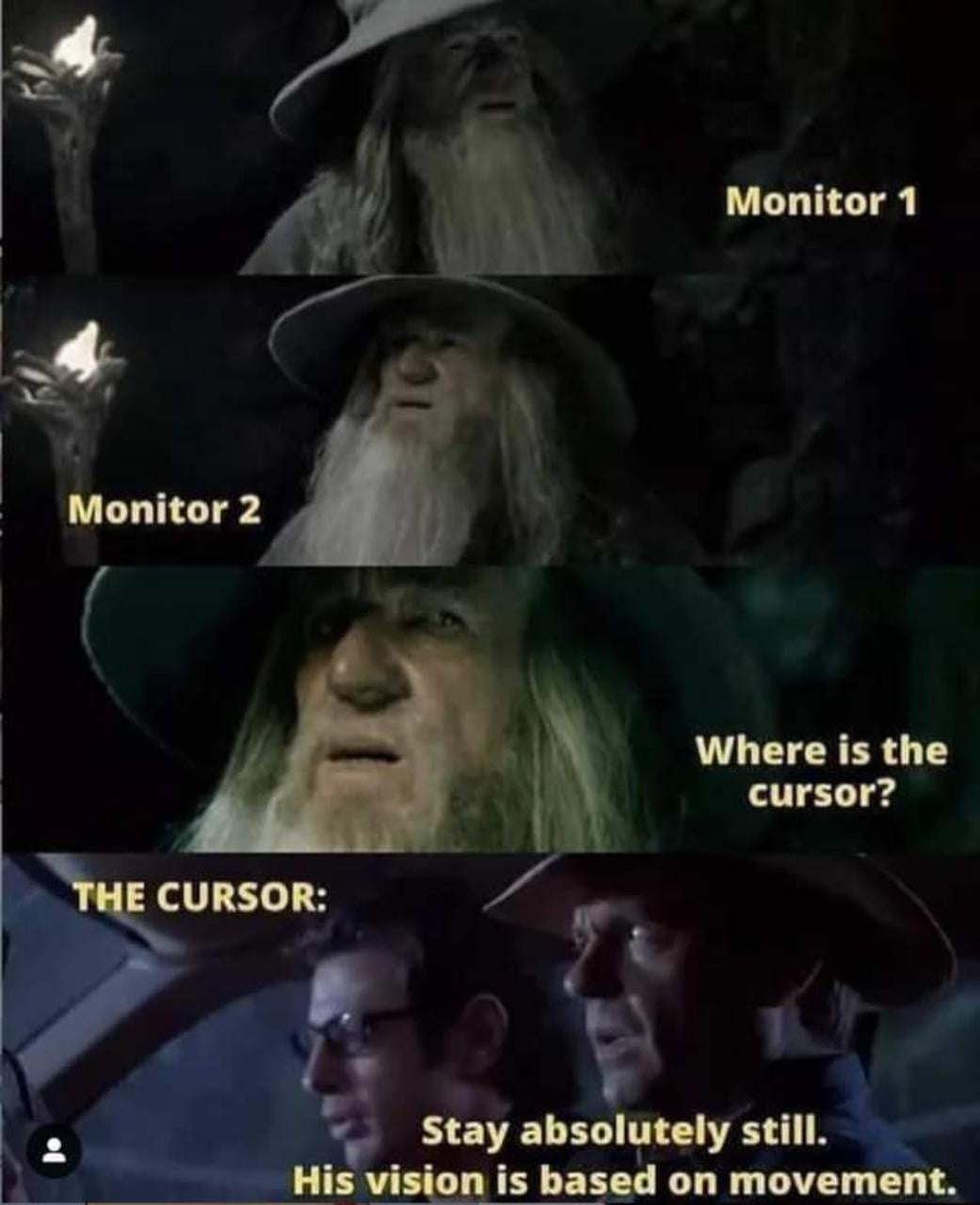

16 Comments
I a setting when I press Ctrl it will uncover the bastard sometimes
This is the point where I will start shaking my mouse violently to find the cursor.
just move it all the way to one of the corners
Made me laugh XD Good one OP! Thanks
Good one, funny if you have 4 Different monitors
[install power toys](https://learn.microsoft.com/en-us/windows/powertoys/) > activate mouse utilities> enable activation by shaking. Never lose your mouse again. Works fantastic in multi monitor setup 👍 and can be used to point something out to other people 😉
I honestly don’t know how my eyes can lose it. It’s frustrating.
Windows power toys, ctrl ctrl.
Enjoy.
Also turn it off when gaming.
just right click and look for a context menu
LOL
I don’t need 2 monitors for this to happen to me.
Just whip the mouse around on the monitor. You probably still won’t find it.
I just have one and I still lose it. , shake that mouse Trucker hard , it will show itself
*shakes mouse wildly*
Alaaaaaaaan
Lol that’s a good one but a simple right click solves your problems
I’ve set up the ctrl option to find it, which is also useful when you have to show something to someone while screen sharing.
You can also change the colour to make it stand out more on the background.