
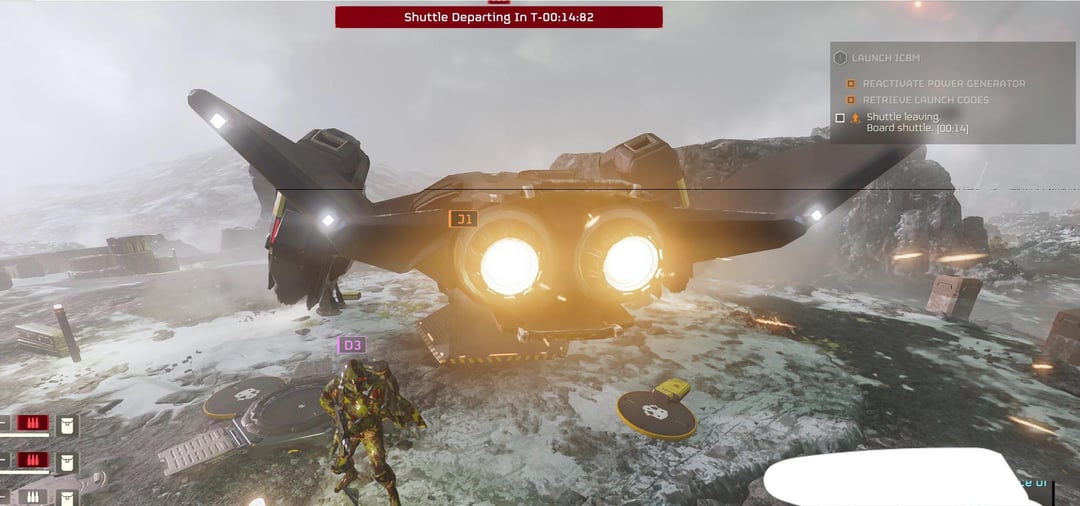
The stripes randomly move along the screen every once in a while during helldivers 2, and then disappear after 1-2 seconds
The blocks is a drawing of what I saw on my second monitor while watching something, it only appeared for a second or two so I couldn’t react in time but that’s what it looked like
The vertical stripes were kinda wiggly and warped my mouse too. It appeared when I booted up rainbow six for the first time on my new pc and it was fullscreen. It went away after I switched to borderless windowed and I haven’t been able to recreate it.
Help?
34 Comments
This could just be the monitor dying, do you have another monitor to see if the same thing happens to it? I had an old Samsung monitor that started to randomly get lines running down it on start up and then went away when the capacitors warmed up. I’ve switched to asus and lg monitors and haven’t had any more problems.
If you have the warranty for it, just send it in.
The same has happened with me and my 4070 super. I’ve had it for a few months but this is the only game I’ve noticed it and even then, it’s so quick that I barely notice it
Kinda think that’s a one game issue. play other games
Try downclocking it to see if it changes anything.
Asus asusing
I’ve had a very different experience with Asus. No failures or noticeable degradation in performance.
Most GPUs these days require the manufacturer software in order to maintain aggressive enough fan control. While all GPUs have built in hard limits for fan control, I frequently see crash to desktops and glitches like the one above when an aggressive custom fan curve isn’t set.
Try setting a custom fan curve in the Asus GPU Tweak software, set the curve to minimum 30% at all times and maximum when it nears 70c. Click apply and test out Helldivers. Asus GPU tweak is finicky and at times the curve doesn’t apply upon reboot but YMMV.
Hope this helps you deliver democracy Helldiver!
Temperature issues, driver issues, overclocking issues.
I’d uninstall the drivers, pull out the card, check the fans etc, and re-seat it.
Then, reinstall the drivers and see how it goes.
Also, try a different HDMI cable. I had a bad cable once that caused issues.
Check screen refresh rate see if its within the monitor spec. Check temperature. Update driver.
Looks more like a monitor issue, switch monitors if you can and test.
This happens on brave browser on my 3060 12gb. It happens sometimes when i hover my mouse over the close tab button. But it only happens on brave
i’ve had the same issues in helldivers and i just bought my card a couple of months ago
Sometimes these are just driver issues. Uninstall your current driver’s with DDU and reinstall them. Monitor isn’t at fault, as the issues are also present on screenshots.
If that doesn’t help, I would get the card replaced as you still have warranty.
Thats why i always buy MSI gpu’s. Not a single issue
Another thing you could check is how it behaves with G-sync / Freesync disabled. It looks like tearing that could happen from hz sync mismatch (eg. 144hz and 50fps will cause tearing when Gsync/Freesync are enabled)…
Looks more like a monitor/connection problem than a dying gpu.
Test against another hdmi/dp cable.
Use DDU on drivers and reinstall them
I had an issue like this, turned out to be the HDMI cable I was using at the time was broke 😂
Automates are invading your computer. All you need is more democracy.
I briefly get that black line with helldivers, everything else is fine. Helldivers is so janky
I d try downclocking a bit both vram and gpu speed – and use some software to monitor temps.. that and a clean driver installation.
Could be the drivers , just uninstall and reinstall the drivers and clean ur GPU fans off any dust , and if u really wanna make sure buy a nice hdmi cable
Reinstall drivers
If it still doesn’t work, she’s dead Jim.
Had a weird flashing black line at the top of my screen every now and then on my ASU’s 4070ti Super. Setting GPU power management to maximum performance in Nvidia control panel fixed it for me
There are a lot of good ideas here but I have a weird one: a long time ago when I was a poor gamer, I got an upgraded card that required a higher wattage PSU than what I had and just “hoped” that it would work. And it did for a while until weeeiiird stuff started happening.
did you daisychain the power?
Simple answer: DDU and reinstall drivers
If problem continues you can try the other suggestions but i would just send it since its under warranty
Have you bothered to test it on other games to see if it isn’t just a glitch with Helldivers?
I have the exact same thing happening with my 7900XTX from time to time while playing Helldivers 2, this is the only game that does it. Temps normal, no OC or anything, only this game does it do this black line for a second or two.
Maybe your gpu starts hanging. Sagging in English right?
If you don’t have extra support
Take it out and put it back in then support it with something.
Bad memory on the GPU more likely. Down clock the card slightly to see if it improves. Or run a memory test on the GPU for errors.
If the GPU is overclocked, revert it to stock, use DDU to uninstall all video drivers then install the newest ones from Nvidia website, replace the display port cable, try a different port on the GPU and on the monitor.