
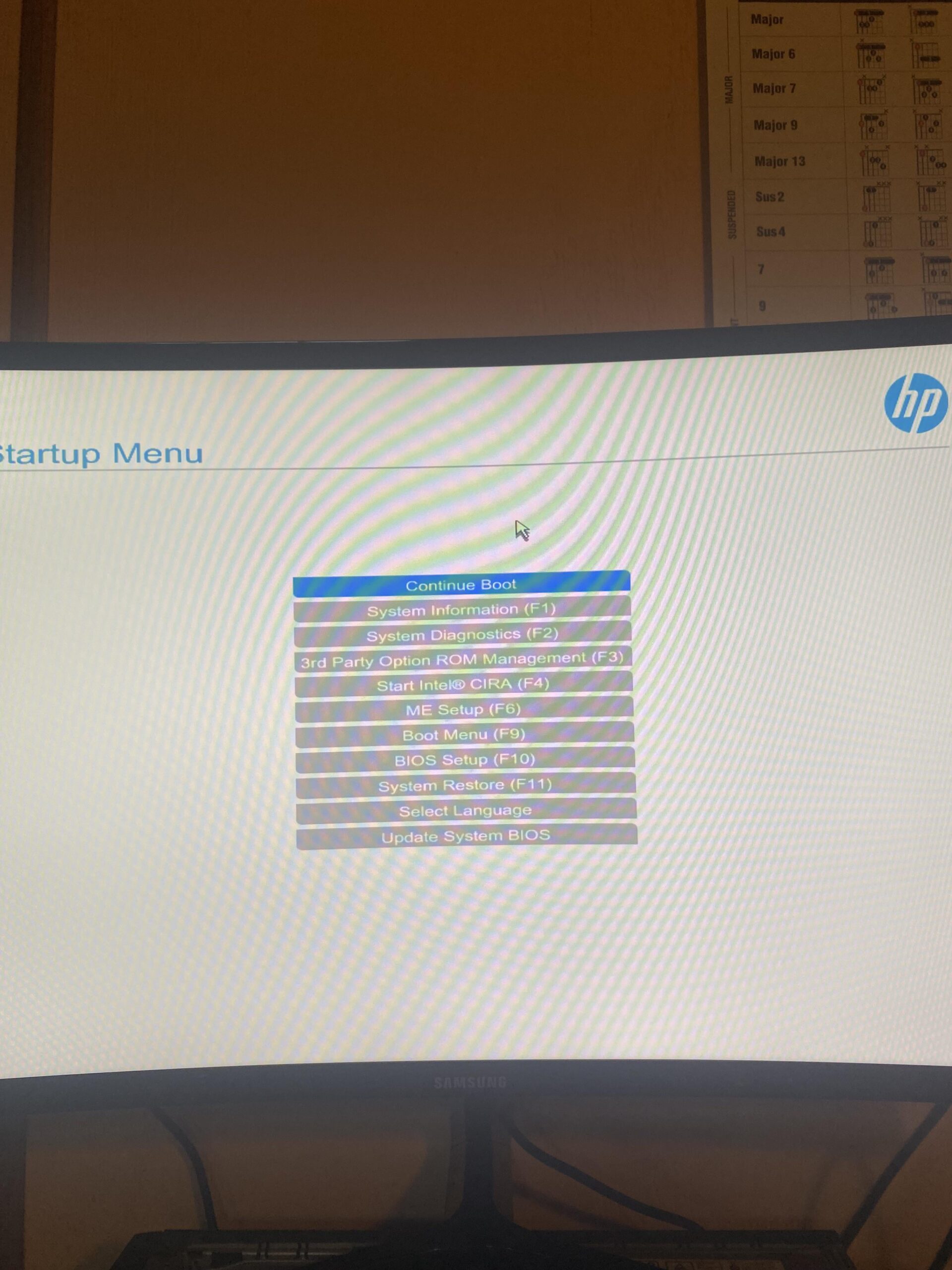
All I want to do is use the 3600mhz that my new RAM advertises but it's stuck at the default 2133mhz. I have searched high and low in my BIOS and found nothing related to RAM and I am close to downloading a 3rd party program if that will even work. Corsair Vengeance DDR4 3600Mhz RAM and HP motherboard.
5 Comments
One. Software won’t fix a hardware issue. That’s just viruses claiming to do something
Two. Accept it. You made the move of buying/using this type of hardware that’s so locked down. Next time get an MSI, Asus, ASRock etc. Don’t by hp and other names garb.
Three. Did ya check the thing that says bios setup?
If nothing in there then you’re done.
Well thank you everyone for the responses, I have learned a lot today.
lmfao yeh
prebuilts, osn. haha.
there is no ‘3rd party’ program that will do what you’re asking.
RAM speed, system & cpu voltage are all very low level controls. BIOS/UEFI is the _only_ place to control them. and on an HP: they lock the SHIT out of their goddamn bios
now you can pop into BIOS SETTINGS and see if theres any settings for xmp-and if there isn’t, thats the end of it
Try downloading iCUE from Corsair ([https://www.corsair.com/us/en/s/icue](https://www.corsair.com/us/en/s/icue)) to change the settings of your RAM sticks.
​
In the BIOS, XMP would be D.O.C.P on intel systems. Both are the same thing. Also in that start-up menu of yours, have you tried going through F10 bios set-up menu?
Its a hp bios reskin and remover 2 in 1,they really hate their customers,it will severely limit what you can change,get another mobo for freedom of tweaking or try with software in windows if its possible for your issue