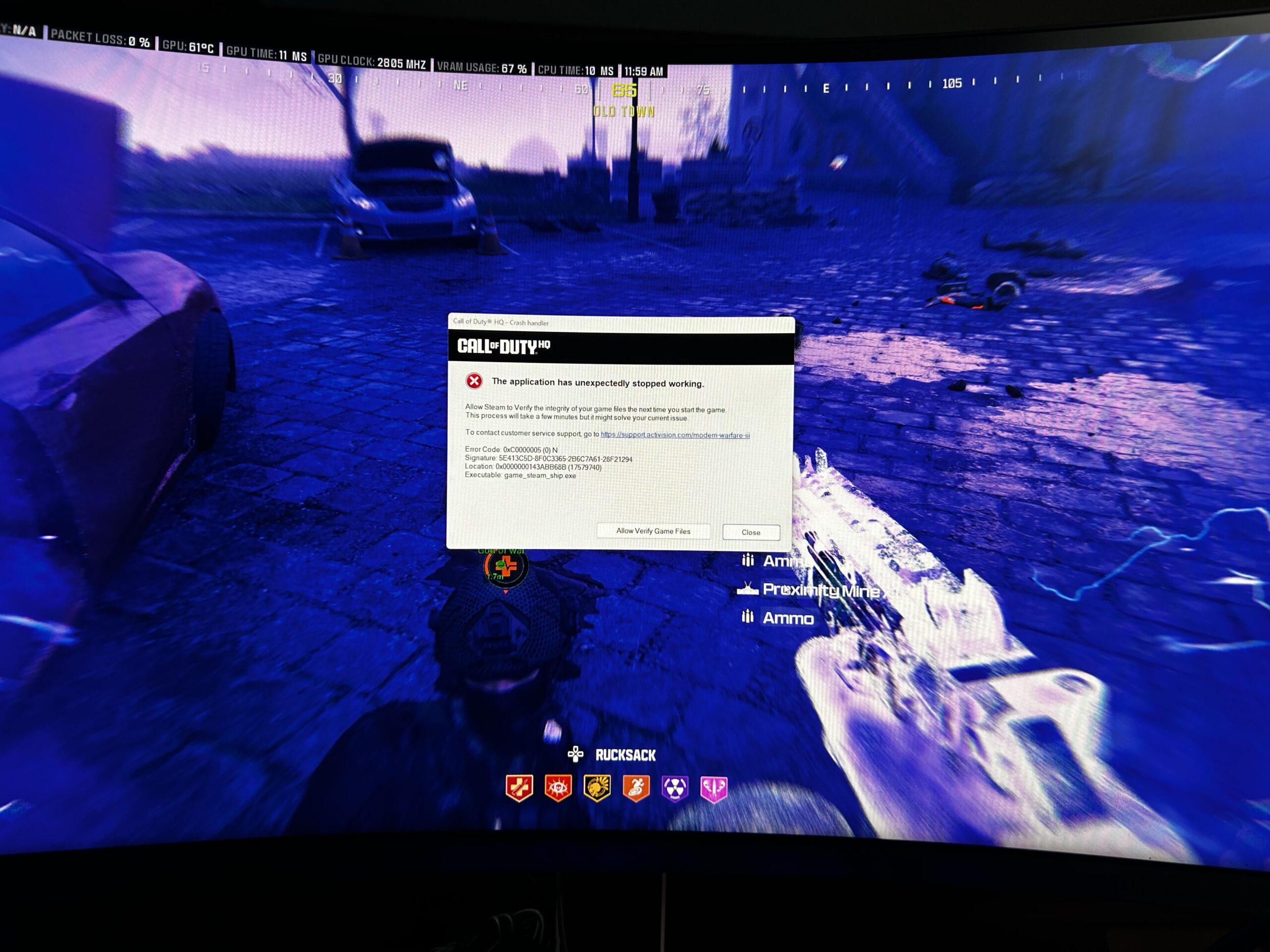
Share Facebook Twitter Pinterest LinkedIn I’m afraid to take my gold loot out of the inventory because I’m not very lucky at this “casino game” anyway call of dutycall of duty zombiescodCoD Zombieszombies 2 Comments CavPlaysGames 2 years ago Idk dude I’ve played like 80 something matches of it now on my ps4 and not once has it ever crashed on me Tharkhold 2 years ago Try this for that error message: Go to the COD folder (Show in explorer option on battle.net) open the “retail” folder (it has a leading and trailing underscore but reddit wont display these for some reason) rename xpak_cache folder to xpak_cache_OLD and launch game as normal. I had a similar issue following an update and I’ve never had this error since. Write A CommentYou must be logged in to post a comment.

CavPlaysGames 2 years ago Idk dude I’ve played like 80 something matches of it now on my ps4 and not once has it ever crashed on me
Tharkhold 2 years ago Try this for that error message: Go to the COD folder (Show in explorer option on battle.net) open the “retail” folder (it has a leading and trailing underscore but reddit wont display these for some reason) rename xpak_cache folder to xpak_cache_OLD and launch game as normal. I had a similar issue following an update and I’ve never had this error since.
2 Comments
Idk dude I’ve played like 80 something matches of it now on my ps4 and not once has it ever crashed on me
Try this for that error message:
Go to the COD folder (Show in explorer option on battle.net)
open the “retail” folder (it has a leading and trailing underscore but reddit wont display these for some reason)
rename xpak_cache folder to xpak_cache_OLD and launch game as normal.
I had a similar issue following an update and I’ve never had this error since.