
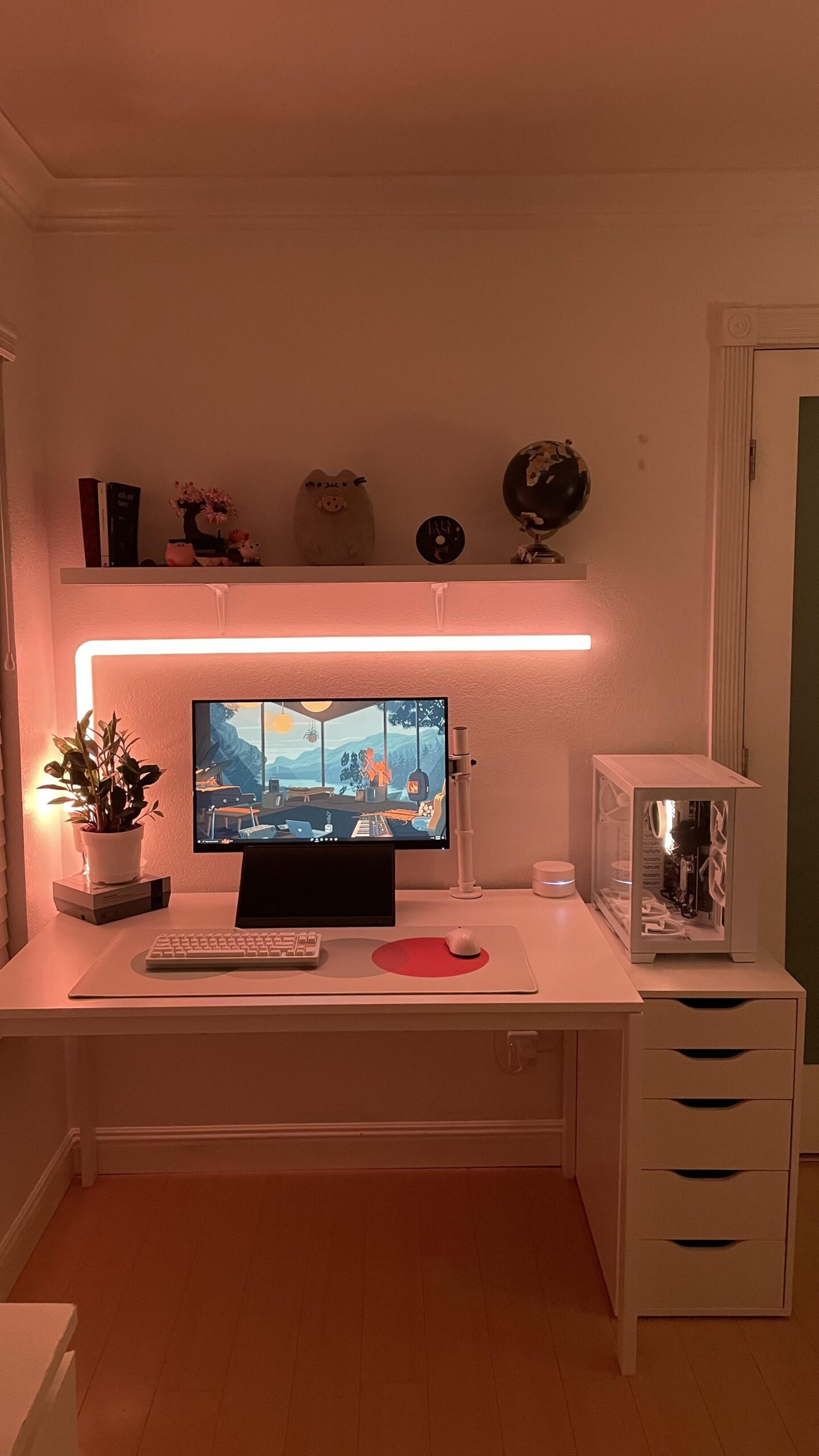
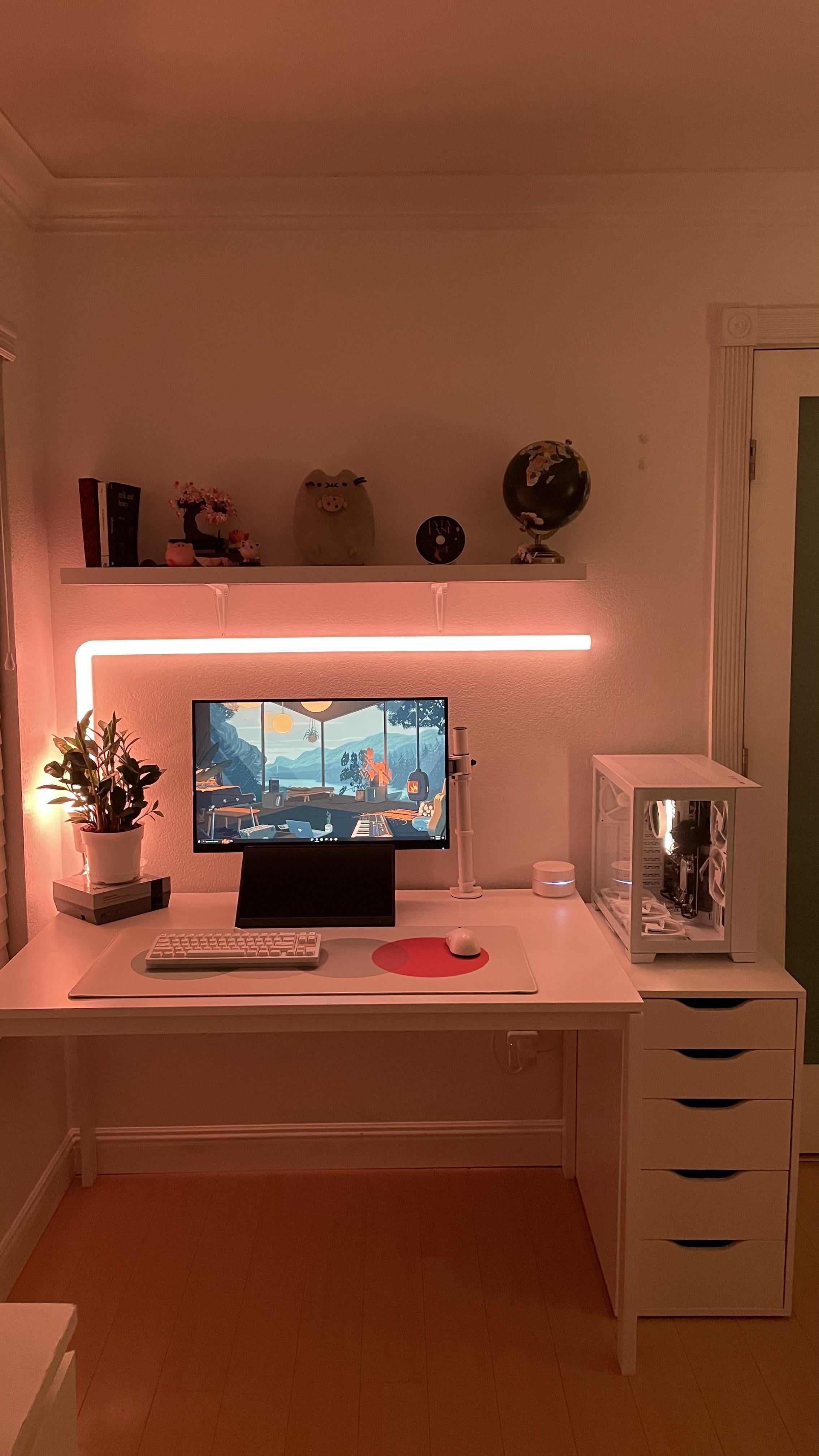
so as of recent I’ve purchased this asus portable monitor (MB166C) and I had a lot of trouble connecting it to my pc. It works completely fine with my macbook so I’m very confused. It connects through one usb-c cable for power and display, however when I plug it into my pc it powers it, but windows alerts to limited usb-c issues. HELP (also sorry if this is the incorrect subreddit to ask this question)
by SusManPartTwo
4 Comments
Have you tried the hdmi cable?
It’s possible that your PC has limited USB functionality, while your Mac-monitor is Thunderbolt. (Thunderbolt gen 3 and 4 use USB-C connector). I’d recommend connecting the PC with another display output, HDMI or DisplayPort
Edit: I mean something like this, https://www.amazon.com/Belkin-DisplayPort-32-4Gbps-Backwards-Compatible/dp/B0BJTRC3MC
get a usb c to hdmi/display port adapter
The GPU has to have the thunderbolt capability to use it with a TYPE C cable.
If you are using an APU than the motherboard has to have that capabilty.
Try a DP/HDMI to USB C adapter. I am still not sure if that cable will deliver enough power to the display though.