
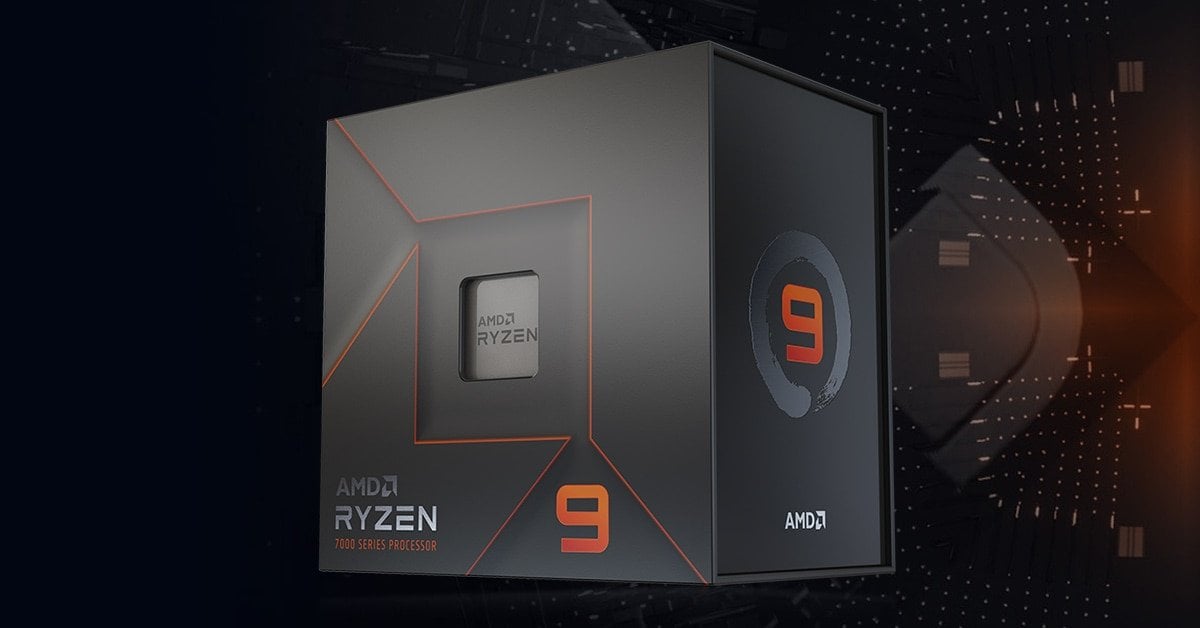
I bought 4x32gb 6400mhz ram for my pc build and apparently my cpu (Ryzen 9 7950x) has a ram controller and on AMD’s website it has this (https://www.amd.com/en/products/cpu/amd-ryzen-9-7950x?gad_source=1&gclid=CjwKCAiAi6uvBhADEiwAWiyRdl8BRAzn5tJ7tNovTQhw3uDelIP8xsK1LuIxNt7A-4bKKMgnbKOvuxoCoQIQAvD_BwE) a max memory speed
Does this mean I have to run all 4 of my sticks at 3600mhz forever? Or is there any ways to uncap it because everytime I try to set my ram at its advertised speed (6400mhz) system gets posted in safe mode
PC BUILD:
Hyte y60,
ASUS ROG STRIX X670E-A gaming WiFi,
Ryzen 9 7950x,
Rtx 4080 super,
4x32gb 6400mhz ram,
4x2tb m.2 nvme 7000mbps,
NZXT kraken elite 360 rgb,
Corsair hx1500i
3 Comments
4 sticks put more stress on the CPU so they will run at a lower frequency. You need to tune the ram manually and see how far you can go with this configuration. If 6400 doesn’t work try 6000, and if it’s not stable either reduce it progressively until it works.
https://forum-en.msi.com/index.php?threads/ram-explained-why-two-modules-are-better-than-four-single-vs-dual-rank-stability-testing.363139/
This explains it pretty well.
> is there any ways to uncap it because everytime I try to set my ram at its advertised speed (6400mhz) system gets posted in safe mode
Yes, by testing out various different combinations of speeds and voltages. 6400 is pretty much out of the question, but 5200 might be possible with a lot of patience.