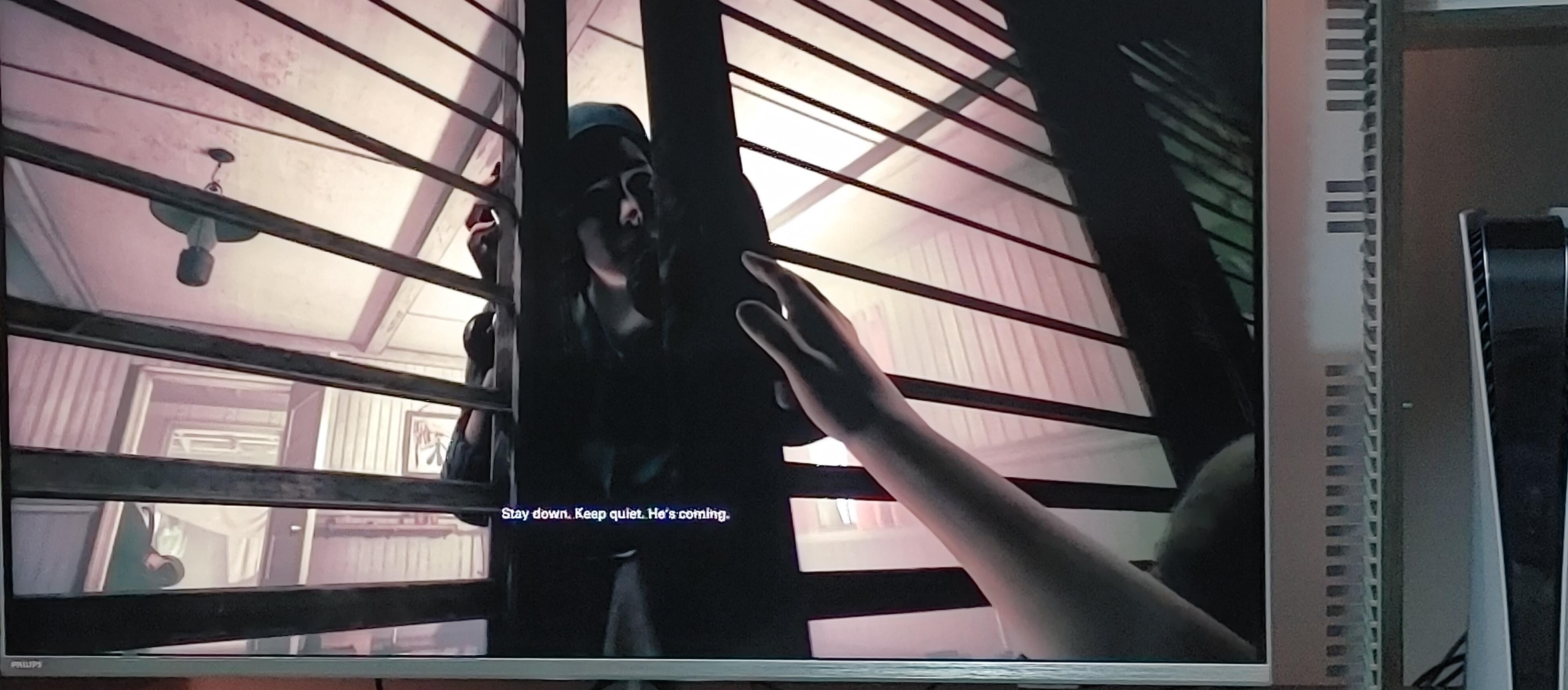
Wolfenstein – The New Colossus.
Many games do this. I play on a TV and seeing there’s no subtitle scale option triggers me to no end.

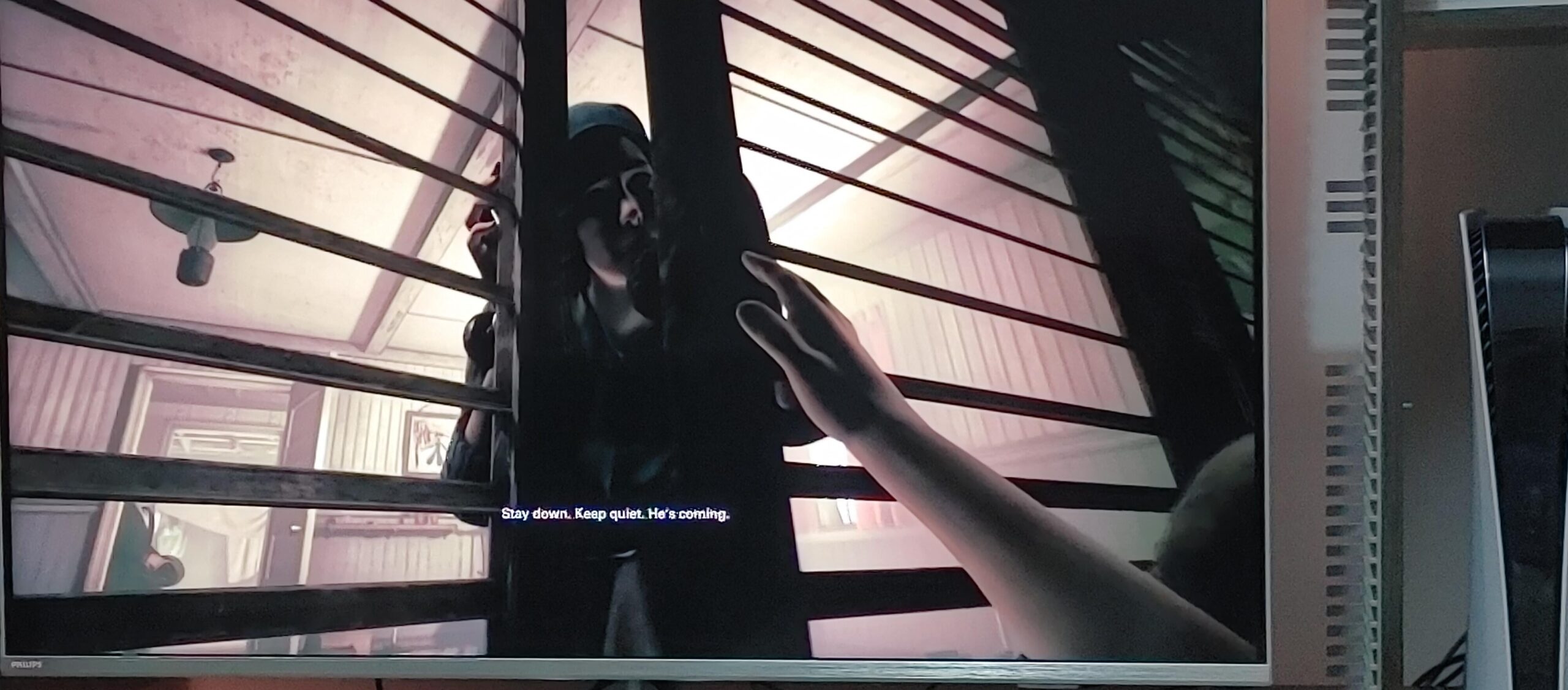
Wolfenstein – The New Colossus.
Many games do this. I play on a TV and seeing there’s no subtitle scale option triggers me to no end.
28 Comments
Check in-game in your player/game options menu. Sometimes there is a choice to enable subtitles and also one to increase the font and/or the hud opacity of the background (to make them easier to see) for subtitles.
Cheers!
use a bar magnifier put on your tv screen. it might help a bit ?
They’re whispering
Smart TV? May have its own CC in the options. Great game either way, enjoy!
Forgetting to adjust the UI when porting games from PC to console or vica versa is wayyyy too common.
I’m not sure if I’m just getting older but it seems like UI on all games are getting smaller and smaller and cramming more text in tiny spaces.
The newer borderlands games ( 3 & Wonderlands) turned me off for this reason, I couldn’t read the gun stats or skill traits from the couch without getting up, so I stopped playing. BL2 &1 are still great, read fine no issues not sure why they shrunk the text to miniscule size.
^(I see nothing wrong here)
Those are perfectly sized lol… you must just have bad eyes
Really wish more games let you enlarge text on subtitles and menus. Outer Worlds did this. Cyberpunk has the absolute worst and hardest to read menus I have ever seen. My eyesight is perfect. I shouldn’t have to walk up to the TV to read shit.
Y’all remember when Dead Rising 1 had very small text if you didn’t have a HDTV when it first came out?
I love games that let you select size and background color for subtitles
I hate that lots of UIs are designed to work around 1080p, and then scale themselves in terms of pixels rather than actual screen proportions, and give you no option for scaling. So you either use your full resolution with an unreadable UI, or downscale your resolution for a reasonably sized UI. Source games in particular are problematic.
Can’t hear without my subtitles!
It is really bad these days.
It’s gotten to the point where I will be interested in a game…then see the tiny text on the UI and decide not to buy it. I’ve learnt: no amount of good gameplay is enough for me having to constantly grab an office chair and scooch close to my TV.
Bonus points if there’s no NEED for it to be small. If it only happens because the devs who made it forgot that not everybody is sitting inches from the screen when they play. The first rebooted God of War did this, although they did a terrific job of fixing it for GOW2.
is it under Accesibility options? i got the same problem with games since my comfy chair is kinda far from the tv
Omg, I hate that when I am trying to read an objective or something and it’s just TINY
The struggle is real, I can’t hear without my subtitles
I find rdr 2 has executed that very well. I played it a lot on console and the TV is really far a way from me, but I never had to really walk towards the TV or smt to be able to read the text. It’s much harder on the other hand, to read the stupid small subtitles from doom 16
which game is this?
Subtitles for ants, of course.
I was playing Starfield on my livingroom TV (55″) and from my seat I was struggling to read the text, especially on the scanner HUD. Checked settings and found they included an text embiggening function under the accessibility section of the settings. Was pleased to see that and think it should be a standard.
When I got a FIFA game for the pS3 I played it on the TV and all the UI elements were SO TINY! Was very annoying.
Tiny subtitles are the bane of my steam deck existence
I’m playing Witcher 3 and literally moved my couch three feet closer to the TV last night. Not as bad an offender as OP’s but damn those menus be small
changsquinting.gif
What? You guys don’t have ears?
I have Hades on the Switch and I couldn’t play it in handheld mode at first because I could read anything.
You have to headbutt the screen silly…