
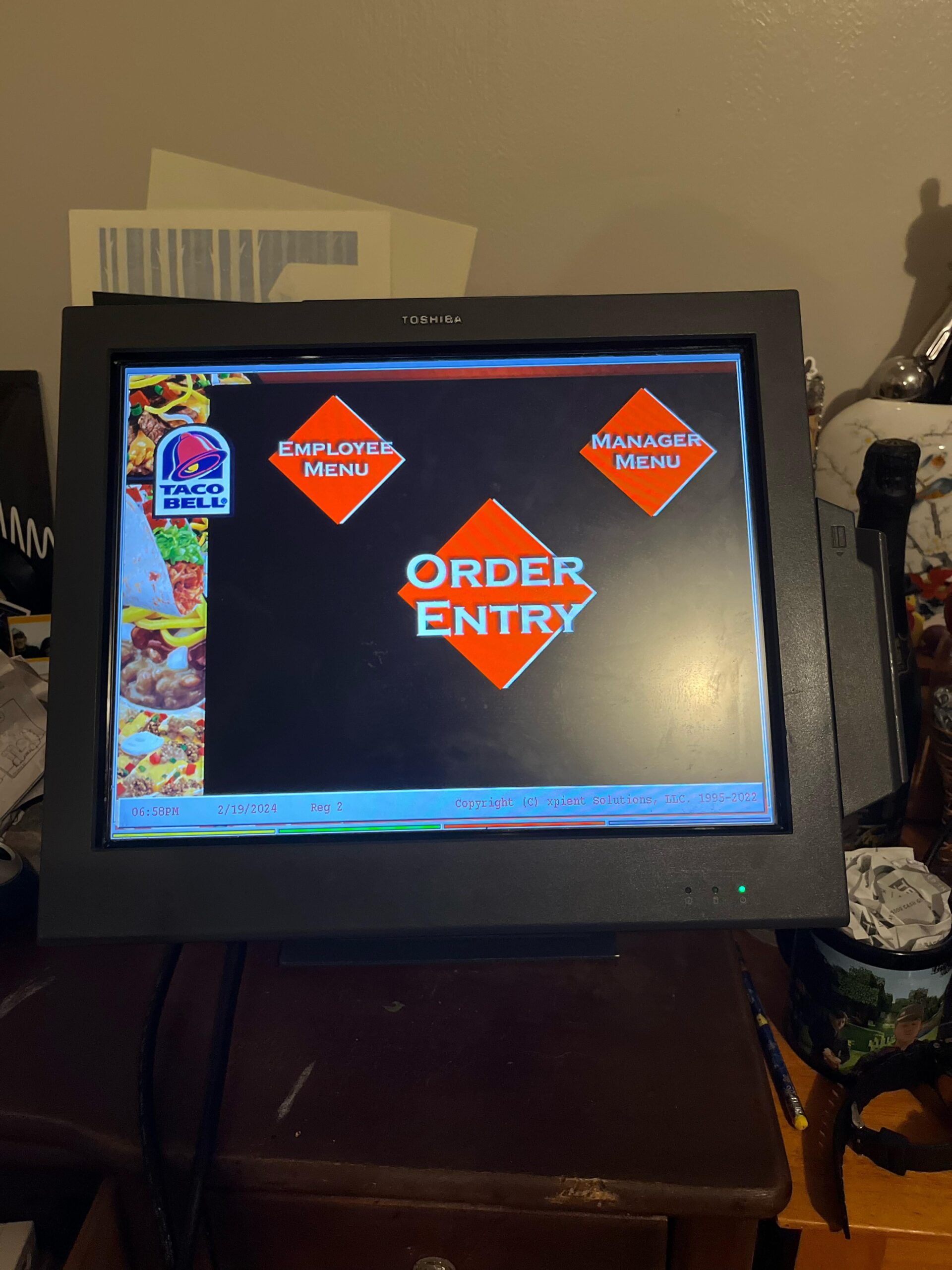
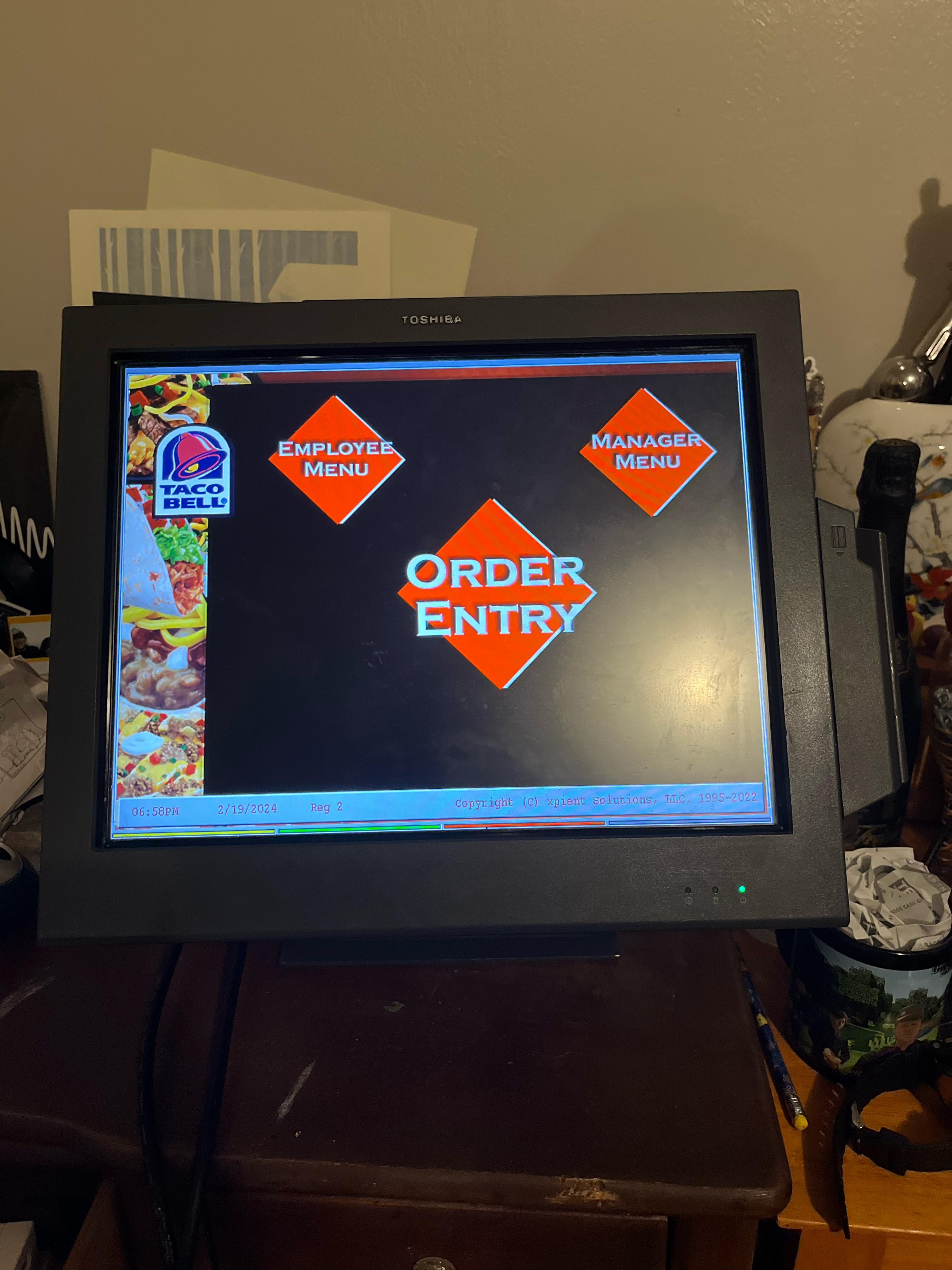
I through ethical means acquired an ordering system during my stores remodel that on the back has a vga port. However in attempts to use this as a monitor I cannot get it to switch off of the operating system to allow me to use it as such. Would you have any idea as to how I could do that.
24 Comments
Are you sure it’s a VGA port and not serial for updates / programming?
This looks like its likely a computer system rather than an input monitor. Perhaps a Ctrl+Alt+Del > Task Manager and find the program and kill it?
What are you trying to do with it? This is literally worth exactly Zero dollars

They’re not called POS for nothing
Pop the case open, find the hard drive, connect it to another computer and install a different operating system on it.
Edit: sorry just saw you say as a monitor, you are going to have to figure out how it’s currently connected and perhaps add a vga connector to it. pop that thing open, worst that will happen is you will have a worthless piece of ewaste.
In IT thoese are not called Point Of Sale but Pieces Of Shit. Friends in retail, do you also call them this?
This is setup in kiosk mode via Windows. It acts as a restricted user account that only runs a single application and nothing else. Ctrl+alt+delete will allow you to change the account, HOWEVER, the issue is that the built in admin account is going to be password protected. So you won’t be able to sign in to it, nor sign in as a different user. If possible and knowledgeable enough, you and create a bootable usb drive that allows you to reset and change user account settings via Linux terminal. I have one, but it’s been years since I actually set it up and the software is over a decade old. Or else I’d give you steps on how to do that.
To note, all this work is to get into a garbage computer that won’t offer you anything. So why are you even trying to begin with?
I would sell it on ebay to a Taco Bell fiend.
Funny enough, POS are my specialty. That port is a VGA OUT. It is used for secondary monitors like a Customer Facing Display. Certain industries require you to be able to display the pricing to the customer as they are being rung out and this is how that was done. I can almost guarantee that is not a VGA input since these are All-in-Ones and everything has a dedicated purpose. Like port E is probably for card readers and various printers, port F is the common port for powered printers like Star and Epson.
These don’t really have a good use outside of a POS. Some newer versions in 16:9 resolution might be more viable but you are still working with a purpose dedicated product that is fairly locked down.
Most POS in the future will run on Android.
Dudes name is lord of taco bell
That’s a whole ass computer bro, not just a monitor. That’s Xpient POS software running.
How does the display interacts with the computer? Maybe you can source a controller board like the ones used to control a laptop display
Im curious what the specs are. Probably crap lol but ya never know. My boss let me take home four of our old ones when got a whole new system at a bicycle retailer. They were made by radiant and ran Windows Embedded 2009. They had an Intel Atom N270 and were terribly slow. We also didnt just use them for POS.
As a mechanic we used them to lookup guides and order lots of miscellaneous parts from various vendors.
What does it do when booting? Is it a windows/micro$oft screen or verbose Linux boot?
Our pos program is called POS.exe. it’s likely in the startup, so you can remove it from here and reboot.
If my memory is right these are basically useless, for anything but POS, without a complete wipe. It’s probably running a version of Linux if that helps at all.
Update us when you get doom running on it
This looks like it should have been replaced 10 years ago, that must have been a pain in the ass to have to use for work
I think the name of the device you have is a ~~Toshiba~~ IBM ~~Surepoint~~ SurePOS display, on the edge of the casing is there a label that has the numbers 4820 2ng or 4820 2lg? It may be using Windows Embedded for POS
Edit 1: IBM not Toshiba.
Edit 2: SurePOS not SurePoint.
Edit 3: The display maybe be in standby mode, for it to work you may need the cash drawer as well which I think holds the computer
That’s an AIO PC, not a monitor. Without disassembly, you can’t use that as a second monitor. Even then, that’s debatable if you can use it as a second.
The VGA port you see is for output. So that the POS can have a 2nd monitor.
You could get into it’s bios, and change the boot device, then re-install windows or linux.
I’ll take a caramel apple empanada, please.
That looks like the actual POS computer rather than a monitor. It might require a few different resets like the bios in order to completely unlock it from the Taco Bell system
I used to have a similar device made by Senor, using intel atom (2010ish)
At first, try entering bios by plugging a keyboard (ports, try finding at the bottom). Then maybe find HDD location, swap out with 2.5 SSD
It’s not worth using. It’s gonna be a garbage pc if it s possible to use at all
If you can set up a bad USB you could try some ducky script to break out of kiosk mode.
That’s just something you could try for curiosity if nothing else.