
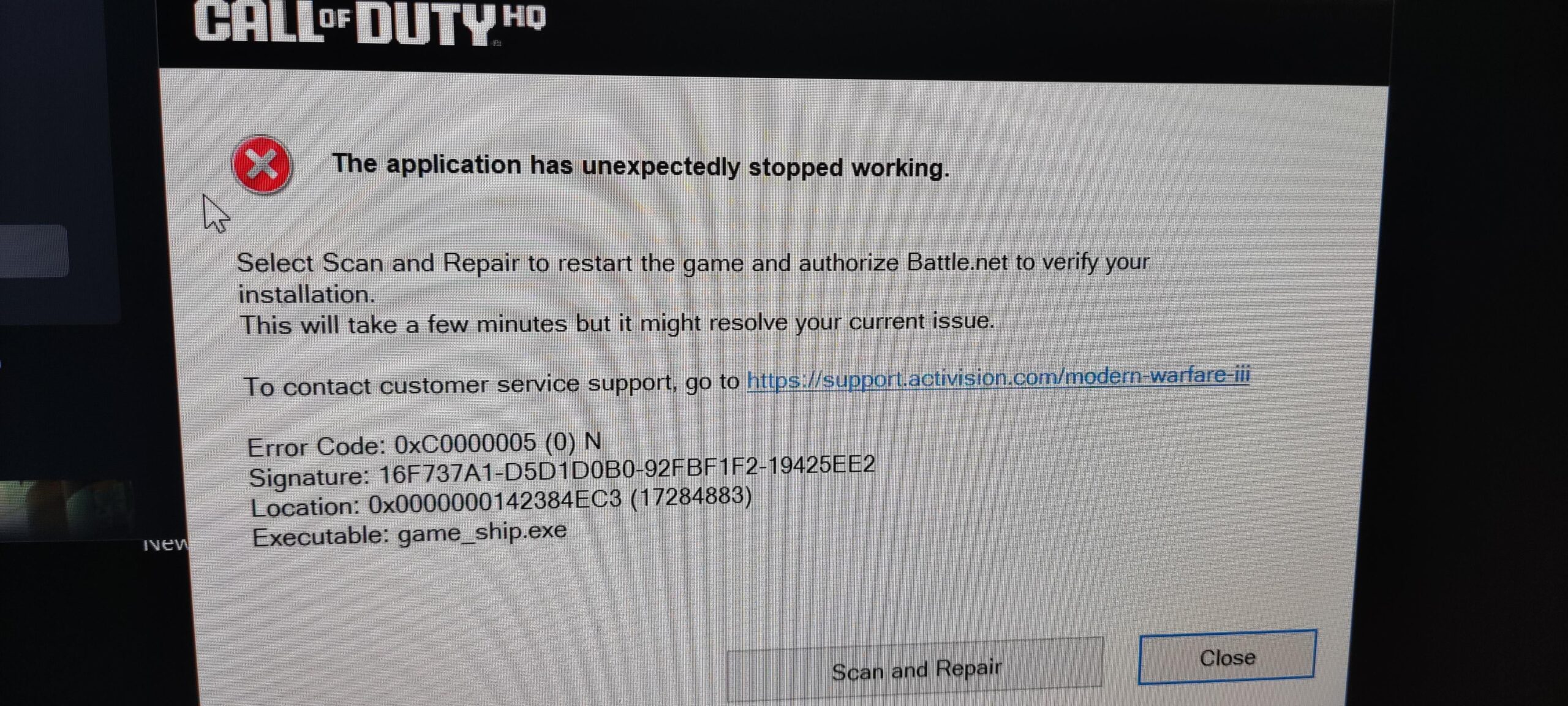
Error when changing settings
Tried turning off reflex , disabled resizeable bar and still.Are devs students or ? The point is every COD since 2019 I always have issues with them , since 2020.
After season 2 update , my performance got worse , I’ve got this crash – but hey actiretards once said MW3 is premium release , that’s why the price is 70 USD.The only premium stuff is that Microsoft fired a lot of them ,but not all of them.
I hope nobody hires these so called “devs” Just pathetic to the deep of the ocean.
5 Comments
Did you try reinstalling the game ?
Yeah I’m crashing a lot too. Somehow made it 7 hrs of gameplay today before first crash.
I got some tips from folks but nothing seems to work. Luckily I have fast download and install speeds so I’ve already reinstalled a few times.
Yea my dude your PC is not stable. Hasn’t clearly ever been stable if you’re saying you’ve always had issues with COD.
Time to fix your PC. I’d start by stresstesting the CPU, RAM and the memory controller of the CPU.
Whenever some of you guys are crashing in COD, it 99% means that one component in your PC, usually the CPU, RAM or memory controller (sometimes GPU or your SSD and i hope to god you aren’t stupid enough to install the game on a hard-drive) is _unstable_ and you need to fix it. Either by changing your configuration in bios, updating bios or the component can be faulty, even if it is brand new, or it could be lacking cooling, could have poor contact, could be getting bad power (from a bad power supply) etc. etc. etc.
It’s pretty much every time the PC of the user that is at fault and is not stable and the user doesn’t have a clue how to make their PC stable.
So been crashing too .. no error in windows event log sometimes distributed Comm error .. they said try changing a registry entry .. tried everything think I have it fixed then random crash .. what is your cpu GPU ? My friends with Intel and windows 10 don’t crash as much ..
Only started after season 2 update if I can remember correctly..