
Hello!
​
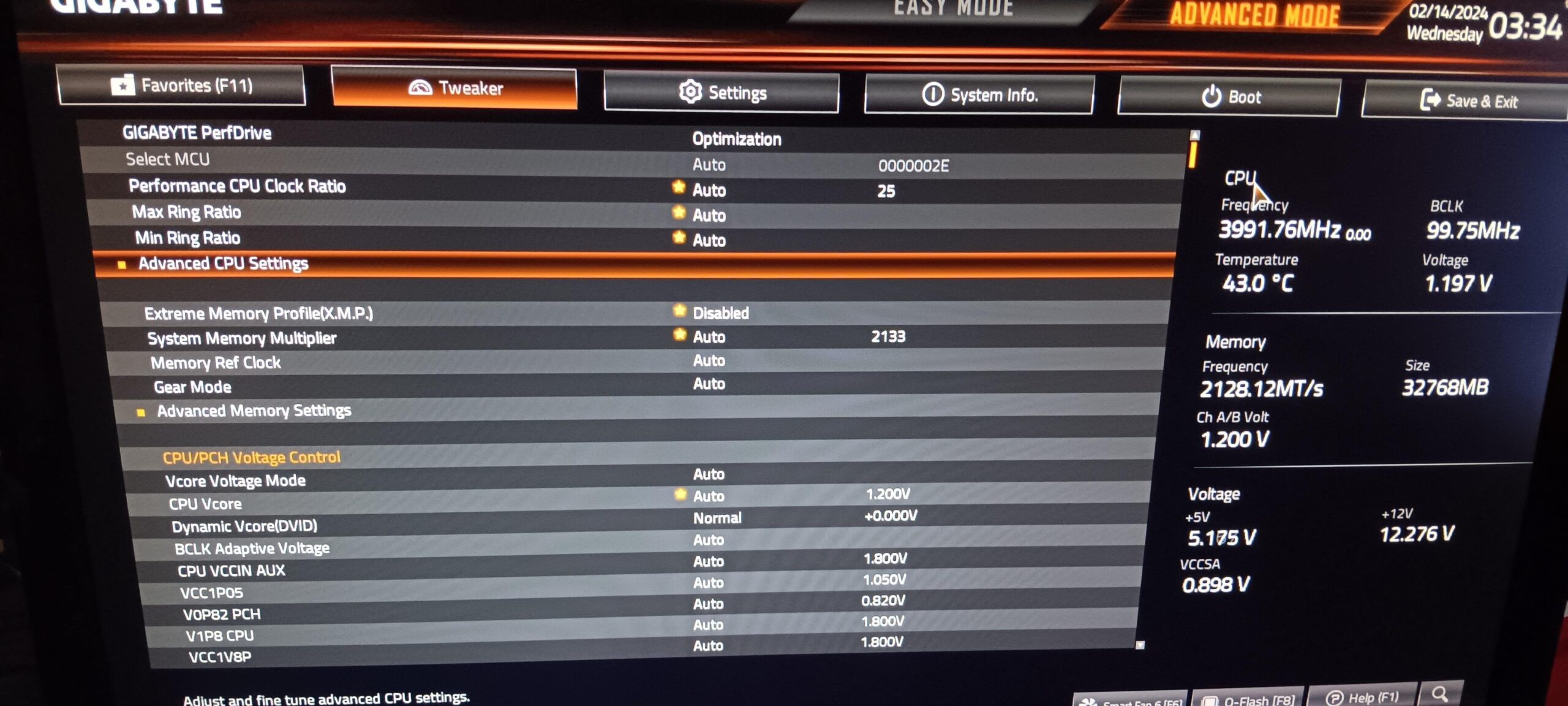
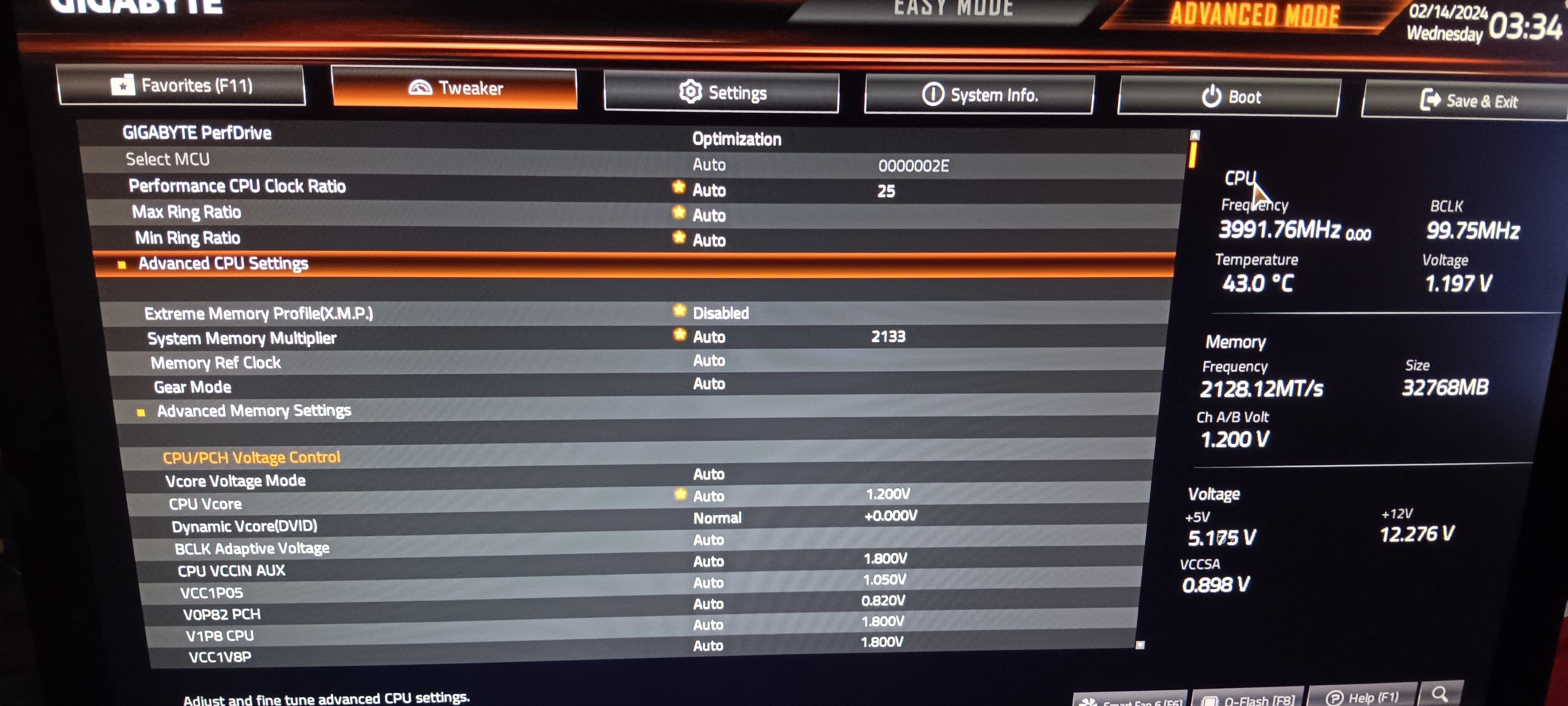
I got a new motherboard (B760M Gaming) along a i5 12400F and all the BIOS settings were placed on auto along GIGABYTE PerfDrive at Optimization and I can’t select other options
Thing is that my CPU temp easily skyrocket to 90° while just downloading steam games due to the cpu being used heavily and my air cooler being quite bad (i’m using intel stock cooler as my artic freezer 34 had no support for my new CPU).
I had to use window cpu power management to set it to 99% and get rid of the “OC” made by the BIOS and the turbo mode as well apparently.
​
I would like to know if there’s any way to do something about it such as reducing the performance as i’m running with 2,48GHz\~ thanks to the cpu power management option but i’d like to get the turbo mode benefits without cooking my CPU along the way
​
I don’t know if the BIOS pictures are helpful but I figured that I could post them as well, that said I’m really new to BIOS settings so any kind of help will be helpful, or even suggestions about getting an actual liquid cooler to fix the issue but I have doubts about it as it just skyrockets as soon as it uses 100% of the CPU so that’s why i’m asking if it has something to do with GIGABYTE PerfDrive as apparently is kinda faulty.
​
[https://imgur.com/a/y4o5QXO](https://imgur.com/a/y4o5QXO)
​
That said, thanks for reading!
1 Comment
The stock cooler is garbage, not sufficient for keeping the 13400F at full performance.
Do not mess around with any auto-OC stuff, including Gigabyte PerfDrive. Just put the BIOS on full stock/auto, the chip should boost to 148 watts for 28 seconds, then fall to 65 watts. The boost frequency will be internally managed by the CPU, you should see up to 4.6GHz on the P-Cores and 3.3GHz on the E-Cores.
https://www.techpowerup.com/cpu-specs/core-i5-13400f.c2995
Even a $35 air cooler will drop your temps by 30 degrees, then you can choose to run a higher power limit if you want.
https://pcpartpicker.com/product/hYxRsY/thermalright-peerless-assassin-120-se-6617-cfm-cpu-cooler-pa120-se-d3
Make sure to enable in your BIOS. If you don’t then your RAM will run at 2133MT/s, rather than whatever speed you paid for.