
Calling all Intel/ASUS experts!
Long story short.
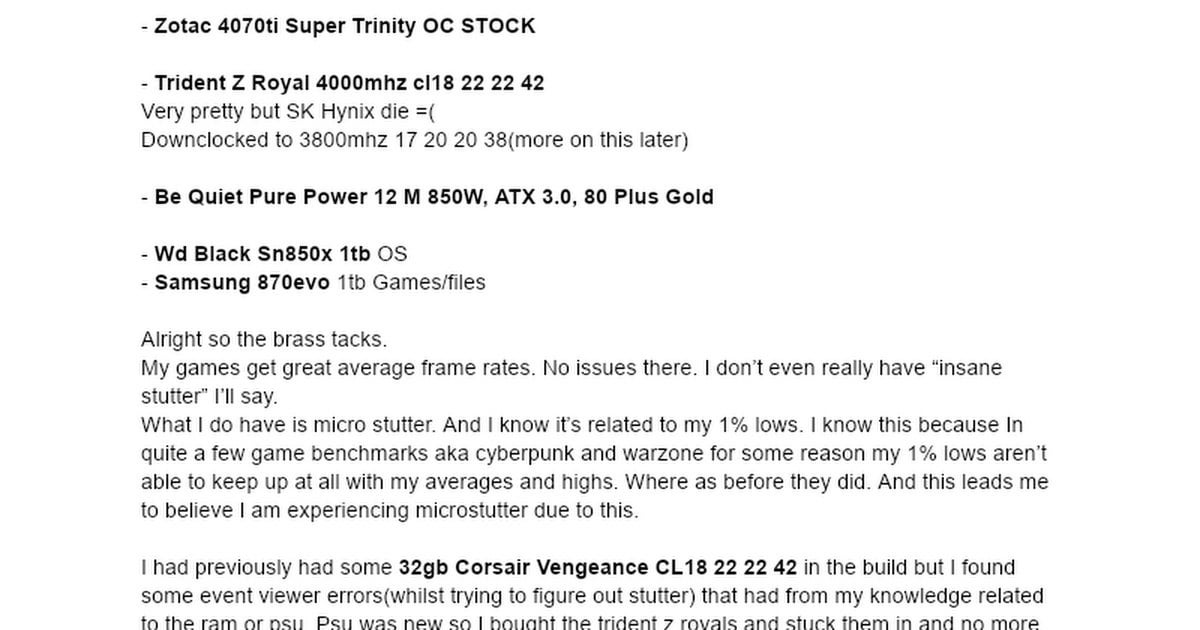
I am experiencing micro stutter. I want to increase my 1% lows to resolve this.
I am having a hard time finding proper terminology for ASUS motherboard voltages.
I also am having a hard time finding DDR4 voltage recommendations for overclocking RAM for 13th Gen Z790 ASUS board..
If you want more information. I go really in depth and have my specs and pictures and a bunch of information in the link below. It is just a google doc since my info was too long to post it seems.
[https://docs.google.com/document/d/16oKsmjVkB98EDPY1qfksI8GKbmKs1EqRublkDScMOqQ/edit?usp=sharing](https://docs.google.com/document/d/16oKsmjVkB98EDPY1qfksI8GKbmKs1EqRublkDScMOqQ/edit?usp=sharing)
1 Comment
There is no VCCIO setting for 12th or 13th gen.
There are two main memory controller related voltages for these gens and DDR4.
System Agent voltage seems to need to increase more or less with IMC frequency for gear 1. It’s in the section with voltages in the Ai Tweaker tab of my Asus Z690. People with Raptor seem to claim it rolls over for them.
[IVR Transmitter VDDQ](https://i.imgur.com/hN48V1R.png) is the second one, which is not too far from System Agent in the same tab. This voltage sort of goes up with frequency, needs to be higher to even post higher dram voltage, and will have a narrow ideal range for a given setup. This is called CPU VDDQ on MSI, some of the others just call it Tx VDDQ I think.
Max on both is who knows. You can find stuff about SA or VDDQ via searching. There will be differing opinions.
What I find with my 12700K is that after 2000MHz the next clock speed requires a whole lot more SA to try to get any small amount of stability.