
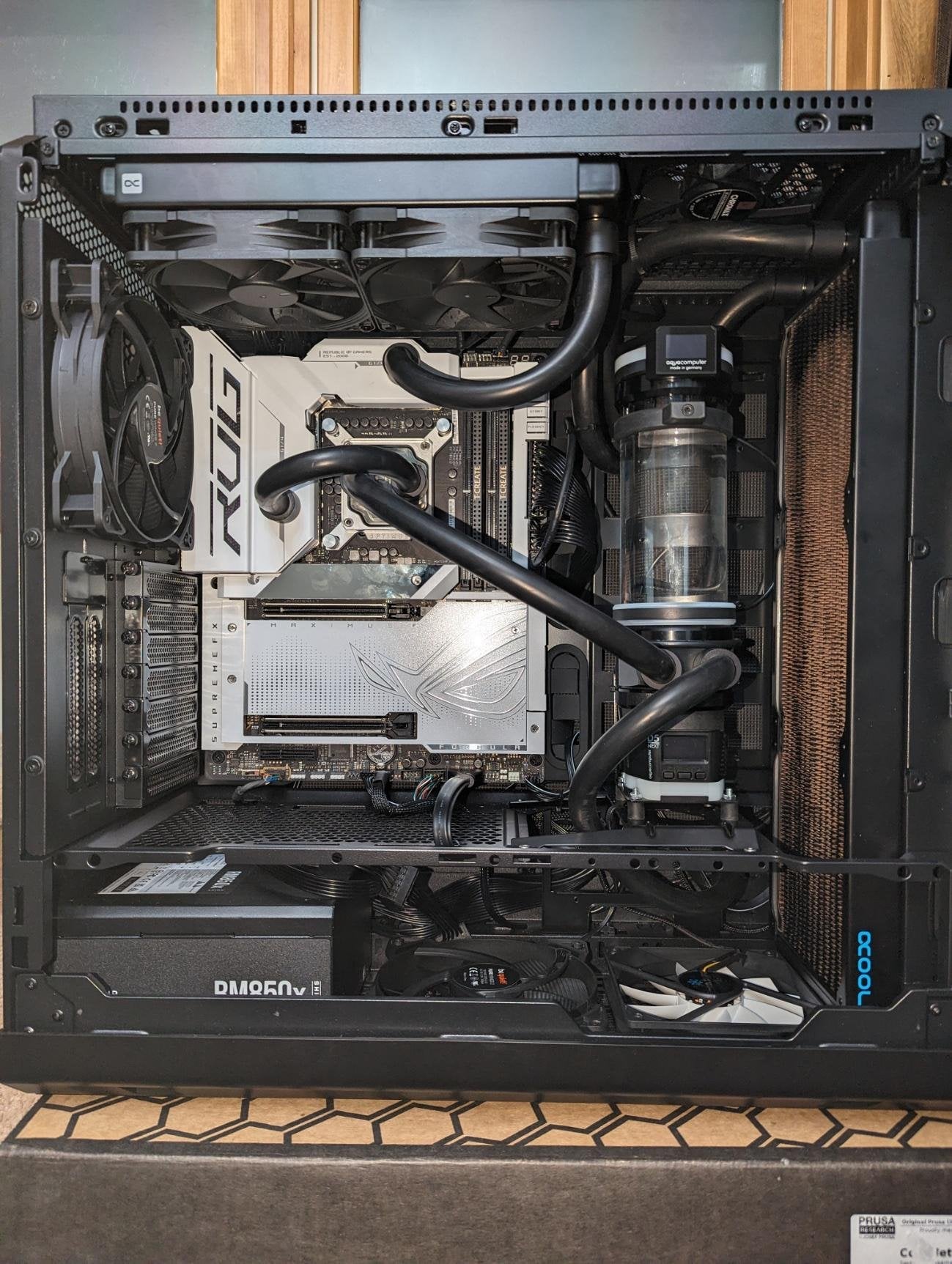
Putting together a new system, first time with DDR5. (previously built a Threadripper with 4x16GB B-Die that I OC’d to 3600MHz with a full set of tight timings)
New system is a i9-14900kf, TeamGroup T-Create Expert OC 2x48GB 6800MHz CL36 M-Die, and Asus RoG Maximus Z790 Formula. Using a Thermalright bracket. The RAM *is* on the QVL list for that motherboard.
Build pics: https://i.imgur.com/hKuo3EM.jpg
https://i.imgur.com/ecrsSTO.jpeg
I guessed that 6800 would be easy-peasy for this set up – enable XMP and go. That does not seem to be the case. I have not been able to pass memtest86 with anything higher than 6000MHz so far.
Are my expectations just wrong – and 6800MHz for 2x48GB is far less of a sure thing than I guessed?
The TeamGroup DDR5 appears to have two XMP profiles – XMP II adds explicit settings for DRAM REF Cycle Time 2, DRAM REF Cycle Time Same Bank, and DRAM VPP Voltage, whereas XMP I leaves those settings to auto.
Both XMP I & II offer a group of settings for both 6000MHz 38-38-38-78-2N-1.35V and for 6800MHz 36-46-46-46-84-2N-1.40V.
The 6000 profiles boots and passes memtest just fine.
The 6800 boots just fine but quickly errors in memtest and often locks itself up.
So far I’ve tried tweaking VDD and VDDQ some with no luck. I see recommendations to add a bit of voltage to System Agent to put it above 1.2V – but mine is already running at around 1.32V so I don’t know if I should still add to that.
Like I said – I’m familiar with DDR4 OC’ing. I spent *a lot* of time getting my B-Die to 3600 with full tight timings. Not super interested in spending that much time again.
Is 6800 likely within reach? Does it seem wrong that I can’t just boot XMP at that speed with this board and RAM? Any pointers? Link(s) to good DDR5 OC guide(s)? Give up and just roll with the 6000 XMP?
7 Comments
Yes, wrong
Oh yeah. Once you go beyond the 6400MT/s range is where everything becomes that much harder for normal DIMMs.
Make sure your BIOS is to up to date and that interconnect/memory controller voltages are high enough to give your memory controller a chance to breath.
I’m not sure if/how the higher density DIMMs have an impact, but you should be able to hit 6800 easily, especially with that board and a 14900K, especially with a 36 CL (which is kinda booty tbh).
People saying otherwise are dumb.
So one thing i found which made a difference in passing y-cruncher for hours was MCE Auto and punch in 253W for your PL1/2. I don’t know why but that helped rather than “enforce all limits.”
Also PLL voltages: bump those up. IMC and TX as well, bump it up to safe limits. System Agent is weird, sometimes it wants more, sometimes less. Go to 1.35 then go to 1.25 and see what the difference is.
Im not sure if i can attach BIOS screenshots but i can list the actual voltages for my 7200 stable settings if you want. Every chip is different though so you might just have a trash memory controller although i have a hard time believing 7200 is not doable on your setup
Yeah my 12900ks will boot with with 7200 but I can’t game with anything higher than 6600 and 6000mhx with tight timings 28-34-34-26 requires 1.43v but if I touch the voltage at 7000 it will bsod on log in. Ddr5 is weird
Try using bios version 2803. I’m using z690 hero and 3103 was causing issues I wasn’t having with 2803
2×48 Hynix m die is easier on the IMC than 2×32
7200mt/s is probably possible,
A 2 dimm board and an amazing IMC can get you to 7600, but there’s a lot of luck involved with that