Can you check if you have an option in the BIOS related to power loss? [See this link](https://www.asus.com/support/faq/1049855/). I suspect that the heater turning on could cause a drop in the power and the PC turns on after detecting it as a power loss.
_YeAhx_
Weird way to say you own a 13th gen Intel cpu but alright
RentonZero
Is it turning on from sleep? Or full shutdown. If it’s sleep just use a different socket if you can but if it’s from a shutdown something could be shorting
NotSeriiouss
Go into bios, there should be an option that restarts the pc automatically after powerloss, turn that off and try again
Tiddles20081664
The PC is the room heater
DarthDutchie
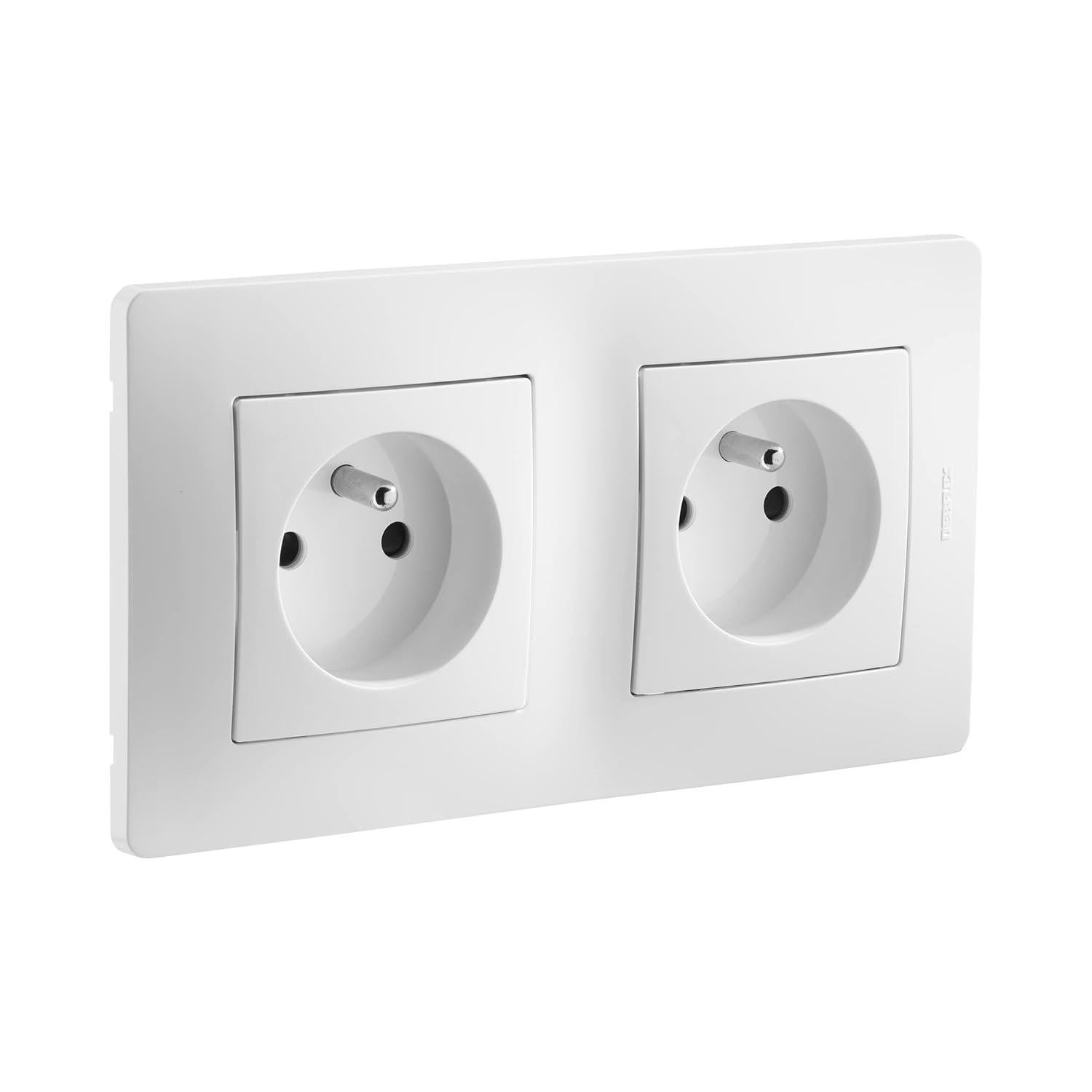
Your socket is probably wired incorrectly. The wire delivering the power should be split into 2 before entering the socket. If it goes from 1 to the other, chained, you’re doing it wrong! In Dutch it’s a parallel connection, not serieel. Look that up. Pictures are all you need.
noscope513e
The outlet is on a switch in the breaker and your putting to much power through the switch causing your pc to turn off. To fix this try plugging you pc or heater into a different outlet.
DizzyTheFkinD
I remember my brothers PC made a plugged in USB sound when he turned on lamp plugged into another outlet 😀
shadowmage666
Get professional help asap don’t do it yourself
MontagoDK
Do you have automatic power on after power loss ?
When you turn on your heater, a massive drop in voltage occurs and the pc might think the power went out.
W33b3l
Is it some kind of master/slave outlet?
HeliumBoi24
Try another socket. Do not try to fix this yourself it’s very dangerous call a profesional. Somebody did a really shit job with the wiring.
GoldenGamer175
Your sure you aren’t confusing your pc for your space heater? After a few hours of gaming I can’t tell the difference.
baconsword420
Don’t do that.
TangledCables3
Turn it off instead of putting it to sleep
Hilppari
if it passes through the heater then the voltage would drop as its in series connection. but modern multivoltage psu’s would probably still boot.

17 Comments
Time to call an electrician.
Can you check if you have an option in the BIOS related to power loss? [See this link](https://www.asus.com/support/faq/1049855/). I suspect that the heater turning on could cause a drop in the power and the PC turns on after detecting it as a power loss.
Weird way to say you own a 13th gen Intel cpu but alright
Is it turning on from sleep? Or full shutdown. If it’s sleep just use a different socket if you can but if it’s from a shutdown something could be shorting
Go into bios, there should be an option that restarts the pc automatically after powerloss, turn that off and try again
The PC is the room heater
Your socket is probably wired incorrectly. The wire delivering the power should be split into 2 before entering the socket. If it goes from 1 to the other, chained, you’re doing it wrong! In Dutch it’s a parallel connection, not serieel. Look that up. Pictures are all you need.
The outlet is on a switch in the breaker and your putting to much power through the switch causing your pc to turn off. To fix this try plugging you pc or heater into a different outlet.
I remember my brothers PC made a plugged in USB sound when he turned on lamp plugged into another outlet 😀
Get professional help asap don’t do it yourself
Do you have automatic power on after power loss ?
When you turn on your heater, a massive drop in voltage occurs and the pc might think the power went out.
Is it some kind of master/slave outlet?
Try another socket. Do not try to fix this yourself it’s very dangerous call a profesional. Somebody did a really shit job with the wiring.
Your sure you aren’t confusing your pc for your space heater? After a few hours of gaming I can’t tell the difference.
Don’t do that.
Turn it off instead of putting it to sleep
if it passes through the heater then the voltage would drop as its in series connection. but modern multivoltage psu’s would probably still boot.