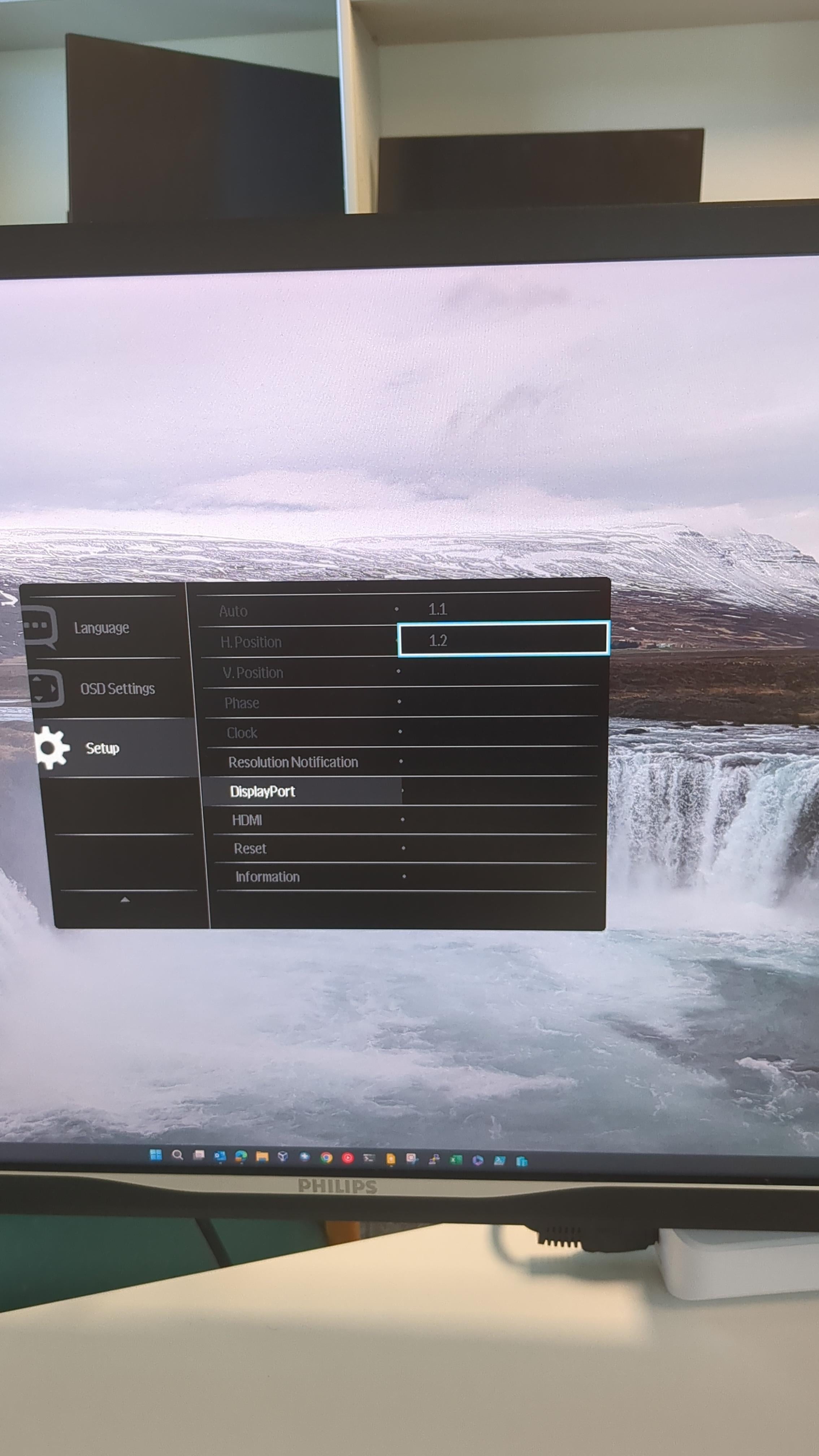
I couldn’t for the life of me figure out why I could only get 4k 30hz on these monitors, turns out these monitors are set to displayport 1.1 by default. Why is that even an option?!

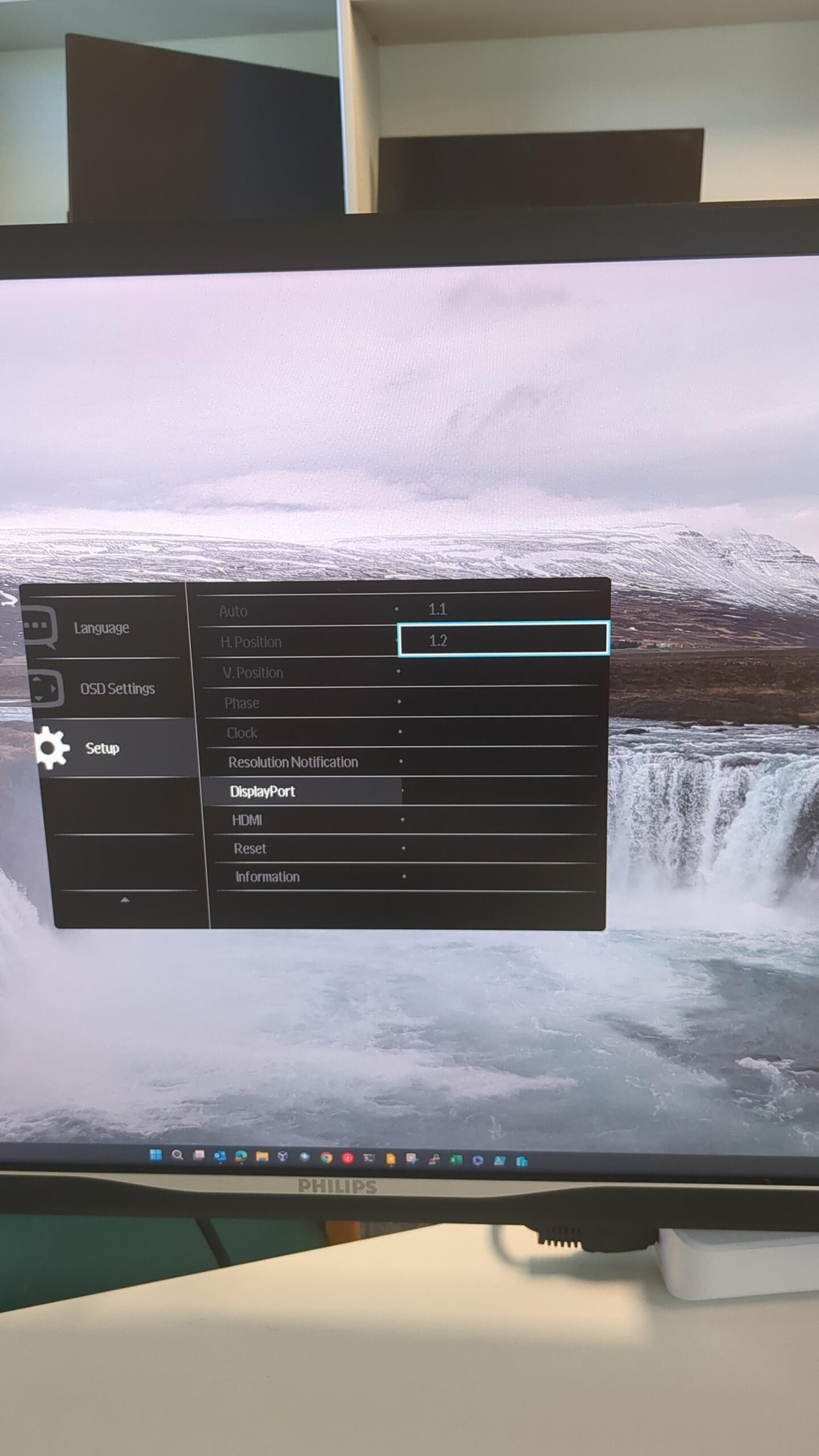
I couldn’t for the life of me figure out why I could only get 4k 30hz on these monitors, turns out these monitors are set to displayport 1.1 by default. Why is that even an option?!
10 Comments
Does your job benefit at all from 60fps? Most desk jobs don’t, imo. My job certainly doesn’t. The archaic piece of software that I use looks like something out of the 90s.
My company pushed out Windows 11 and ever sense, my 4k monitor is stuck at 30hz. It’s killing me! Same DP. Verified DP of Monitor, even the intel graphics shitty program says the card supports 4k 60. But ever since Windows 11, I’m gojng mad and my IS dept doesn’t see it as an issue. (Outsourced). My personal monitor is 240hz. Like a slide show at work.
Its two things, both monitor and source have to be capable of 4k @ 60hz. I’m glad my work laptop can actually do 4k @ 120hz. Previously I had a work laptop from 2019, it was only doing 4k @ 60. Anything less is miserable, 30hz is fricken terrible.
i think i would buy at least a cheap 60hz monitor with my own money than having to WORK 8+ hours daily on 30hz…
Our docking stations limit refresh rate when they are at maximum monitor capacity(3).
either call your IT department or set your res to 1080p, if it bothers you this much why suffer this long? why even bother about 4k at work?
skip the docking station, connect directly to laptop. had same issue
A Phillips monitor? Havent seen one of those in a decade, I hate dell but I swear by their monitors. So I really only use them, why didnt you ask IT to switch monitors or help?
Goðafoss?
On a hp g8 I can’t use my two 4k60 on a single usb because it require to turn usb high speed in the bios which is not enable by default (why?). And of course since the PC is lock (like most work computer) i can’t modify the bios…