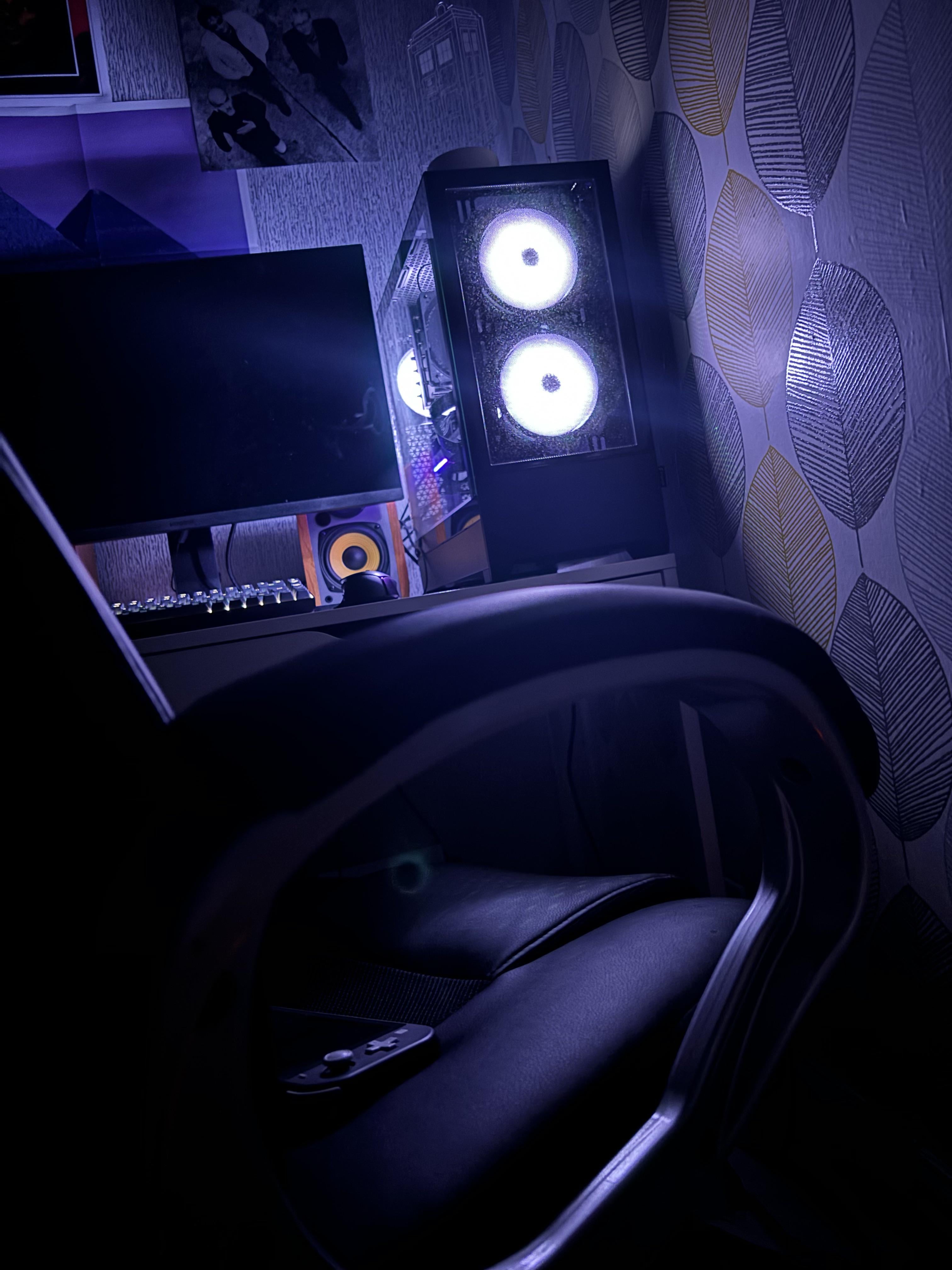
Really appreciate the careful consideration that Microsoft put into ensuring that my pc will turn on with fans at full blast and rgb blazing while I’m asleep in the middle of the night

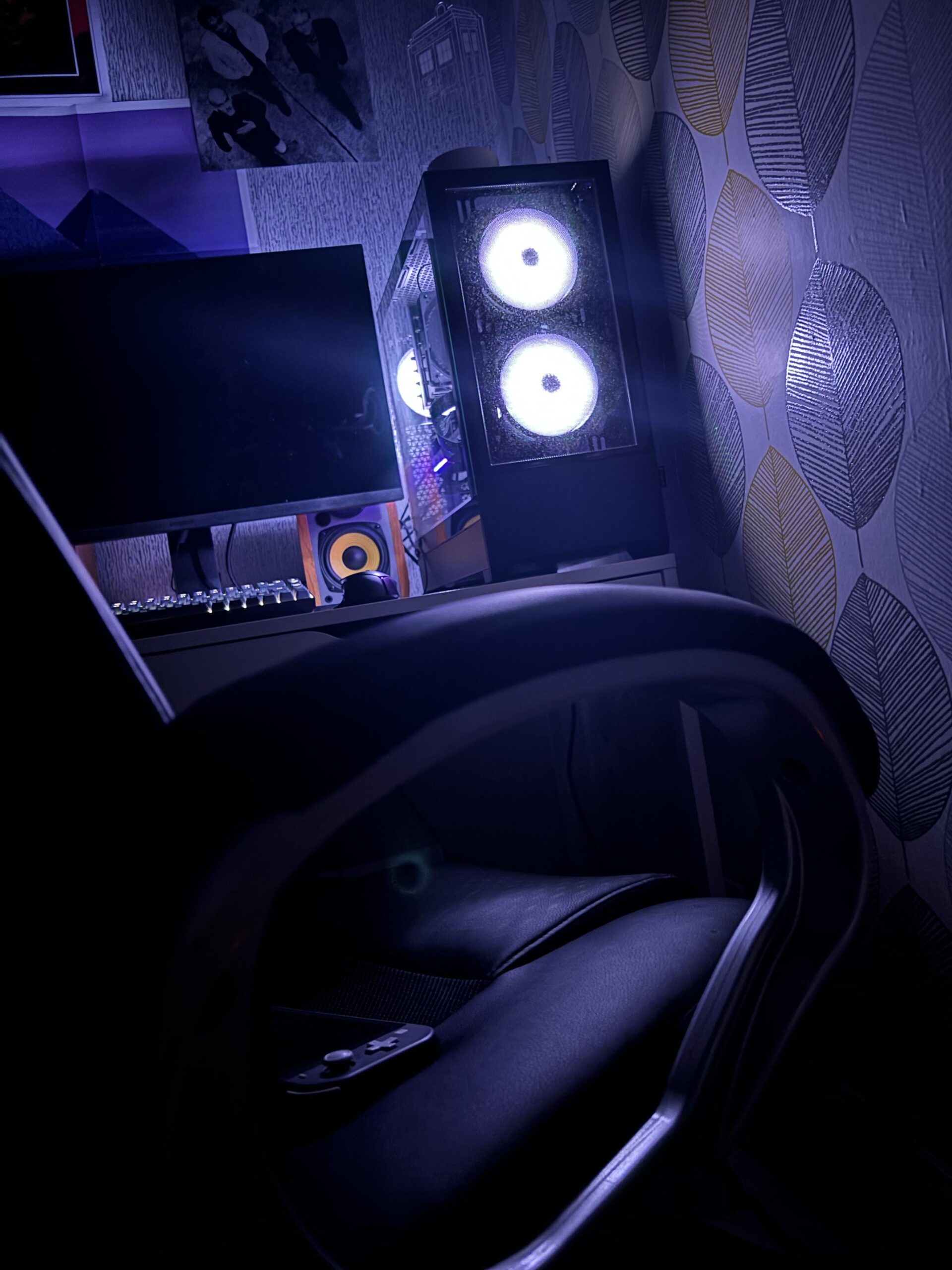
Really appreciate the careful consideration that Microsoft put into ensuring that my pc will turn on with fans at full blast and rgb blazing while I’m asleep in the middle of the night
13 Comments
Imagining having a nightmare of some monster in the dark, only seeing the eyes glowing. Then wake up to this. Would scare the crap outta my anyways.
Mine just did this for no reason every time I put it in sleep mode, never did find out why either, and I went through every step but reinstalling windows because I’d rather just live with it at that point
Imagine not setting active hours for Windows updates.
Man, my brother and I used to share a room when we were younger and he had a computer laying horizontally on his desk. 2:00 in the morning, the fans burst to life and start to roar like it’s downloading a 4k version of Warzone, and the two front fans lit up dark red resembling eyes. The worst part was when his computer was under heavy load, it sounded like a banshee slowly getting closer to you while screeching the highest pitch you’ve ever heard. When I tell you I almost shit myself, I’m not exaggerating.
And that’s why you shut down the damn machine after use lads.
And this is why I don’t have my PC in my room.
be carful with that switch you might sit on it
Power options > Change plan settings > Change advanced power settings
Expand the “Sleep” menu and disable both “Allow wake timers” for both battery & plugged in.
That’s why my PC gets fully shut down every night.
Maybe it’s an old-timer thing, but I just don’t leave my computer on while I’m sleeping.
So tune your “active hours” or shut it off when you go to bed
Wait people don’t turn off the computer when they go to sleep? Wild.
Easy fix. Never use sleep mode.