Sounds like you got a little something hanging down somewhere and it’s getting thwacked by fan blades
Cameltow77
I’m not even going to listen to it cause the crappy mic on your phone can’t pic up what you’re hearing & I wish you morons would stop doing this. Fans flickering or hitting things isn’t a PC problem it’s a build problem
FirmAppointment420
Either one of your cables is being slapped by a fan or you have really bad coilwhine
Bobsofa
Nice description. Either a fan hitting a cable or a bearing issue.
Sapper_Initiative538
One of your pc case Fan is faulty. I’ve seen this before. If you have time and money, you can always find out which one is it, by taking off the side panel of you case, and then, while your pc is running of course, try yo hear from where the sound might come.
Then stop the fan blades with your finger, gently pushing in the middle, and if the noise is gone, then thats the faulty one. Turn off the pc, dismount-disconnect your fan, and replace it.
HIitsamy1
Nah that’s no problem. You’re clearly playing fallout 4 with the real radiation mod installed.
DoctahDonkey
Sounds like 3.6, not great not terrible
roxyjenkins
That is the undeniable sound of a cable tapping against a spinning fan blade. Based on the sound, I am betting a fan cable, rather than a main P/S cable.
half-baked_axx
Is that the S.T.A.L.K.E.R. 2 edition
FromStars
If you have trouble identifying the fan, you should be able to use a screwdriver as a probe to help identify which fan is vibrating more than the others. Touch it to each fan and see if you can feel a more pronounced vibration.
FurryBrony98
This is what happens when you download too many fallout mods.
fleshie
Mine is the same, finally figured out it is my AIO. When I press on it the sound stops.
Head_Butterscotch74
Fan noise, could just be dust build up or something hitting the blade.
L0veToReddit
are you in Chernobyl
HospitalDense7845
You know my aio makes that sound and it sounds a lot like the old coffee machine sounding hard drives. Makes me think something is loading. Old fart alert.
skrubzei
Well… have you ever tested how much radiation there is in that room?
dominik7778n
if you have an aio it might be an air bubble being trapped in the pump
BionicBruv
Sounds like you’ll need to pop some Rad-x
PersianMG
3.6 roentgen not great not terrible
Major_Frozen
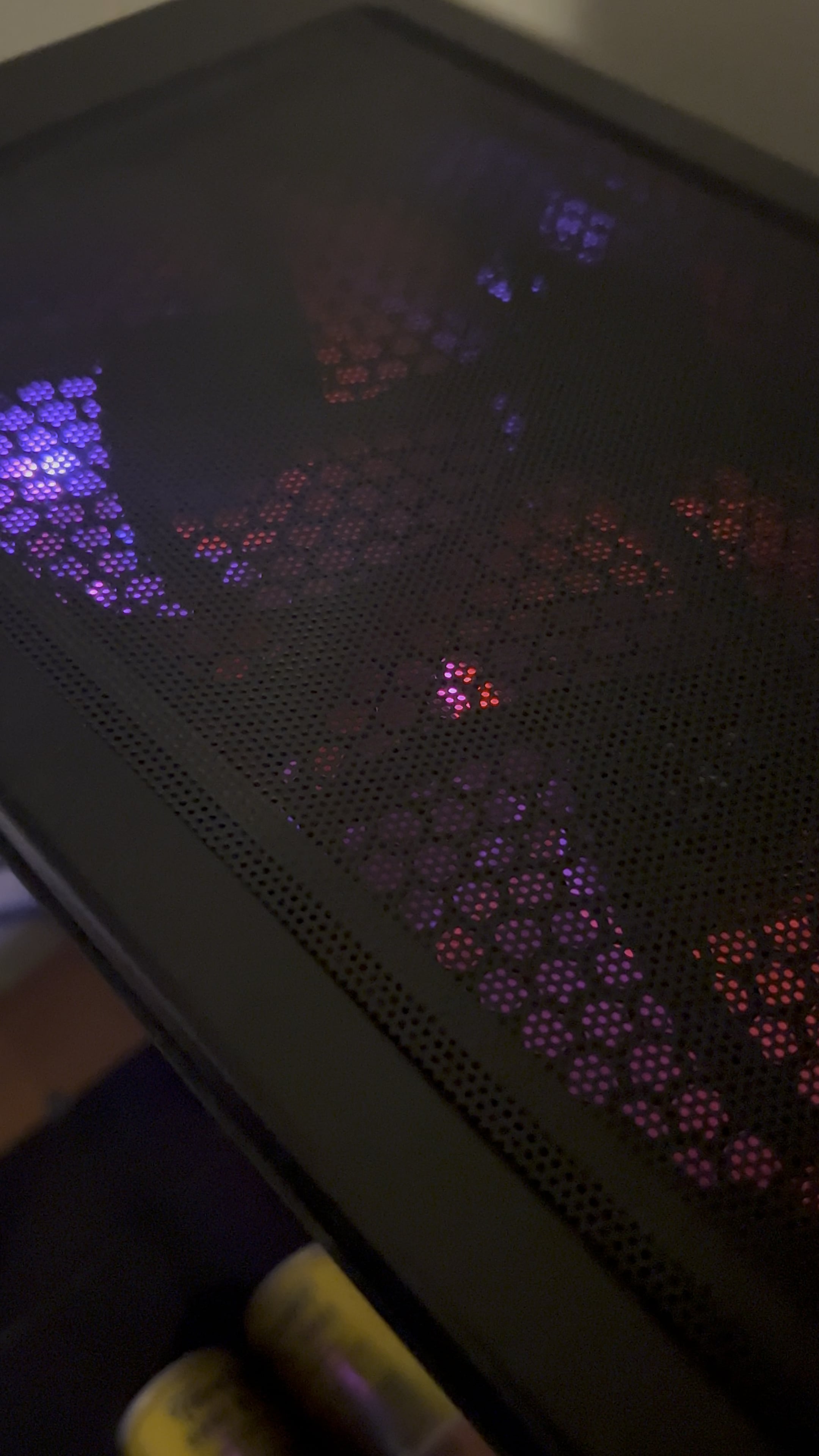
Is that a Raidmax Zeta case?
Ch3rkasy
Cup touching case behind the PC
Finn_WolfBlood
I had that exact issue with my first build. You probably tightened a fan screw too much and it’s hitting the case
Dragon_yum
It’s probably a fan hitting the wire but it can also be from a problem with the PSU in which case you need to turn off your pc and buy a new psu asap.
katzicael
that’s either a bad fan bearing, or a fan blade nicking a cable
StagMusic
Do you have an AIO on the front? I had this exact sound coming from my pc a while back, and it was driving me insane because I couldn’t find any fans hitting anything. After enough research, I found out that my AIO was messed up somehow, I’m pretty sure it was something to do with air bubbles but I can’t quite remember. I ended up replacing it, and the noise went away.
Just wanted to comment this because everyone is saying something is wrong with the fans, but speaking from experience that isn’t necessarily the case.

25 Comments
Sounds like you got a little something hanging down somewhere and it’s getting thwacked by fan blades
I’m not even going to listen to it cause the crappy mic on your phone can’t pic up what you’re hearing & I wish you morons would stop doing this. Fans flickering or hitting things isn’t a PC problem it’s a build problem
Either one of your cables is being slapped by a fan or you have really bad coilwhine
Nice description. Either a fan hitting a cable or a bearing issue.
One of your pc case Fan is faulty. I’ve seen this before. If you have time and money, you can always find out which one is it, by taking off the side panel of you case, and then, while your pc is running of course, try yo hear from where the sound might come.
Then stop the fan blades with your finger, gently pushing in the middle, and if the noise is gone, then thats the faulty one. Turn off the pc, dismount-disconnect your fan, and replace it.
Nah that’s no problem. You’re clearly playing fallout 4 with the real radiation mod installed.
Sounds like 3.6, not great not terrible
That is the undeniable sound of a cable tapping against a spinning fan blade. Based on the sound, I am betting a fan cable, rather than a main P/S cable.
Is that the S.T.A.L.K.E.R. 2 edition
If you have trouble identifying the fan, you should be able to use a screwdriver as a probe to help identify which fan is vibrating more than the others. Touch it to each fan and see if you can feel a more pronounced vibration.
This is what happens when you download too many fallout mods.
Mine is the same, finally figured out it is my AIO. When I press on it the sound stops.
Fan noise, could just be dust build up or something hitting the blade.
are you in Chernobyl
You know my aio makes that sound and it sounds a lot like the old coffee machine sounding hard drives. Makes me think something is loading. Old fart alert.
Well… have you ever tested how much radiation there is in that room?
if you have an aio it might be an air bubble being trapped in the pump
Sounds like you’ll need to pop some Rad-x
3.6 roentgen not great not terrible
Is that a Raidmax Zeta case?
Cup touching case behind the PC
I had that exact issue with my first build. You probably tightened a fan screw too much and it’s hitting the case
It’s probably a fan hitting the wire but it can also be from a problem with the PSU in which case you need to turn off your pc and buy a new psu asap.
that’s either a bad fan bearing, or a fan blade nicking a cable
Do you have an AIO on the front? I had this exact sound coming from my pc a while back, and it was driving me insane because I couldn’t find any fans hitting anything. After enough research, I found out that my AIO was messed up somehow, I’m pretty sure it was something to do with air bubbles but I can’t quite remember. I ended up replacing it, and the noise went away.
Just wanted to comment this because everyone is saying something is wrong with the fans, but speaking from experience that isn’t necessarily the case.