
Asus Z790 Rog Maximus Hero
Intel i9-13900k
2×32 gb Corsair vengeance (Samsung) DDR5 5600 mhz 40 ras
Nvidia 4090
I was trying to overclock my ram and everything was pretty good at up at 6200 mhz and had RAM timings down to 34-34-34-58 with tREFi up to 48000. Pretty stable at 1.435 volts. Had gone as high as 6400 and 32-34-34-57 but it wasn’t stable in stress testing even for 30 seconds.
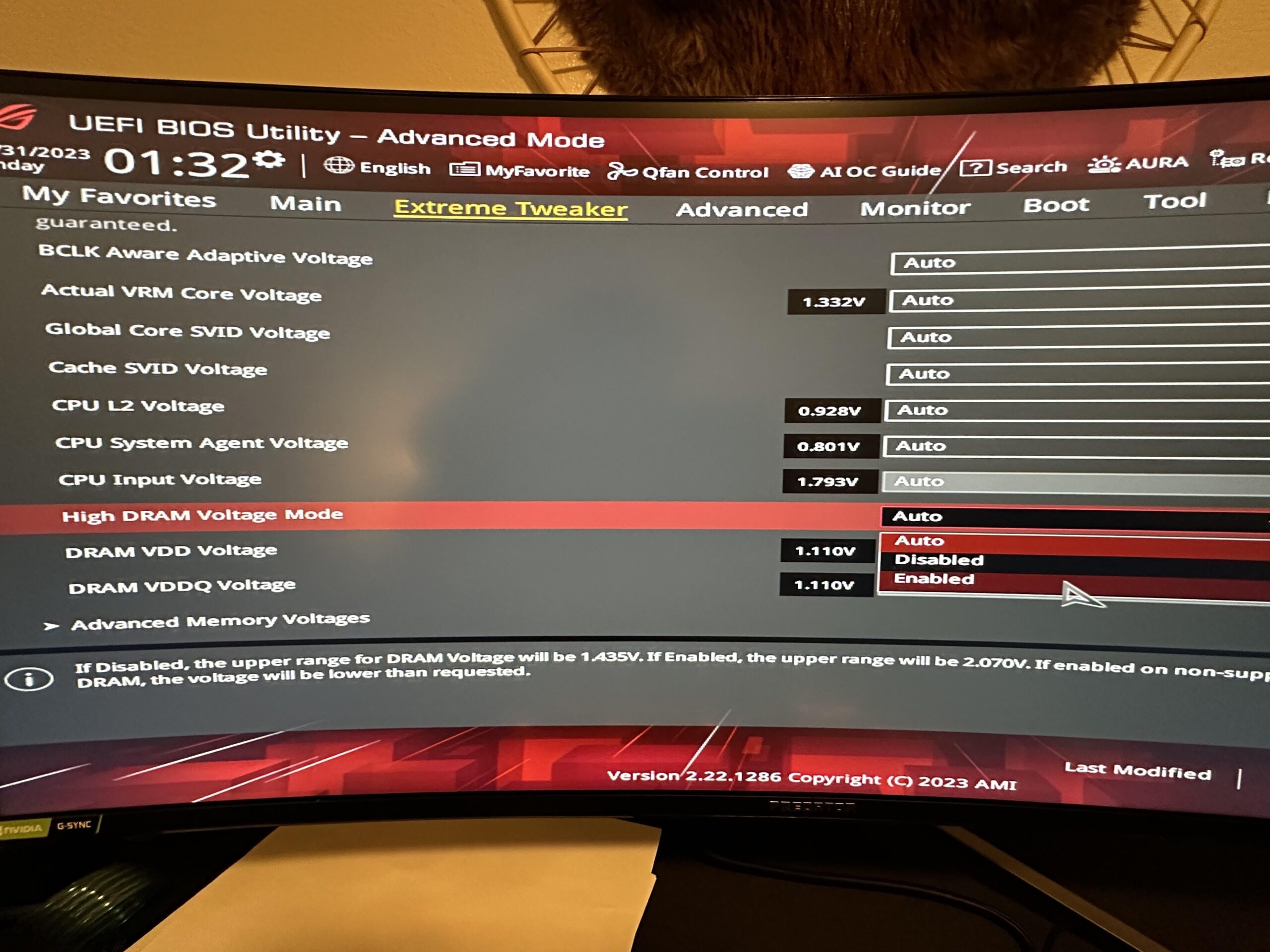
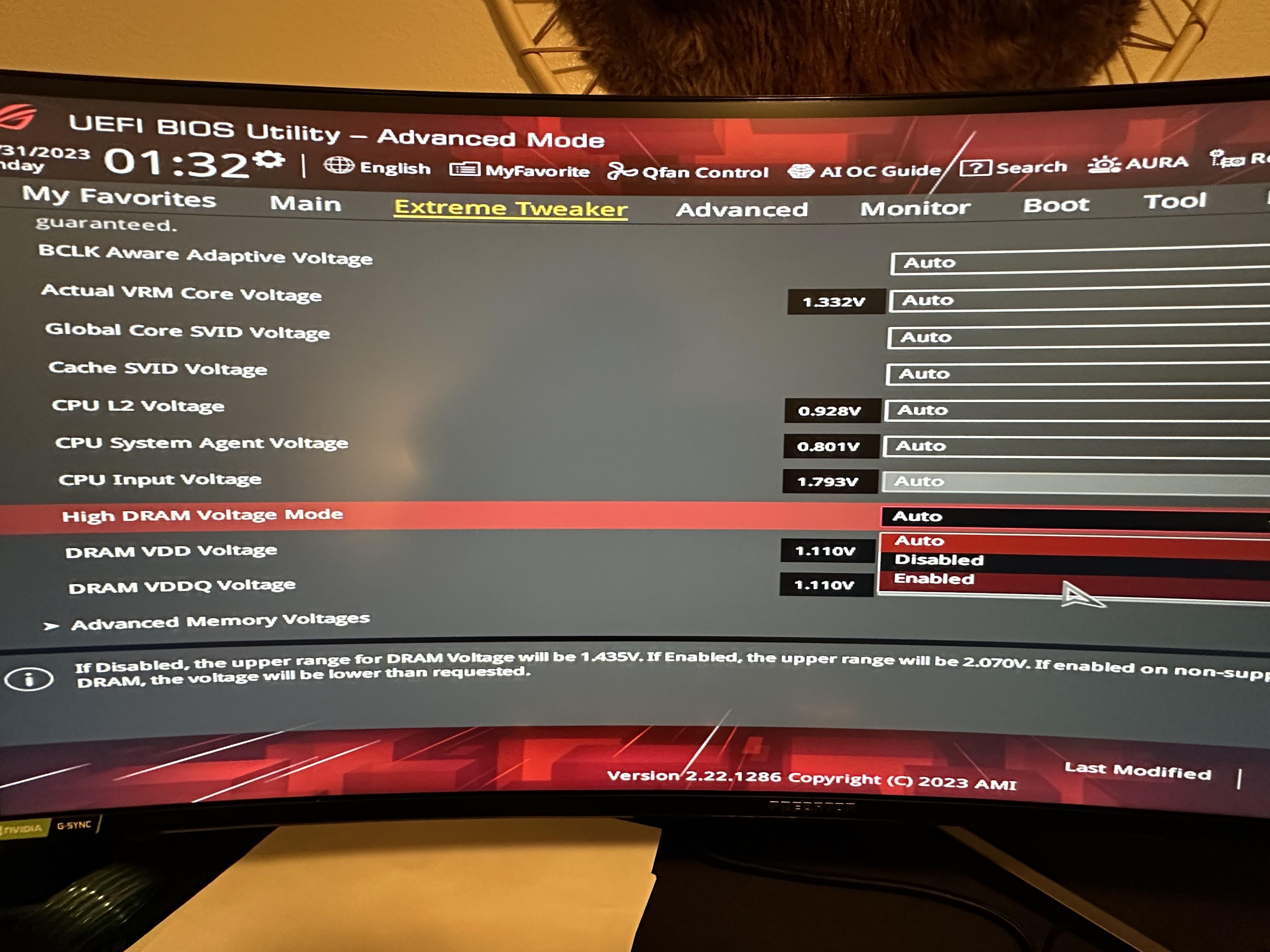
My memory latency was still over 60 ns in Aida64 memory benchmark so I wanted to see how far I could push it. I changed the “High Dram Voltage Mode” from Auto to Enabled. This took the RAM voltages up over 2 potentially but there was a caveat in the setting that said if your RAM wasn’t compatible it’d get less voltage. The ram sticks are labeled 1.25V but I figured I’d try it anyway.
Well, the machine wouldn’t even boot to UEFI bios. Tried cmos reset, didn’t work, yellow LED on the motherboard no continuously illuminated indicating RAM problem. Removed all power and drained caps then tried removing one RAM stick at a time. Eventually got it to intermittently boot to uefi with reset/default bios settings with just 1 of the two RAMs in slot 2 of 4 on the motherboard. It never does boot to windows after uefi, yellow light comes on 10 seconds into window boot and nothing happens.
So, should I try to get a cheap DDR5 stick and see if it’ll boot? I was thinking of upgrading RAM anyway (copium), but before I shell out for something good I’d rather not put it in just for it to fry if my mobo is faulty.
6 Comments
If you did break something, it’s very likely only the memory.
If you set it to 1.435v it’s going to apply that, enabling high voltage means that the board will now apply any voltages set above 1.435v up to 2.07v. Btw I hope you didn’t try to mash 2v manually.
Ah the age old saying of “just because you *can* do something, doesn’t mean you *should*”.
The answer to your question is… yes. Probably.
Ddr5 is pretty voltage sensitive I’ve killed a stick already but chances are it’s just the memory it’s happens to the best of us
Probably should have a warning popup if that setting is going to fry ram that quickly.
No, you have a 790 not a 690 lol
But seriously you shut off the best thing possible-Are you running your Ps OCed? You shut off your ability to use more than 1.5V. Switch that back to Automatic and you should be ready to go! (You have Memtest access in your BIOS-check everything you save the changed settings!