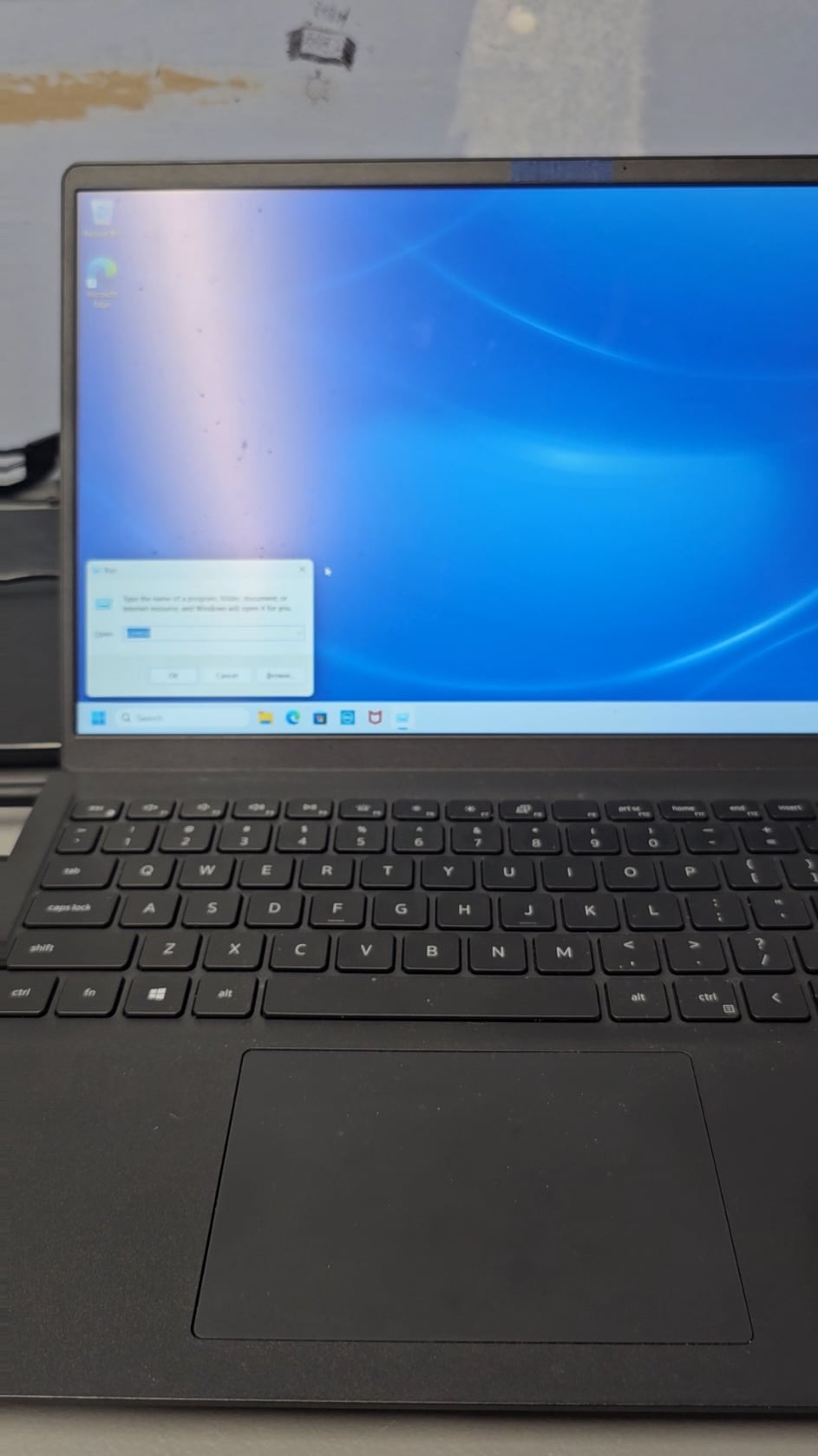
Aside from changing the task bar alignment to left I also Uninstall the BS that comes from the manufacturer.

Aside from changing the task bar alignment to left I also Uninstall the BS that comes from the manufacturer.
37 Comments
Install Debian
What’s your usual checklist? Mine is typically:
1) Uninstall all things I consider useless like McAfee and One Drive
2) Install VPN, anti-virus, and password manager.
3) Install Tor and qBittorrent, bind network adapter and profit.
Test 1. De-install McAfee /Norton
2. Install Google
Standard MS windows Defender works great
Install steam and download games on background
This is the way
Exactly this dude haha
This + changing mouse pointer to the one I use on every PCs
Aint a clean install if youre resetting from a factory image. Wip that shit with a clean image and you wont have to delete mcafee or any other bs.
how tf do you have McAfee on a “fresh” install?
edit: or do you mean a fresh pc with pre-install? i’d always reinstall cleanly instead of using a pre-install.
Usually reassign drive letters, then install Unchecky, then everything else.
Free up vertical space by moving the start bar to left edge of screen.
This step sometimes requires removing windows 11.
Purge all partitions and install a clean Windows 10 prof. O&O Shutup10 first after initial setup.
Wipe the disc and do a clean install.
open edge to download chrome then from chrome download steam
install arch (or nixos if im feeling based)
This is not a fresh install. Wipe all your partitions by deleting them, create 2 new partitions and then reinstall windows.
This way McAfee is really gone.
Is that a Dell inspiron 15 3515 or a similar model? Be extremely careful and gentle with that, I had one and the hinges on it were an absolute pain in the ass because they kept breaking. Also mine didn’t come with Mcafee or any bloatware.
Yup.
The first thing i always do is turn off mouse acceleration 😂
the first thing? probably install screen recorder, just kidding. For real what I do everytime is removing all bloat: cortana, edge and install firefox from cmd (I have usb stick to do all of that and also more)
You do a fresh instal with an iso that’s preloaded with malware?
Yeah that ain’t a fresh instal lmao
Ninite
First thing is to create a bootable usb and wipe that shit and install a clean image.
Then DARK. MODE.
Hide cortanna/search bar, unpin the windows store.
Disable UAC.
The difference between a fresh install and a clean install…
But windows doesn’t get mcafee preinstalled..
It’s a restore not fresh install.
Clean install from bootable media..
If mcafee is installed, it’s not a fresh install.
>Fresh install
>McAffee
Bro thinks he is fresh installing
If it’s windows i uninstall
After fresh windows install, i start to uninstall uneccesary games & install daily neccesary stuff
Internet browser [Chrome, Opera]
Steam
Winrar
Java
Msi after burner
Paint,Net
Notepad ++
Spotify / Tidal
Video editing program
OBS [streaming & video recording]
delete the system32 folder installed by the government to spy on us
The question you should be asking yourself is how did Mcafee end up on a fresh install in the first place? Create an unadulterated installation flash drive from the resources Microsoft has available online. You should still be able to use your existing OEM license as long as your hardware is remaining relatively unchanged.
Disable Telemetry and get rid of onedrive
That ain’t a clean install, smart guy.
What I do is disable the taskbar search
This put a smile on my face…