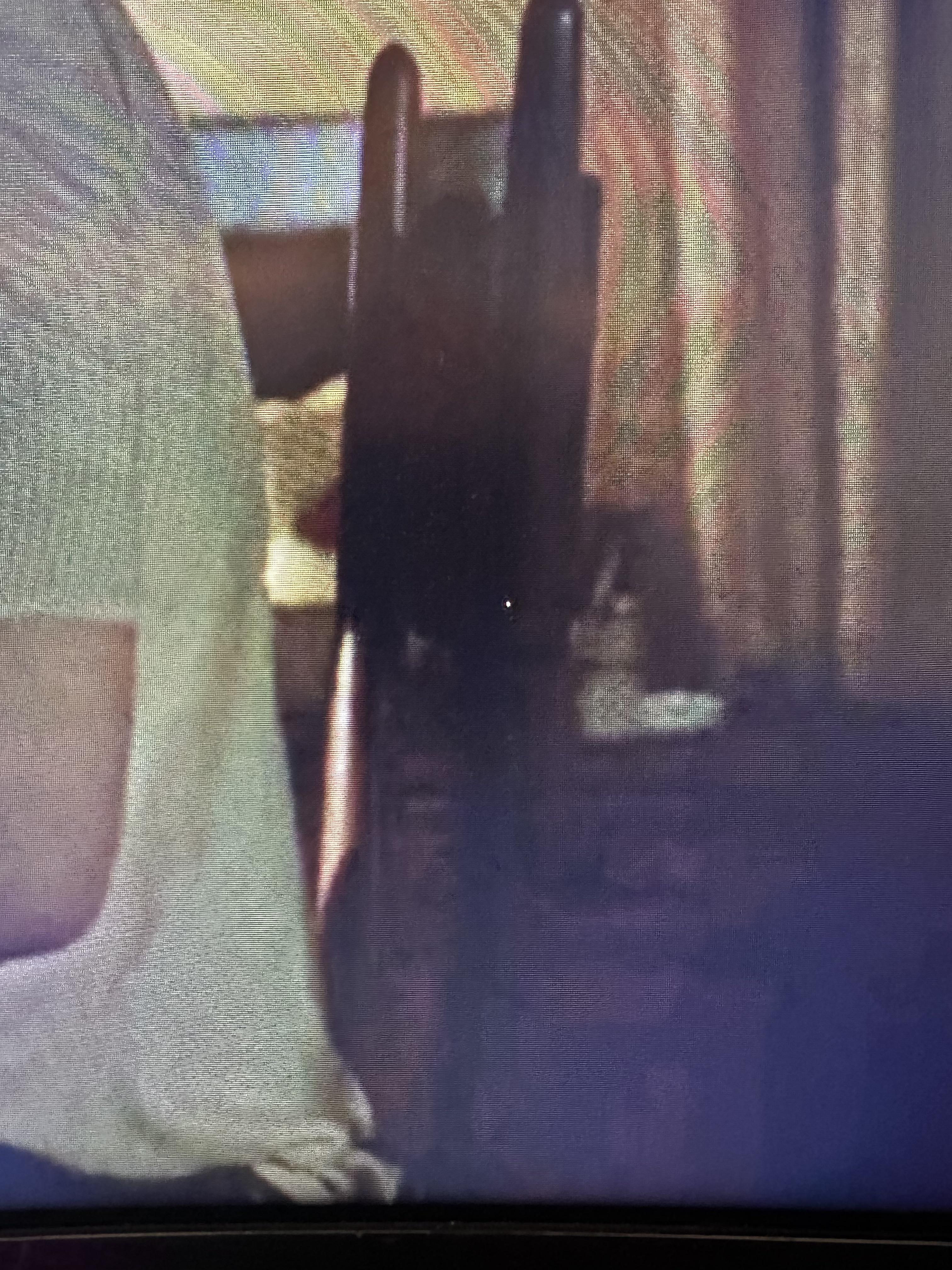
Noticed this small white dot on my monitor today, not visible when booting up the pc but after a minute or so it pops up. Assuming it’s a dead pixel but praying one of you tech savvy peeps thinks otherwise!

Noticed this small white dot on my monitor today, not visible when booting up the pc but after a minute or so it pops up. Assuming it’s a dead pixel but praying one of you tech savvy peeps thinks otherwise!
39 Comments
“this isn’t a dead pixel”
It looks like a puncture. Not sure if the jpeg compression is making it look that way but it looks like more than one pixel.
dead pixels are black no?
Sushhhh it’s sleeping.
If you’re playing tarkov, it’s a common bug.
It isn’t a dead pixel, but it does look like a stuck pixel
It’s probably a stuck pixel. Your monitor may have an option to run a routine that can potentially fix it. If it has it, it will be in the internal monitor controls. Like with the buttons on the side of it.
Sometimes all it takes a little tapping with your finger to fix
Stuck more likely
That isn’t a dead pixel.
Okay, I won’t tell you
It’s maybe a stuck pixel.
Gently, and I do mean gently, push down on it. You can often unstick them.
I got that exactly same white pixel on my monitor and same place most likely. So I would guess it is from some application.
You’re in luck, it’s not dead. It’s permanently alive.
It’s an elephant!
https://preview.redd.it/v2y5vjzj1q3c1.jpeg?width=457&format=pjpg&auto=webp&s=d9bdd3e2df11d782c228083151b439a8f4c00f4b
Looks like something punctured it.
As many others; I’d say it’s a stuck pixel.
Got one myself, on my secondary monitor (luckily at the bottom left corner, so it’s no issue at all). Tried various “fixes” for it, but nothing seem to stick (no pun intended), so I just deal with it – and it’s not in a too bothersome place in my case.
Try some of the suggested things, when googling “stuck pixel” – but be very careful when doing so (they usually tell you to be as well). Hope it works for you.
Here you go:
This isn’t a dead pixel
This isn’t a dead pixel.
if it was a dead pixel, it would appear whenever the monitor is turned on. try booting from a USB if you want to fully make sure.
​
You could try using another cable(unlikely but ruling it out isnt a bad idea either) or reinstalling drivers.
Also try to disable autostart apps.
This’s a dead pixel
[deleted]
Looks bigger than a pixel. Actually, when zoomed in, it looks like a puncture – the backlight is shining through it.
Tf am I looking at
it’s a dead pixel
The pixel is asleep
Someone said it looks like a puncture, I think I agree
https://preview.redd.it/j5tirtf2cq3c1.png?width=461&format=png&auto=webp&s=92178254f33f2c388f8efe6d36d770630e9a0961
It’s not dead, it’s gone.
Color it in with a sharpie
This ain’t a dead pixel. It is a stuck pixel/hot pixel. Google up fixes for it and you should be able to fix the troublesome pixel.
No, no , I’m pretty sure that’s a ghost
/s
Looks like a giant cock.
Or, more likely, a dead pixel.
Normally dead pixels are black. This one might be stuck.
Do you by chance have the new Microsoft teams installed and running? There’s a bug where that happens lol.
Stuck pixel. Dead pixel will be black. Sometimes you can massage a stuck pixel to “unstuck or wake” it.
I gotta lie, it’s not a dead pixel.
Brother there’s a fucking hole in your screen, and it takes up more than just one pixel. Seems like what we see there is the backlight behind the screen through the hole.
FYI, dead pixels are usually black, because they’re unpowered and can’t turn on.

Looks like someone shot the monitor with a bb gun or something. Looks indented on zoom in.