Am i the only one who identified and learned which programs and services are what?
Task manager is a wealth of information honestly
Kvazimods
Guys, it’s just a funny meme.
GuyFromDeathValley
I got a folder like that as well, its stuck on my previous System SSD. for some reason I could remove about every file from that folder, but it won’t let me move or delete that folder itself.
SysInternals Process Explorer. There’s a menu option in there which will show you all locked files, and by which process.
allseeingboots
On a very restrictive locked down work machine without access to the advanced resource monitor or lsof I encounter this one regularly. Word does something weird and doesn’t release directories.
Say you have
A/1.docx
B/2.docx
If you open A/1.docx, open B/2.docx, close A/1.docx and try delete A it will delete the 1.docx file inside but won’t let you delete the A directory until you close B/2.docx too.
ALAS_002
that’s when task manager update speed comes in clutch so u can find it
Kneeslasher25
Either this or when you try and delete a unnecessary folder and you don’t have permission, both are annoying.
Mdmrtgn
That’s generally my sign to run rkill and hitman. Ain’t easy being a dirty pirate.
nevadita
i recall on XP days i used a small program called unlocker, it has the icon of a magic wand.
good times
RealDesertRecluse
QBittorrent
seba07
Yeah I know that there are tools for this. But why isn’t there a force button on this pop-up? Place a warning on it but please let me just kill the other process that is locking the file.
fryxt
Shit like this is why I switched to Linux
etfvidal
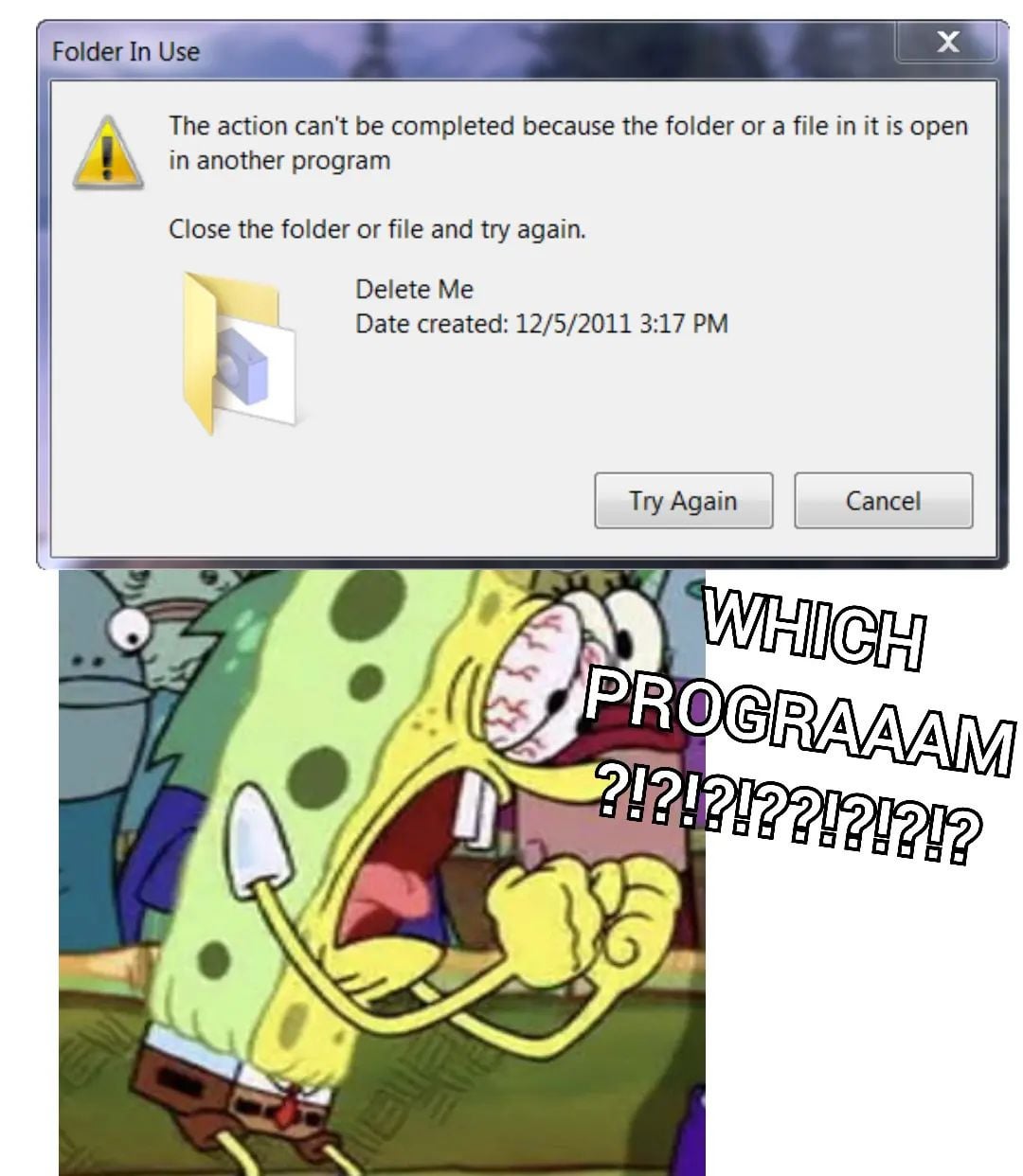
The ultimate guessing game which so many times leads to closing every programs and still having the pop up continue!

20 Comments
Introducing: File Locksmith by MS PowerToys
one of the reasons to use PowerToys
As a power toys user. This is pathetic
Am i the only one who identified and learned which programs and services are what?
Task manager is a wealth of information honestly
Guys, it’s just a funny meme.
I got a folder like that as well, its stuck on my previous System SSD. for some reason I could remove about every file from that folder, but it won’t let me move or delete that folder itself.
pisses me off.
lsof moment
No power toys?
https://i.redd.it/azimd9ydyi3c1.gif
SysInternals Process Explorer. There’s a menu option in there which will show you all locked files, and by which process.
On a very restrictive locked down work machine without access to the advanced resource monitor or lsof I encounter this one regularly. Word does something weird and doesn’t release directories.
Say you have
A/1.docx
B/2.docx
If you open A/1.docx, open B/2.docx, close A/1.docx and try delete A it will delete the 1.docx file inside but won’t let you delete the A directory until you close B/2.docx too.
that’s when task manager update speed comes in clutch so u can find it
Either this or when you try and delete a unnecessary folder and you don’t have permission, both are annoying.
That’s generally my sign to run rkill and hitman. Ain’t easy being a dirty pirate.
i recall on XP days i used a small program called unlocker, it has the icon of a magic wand.
good times
QBittorrent
Yeah I know that there are tools for this. But why isn’t there a force button on this pop-up? Place a warning on it but please let me just kill the other process that is locking the file.
Shit like this is why I switched to Linux
The ultimate guessing game which so many times leads to closing every programs and still having the pop up continue!
linux users: lsof
https://preview.redd.it/nuleqziq8j3c1.jpeg?width=1080&format=pjpg&auto=webp&s=f4ef2adf12aca074df5f4e78c12265de1fac529f
Windows hahaha ☕️☕️☕️