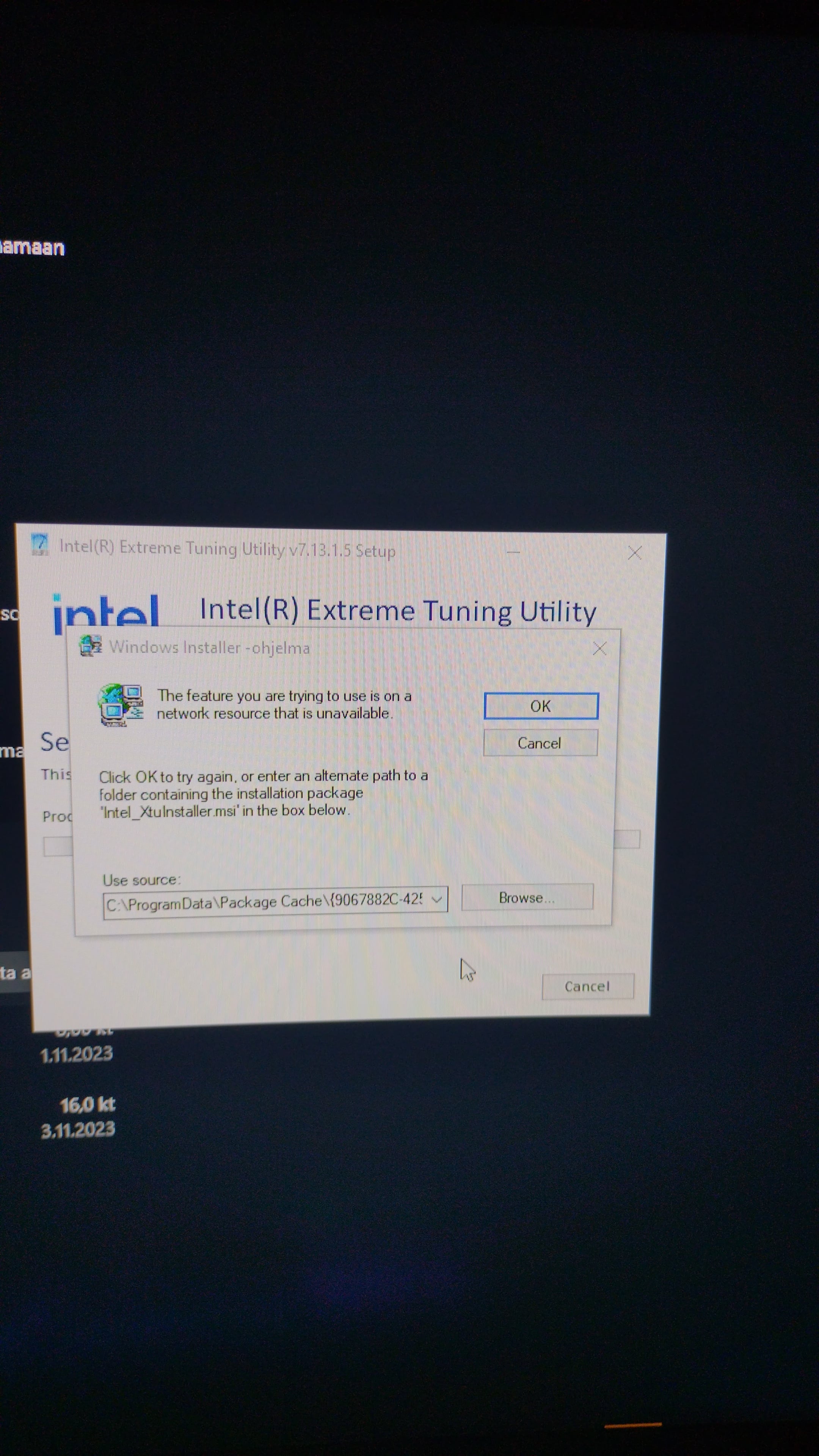
The registry got messed up and it can’t find where the uninstaller is. You can still just manually delete the actual xtu folder though.
But if you don’t fix the registry it could have issues if you ever need to reinstall it. To do this I found that the only solution is too look up the name of the folder (starting with 906 in this case) in the registry and delete any key associated with it.
Since messing with the registry can potentially fuck up the os make sure you have a backup method to revert everything, like a disk image.

3 Comments
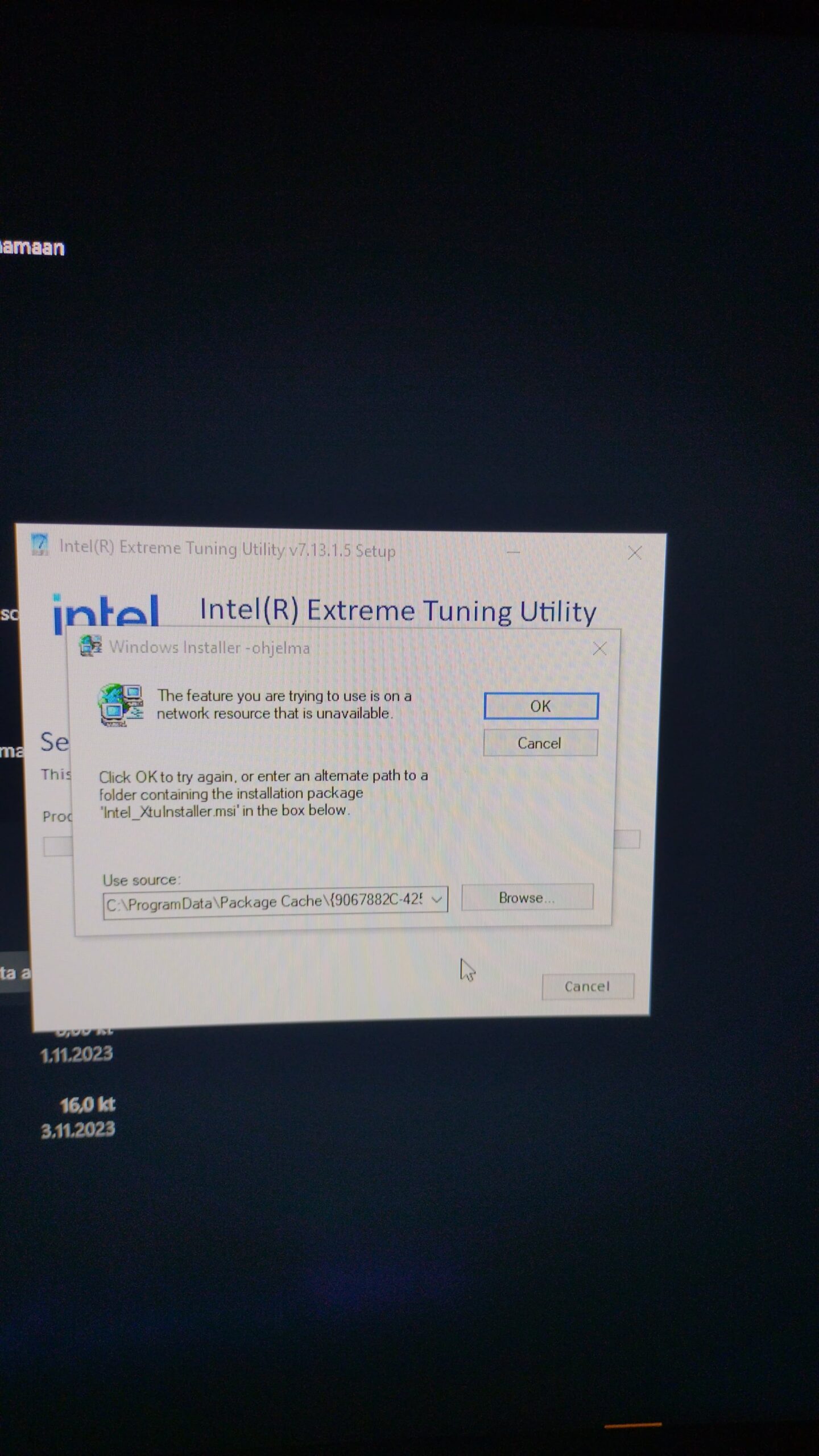
The registry got messed up and it can’t find where the uninstaller is. You can still just manually delete the actual xtu folder though.
But if you don’t fix the registry it could have issues if you ever need to reinstall it. To do this I found that the only solution is too look up the name of the folder (starting with 906 in this case) in the registry and delete any key associated with it.
Since messing with the registry can potentially fuck up the os make sure you have a backup method to revert everything, like a disk image.
Don’t use XTU, use bios.
Try uninstalling in safe mode without network