
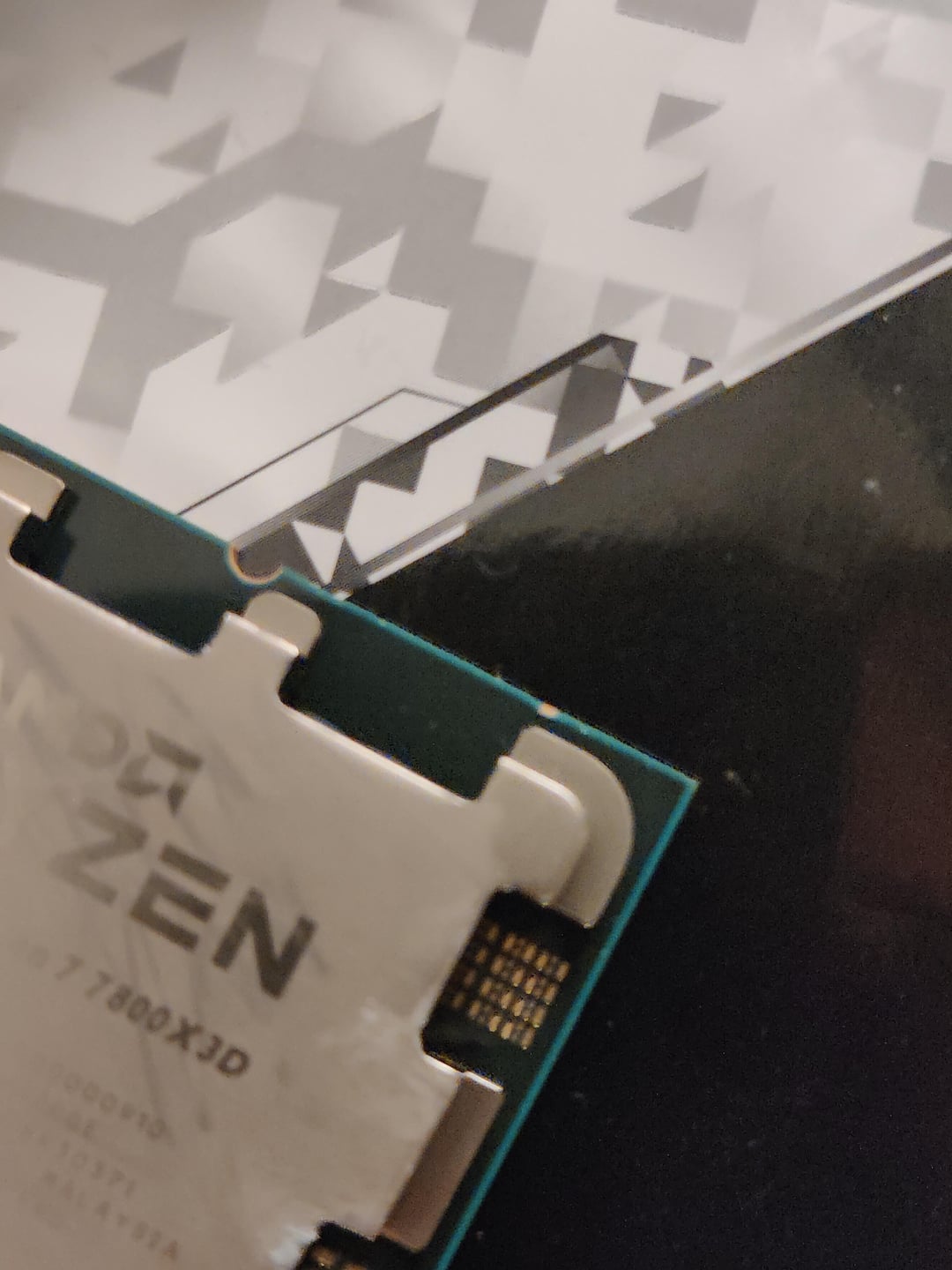
I got a new PC, and I’ve had trouble even getting it to boot properly. First I had to power cycle several times for it to actually boot, and after restart it was stuck ram training for over an hour. I tried flashing to the latest bios but no dice.
I tried enabling expo (g skill Trident Z5 neo 32×2) one of the few times I successfully got into bios but that made it worse. Figure that! Not sure ram actually is at fault here since I noticed the CPU has a small chip in the corner and a pin on the MB(Steel legend x670e) is slightly bent. Anyone had similar issues or knows what could be wrong? Thanks!
20 Comments
Is it a prebuilt system? RMA/Return it, don’t DIY it.
I don’t think that “scratch” is the problem, no.
That misaligned pin could very well be the problem.
I would align this pin and try again. Hopefully you didn’t turn off the PC during BIOS update which may brick the BIOS chip.
There’s a bent pin
Like the others said, RMA.
https://preview.redd.it/ukyxown2lcyb1.png?width=1323&format=png&auto=webp&s=c058514af6c7412caf3edeacd1c79a4b7e7ad4ed
And please buy better phone / camera.
Never expo or xmp till stable.
For a sec I thought that was a lone socket sitting on a motherboard box and I was like “yeah that’ll do it”
I’ve got a decent corner missing from my CPU and it still functions so I’d bet on the motherboard
The miss aligned pin
Could be RAM issue. Try booting with just one stick.
I still don’t get why they changed the CPU pins. They were fine for 40 years.
Is the ram in correct slots? Usually second and the last slots but check manual to be sure.
have you tried ram sticks individually? don’t overclock them until your system is stable.
The CPU is fine. The Mobo socket is sus, but I’d also start with one stick of ram and rotate which one you use to see if it boots.
Amd still puts the pins on the chip instead of motherboard?
Last year my pc wouldn’t boot too, I invested 200 euros to invest what the problem is, long story short static discharge wrecked my mobo.
Use a ballpoint pen without the ink in it to gently realign the pin. Then try again
Aside from the pin, my 7800x3d and ASUS B650 took 4-5 boot attempts and then, it would take 45 mins+ just to POST, every single time.
Changing ‘Memory Context Restore’ and ‘DRAM
Power Down Mode’ to Enabled fixed it. Boots instantly with no issues now. I highly suggest trying this, even though the pin looks slightly bent, you were able to POST before. I’d still RMA it but try that.
Ram Issue as Im sure. Try single stick ram.
I messed with my new 7600x , Tuf B650M system with dual 16gb gskill flares. Was never working with expo on without single stick plugged in.
Finally they fixed it with final bios update at mid august.
Btw dont touch te pins , the pin looks normal to me that may not cause instability…
more likely to be the RAM, i have one of these new ryzen i did not boot up for nohting when using the 6000mhz ram, but trade for a 5200mhz and there it was just fine.
Straighten that pin and try it again.
That pin looks right where the die would be, it’s probably it.