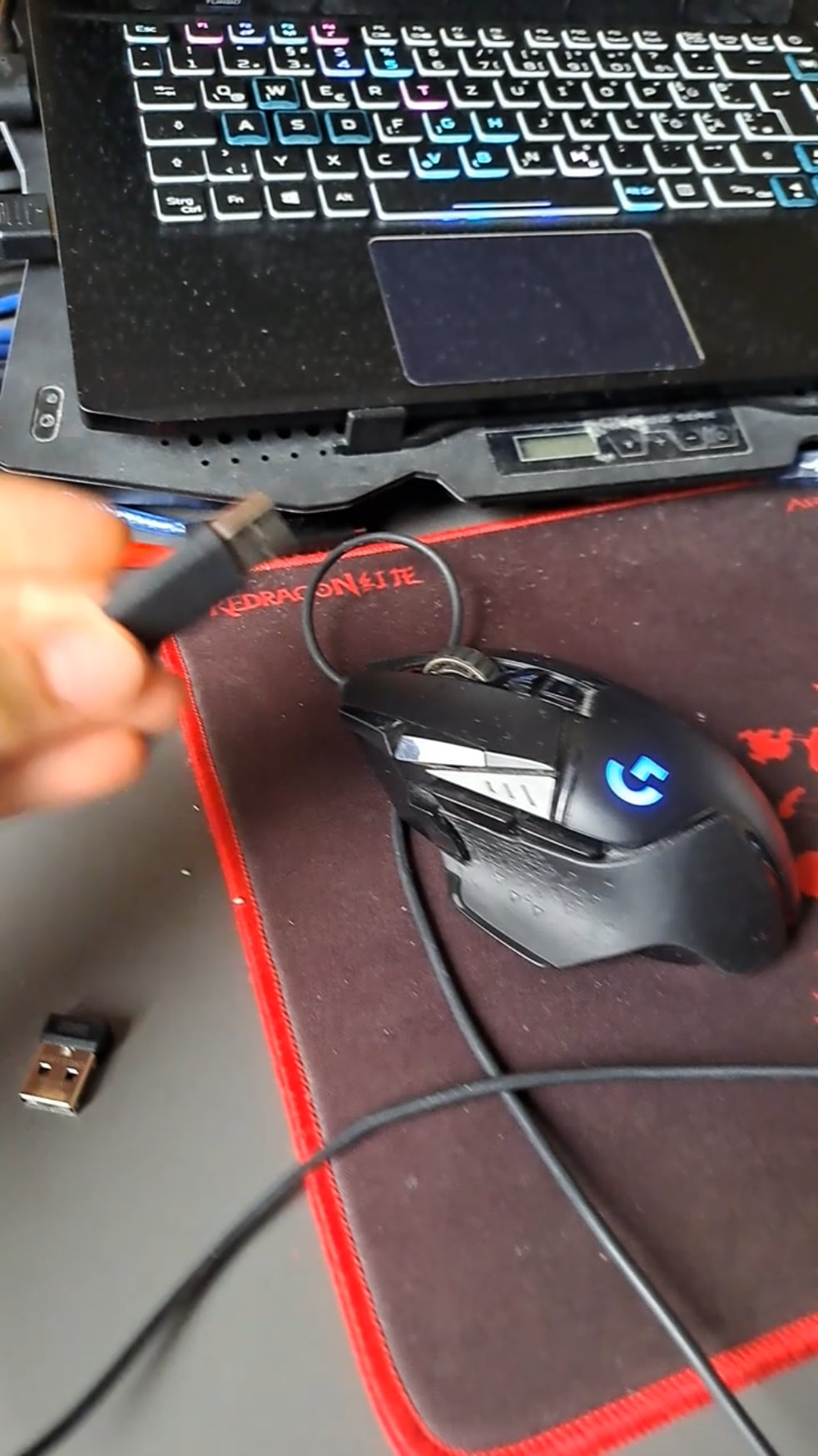
As you see. Unplugging the mouse causes instant BSOD. Trying to boot with mouse plugged in is not possible (sends me to repair your os screen)
I dont see this as a big problem but just interested if anyone had simmilar expirience

As you see. Unplugging the mouse causes instant BSOD. Trying to boot with mouse plugged in is not possible (sends me to repair your os screen)
I dont see this as a big problem but just interested if anyone had simmilar expirience
30 Comments
I would first look into reinstalling USB drivers
Clean your freaking computer
Clear the onboard profiles using Logitech Onboard Memory Manager (for G502)
What a shithole.
I’d start with anti dandruff shampoo and conditioner.

Bent pins inside the motherboard USB header or debris being my first guess.
G502 chooses the owner. Your PC wasn’t a good match for it.
How is the led on of it’s not plugged in?
Anyone else feel a sneeze coming on?
I always think I’m a messy person then I see people in this sub with absolutely filthy setups. What is that residue on the laptop? It looks like you can easily wipe that shit off. Wipe that shit off.
No, you clearly didn’t removed the usb safely.
I really can’t understand how people game in a dust/dirt filth.
Maybe the USB port or the mouse USB is fucked?
USB controller has issues; driver or hardware
Looks like your mouse has a short-circuit.
Uninstall virtualbox and see magic
You think it’s a hardware issue and not a driver issue? Hmm
My god why is it soo dirty
That’s plastic welded together not a PC.
Your setup is physically repulsive
Dude atleast clean ur laptop.
The g502 is legendary
🙁
Malfunctioning USB causing kernal panic is my bet. Looking at all this filth, your cable etiquette I’d safely assume is fucked too.
Please clean your setup and especially let your mousepad soak in warm water with soap. Wipe your desk and every single thing you have there with at least wet wipes. And open up your laptop and clean the fans. Wash your clothes. And take a shower.
And it feels like a driver issue. If not there might be a problem with the power delivery on that particular usb socket or the usb sockets as a whole. Check with only mouse plugged in. Try different sockets. Try the mouse on different computers. Try plugging another mouse etc.
Show us the fans in your laptop OP
Maybe a hardware related problem? Broken port?
Disgusting. Anyways.
Bro dust your shit