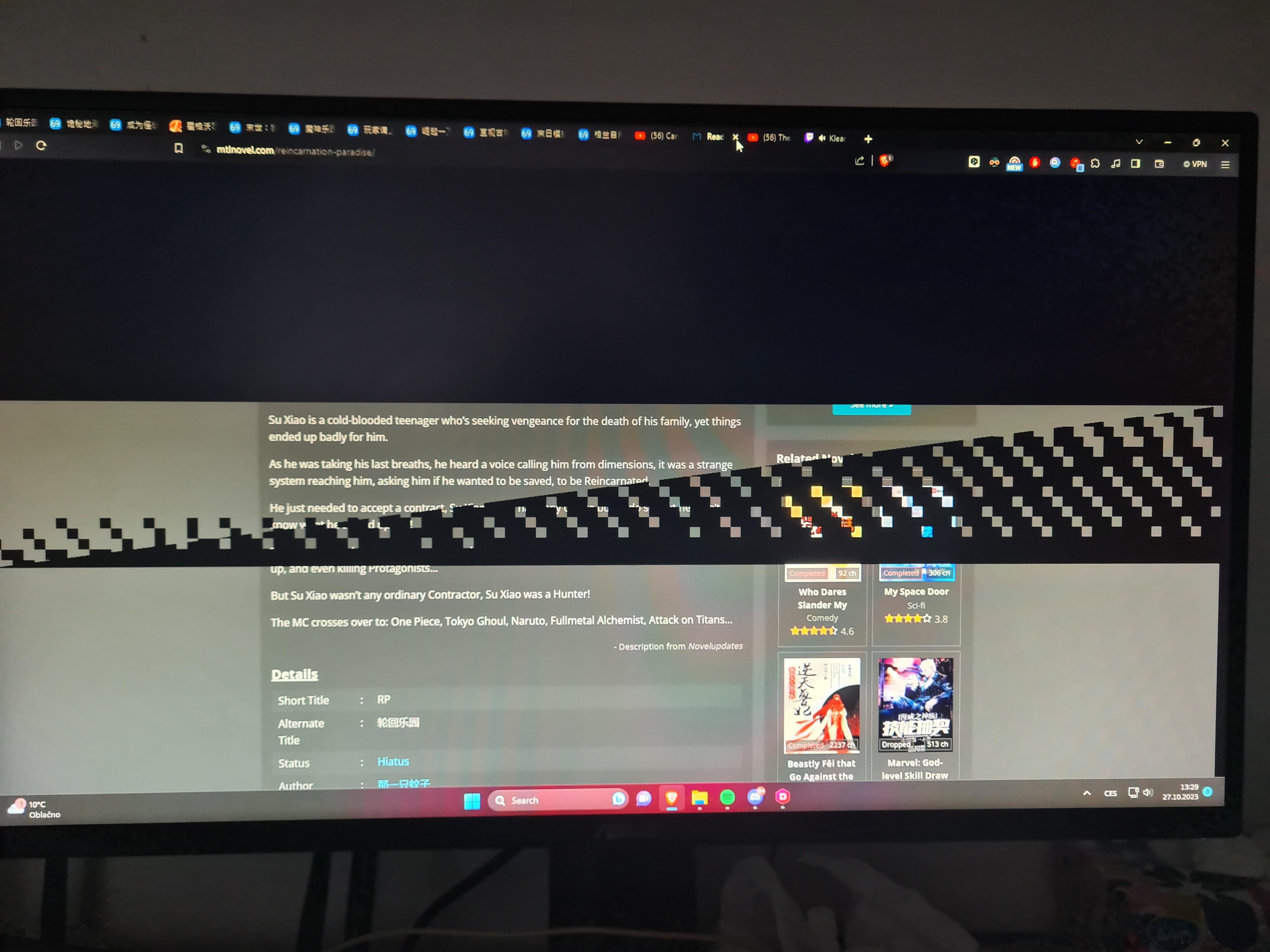
It usually only does it on websites, haven’t seen it in games.
The black boxes usually appear after scrolling, and if I move my mouse, they go away.
Any ideas what it is? Is it faulty gpu?…

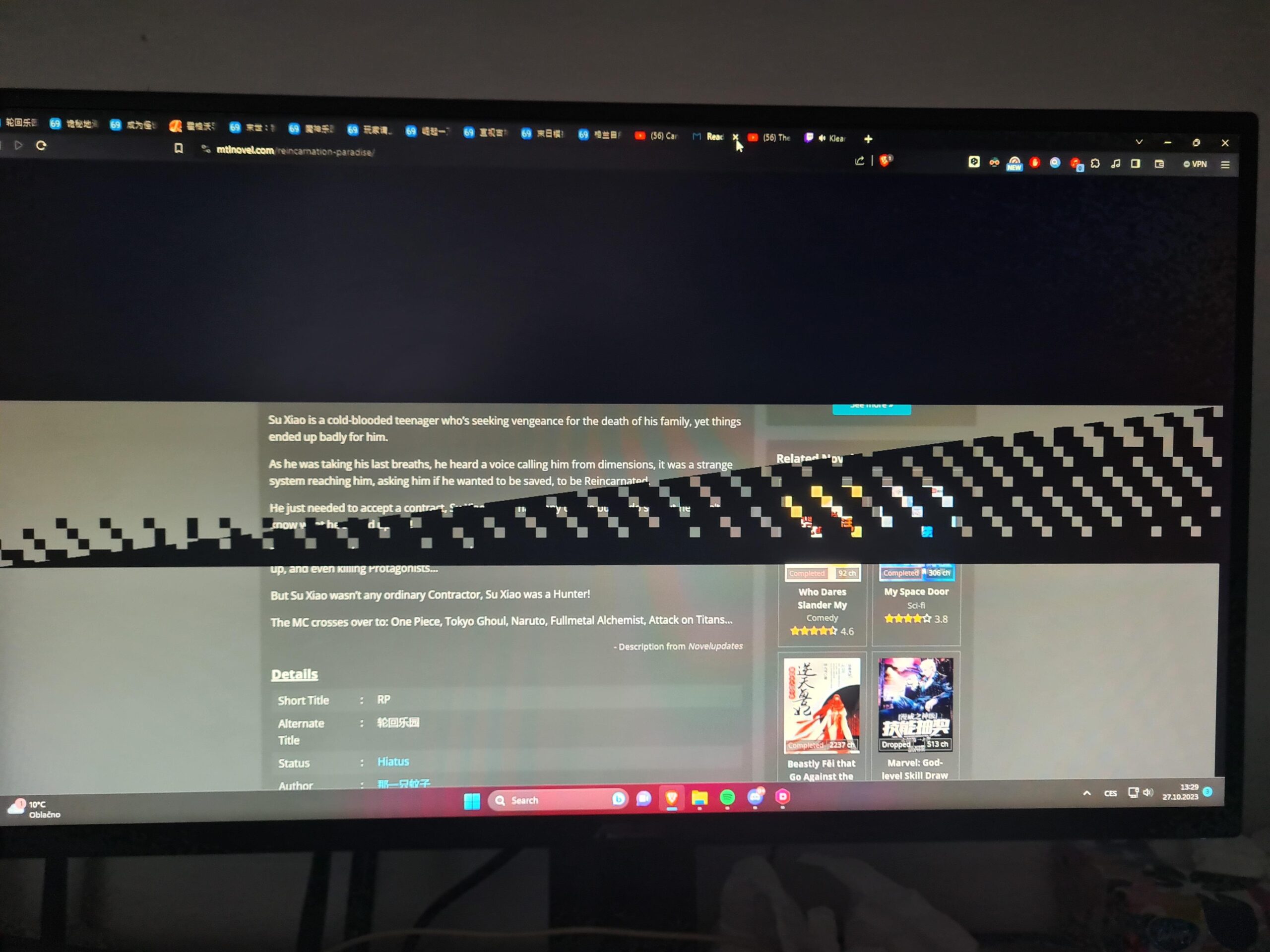
It usually only does it on websites, haven’t seen it in games.
The black boxes usually appear after scrolling, and if I move my mouse, they go away.
Any ideas what it is? Is it faulty gpu?…
29 Comments
Have removed your old card pilots ?
Ddu the drivers of the old gpu.
But it’s probably an indication that one of the memory chips is bad.
<butterfly meme>
“Is this… Ray tracing?”
Nvidia drivers bug, it’s in the driver notes. Not sure if it’s fixed in newest drivers, worth checking if there’s an update or downgrading to a driver before the bug.
>.> yep only AMD have bugs
there are know issue with chrome based browser and nvidia drivers. I would not blame nvidia since it only occurs from chrome engine…
This might be a long shot, but how is the gpu connected? Is it directly connected to the motherboard pcie slot, or using a riser cable or something?
It’s an issue with the drivers. Nothing is wrong with your GPU
Dieing GPU, time to RMA.
How do you like your 4070 otherwise?
I’m on a 2070S and thinking to move to a 4070…
Google chrome issue. i have had it for at least a year.
It’s a bug with Nvidia/Chrome, I had it with my 3070.
What fixed it for me was a solution by u/rcsverige.
enter chrome://flags/ in the browser address bar and search for : “Choose ANGLE graphics backend”. change it from default to opengl.
I haven’t had the issue since
I keep getting these on my 1660 super. I thought my GPU was having issues but then quickly found out it only happened when I was using Microsoft edge.
Did some digging and it turns out Nvidia drivers don’t agree with chromium browsers. I believe it’s listed in the known issues list on Nvidia’s website.
So basically it appears to be driver related issues. I’ve had them for months now but just ignore them because they aren’t that common for me and they only last a split second. As in “blink and you miss it” speeds lol.
It’s harmless bug
Chrome issue google the fix it worked for me
Use Firefox
i get them recently on my 2060 super i might ddu
I am using opera gx and had similar thing on youtube. I solved it by disabling hardware acceleration in opera settings. If you also have this in your browser, try to disable it
it’s a chrome glitch
I had it happening in the steam launcher last night. It usually only happens when browsing youtube.
I had this as well with 4070, almost had a heart attack because I thought it’s my brand new monitor dying. Turned out it’s a problem with Chromium based browsers, switched to Firefox and never had it since.
Yep this is a chrome specific issue, I also got this on my 3060ti and now on my 7900 XTX. My brother also gets it, he has a 1080.
It may be a driver issue. Use google ddu to reset them. And like other said it may also be chome doing chrome things
Depending what browser you have type just type chrome://flags
Then search for ANGLE graphics backed and set it to openGL on NVIDIA gpu and it should be fixed. for other chromium browsers just exchange the chrome to opera, edge etc.
This started happening to me but when I’m playing games
the open gl fix dident work for me but turning hardware excelleration on in google setting fixed it ,
This happens to me as well, i’m using Edge. Must be Nvidia drivers issue.
Patent failure
Solution: Use Firefox
That’s just ray tracing don’t worry