
Hi everyone,
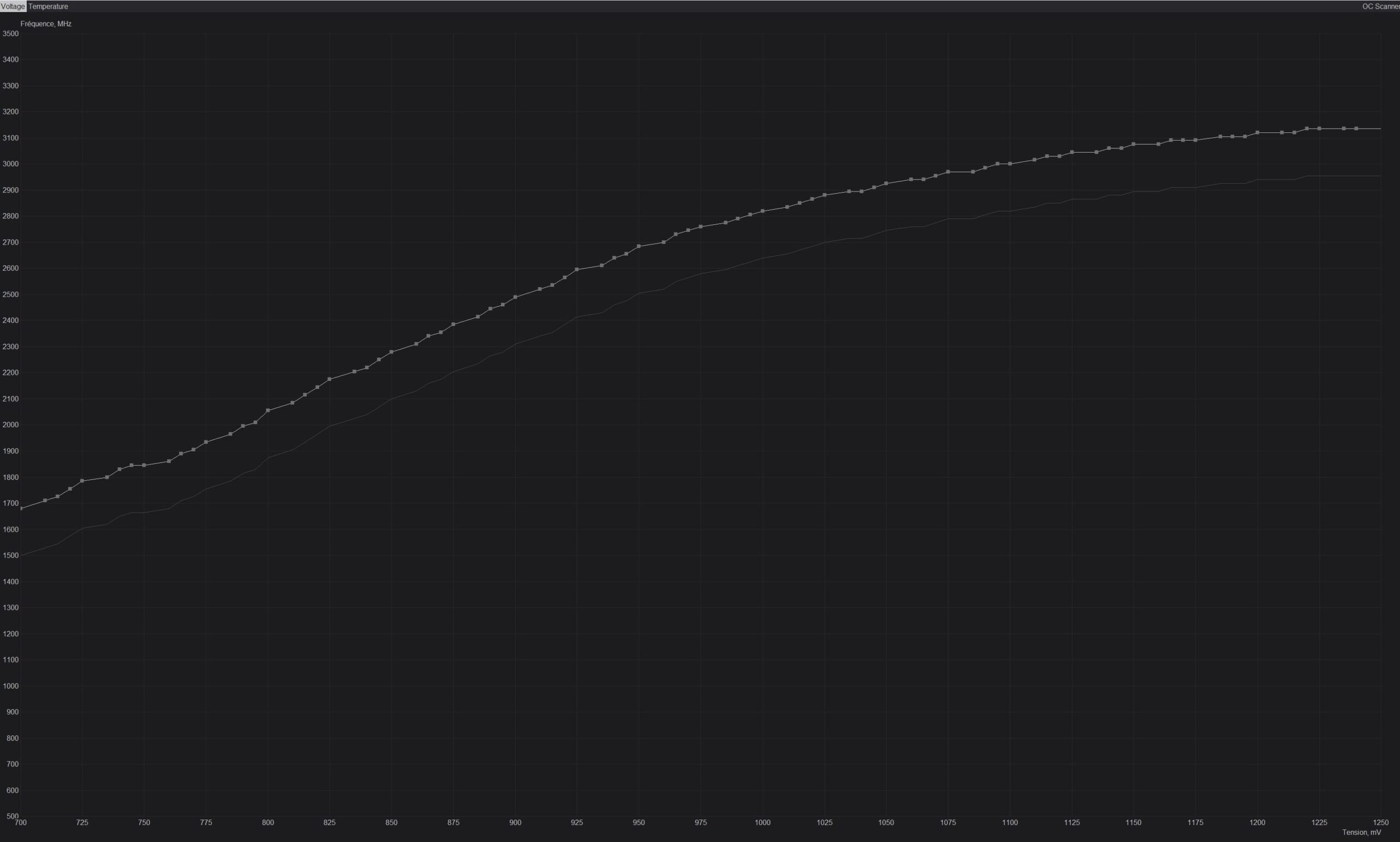
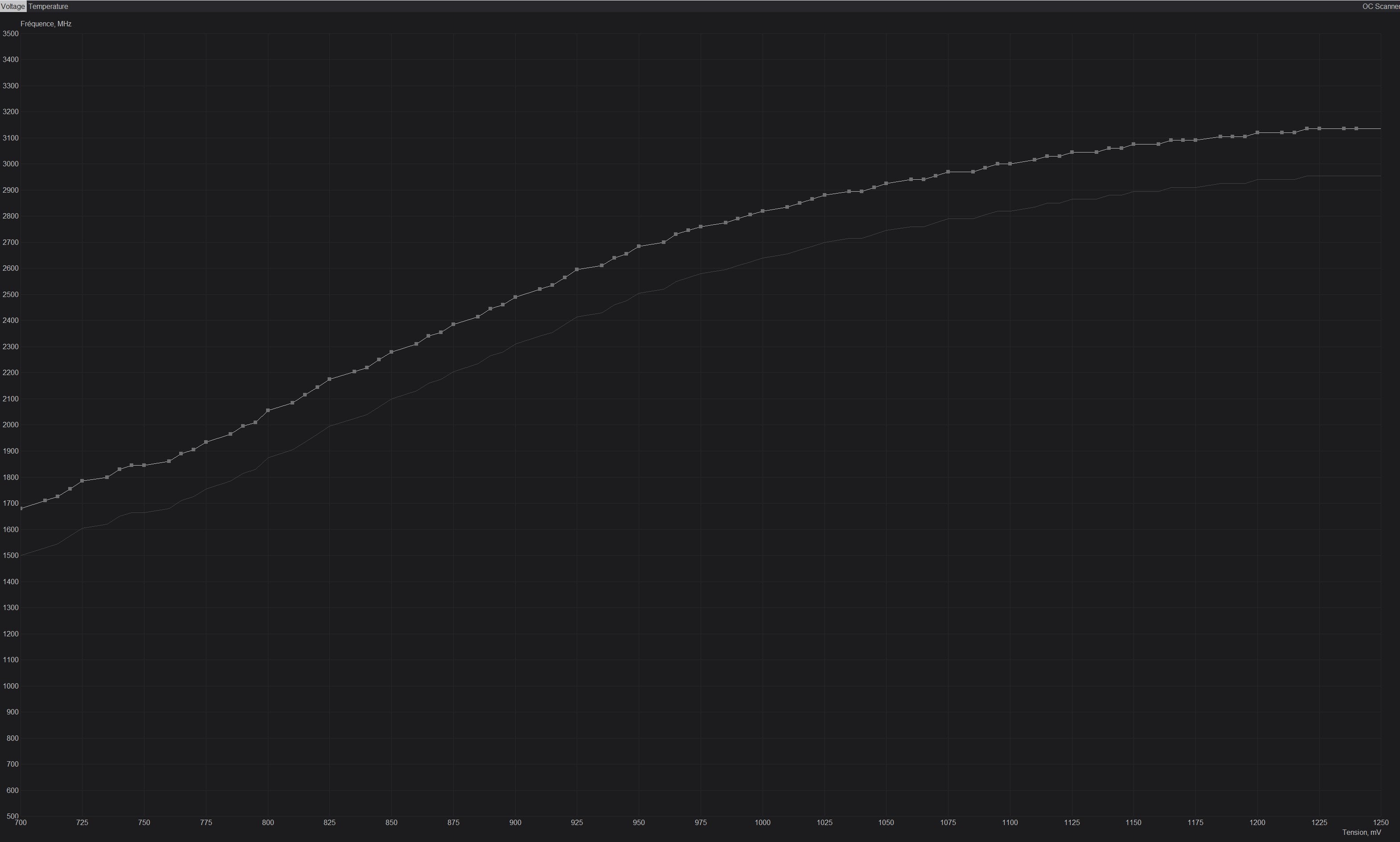
6 months ago, I built my first PC (13900k + 4090) and have been extremely happy with it. Following the suggestion of a friend who knows lots of stuff about overclocking, he convinced me to overclock and undervolt my GPU just a bit (+180 on core, +800 MHz on memory while reducing voltage by 10%). Here is the curve that I used : [https://imgur.com/a/LRz0RKA](https://imgur.com/a/LRz0RKA)
However, I had to put the settings back to stock because I was starting to see red and green dots in RE4 remake – while in the menus only – such as these ones : [https://imgur.com/a/g8qctyo](https://imgur.com/a/g8qctyo)
I decided to immediately put the settings back to stock and have played like this for the past 4 months and didn’t run into any other problems (my drivers crashed one or twice on TW3 with RT ultra on, had something like a big white rectangle show up). I don’t think that the card was damaged because it has been running just fine for the past few months and the uv/oc my friend made me apply wasn’t very demanding. Temps are around 63 degrees celsius when the card is on full load. After watching some videos and reading some articles online, I have seen people saying that the quality of the silicon may vary depending on the mileage.
My question is therefore the following one : do these red and green dots with only +800 MHz on the memory indicate that my silicon isn’t great or is it maybe because the settings I applied weren’t the good ones? I really enjoy my card, but I’d be happy if I could undervolt it a bit because well, if I can spare some electricity, why shouldn’t I ?
Thanks for reading me and have a nice day.
1 Comment
The red and green dots mean the clock is too high and you’re artifacting. Try +700 and see if they go away. Also they +500 and see which one gives better performance