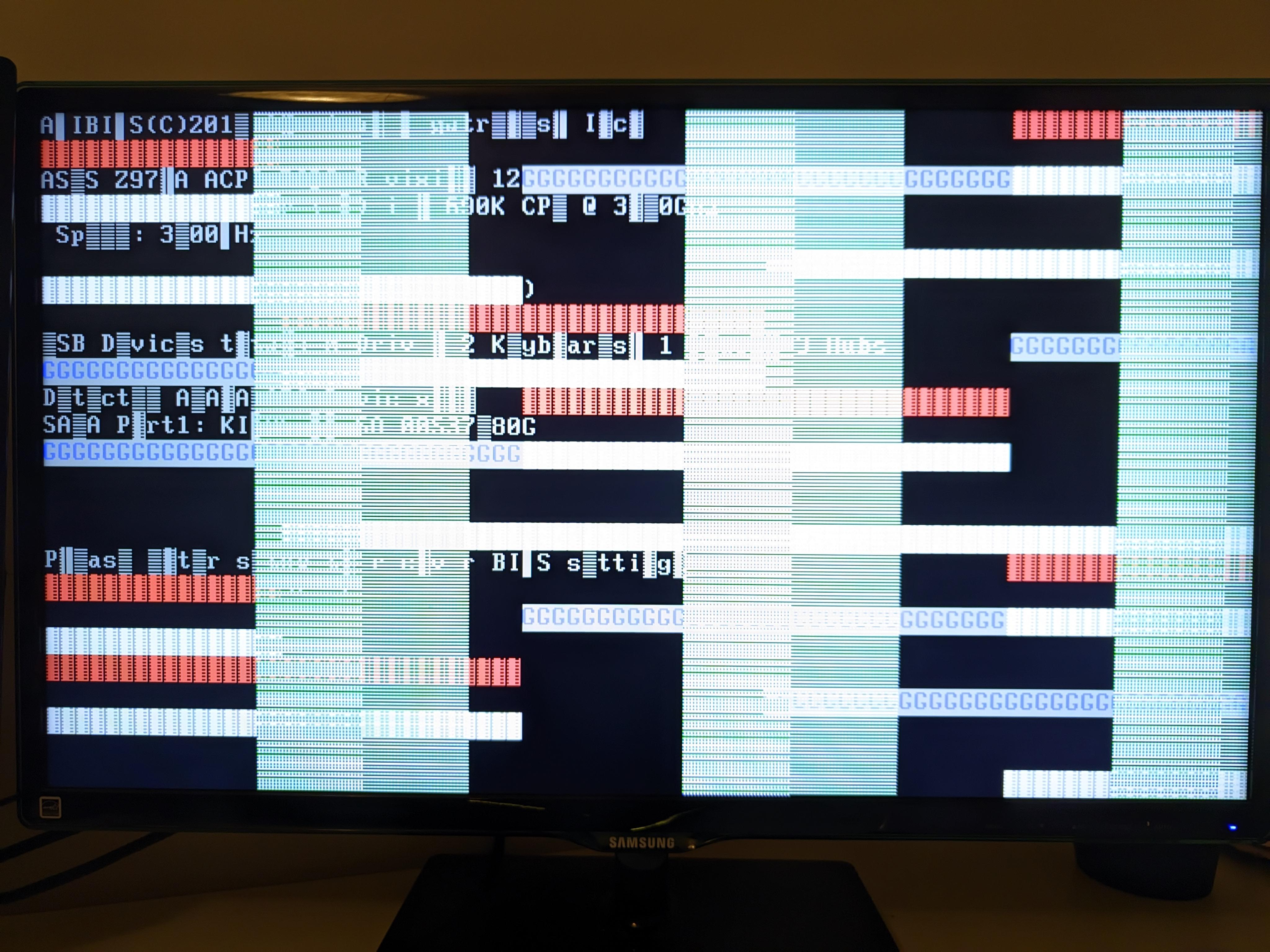
This comes up after post, not even BIOS is accessible. After choosing Shut down and update, her screens turned off and the PC stayed on for 2+ hours so she shut down the PSU.

This comes up after post, not even BIOS is accessible. After choosing Shut down and update, her screens turned off and the PC stayed on for 2+ hours so she shut down the PSU.
6 Comments
Looks like it’s trying to post. But the graphics card is struggling. If this is a dedicated GPU try swapping it or using the onboard GPU if possible. See if it posts correctly then.
widnows update should not interfere with BIOS afaik , unlesss this was a bios firmware update, your windows may be corrupt – try booting into a recovery drive , if not as the other post said may be GPU problem.
Truthfully there’s only one of two things I think are possible – Corrupt BIOS (some companies roll out BIOS updates with windows) or RAM is dead. There is the third possibility that either the motherboard or CPU has screwed up, but I’m doubting it. Try removing the CMOS battery, reseat RAM and then remove RAM sticks and test individual sticks in different RAM slots. If none of that resolves it then I honestly do not know and you may want to take it to a repair shop.
Try to remove monitor cables, blow all the dust, connect back. Dont forget to slap that mfker before turning on
What in the 90s action movie hack scene is going on?!
Looks fine to me