
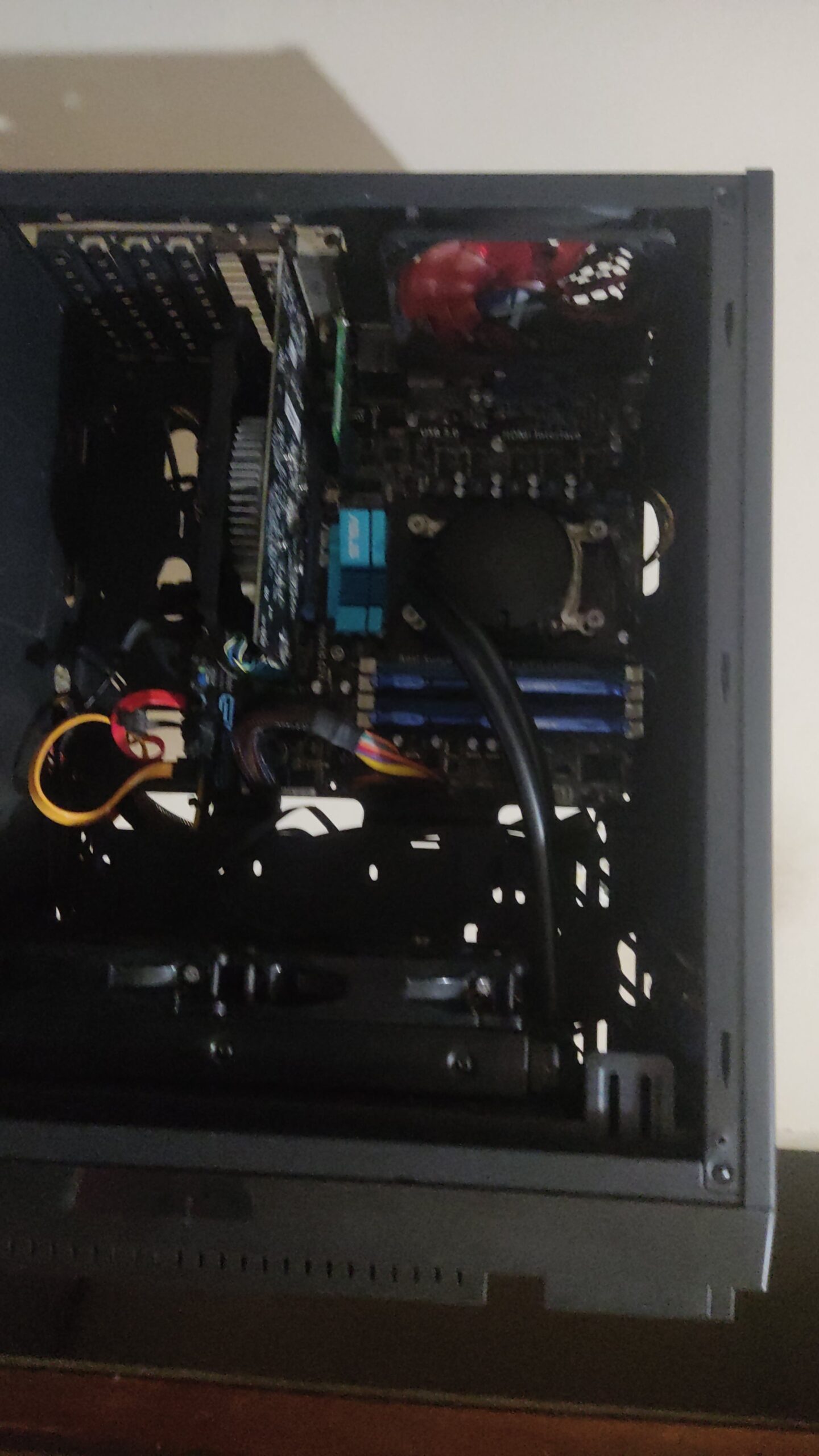
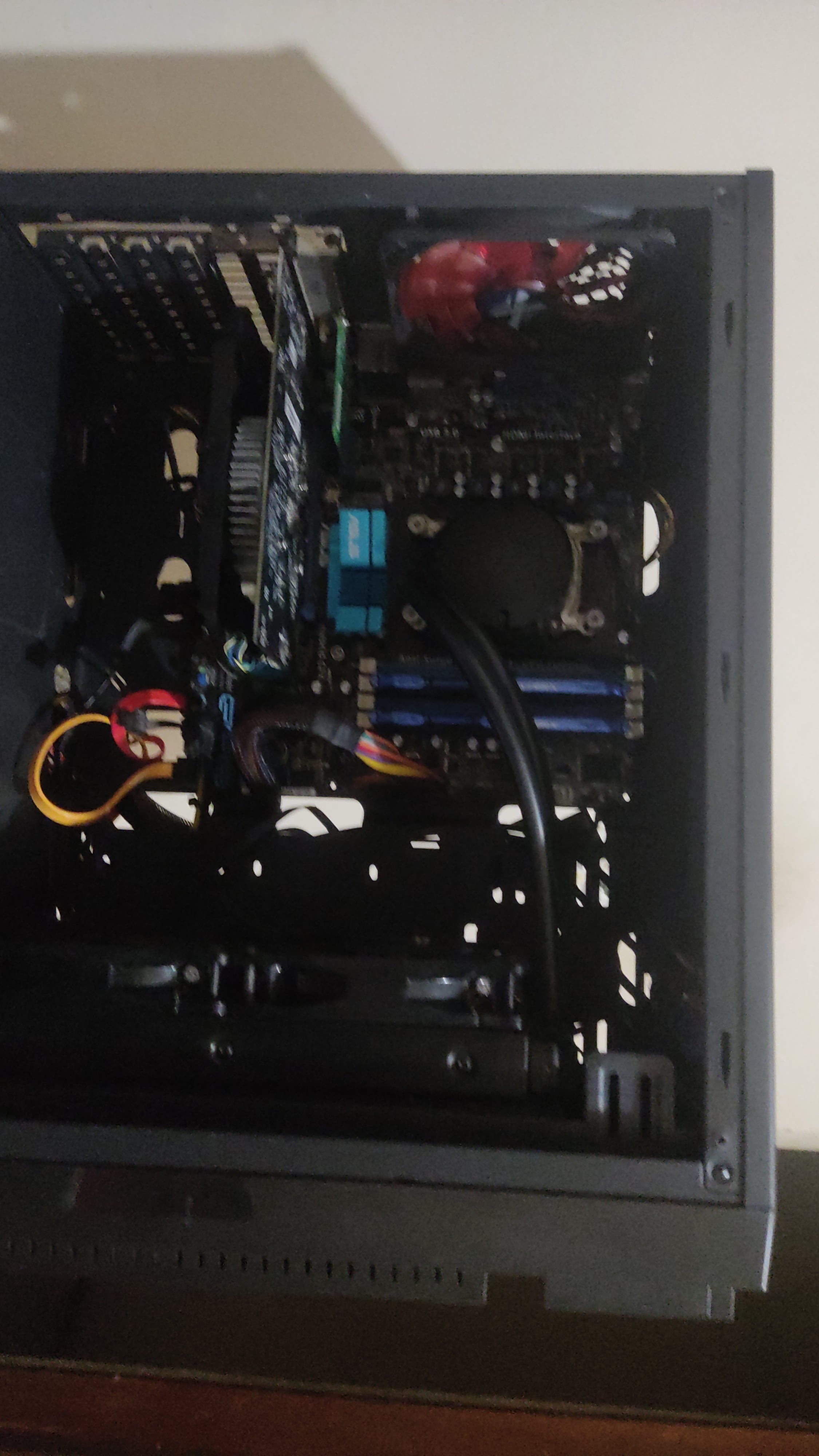
Hello, today I had a “great” idea of overclocking my monitor (in this case a television) and obviously it stopped showing video, I’ve already tried everything like: 1-clean the RAM 2-remove and replace the battery 3-turn off the PC and turn it on 4-clean everything 5-restart the TV; I’ve done everything but nothing worked… Can anyone help me please?
Cpu:From what I remember it’s from AMD
Gpu:a sh*tty rx 550
Ram:8 GB
7 Comments
You didnt say, but did you try a different monitor or TV?
Did try unplugging the Cmos battery for 5mins let it reset and try see if that work?
Go to the Bios and reset to factory
Or you can unplug your GPu and plug it back in
I’ve had that happen before. Simply reinstall your operating system from your backup image file. I takes me less than 5 minutes to do that. You DO have a backup image file like all smart users do don’t you?
How do you overclock a monitor (in this case television?) wtf… Am I the only one confused by this?
Boot to safe mode of windows and use display driver uninstaller to remove your graphics card driver and then re-install it in normal mode.