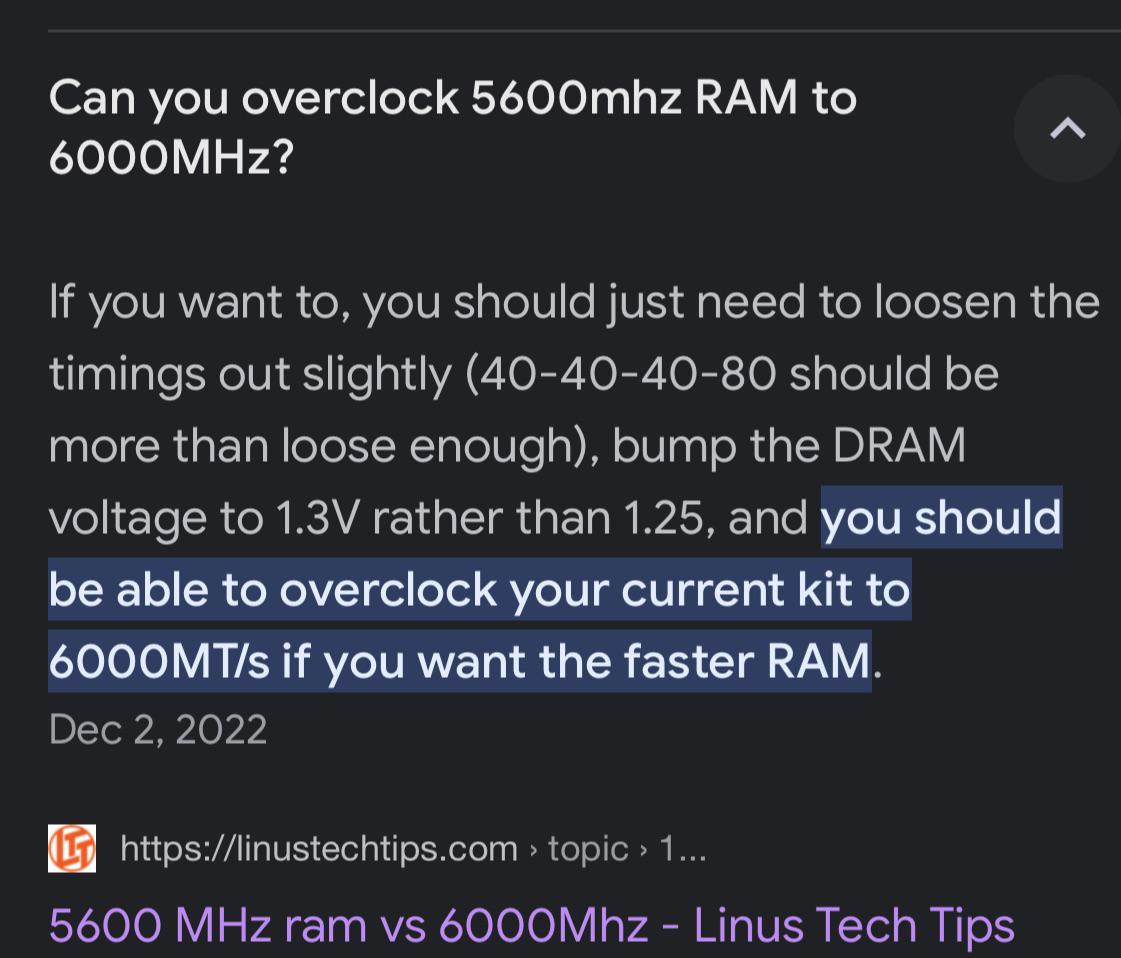
I’m new to overclocking please bear with me. Is this really the way to do it? Trying to oc my 5600 to 6000mhz. Coz I don’t have the budget yet to get the 6000mhz kit. Your inputs would be appreciated.

I’m new to overclocking please bear with me. Is this really the way to do it? Trying to oc my 5600 to 6000mhz. Coz I don’t have the budget yet to get the 6000mhz kit. Your inputs would be appreciated.
4 Comments
There is no direct answer to that question, it depends entirely on what ram kit/cpu/mobo you have, it’s really not just as simple as adding a few mv like your ss says, you will have to research and see what bin your ram kit is and then go from there, nobody is going to be able to tell you the answers you are looking for, memory overclocking is the most meticulous and annoying shit that there is to do and takes a shitload of trial and error
‘it depends’. What matters is exact model or RAM chips + how much given set you have was underbinned. Plus how good (~expensive) the motherboard is and how good in terms of silicon lottery your CPU is.
Max positive outcome can be something like 3000CL18 -> 3600CL14 (Samsung B-die) or in DDR5 6000CL30 -> 6400CL28 (Hynix M-die) with a lot of manual tuning. But I’ve seen kits that did not reach their rated xmp or expo and had zero gains with manual OC.
CPU: AMD R5 7600
MOBO: ASROCK B650m-hdv.m2
RAM: TEAMGROUP DELTA R DDR5 5600 16g x2 (FF3D532G5600HC36BDC01) Hynix kit
It’s a terrible idea to go about it that way.
Overclocking RAM is one of the hardest things to do in overclocking because it just isn’t that simple and never has been. If anything, it seems with every new generation of RAM (e.g. going from DDR4 to DDR5), whatever was learned before should be tossed in the bin and everything has to be learned again from scratch.
It’s very important to know the exact make and model of your RAM, as they all behave differently. Even then, it’s possible that someone with the exact same RAM can easily get higher overclocks while you can’t. This seems to be especially true for cheaper / lower end RAM.
It’s a lottery first and foremost, but the actual process of overclocking certainly isn’t “loosen a bunch of timings and it’ll work”. Stability testing is important and will consume the most time and is hard to do. Some people will do stability testing for several hours with each incremental numerical change to just a single parameter.
There’s not really a consensus in the community either as to what’s best because as I mentioned, every stick of RAM is different. You may be able to do a “quick and dirty” overclock and boot into Windows, but randomly have games crashing, etc. That’s because the tiniest errors weren’t tested against and you wouldn’t know what the problem is. Those crashes don’t need to happen daily, either. Unstable RAM OC may manifest problems several weeks apart with seemingly nothing to have in common.
To be very honest with you, DON’T is the answer. If you don’t have the budget for a 6000MHz DDR5 kit, overclocking your existing 5600MHz kit is going to offer negligible difference in performance. Even if your 5600MHz kit was the best and highest binned kit in existence, I’d say DON’T. In fact, even if you had the money to upgrade, I’d say DON’T upgrade. A small 400MHz increase with looser timings sounds like a net negative, actually.
Measuring RAM speed is difficult. It’s not just the primary timings or CAS latency, or even the transfer speed. It’s a combination of everything. Save your money, time, and blood pressure and DON’T. Overclocking RAM can be satisfying, but a more interesting process is e.g. taking unbranded generic DDR5 running at JEDEC speeds (e.g. 4800MHz) and overclocking it to 7000MHz or even 8000MHz, possibly with exotic cooling or something.
I’m not saying you should never try RAM OC unless it’s that, I’m saying in your situation with your reasoning you have way too much to lose and very little to gain. It’s not a good way to go about it.
(I hope I don’t come across as gatekeeping or trying to scare you away. I’m being honest and will say it’s not worth it. Someone else may offer a much different response.)