

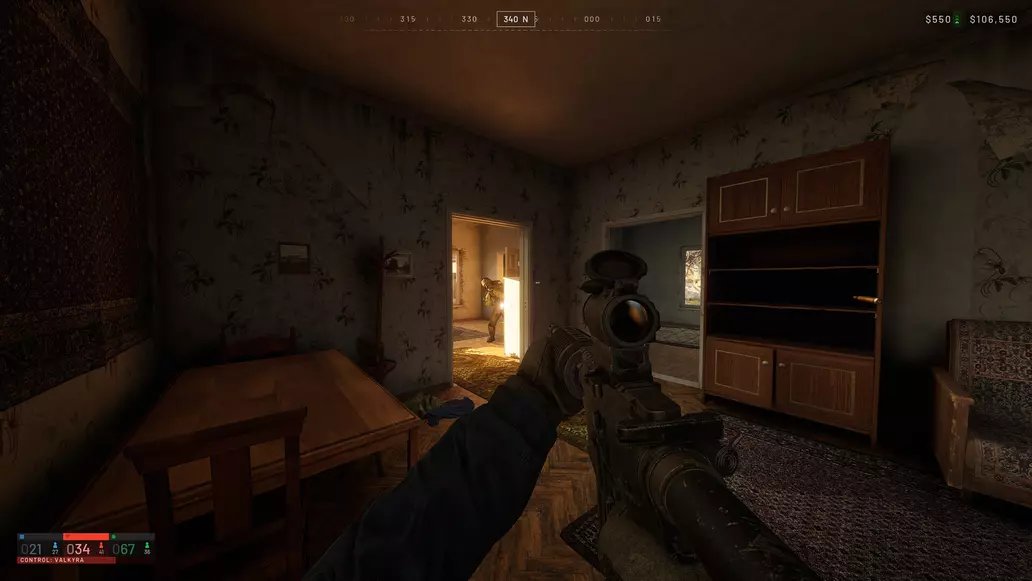
Sometimes you want to kick back, relax, and use a controller to play games.
Wardogs might only be available on PC right now, but that hasn’t stopped players from wanting to use a controller instead of a keyboard and mouse. While a keyboard certainly offers more control of the game, and the mouse offers greater accuracy, sometimes a controller offers other benefits. There’s some good news if you’re someone who’s wondering about Wardog’s controller support.
Does Wardogs have controller support?
Yes, Wardogs has controller support. Players can plug a controller into their PC (or connect it wirelessly) and use it in combat, flying vehicles, and driving. Unfortunately, there is currently no way to remap the button inputs, so whatever is the default will need to suffice. You can read all of the Wardogs controls here.
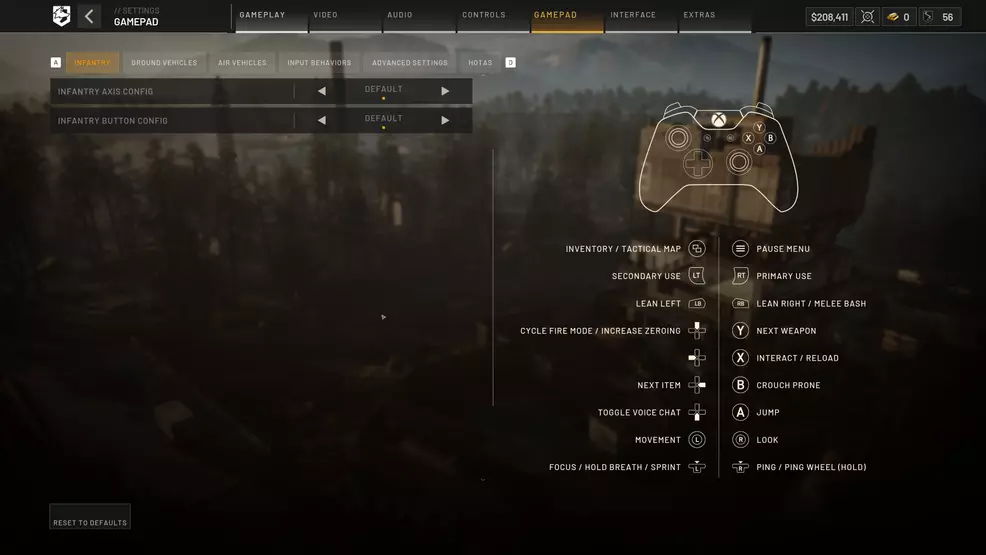
Source: Shacknews
There are, however, a lot of other controller settings in Wardogs. There are various input behaviors (like holding or pressing buttons to lean, ADS, etc) but also a long list of advanced settings to adjust the sensitivity of the sticks, the acceleration of their movement, and even specific options for ground or air.
While there’s no controller button remapping in Wardogs yet, the game is still in early access and will be coming to consoles in 2028, so there’s every chance this will be included later on. You’ll need to make do for now. Check out our Wardogs page for more help.
Shacknews staff does not use generative artificial intelligence (AI) in their content. Shacknews strictly prohibits the use of its content for AI training or to generate text, including text in the style or format used for this publication. Shacknews reserves all rights to this work.

Hailing from the land down under, Sam Chandler brings a bit of the southern hemisphere flair to his work. After bouncing round a few universities, securing a bachelor’s degree, and entering the video game industry, he’s found his new family here at Shacknews as Head of Guides. There’s nothing he loves more than crafting a guide that will help someone. If you need help with a guide, or notice something not quite right, you can message him on X: @SamuelChandler