When even CS2 modders can prevent wall-hacking by just following the basic rule: “never trust the client”
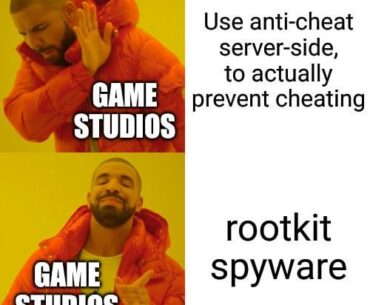

When even CS2 modders can prevent wall-hacking by just following the basic rule: “never trust the client”

Audacity
Devastating ‘Dirty Frag’ exploit leaks out, gives immediate root access on most Linux machines since 2017, no patches available, no warning given — Copy Fail-like vulnerability had its embargo broken
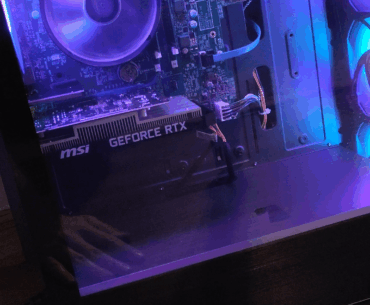
Optiplex 3040MT to Phanteks case swap. Before and after.
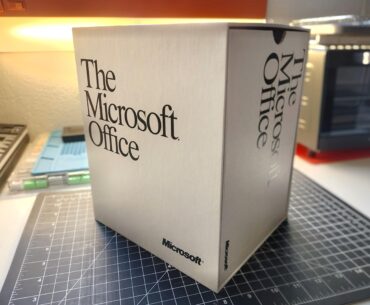
Found the holy grail while cleaning out Grandma’s house
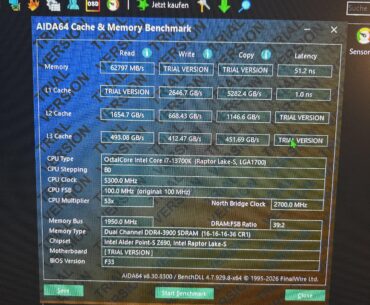
Hello, I have two sticks of Samsung B-die RAM. The RAM features two profiles: 3600 MHz CL14-16-16-36 and 4000 MHz CL16-16-16-36. How should I configure the settings to achieve the lowest possible latency while maintaining system stability?
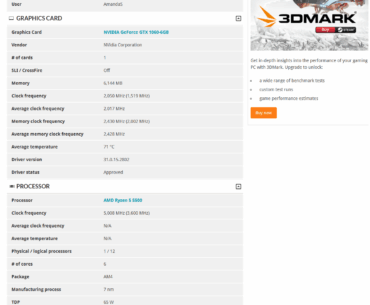
Long story short i'm chasing leaderboards in 3dmark with my r5 5500 and gtx 1060 6gb and then i saw this… i'm using a gigabyte a520m s2h and cant possibly imagine how someone pulled off 5ghz on a r5 5500…
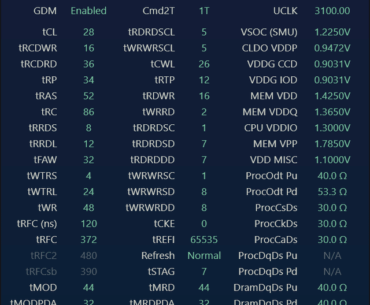
Hi, I have been running these settings for about a year, and I just want to check if everything looks good, or if there is anything obvious I should change, or any easy improvements? Thanks in advance!
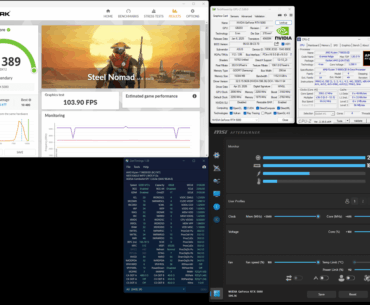
Hi, I ran new benchmarks today. Port Royal and Solar Bay Extreme links weren't accepted by HWBot, eventhough they're validated and on leaderboard.
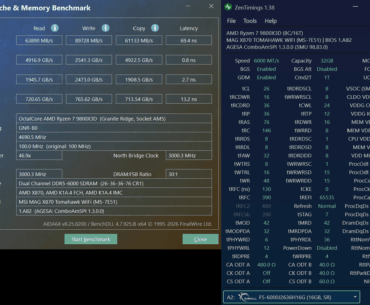
GSKILL F5-6000J2636H16GX2-TR5NS what would you suggest I improve on? I know tRC could probably go lower maybe 112(tRP+tRAS)? Might be able to lower both SCL's to 5.. or lower tFAW to 28, not sure where to go next. I know…
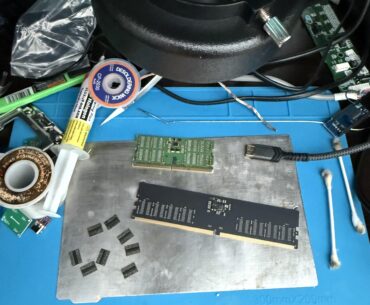
Took a quick break studying to responder these hopefully it’ll work
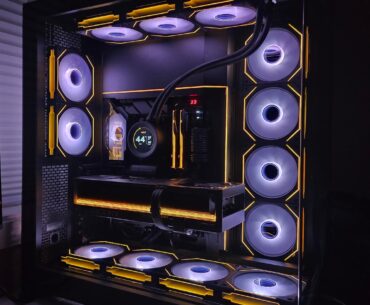
9850X3D Crosshair X870E Hero Astral 5090 OC G.Skill 6000mhz CL30 NV9 Corsair MP700 Pro 2tb Gen 5 Kingston KC3000 2tb Gen 4 Corsair HX1200i Lian Li SL UNI Infinity fans NZXT Kraken 360 AIO