

X-Crafts has been making Embraer jets for X-Plane for years now, and with the ERJ Family 2.0, they’re applying everything they’ve learnt from the E-Jets series (E175-195) to the older ERJ family. X-Crafts gave us early access to the pre-release beta, so I took the E145 from Las Vegas to Scottsdale to get my first impressions. Bear in mind this is a beta build, so things will likely change before release, but here’s what I found during my first flight.
Included Variants
The package includes five variants: the E135, E140, E145, E145XR and the Legacy business jet. The only real differences between the E135, E140, E145 and E145XR are their size and range capabilities. The Legacy ERJ, however, is a different story.
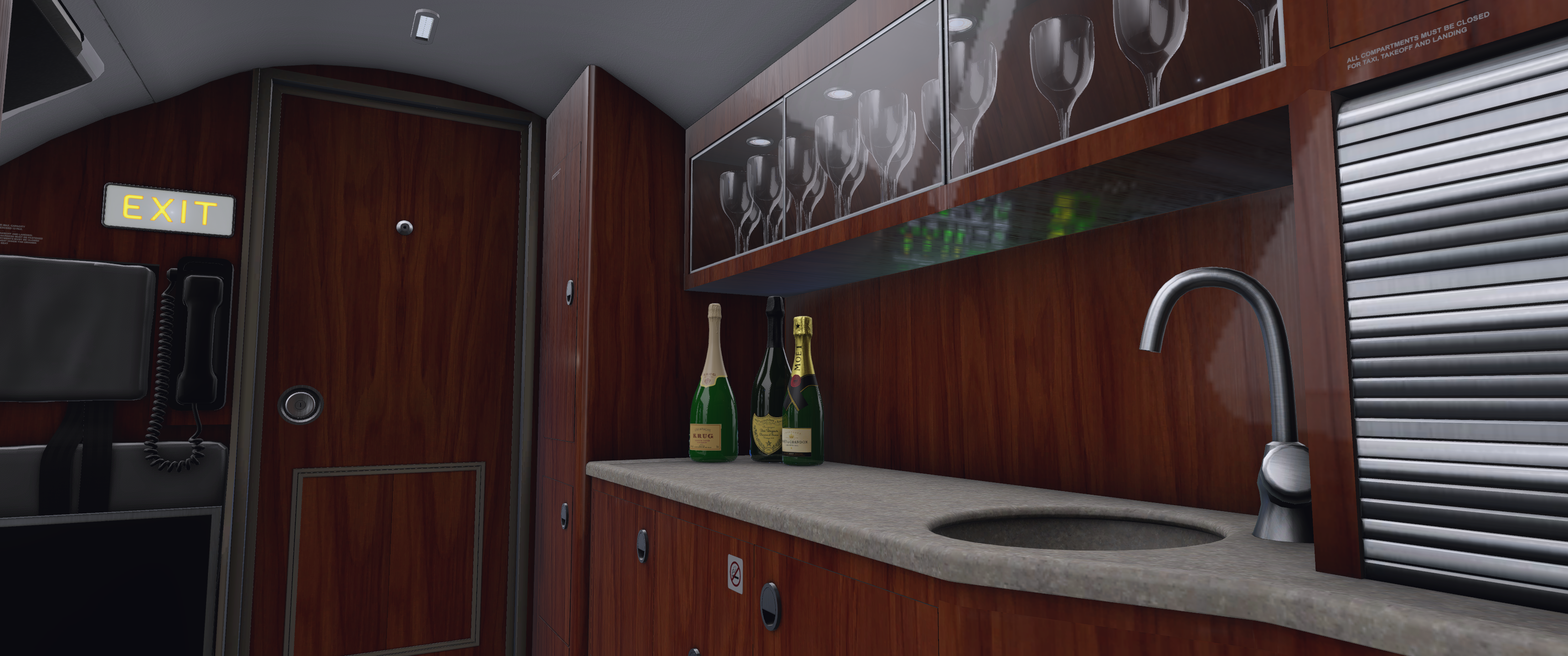
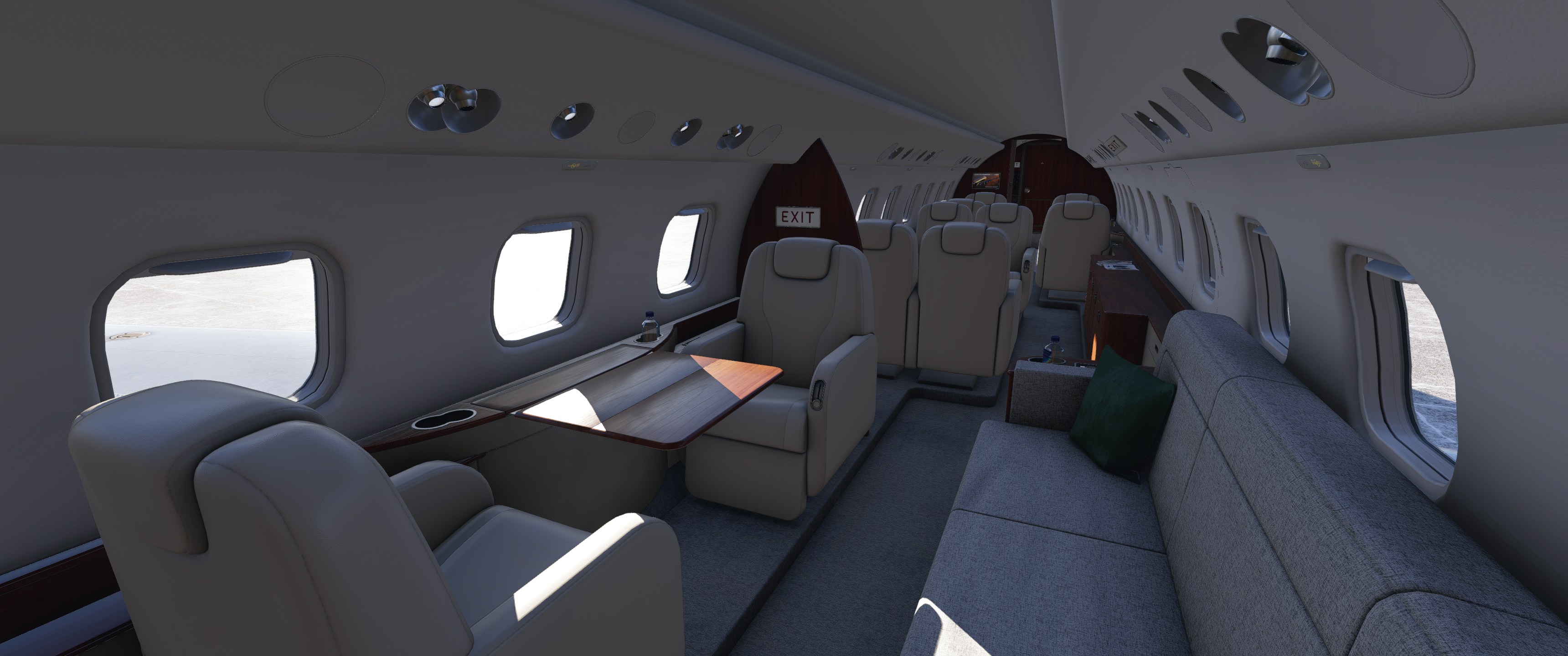
The Legacy features a fully modelled private jet cabin that’s a significant step up from the standard airliner interior. It has nice wooden and leather textures, redone cabin walls, and a galley complete with wine. The cabin tables and divider doors are animated as well. Each seat even has its own reading light controlled via a touchscreen next to the specific seat, which is a nice attention to detail. Unfortunately, there is no modelled lavatory, which is a shame given the otherwise luxurious treatment.


Exterior and Visual Model
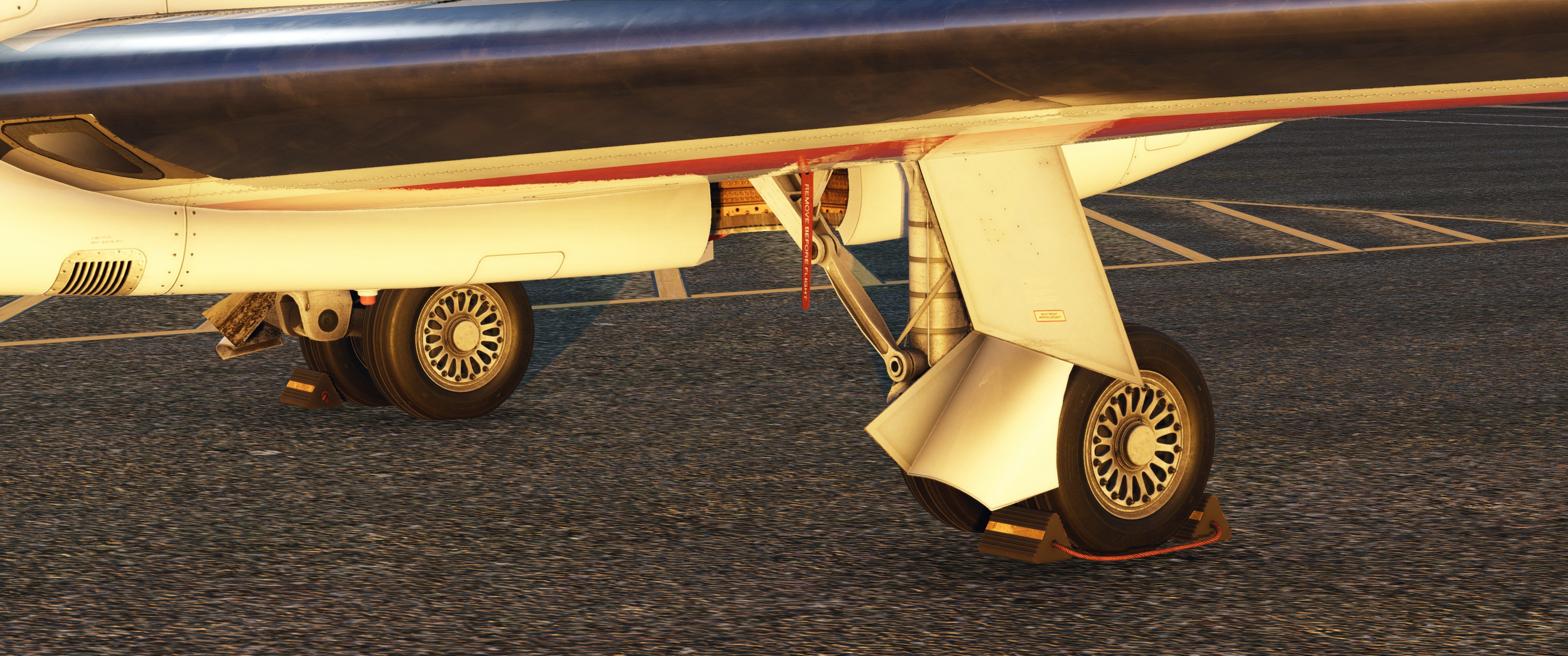
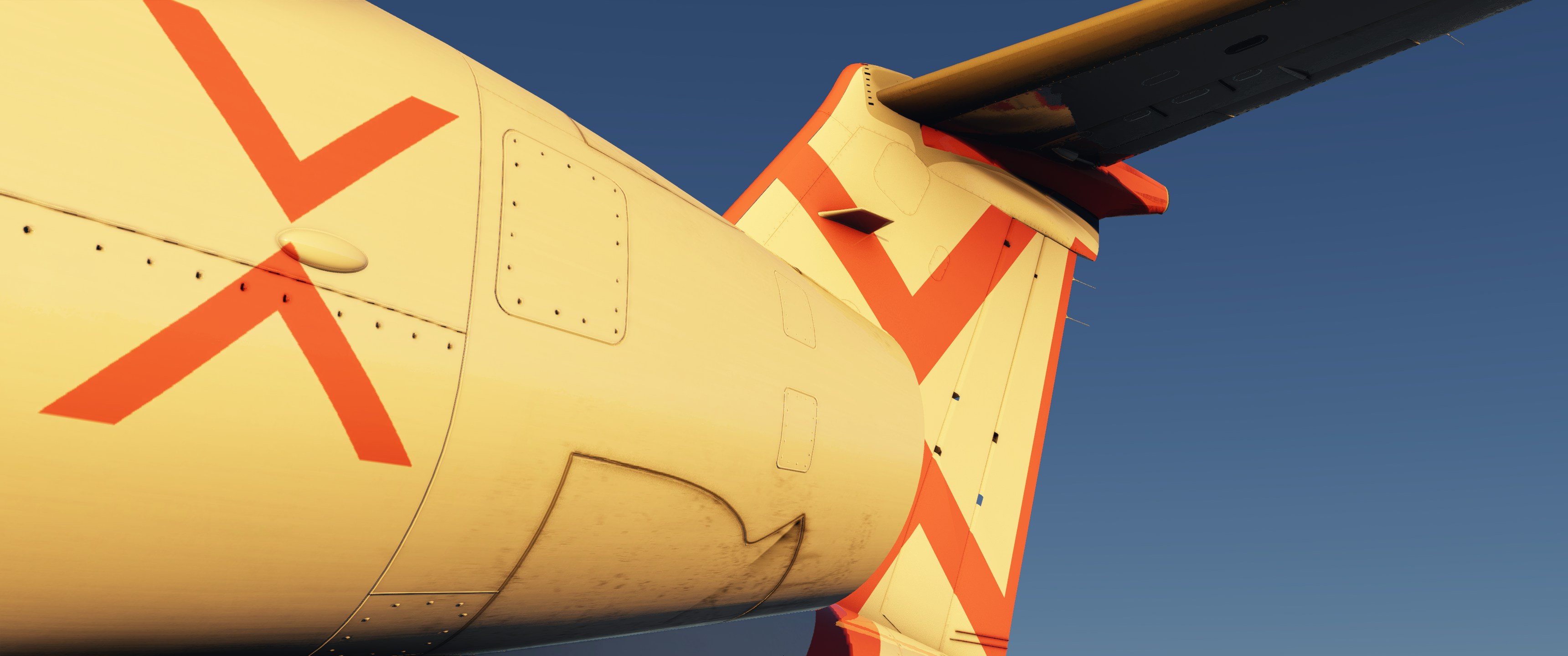
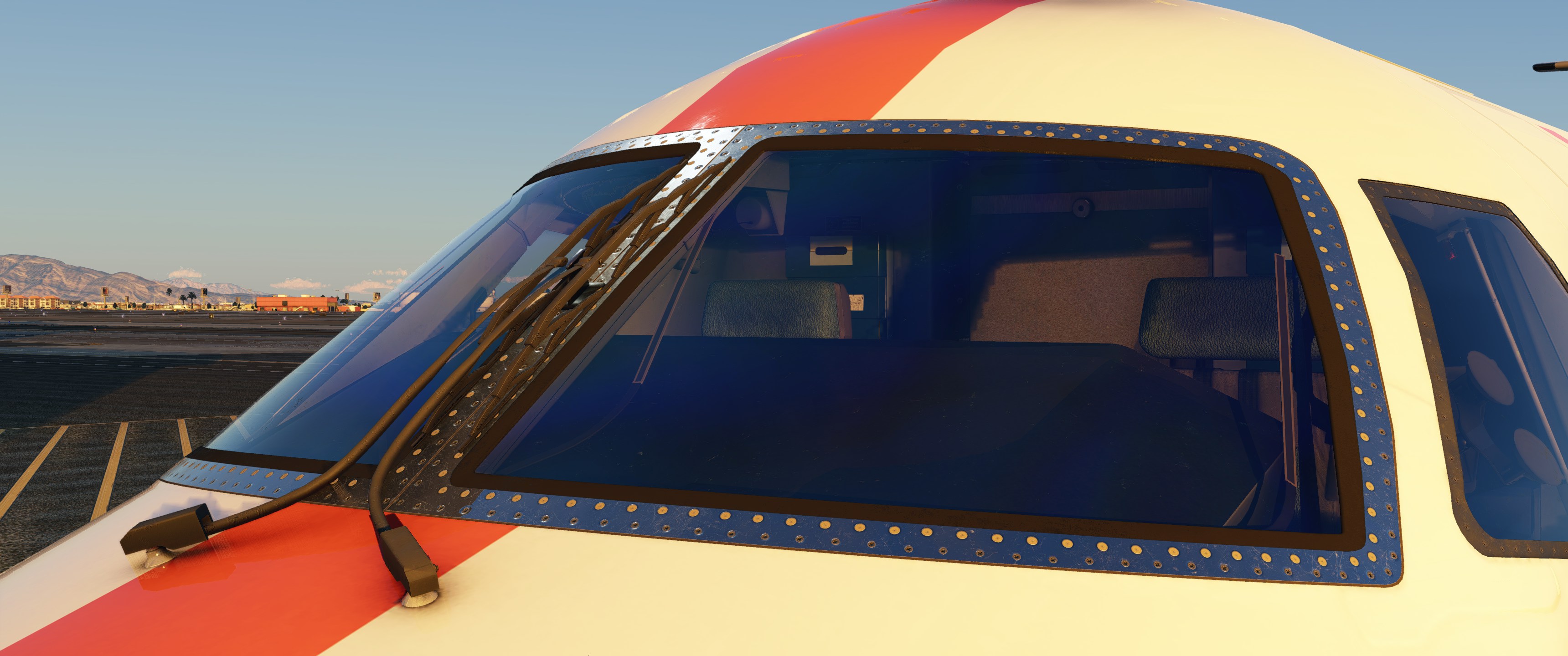
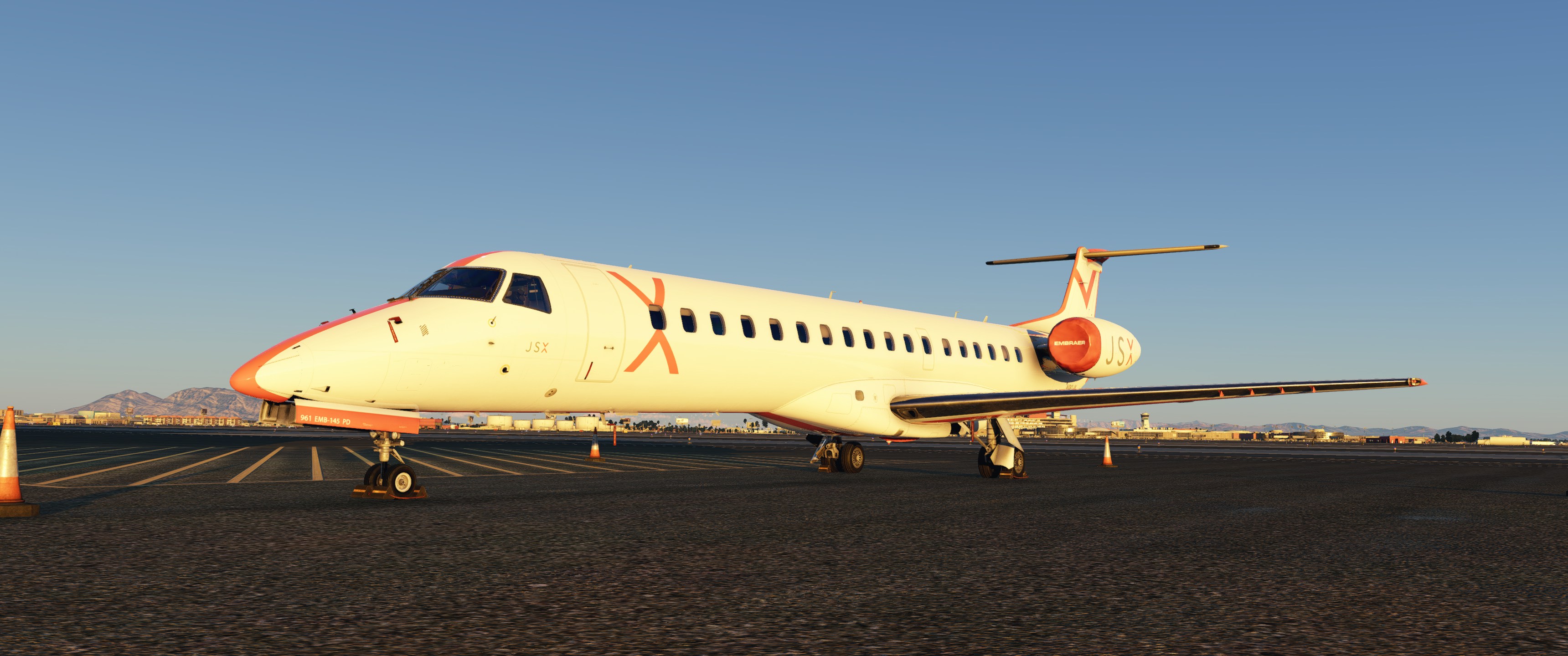
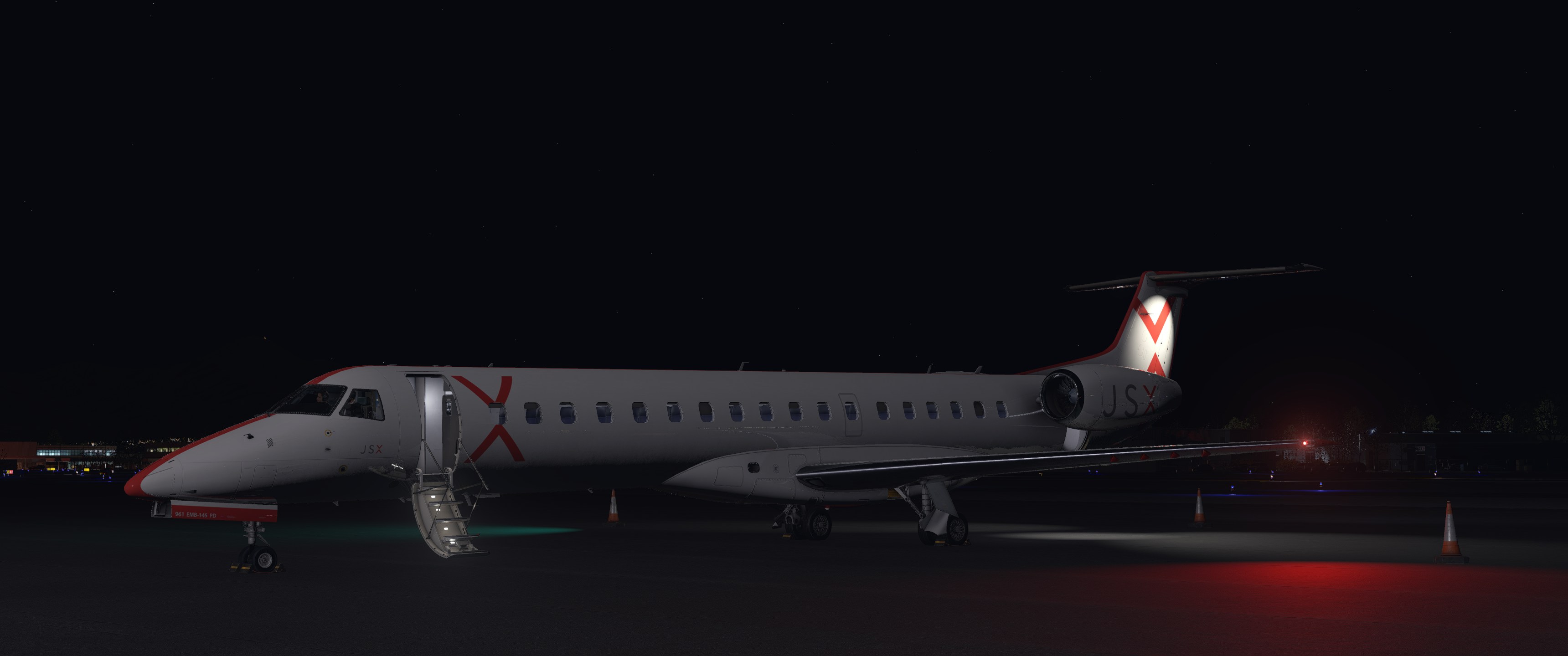
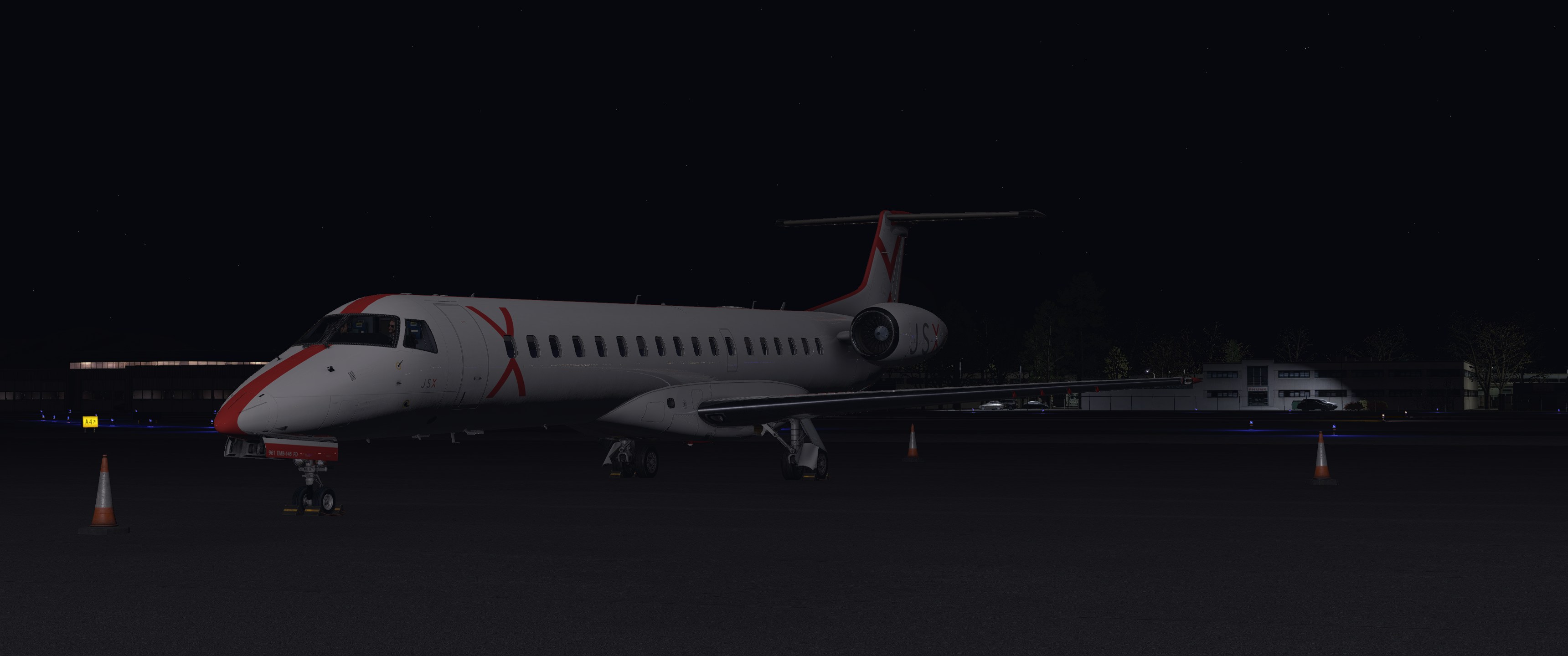
Starting at the Jet Suite X ramp at Las Vegas International during sunset, the exterior modelling immediately caught my attention. X-Crafts has used PBR texturing extensively, with high-quality materials and textures where they matter most to keep performance in check. The aircraft looks like a working regional jet should, with subtle wear and tear across the airframe that suggests daily operations with several legs, rather than a showroom finish.
Opening the front passenger door shows the attention to detail in the animations. Rather than just dropping down with a basic linear animation, the stairs descend with a nice animation with realistic physics, complete with a subtle bounce when fully extended, as well as animated folding handrails. It’s a small touch, but these details add up.
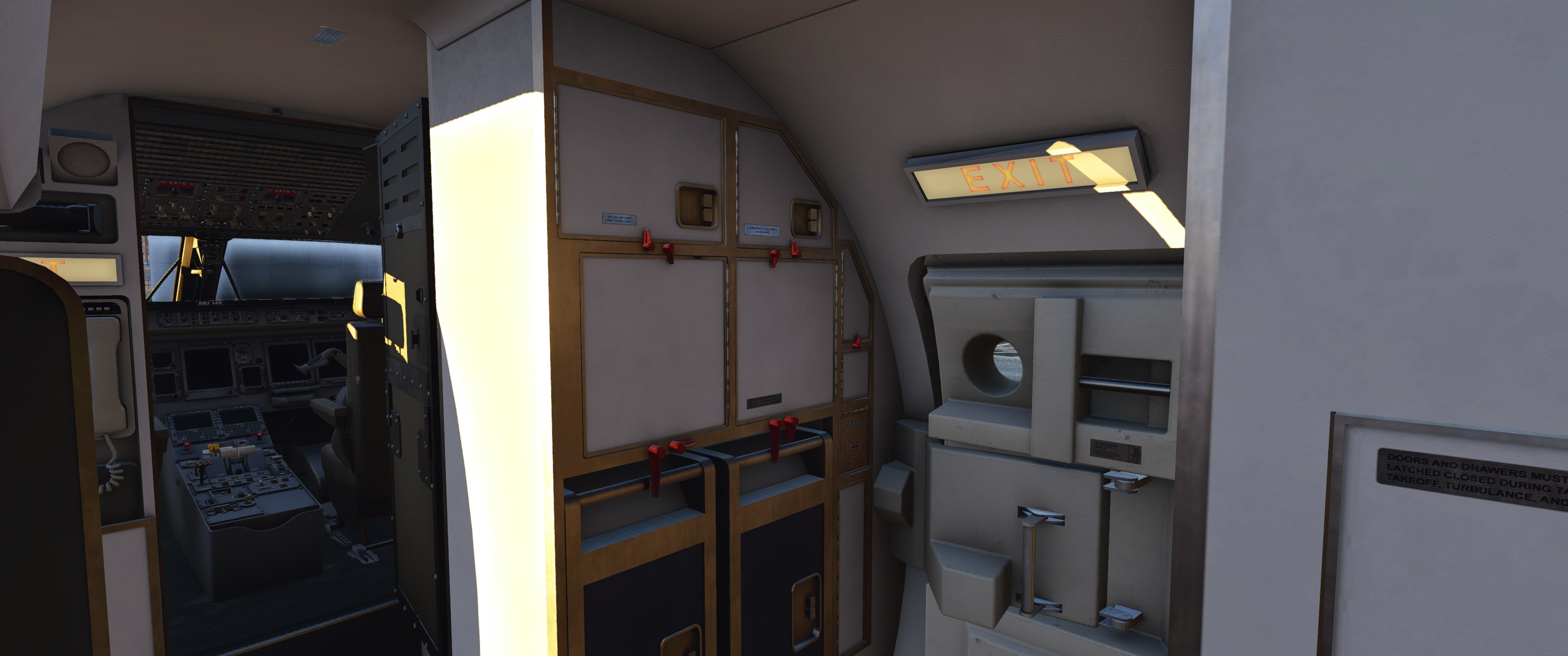
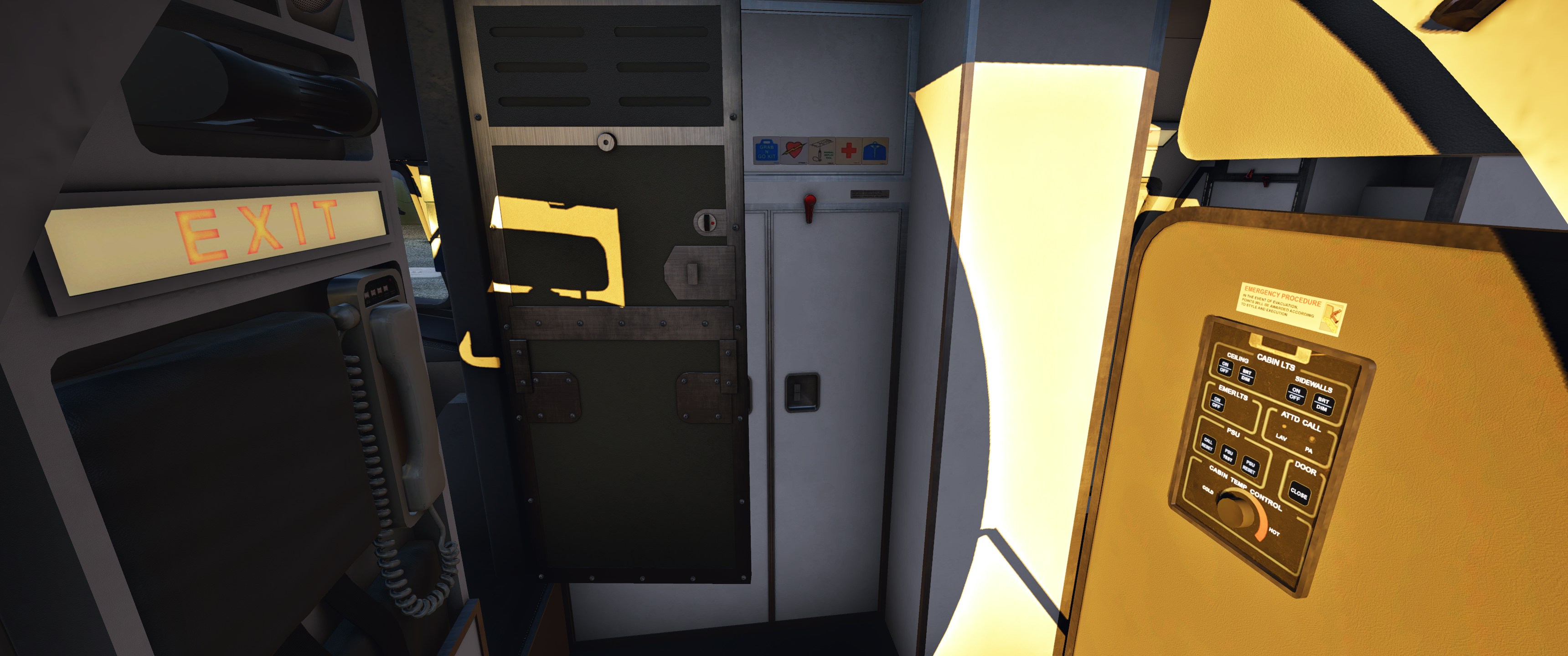
Inside, you’re greeted by the flight attendant panel and the crew storage locker, both familiar sights for ERJ crews. The locker, unfortunately, isn’t animated at this stage, though its exterior modelling looks solid. The cockpit door has a similarly good animation.
Cockpit Quality
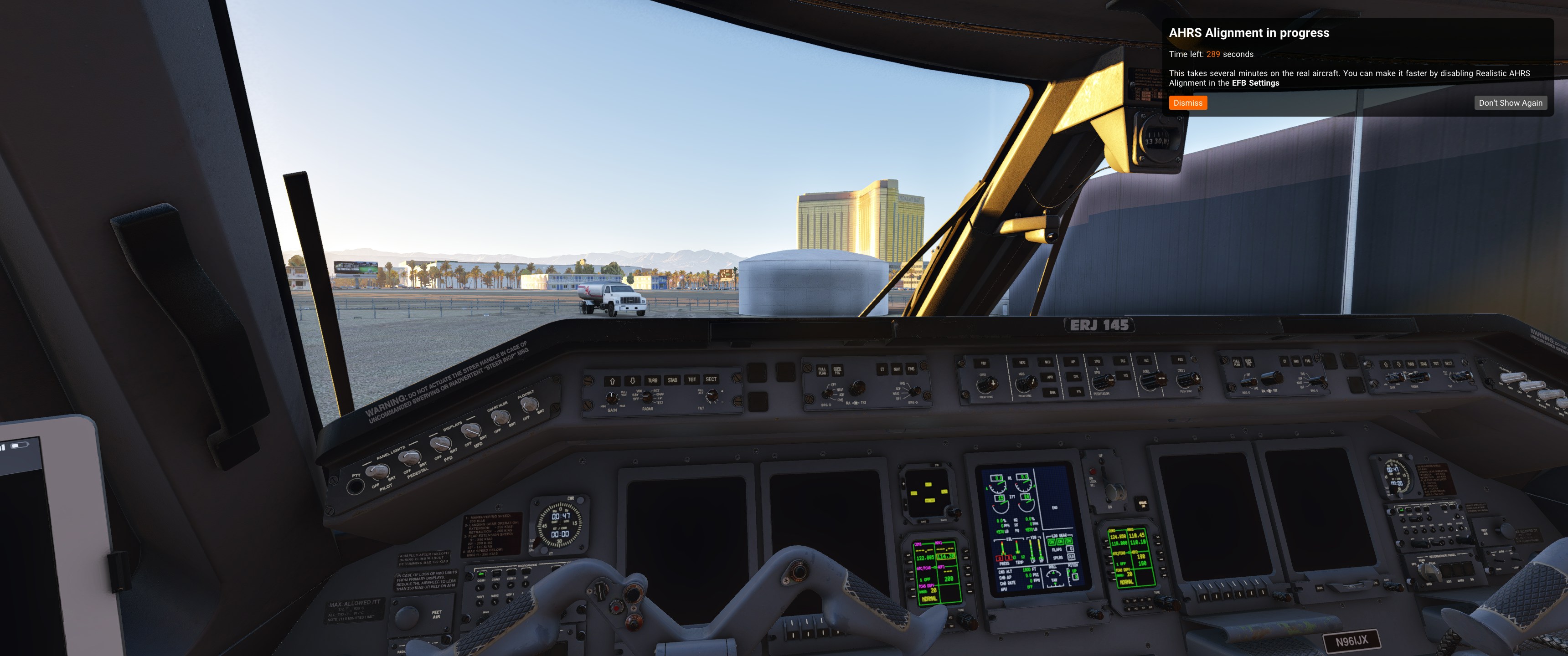
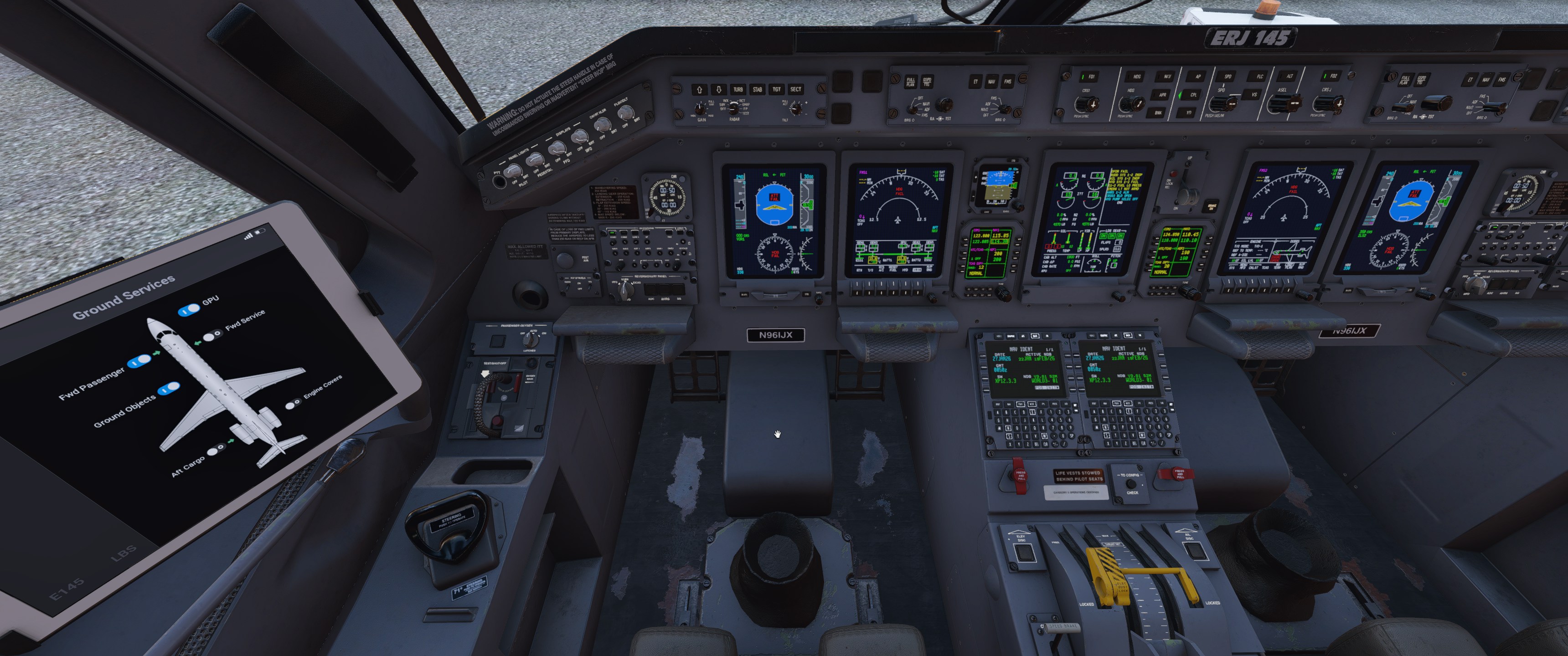
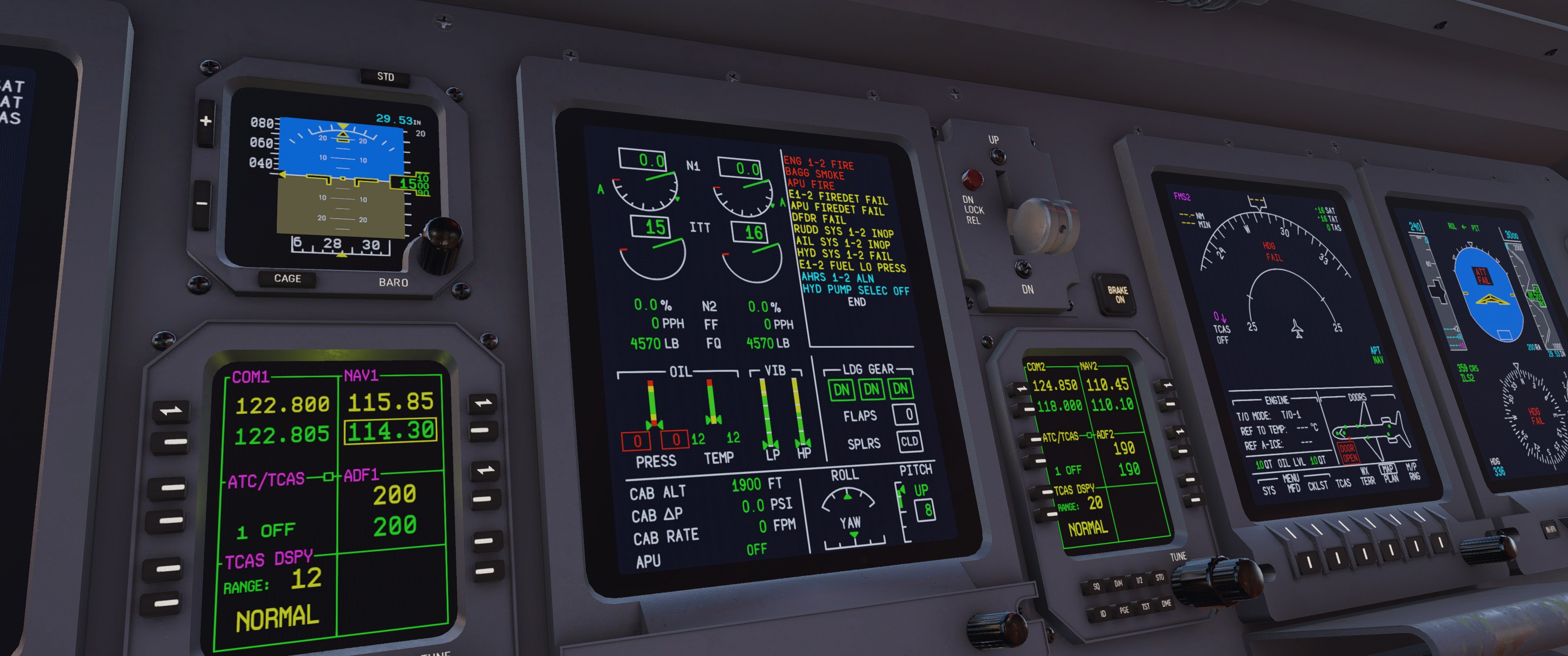
Stepping into the cockpit, the modelling is what you’d expect from a modern payware X-Plane addon. PBR materials are used throughout with high-quality textures and weathering in the right places. Wear patterns show up where you’d expect them: the pedal area is scuffed from countless feet, and the yokes show more wear where pilots grip them during flight.
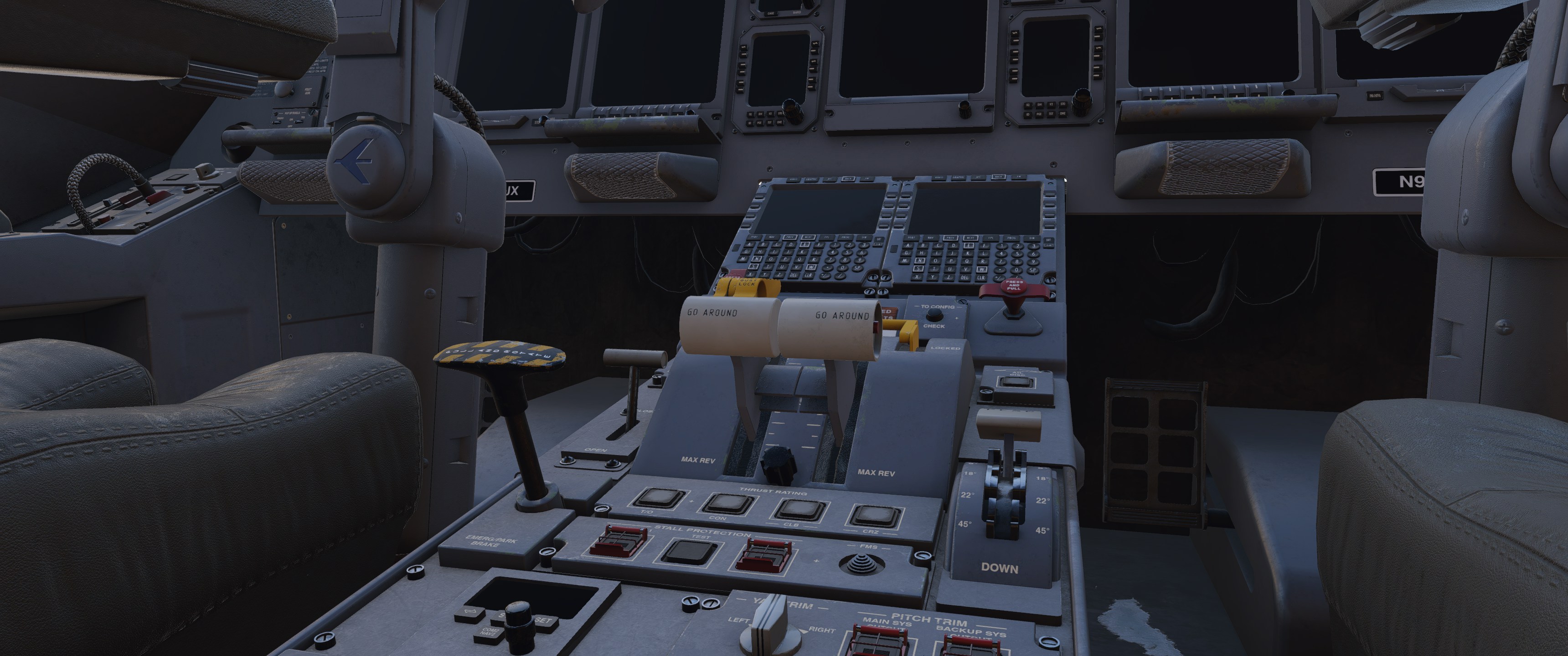
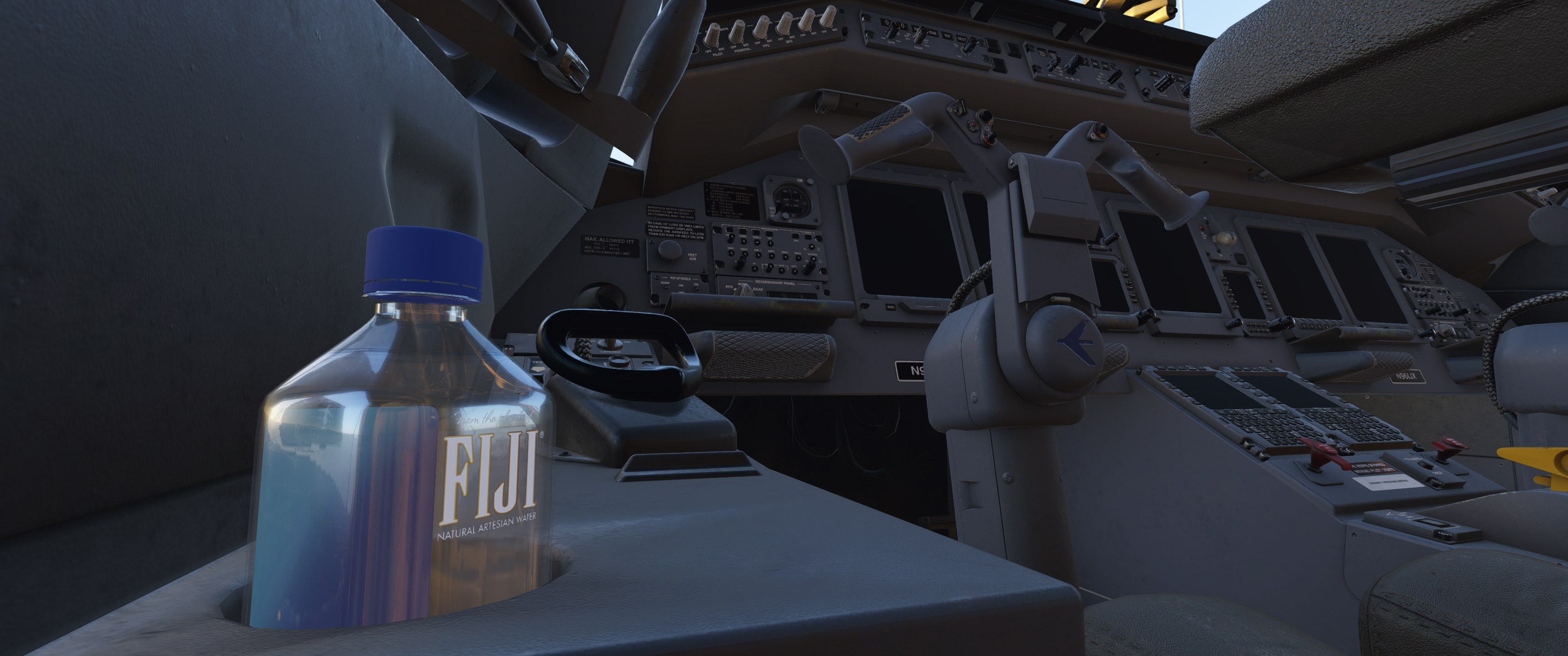
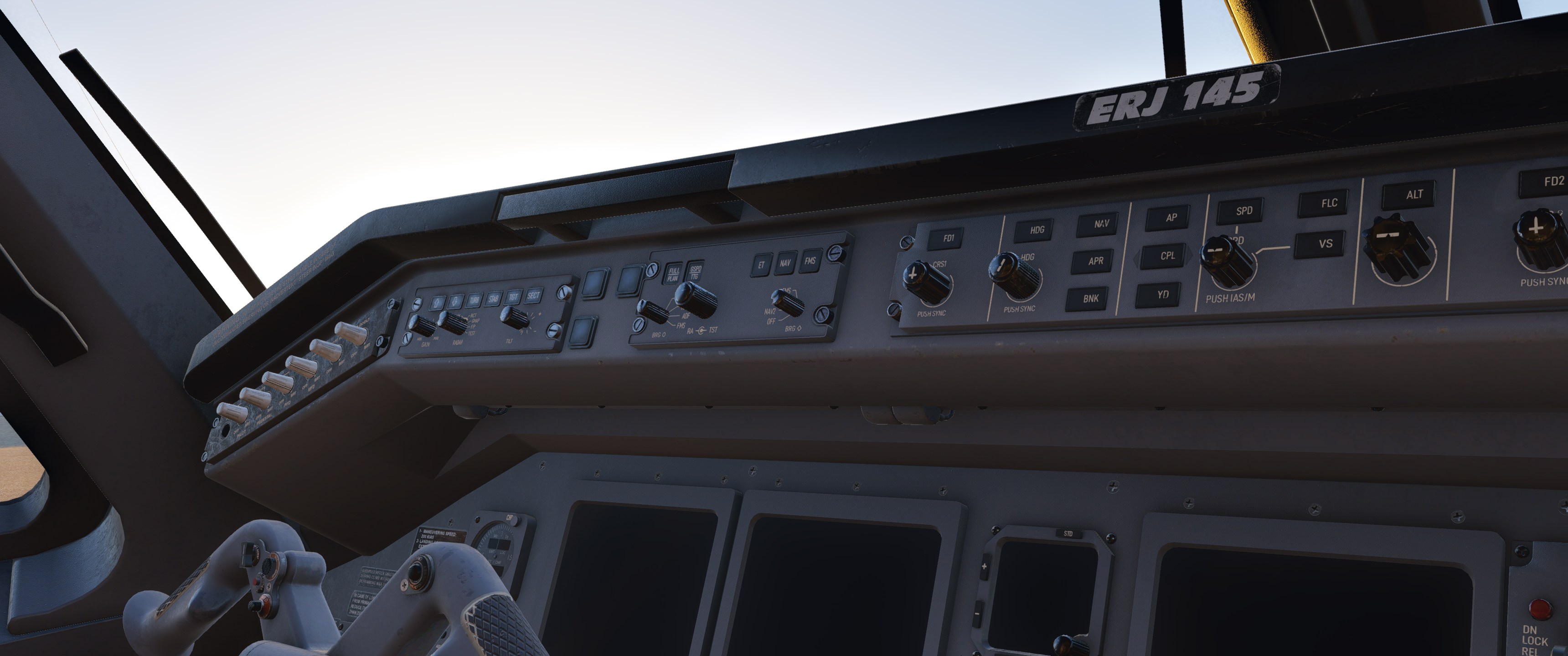
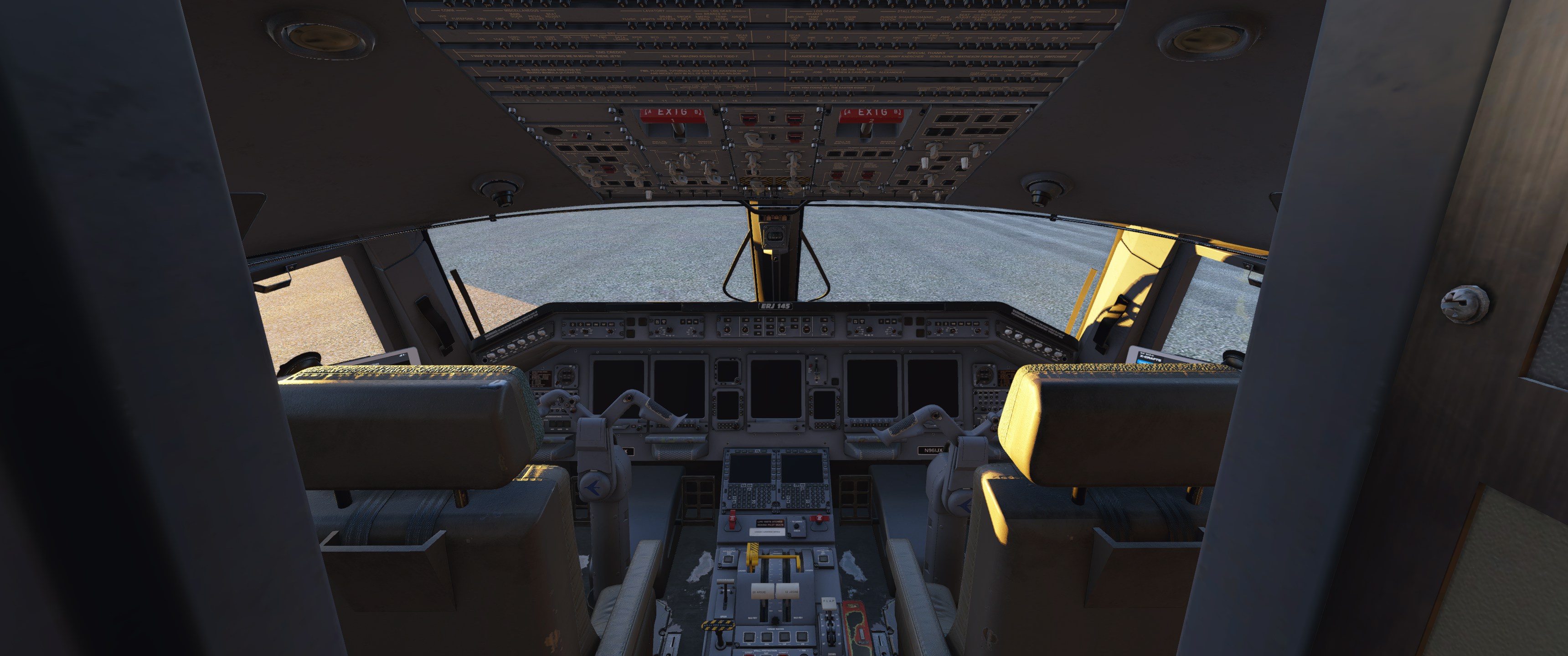
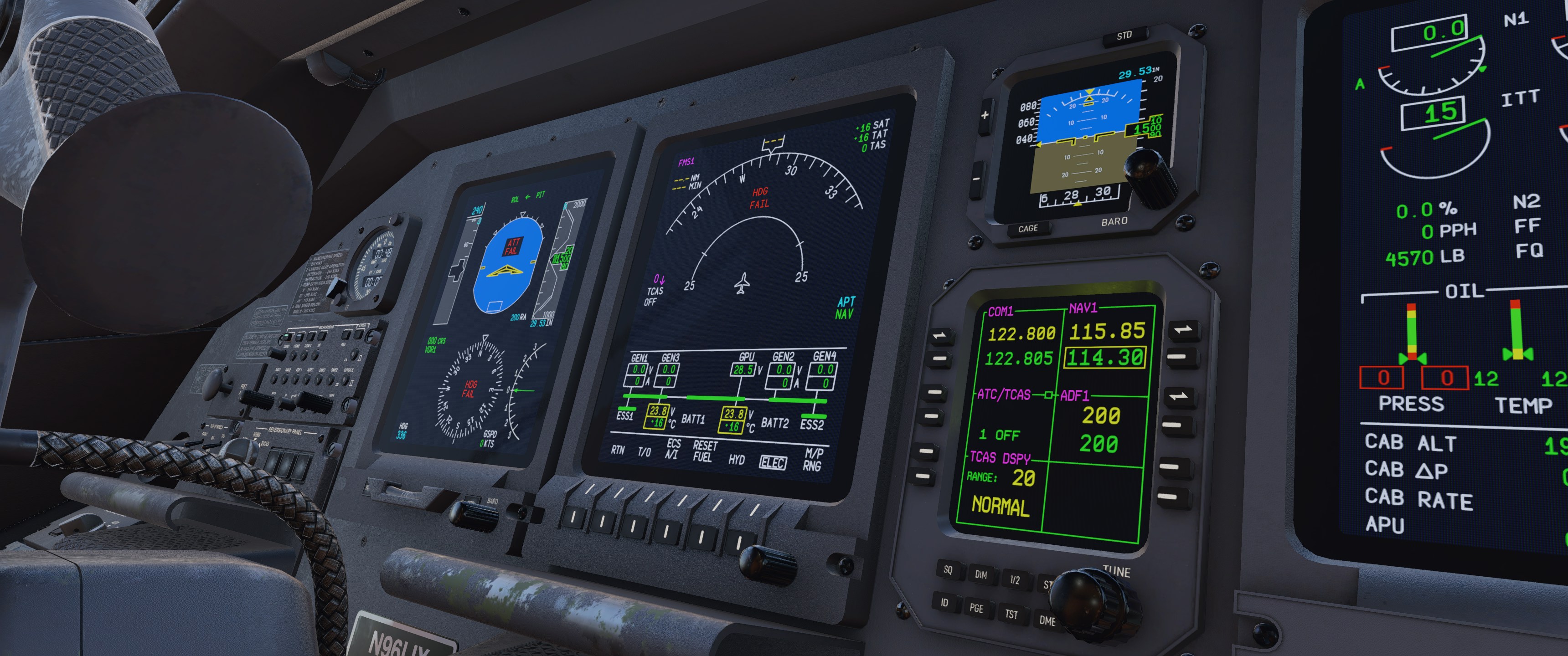
The start-up sequence feels good. Turning on the battery, checking voltages through the pilot’s MFD, and then connecting ground power all provide solid feedback through visuals and sound. The audio during this process is particularly well done.
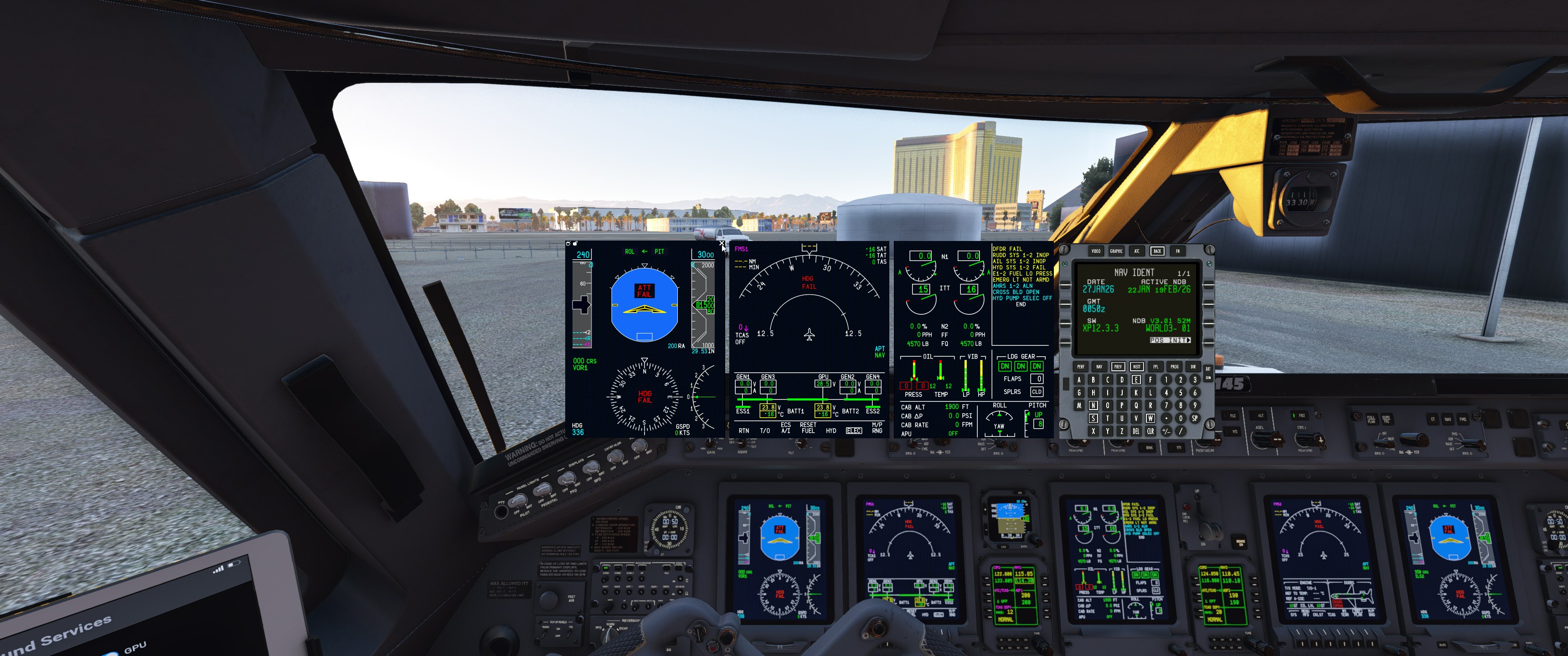
For those who find the cockpit screens difficult to read or use with the yokes in the way, the screens can be popped out as 2D panels. The yokes themselves can also be hidden by clicking near the middle of them, which is handy for getting a clearer view of the instruments.
Flight Management System
Programming the FMC was relatively straightforward, having flown both the X-Crafts and Flight Sim Studios Embraers a lot. The interface is responsive and does what you’d expect, with text entry working smoothly throughout.
It’s worth noting that the FMS included is the stock Primus FMS that comes with X-Plane 12’s Citation X, though with a custom font and some other minor changes. It’s a bit of a shame not to have a fully custom FMS, but at least it works well. Hopefully, we can get a custom FMS at some point, ideally a UNS option to better match what some ERJ operators actually use.
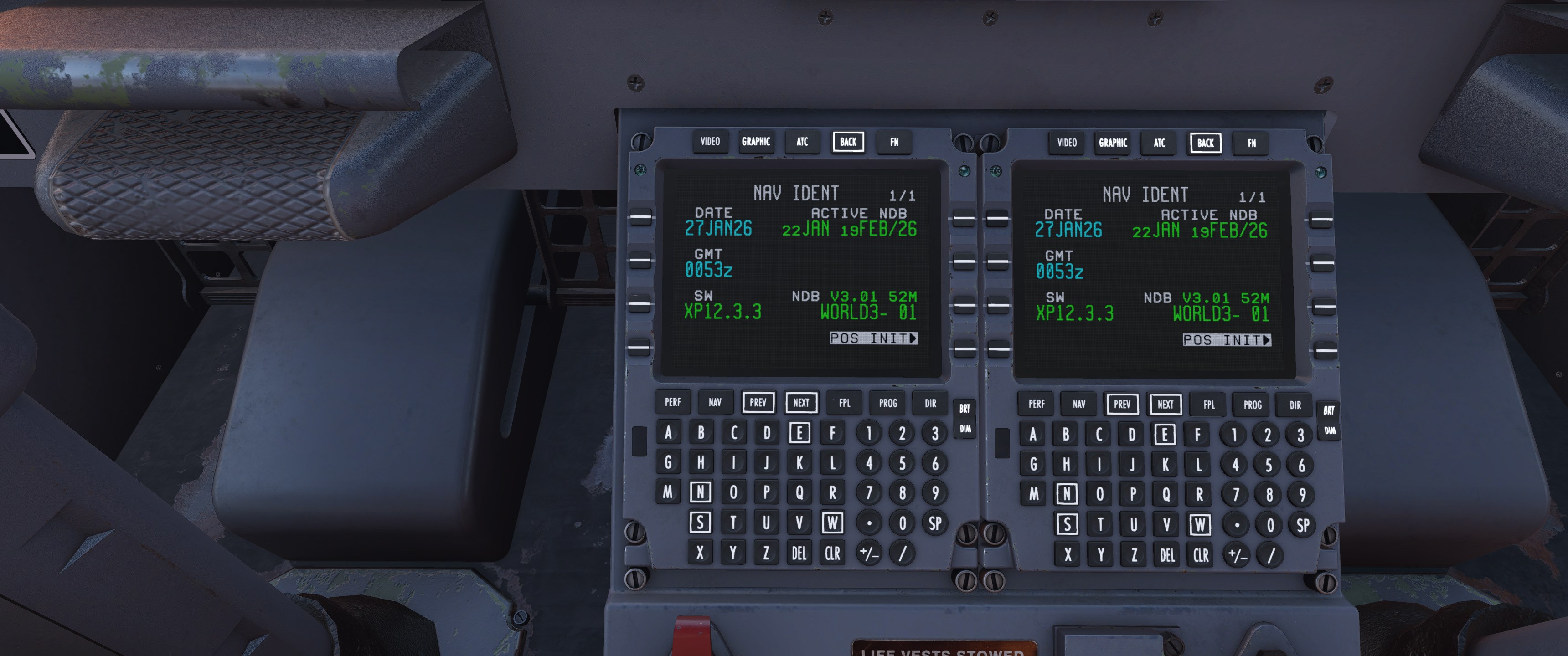
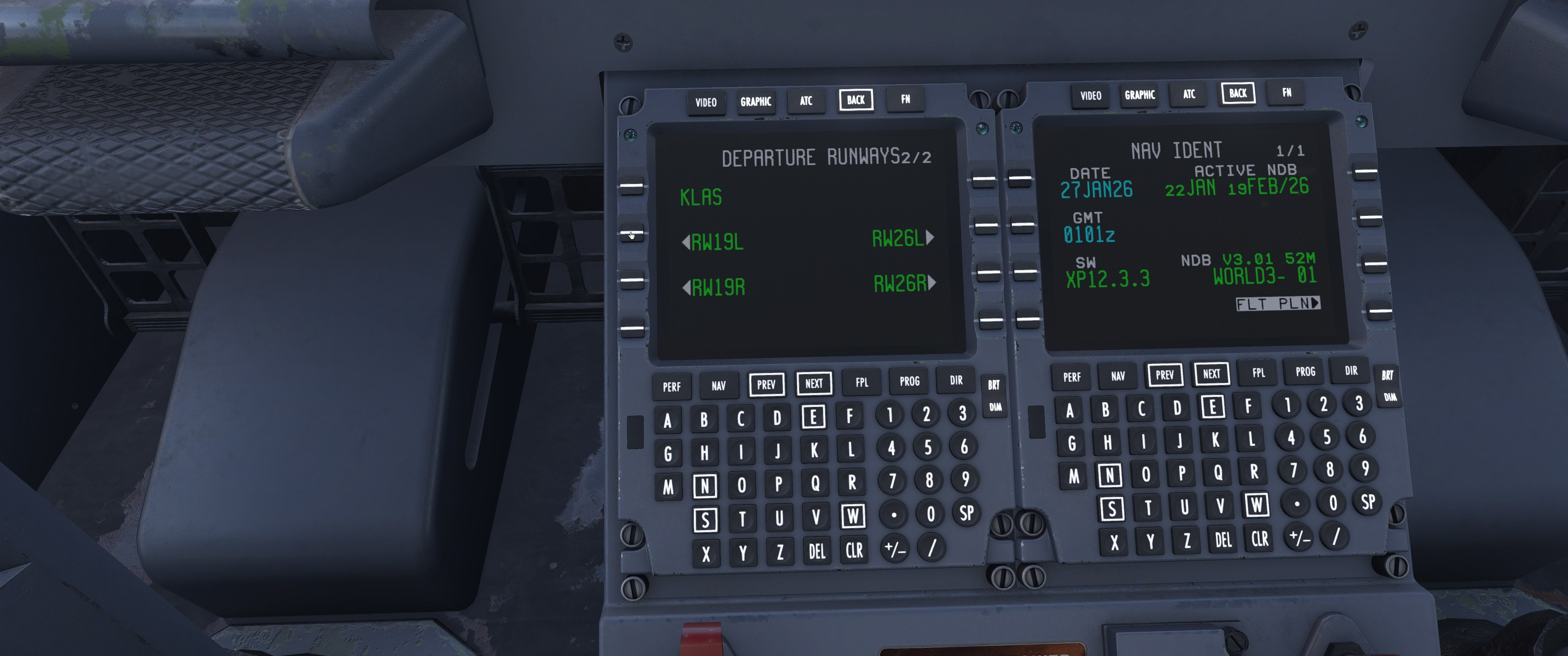
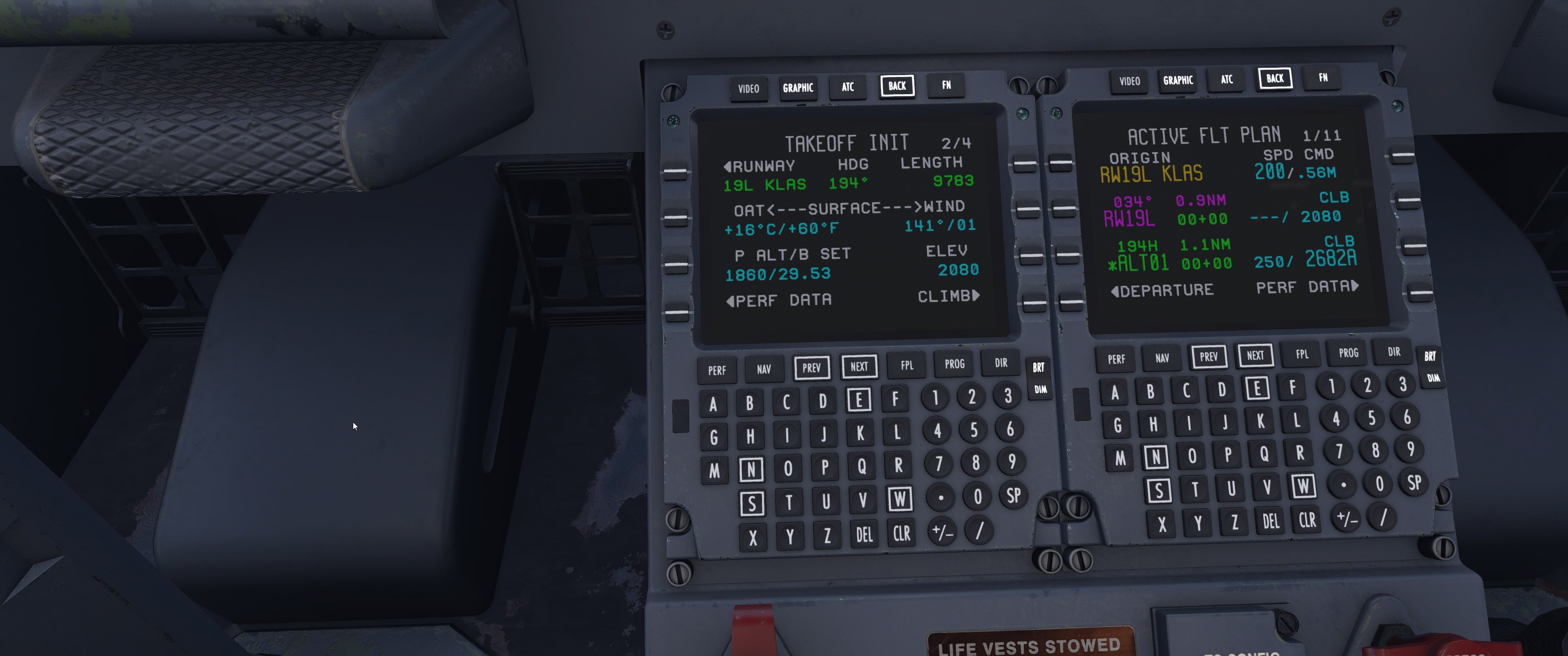
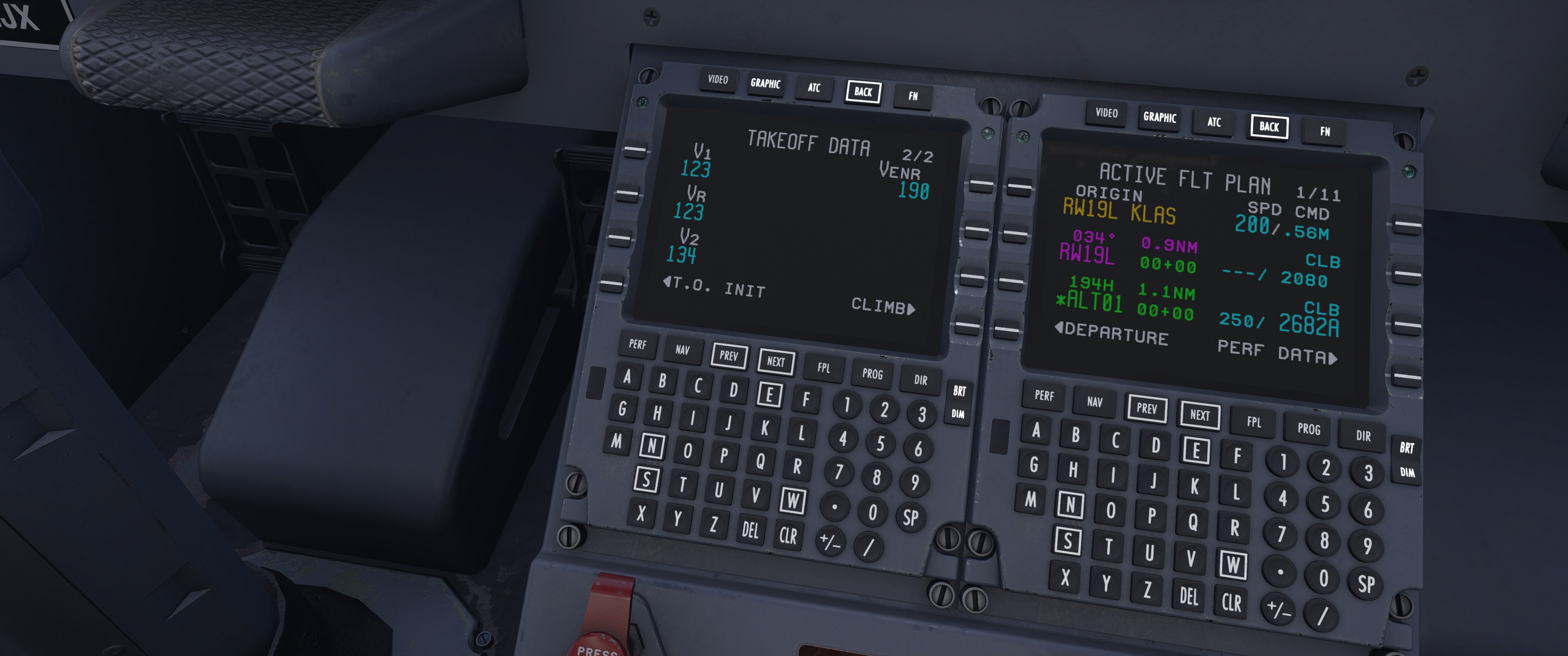
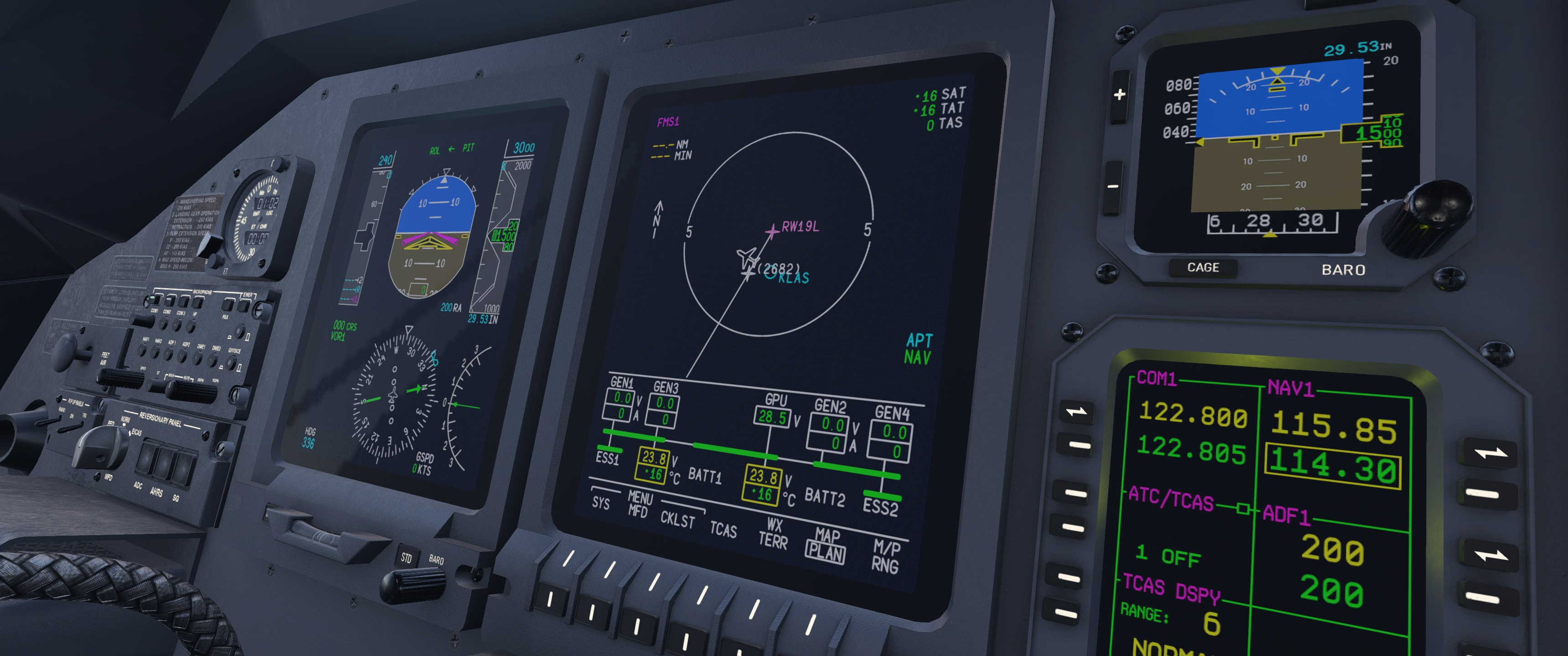
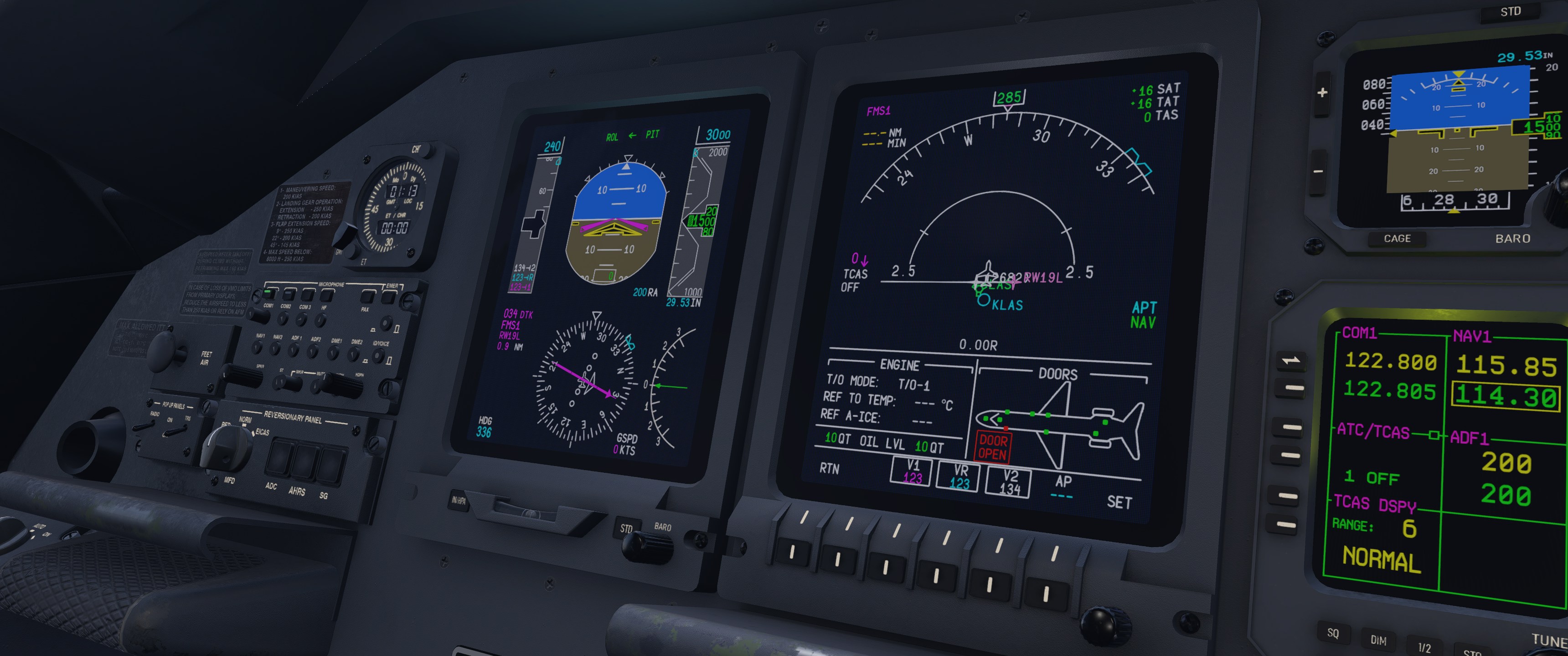
The main issue is the lack of direct SimBrief import. Currently, importing a pre-made flight plan means saving it as a .fms file and dropping it in the FMS Plans folder inside X-Plane’s Output directory. This is standard for many X-Plane addons, but it feels dated when compared to modern standards, especially given that the addon has SimBrief payload import in the EFB. For a short route, manual entry was quick enough, and the FMC handled it perfectly without any freezes or waypoint issues, even with a complex RNAV arrival loaded.
For things I wasn’t familiar with, like the PERF pages, the included documentation was helpful. X-Crafts has provided clear manuals in the aircraft folder that made it easy to find what I needed.
Learning Aids: Helpful Tooltips
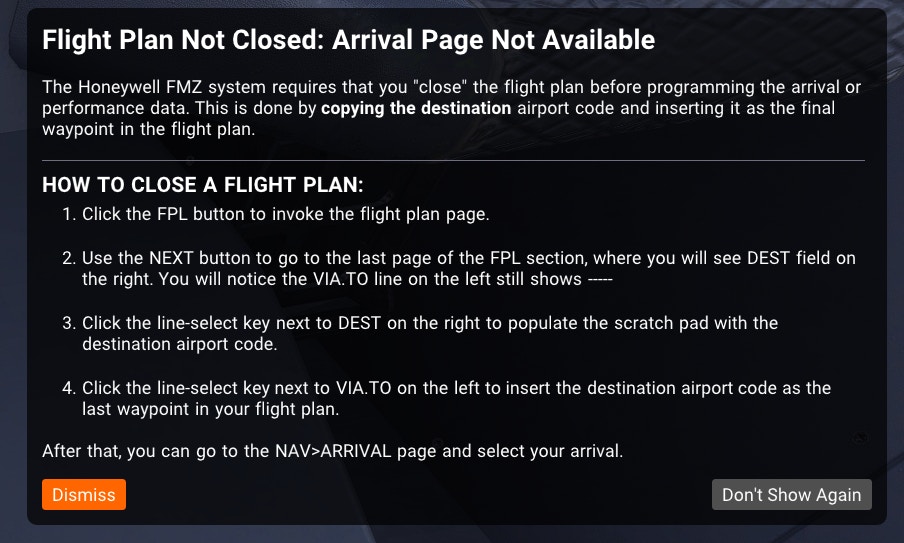
Throughout the pre-flight, the addon provides tooltips that explain systems, highlight common mistakes, and offer guidance for newcomers. During FMS programming, for instance, I tried to access the arrival menu, but the ARRIVAL key didn’t work. A tooltip immediately popped up, explaining that the destination airport needs to be entered as the final waypoint in the flight plan first, even though it was already in a separate destination field. For anyone unfamiliar with ERJ procedures, these hints are genuinely helpful without being intrusive.
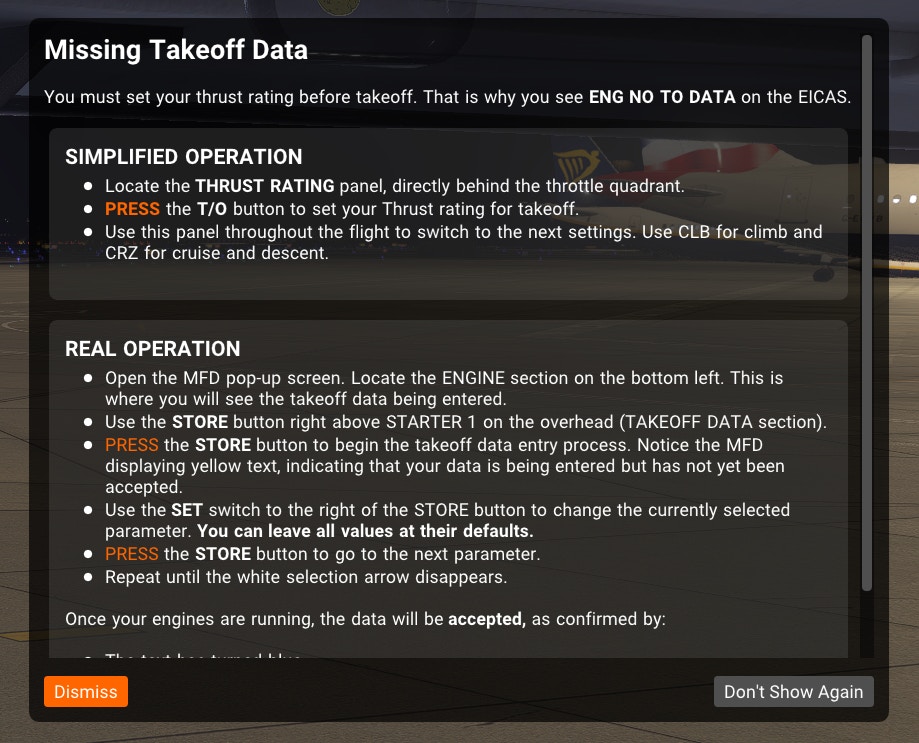
Ground Operations and Engine Start
With V speeds programmed into the MFD, I worked through the before-start checklist using the EFB. The EFB is quite feature-rich, including AviTab functionality for charts and navigation. There’s also a manual payload calculator for those not using SimBrief, where you can enter either the payload or the ZFW along with fuel weight. Takeoff and landing performance calculators are included as well, and their data can be transferred straight to the PFD, which is a nice time saver.
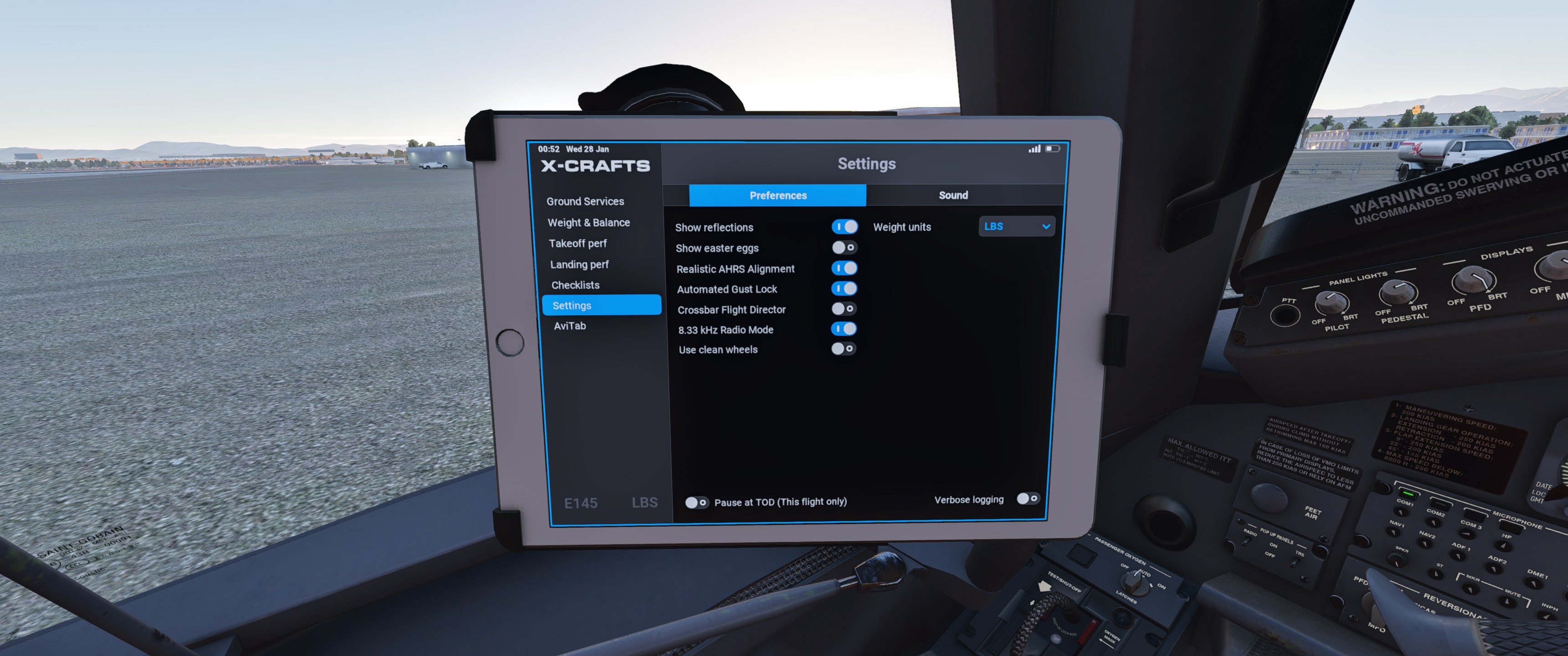
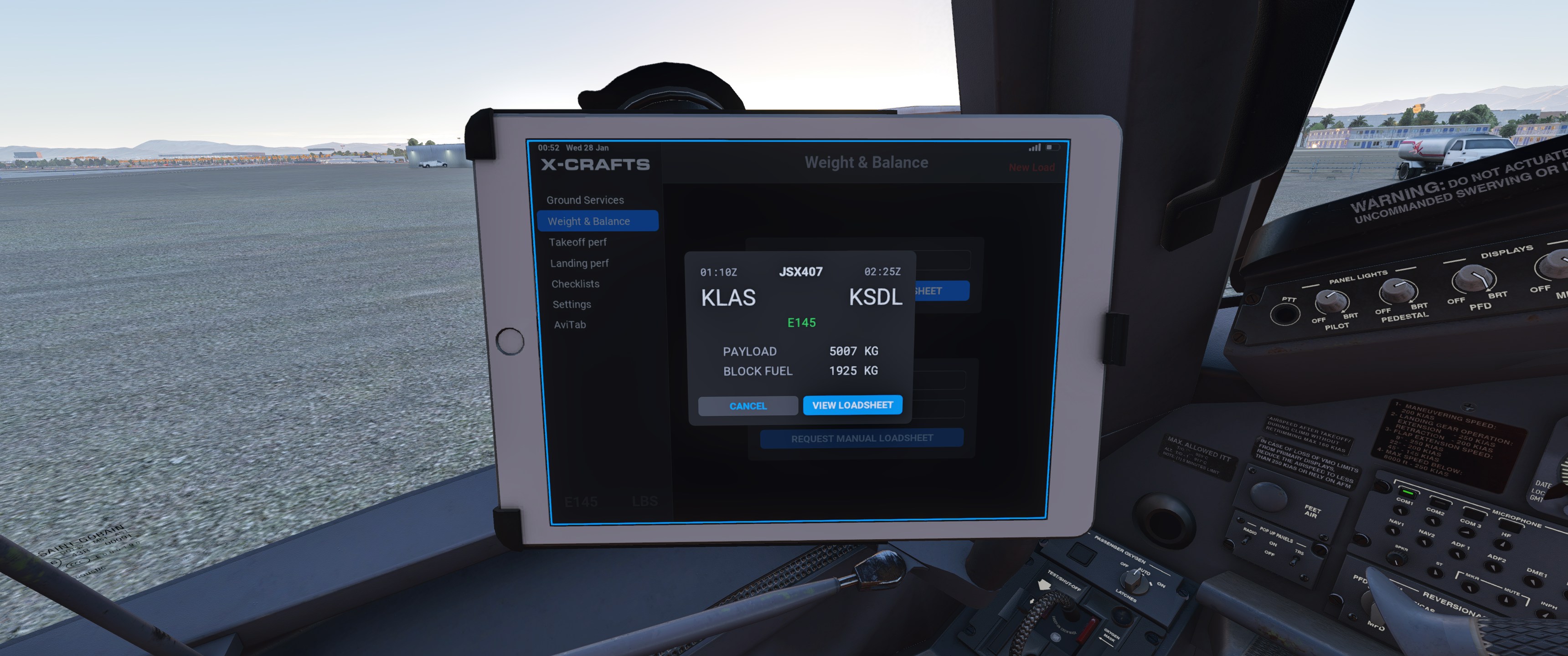
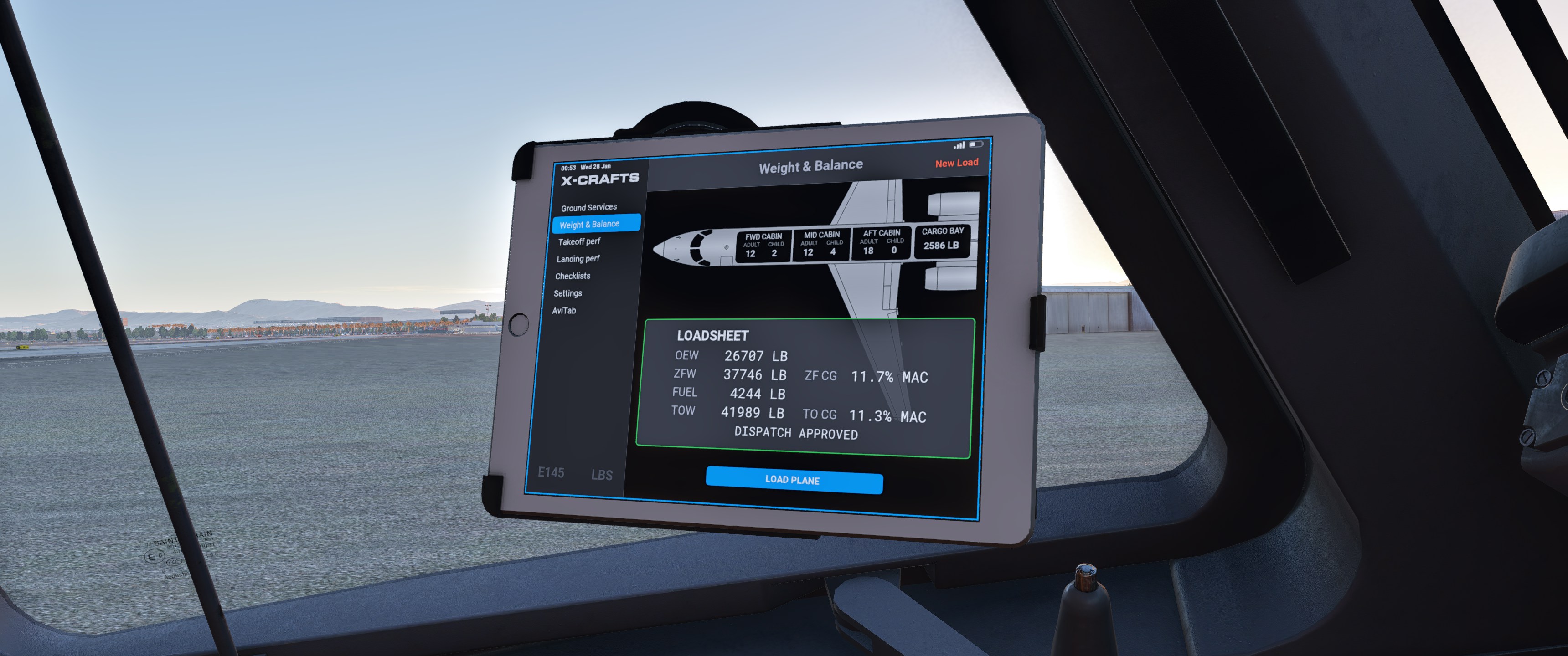
One feature I’d like to see added to the EFB is a way to configure the detent position of the in-sim throttles compared to your hardware throttle. The ERJ has a specific detent for the TRS system to work properly, and being able to calibrate this would be quite useful for those with hardware throttle quadrants. It’s become a fairly standard feature in modern flight sim aircraft, so its absence here is noticeable.
After removing ground equipment and closing the doors through the EFB, it was time for engine start. The engine start sequence sounds great, with the initial spool-up followed by the aircraft’s warning system announcing itself with various alerts. External sounds are equally good. The one visual issue is the lack of distinct spinner textures for running engines. In screenshots, the engines look stationary even at full power, which doesn’t look great.
Ground handling is straightforward. The aircraft rolls once you release the parking brake, with steering feeling smooth and natural. Braking is worth mentioning: despite having brakes on a trigger button (which usually means harsh stops), the aircraft still slows progressively rather than lurching. It’s a small detail that makes a difference.
Departure and Climb
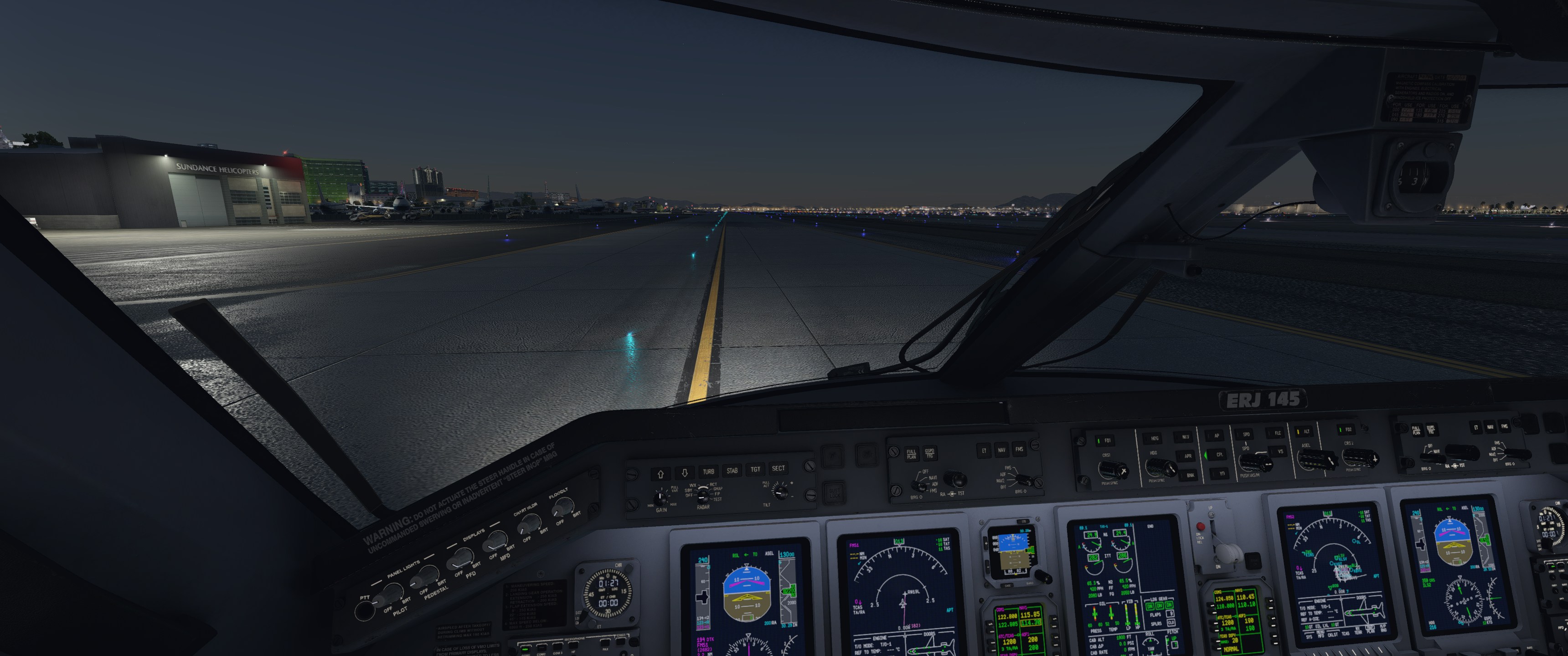
After lining up on the runway, the aircraft’s “TAKE OFF OKAY” callout confirmed we were ready for departure.
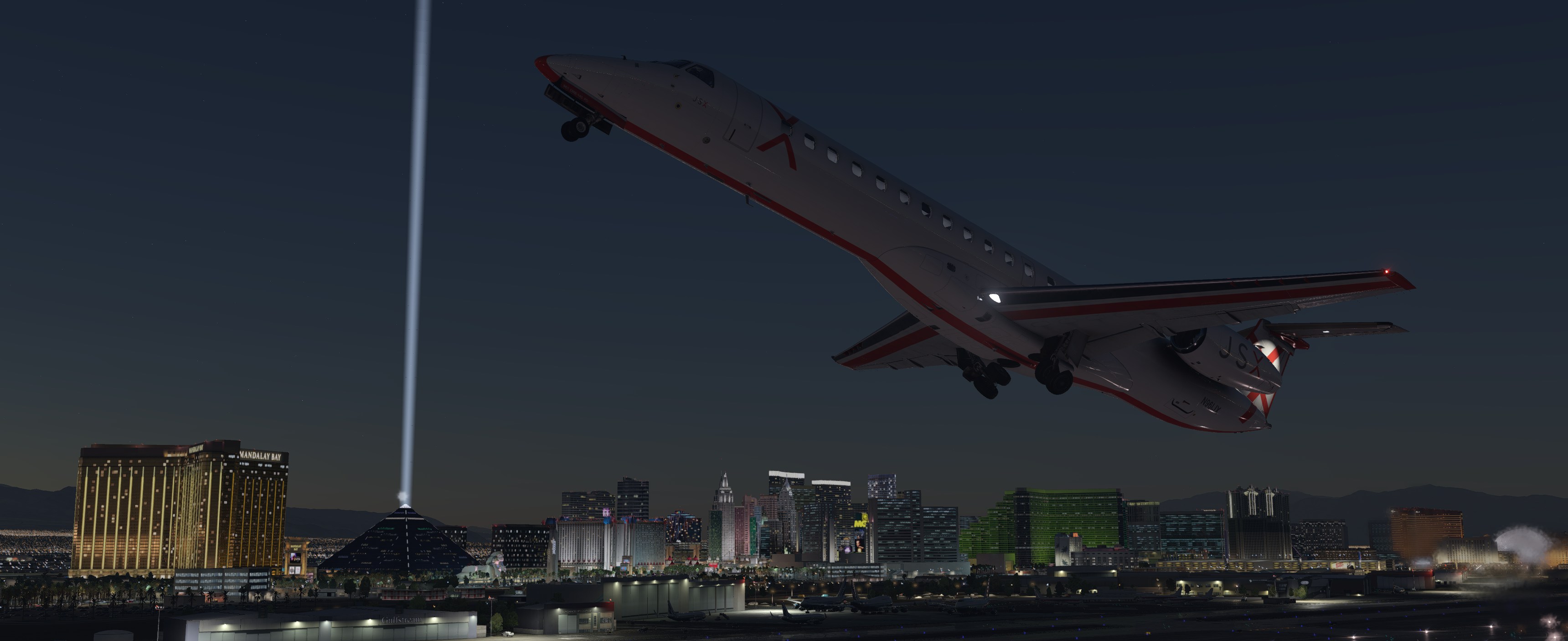
The autopilot system uses standard modes (NAV, FLC, and the usual vertical modes) that were easy to understand. Shortly after departure, the aircraft was established on course and climbing normally to FL310. At cruise altitude, a tooltip appeared recommending a TRS setting change to CRZ to prevent overspeed, along with a suggestion to reduce thrust slightly. These hints are useful for pilots who may have learned some habits or those that are learning a new type.
Cruise and Cabin
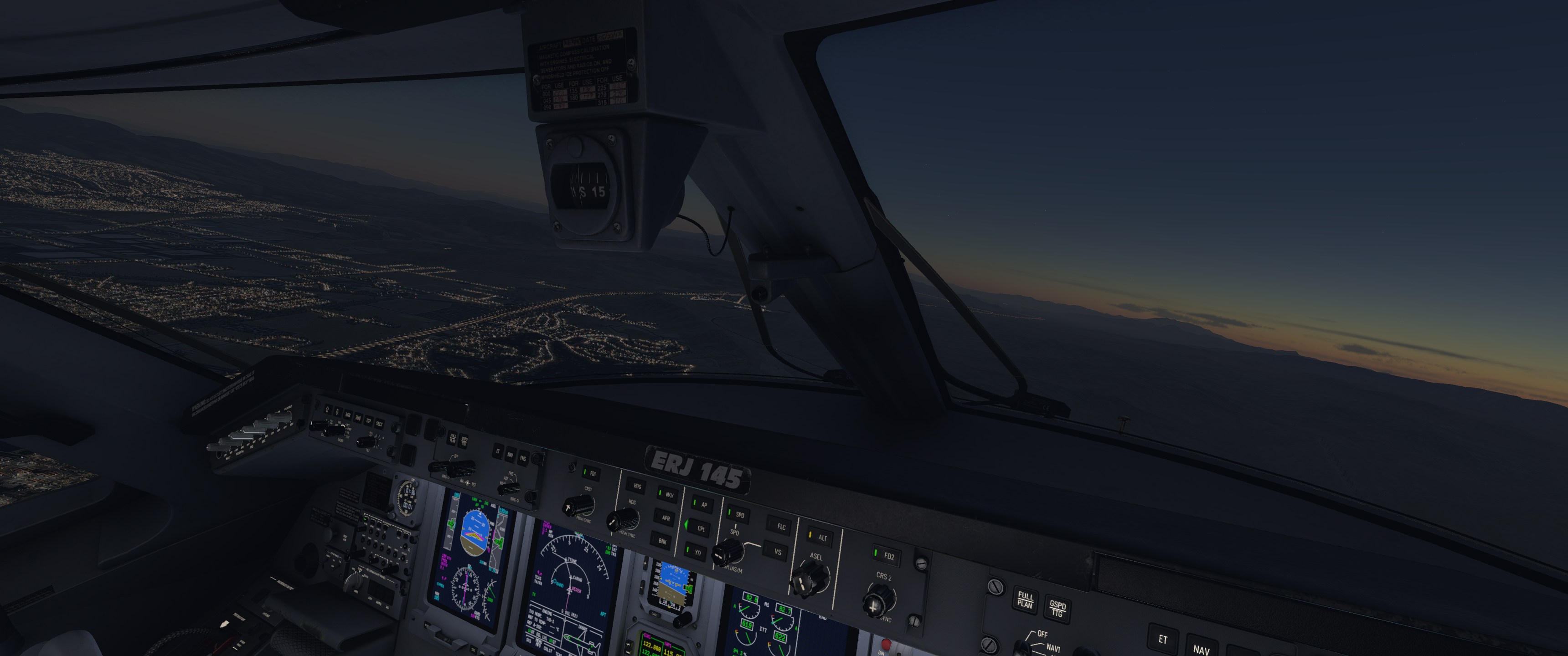
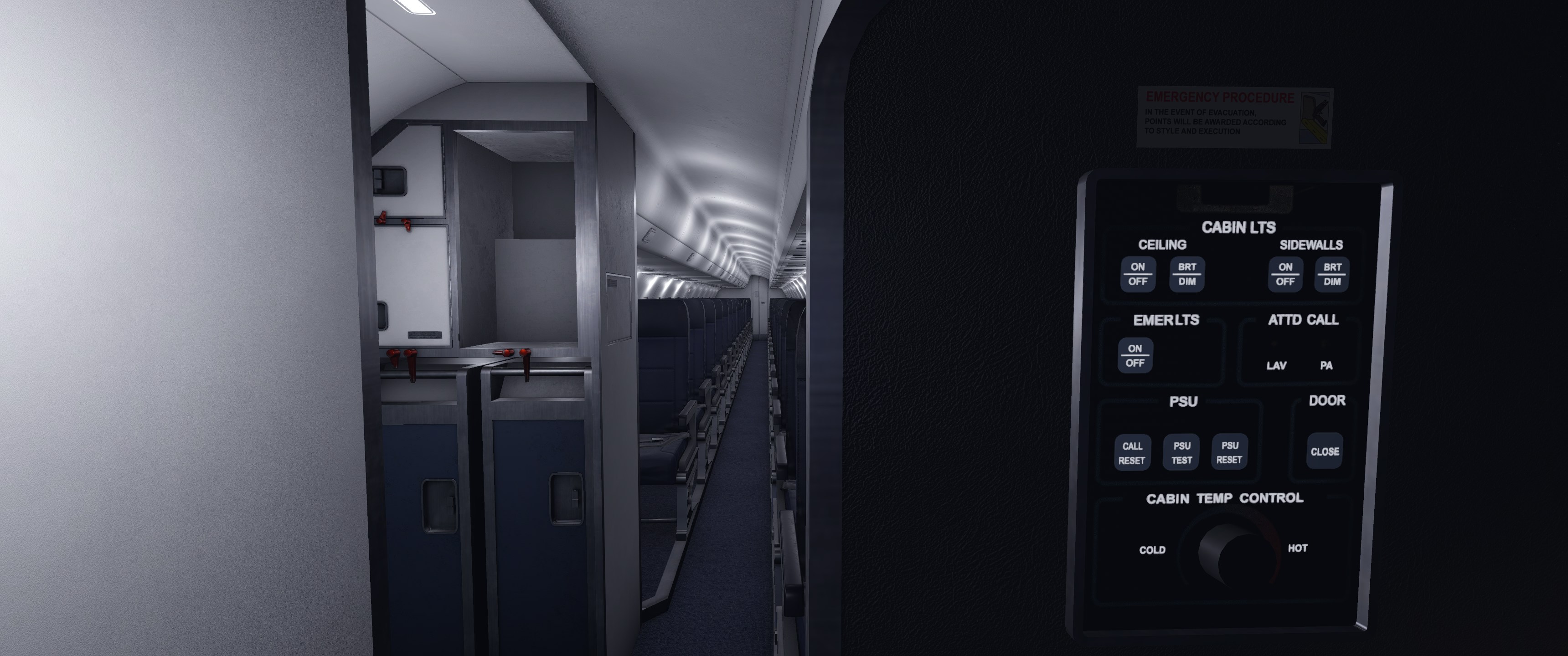
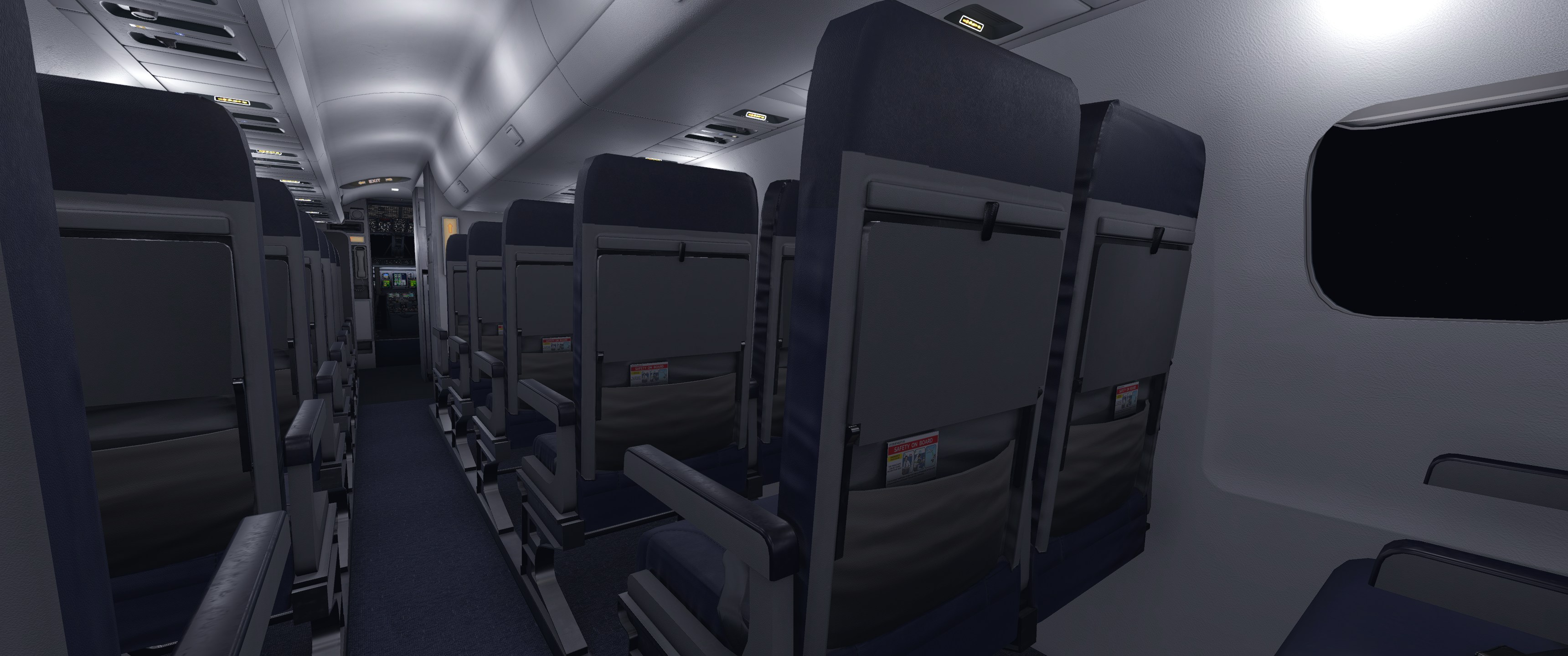
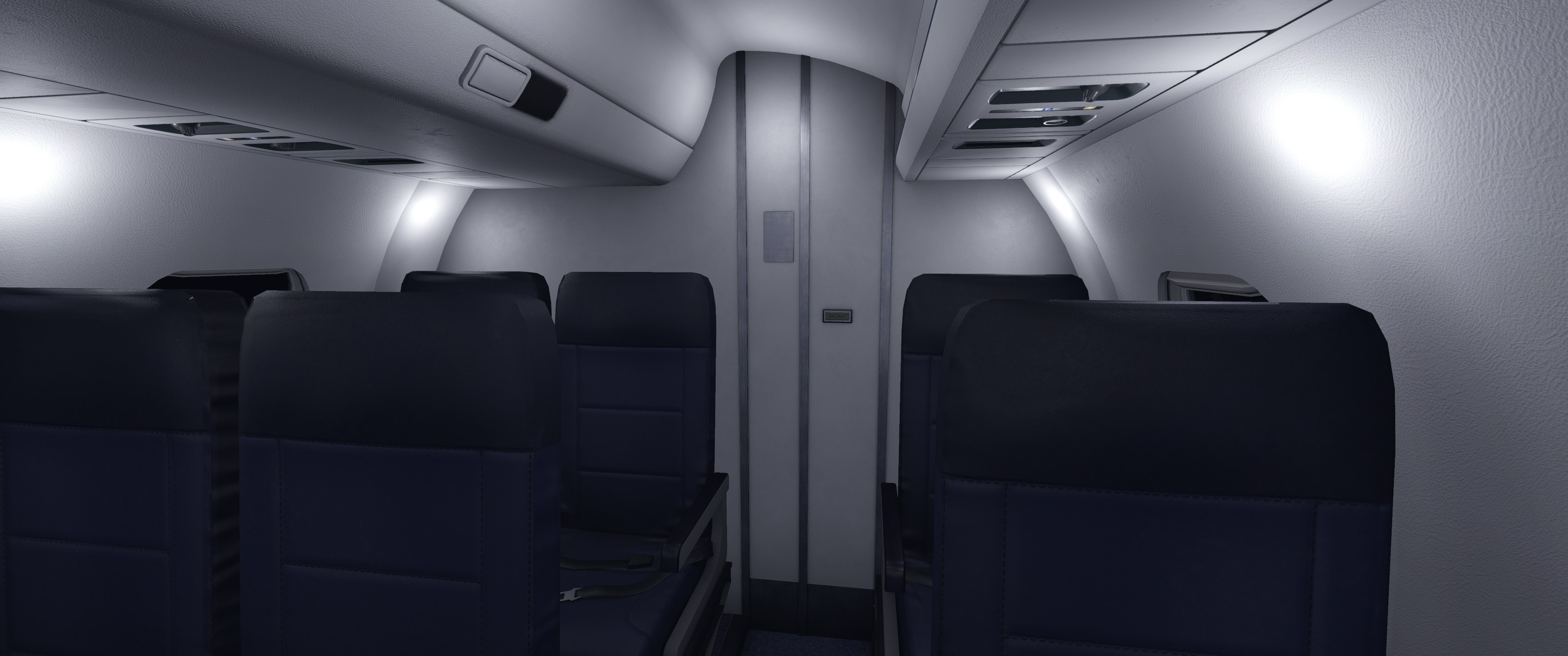
As the flight transitioned into night, I dimmed the cabin lighting via the flight attendant panel. The cabin lighting is modelled well, avoiding the over-saturation that can happen with X-Plane’s lighting system. It looks natural and properly subdued.
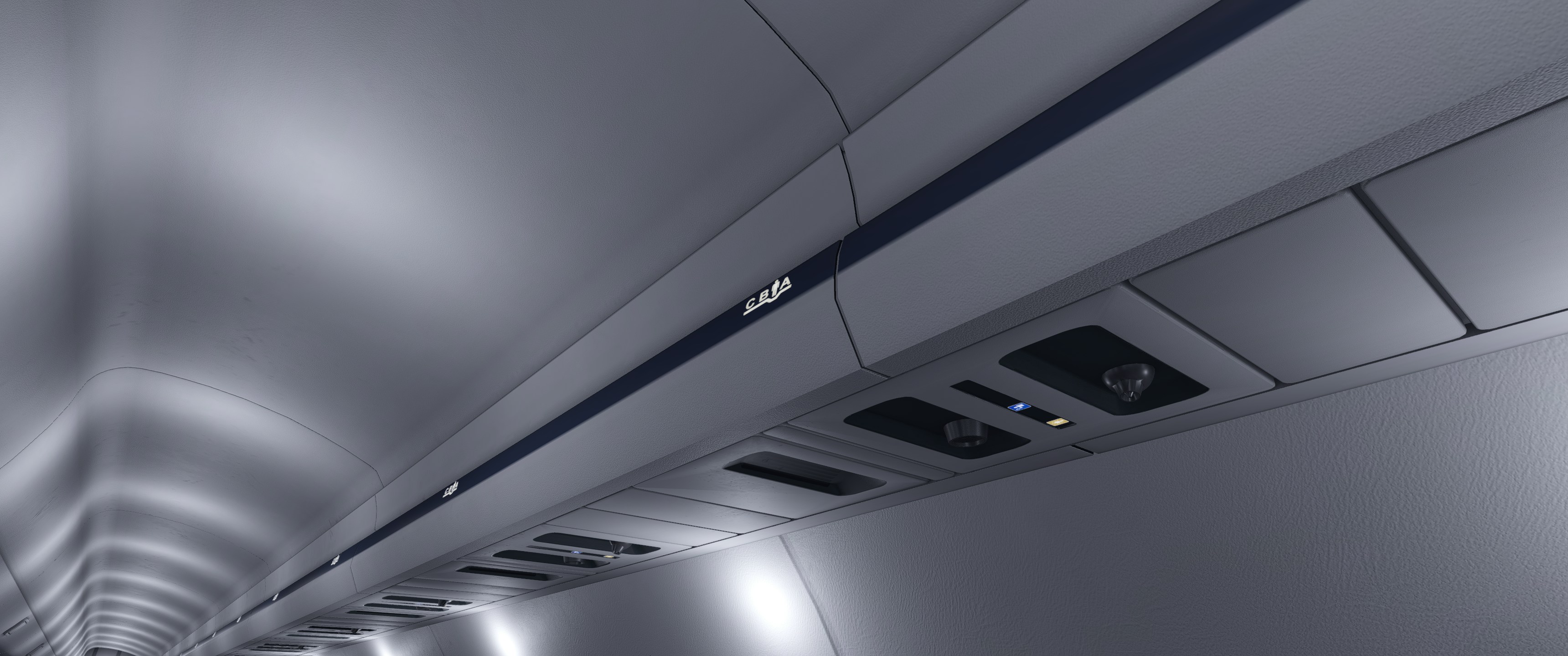
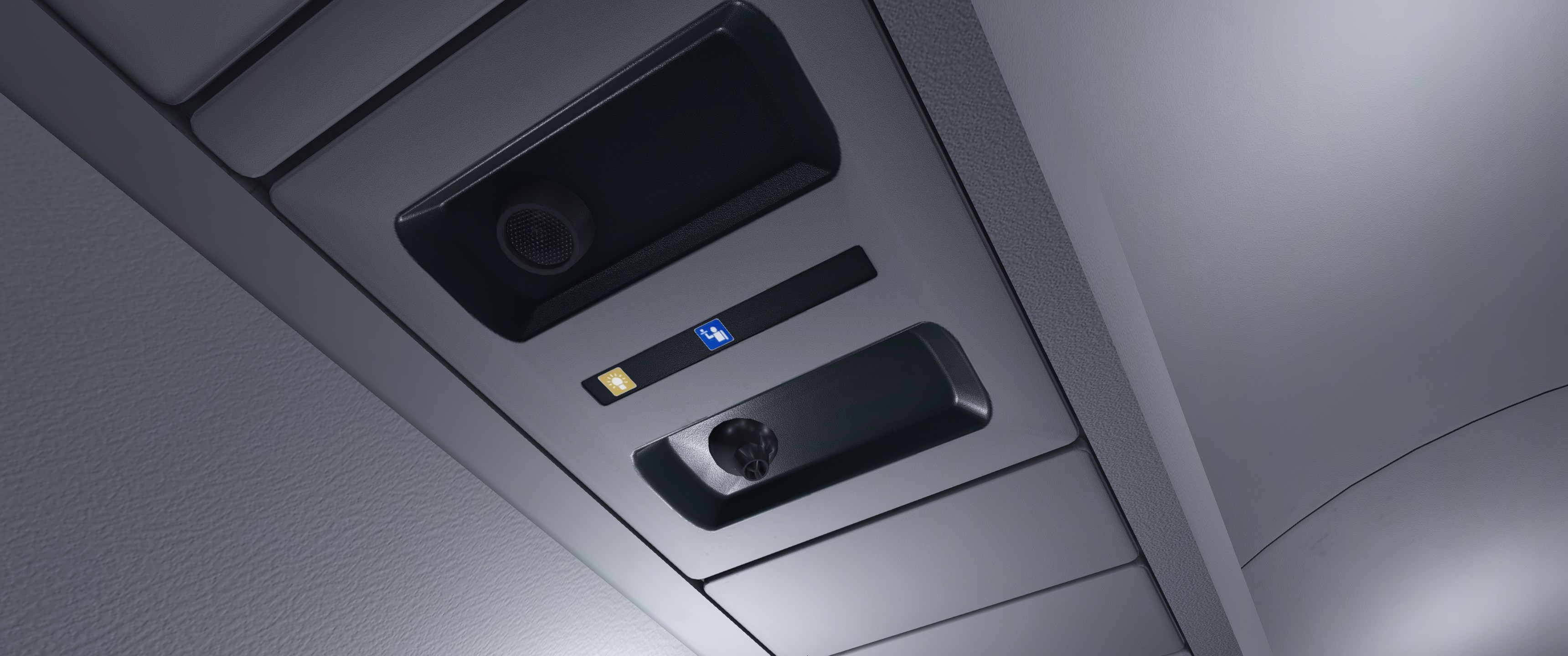
The cabin modelling itself is detailed for an X-Plane product, with individually modelled seats, properly textured walls, and decent overhead compartments. There’s not much animation, but the static quality is good. Much like the Legacy variant, the aft lavatory remains behind a fixed door.
Descent and Approach
Approaching the top of descent, another tooltip appeared, warning that the descent point might be calculated late in the current beta and recommending an early descent. For a pre-release version, this transparency is appreciated.
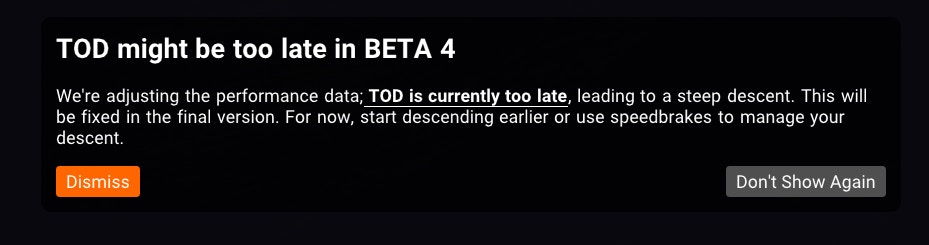
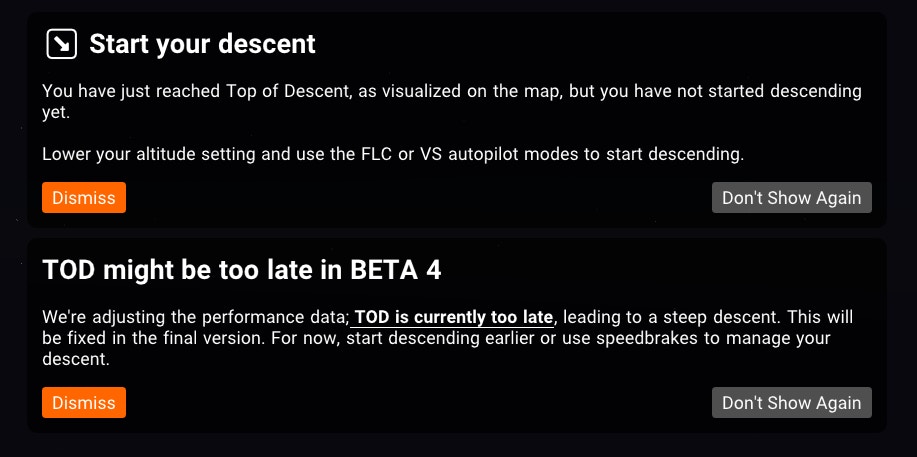
After some aggressive speed brake and vertical speed work, the aircraft was back on profile for descent into Scottsdale, where I’d be vectoring onto an RNAV approach. This would be a good test of the aircraft’s FMS and autopilot. Perhaps tackling an RNAV rather than a simpler ILS first was ambitious, but it seemed worth testing something more demanding.
The direct-to function worked well during vectoring, making it easy to navigate to waypoint ‘FURST’ for the RNAV 21 approach.
At 4000 feet approaching waypoint ‘CLAAS’, a ‘FUEL 1-02 LO LEVEL’ warning came on, suggesting the default SimBrief profile for the E145 isn’t suitable for this aircraft. X-Crafts will likely provide proper profiles for all variants at release, so this shouldn’t be a concern for customers.
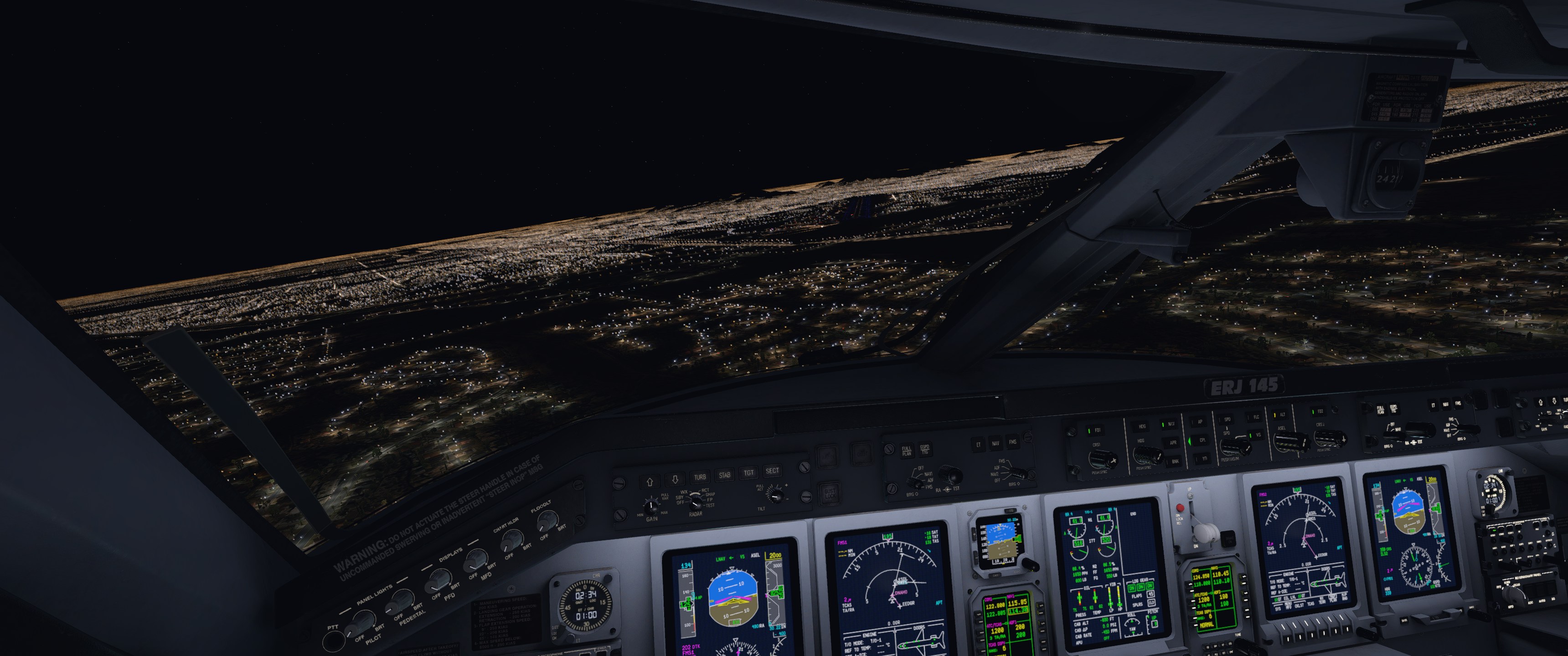
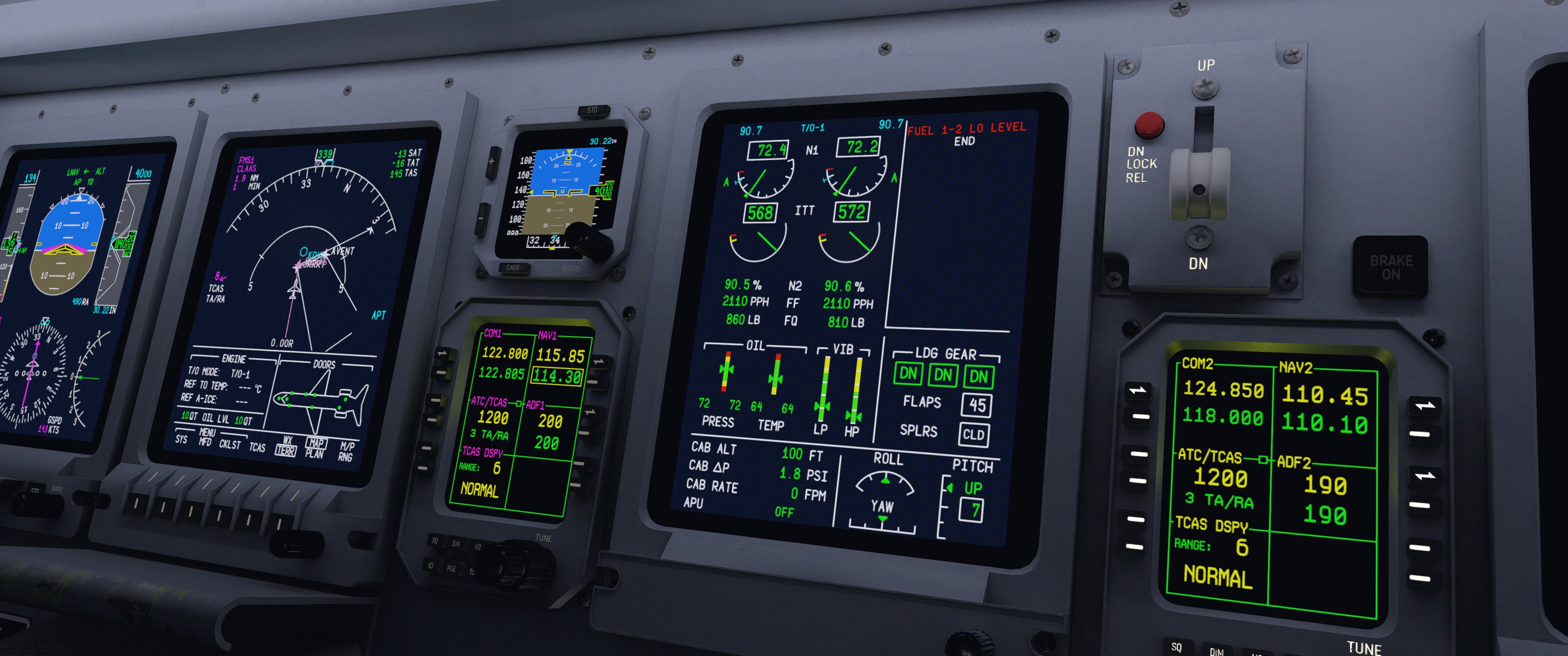
An interesting observation: the MFD displayed the segment between ‘CLAAS’ and ‘WLLMN’ as a straight line rather than a curved path on the approach chart. Whether this matches the real ERJ or is a simulator limitation, I’m not sure, but the aircraft actually flew the correct curved path as published, which is what matters.

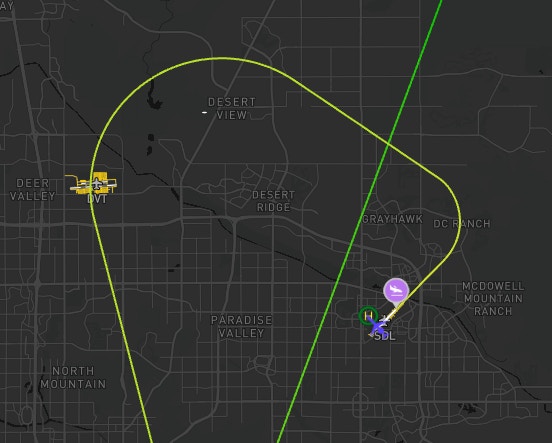
The RNAV approach performance was genuinely impressive. Complex RNAV procedures have historically been problematic for Embraer addons in both X-Plane and MSFS, so seeing this work correctly is encouraging.
Landing and Shutdown
The autopilot flew the approach whilst I managed vertical speed, disconnecting around 2500 feet for manual flying. The aircraft feels nimble in landing configuration whilst still having enough weight for controlled inputs. With full flaps, minimal nose-up was needed in the flare to stop the descent. Touchdown was smooth and within the runway’s safe landing zone, and the reversers and speedbrakes provided enough deceleration that I didn’t need heavy braking until the turnoff.
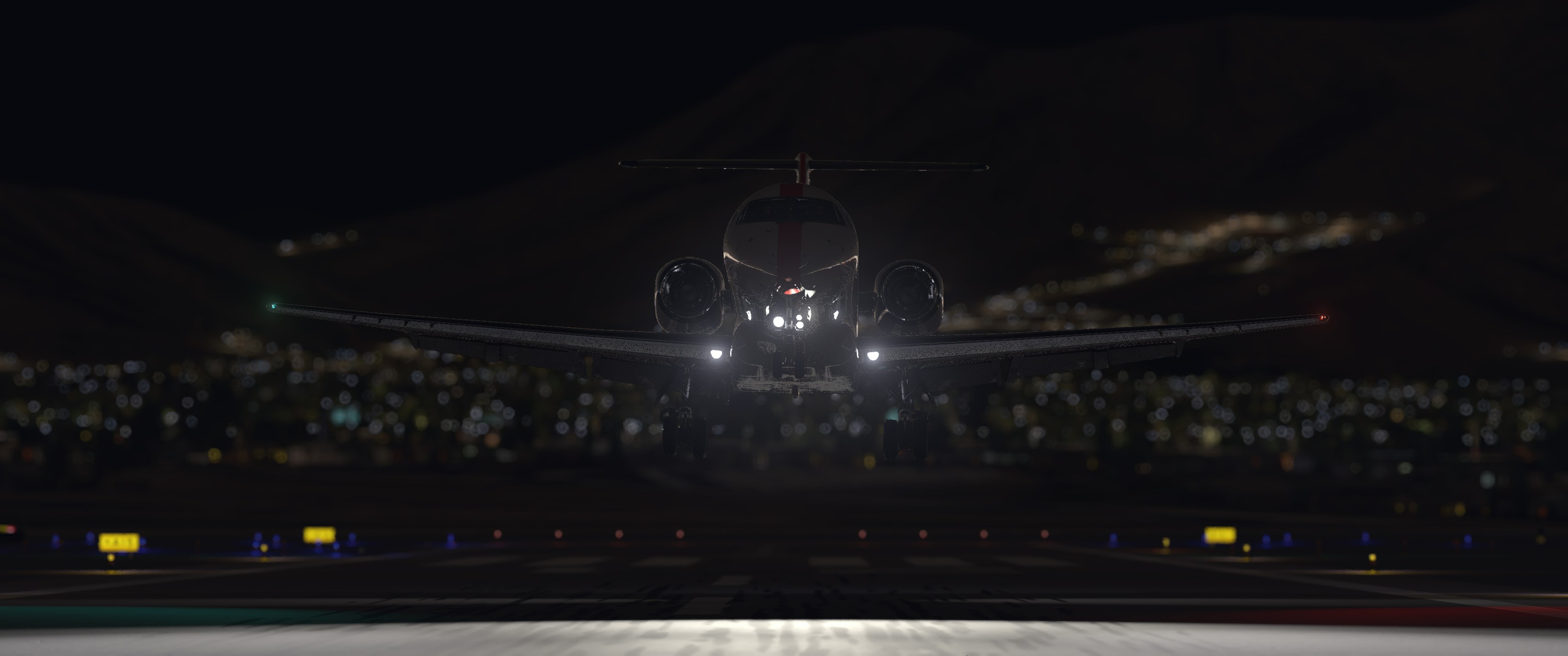

After navigating the ramp, I parked and tested the aircraft in replay mode before shutting down. The replay worked flawlessly, with no lag, stuttering or freezing. Notably, despite having completed after-landing checks and retracted the flaps, the replay accurately showed the aircraft in its landing configuration, making it easy to get quality screenshots of the night approach. Exiting the replay returned the aircraft to its current state on the ramp, with parking brakes set, flaps up, and the engines running.
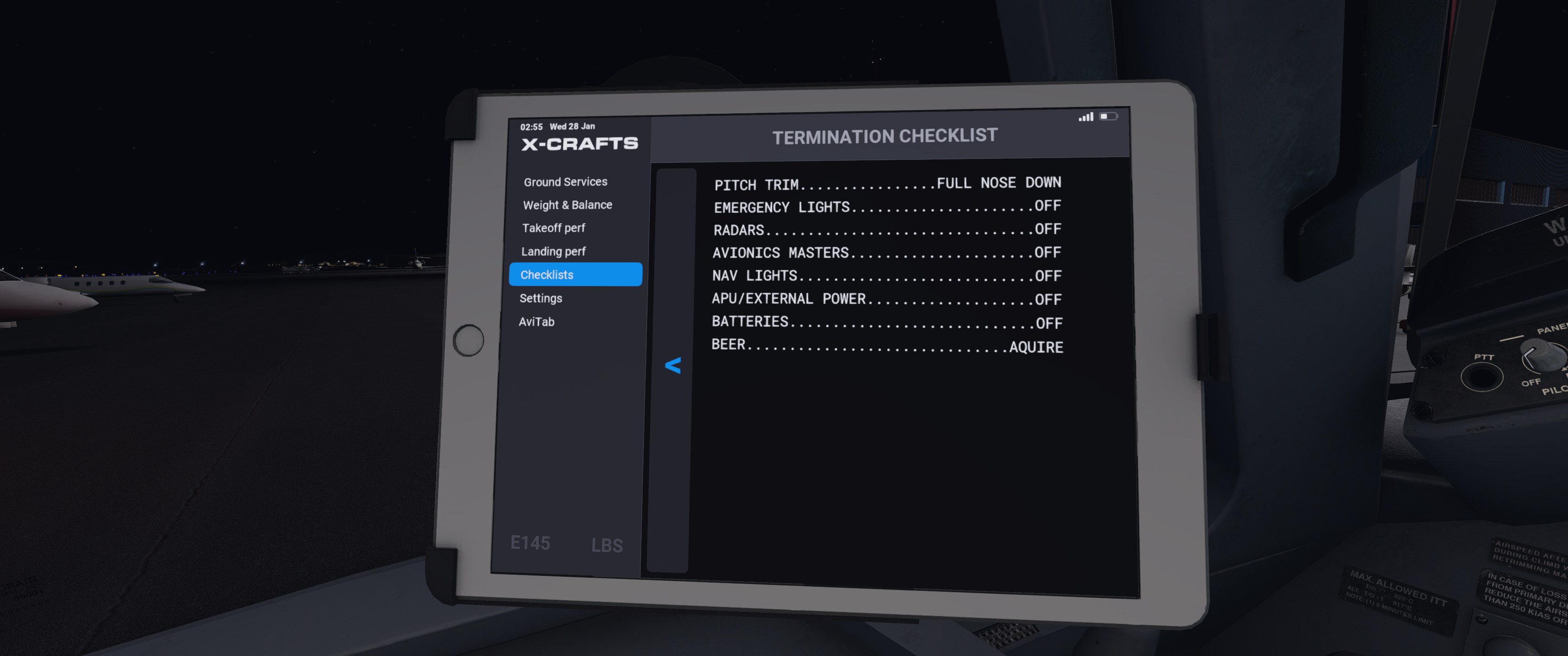
Engine shutdown followed standard Embraer procedures. Turning the engine control knobs to OFF triggers the expected cascade of avionics warnings. After installing the chocks and opening the doors, I completed the parking checklist via the EFB and acquired the requisite beers as mandated by the termination checklist, leaving the aircraft cold and dark as found in Las Vegas.
Performance
Frame rates stayed solid throughout the whole flight on my system (Intel 13900K, AMD Radeon 7900 XTX), not going below 45 FPS when running X-Plane 12 on almost maximum settings.
Conclusion
This initial flight shows the benefits of X-Crafts’ over decade-long experience making Embraer aircraft for X-Plane. The team has clearly learnt how to balance system complexity with ease of use, creating an aircraft that rewards proper procedures whilst remaining approachable for pilots new to the type.
Several areas could use work, such as dedicated engine spinner animations, direct SimBrief integration and with flight plan importing would be a welcome addition, and throttle detent calibration in the EFB would be useful given the ERJ’s TRS system. The FMS being X-Plane’s stock Primus rather than a fully custom solution is also a bit disappointing, though hopefully a UNS option could be added in the future for authenticity. That said, what’s here shows promise. The RNAV approach performance exceeded expectations, and the tooltip system is genuinely useful rather than just window dressing.
As this is only an initial look at a beta build, final judgement will have to wait until release and more testing. Based on this first flight though, the ERJ Family 2.0 looks like it’s shaping up to be a solid addition to X-Plane’s regional jet line-up. We’ll be keeping an eye on how it develops as release approaches for sure.