
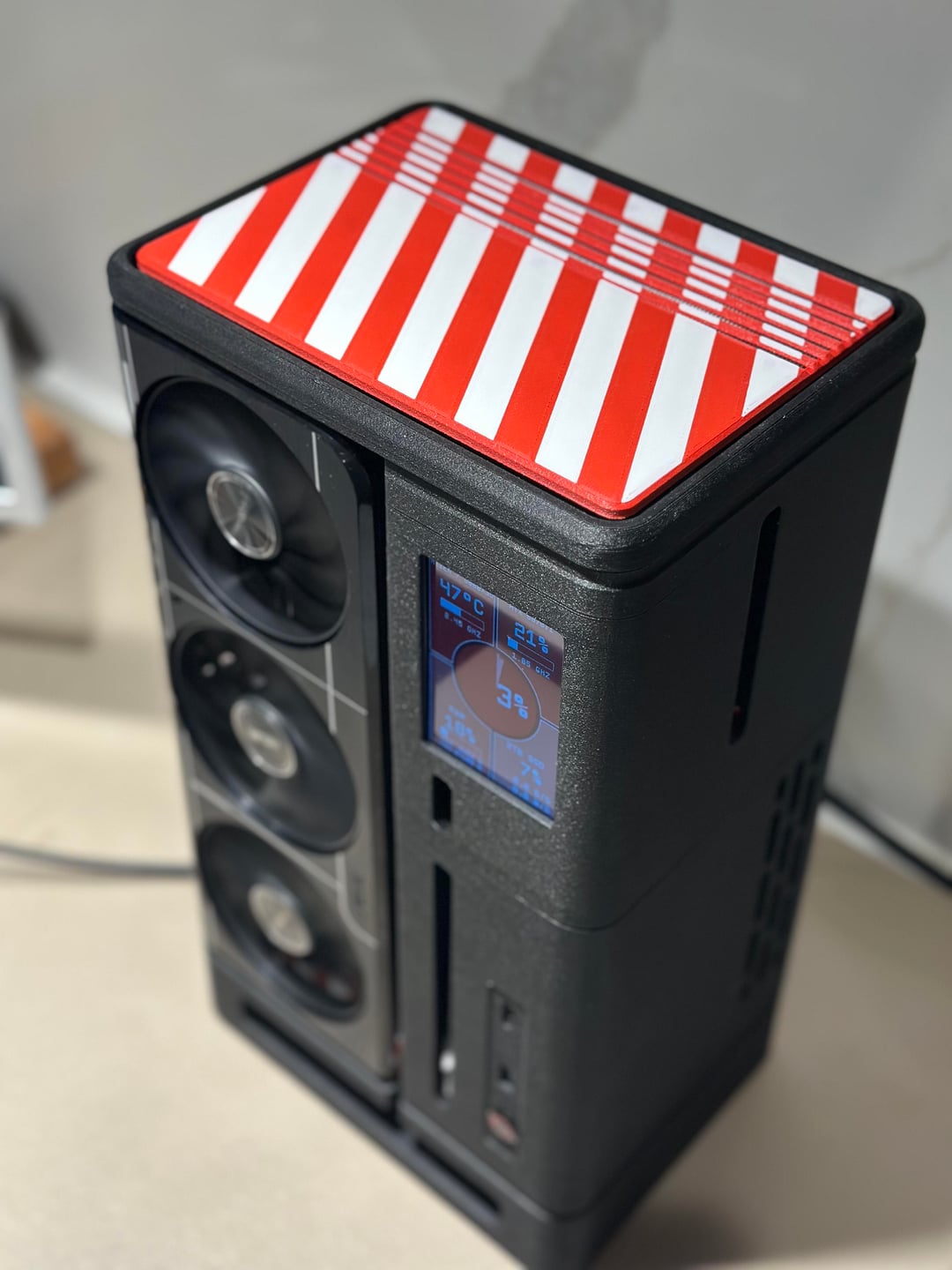
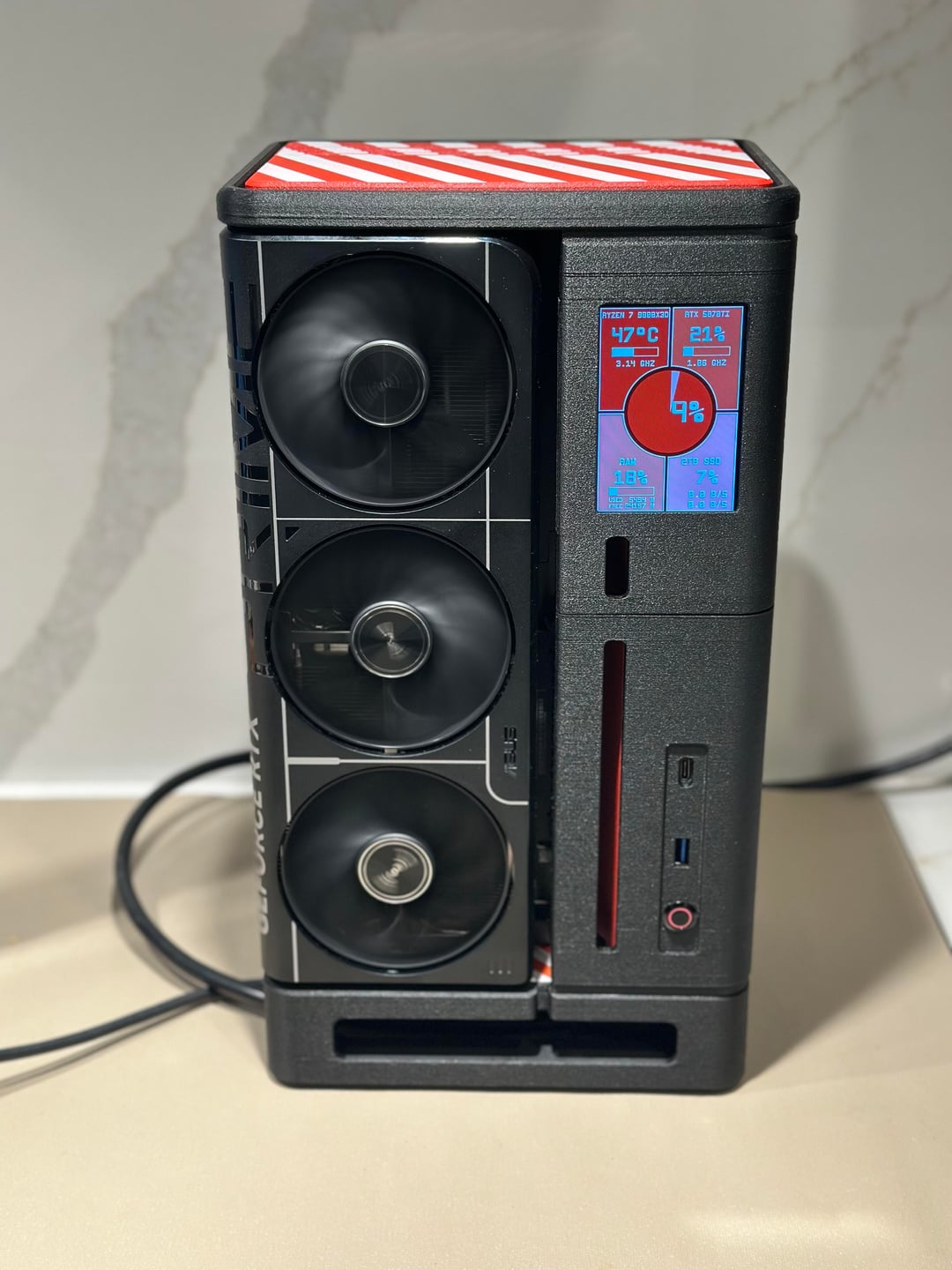
Custom 3D Printed SFF Build (FF04MOD BLOCK I) – Full Specs + Benchmarks
Someone cross-posted my build from r/sffpc over here and asked for full specs and performance numbers, so I figured I’d share the build properly in PCMR with actual stats included.
This started as a personal SFF case project and slowly evolved into my daily gaming rig, so here’s the finished result along with real performance numbers.
And yes, the photos are on my kitchen counter. Better lighting and nicer background for photos lol.
Case Details
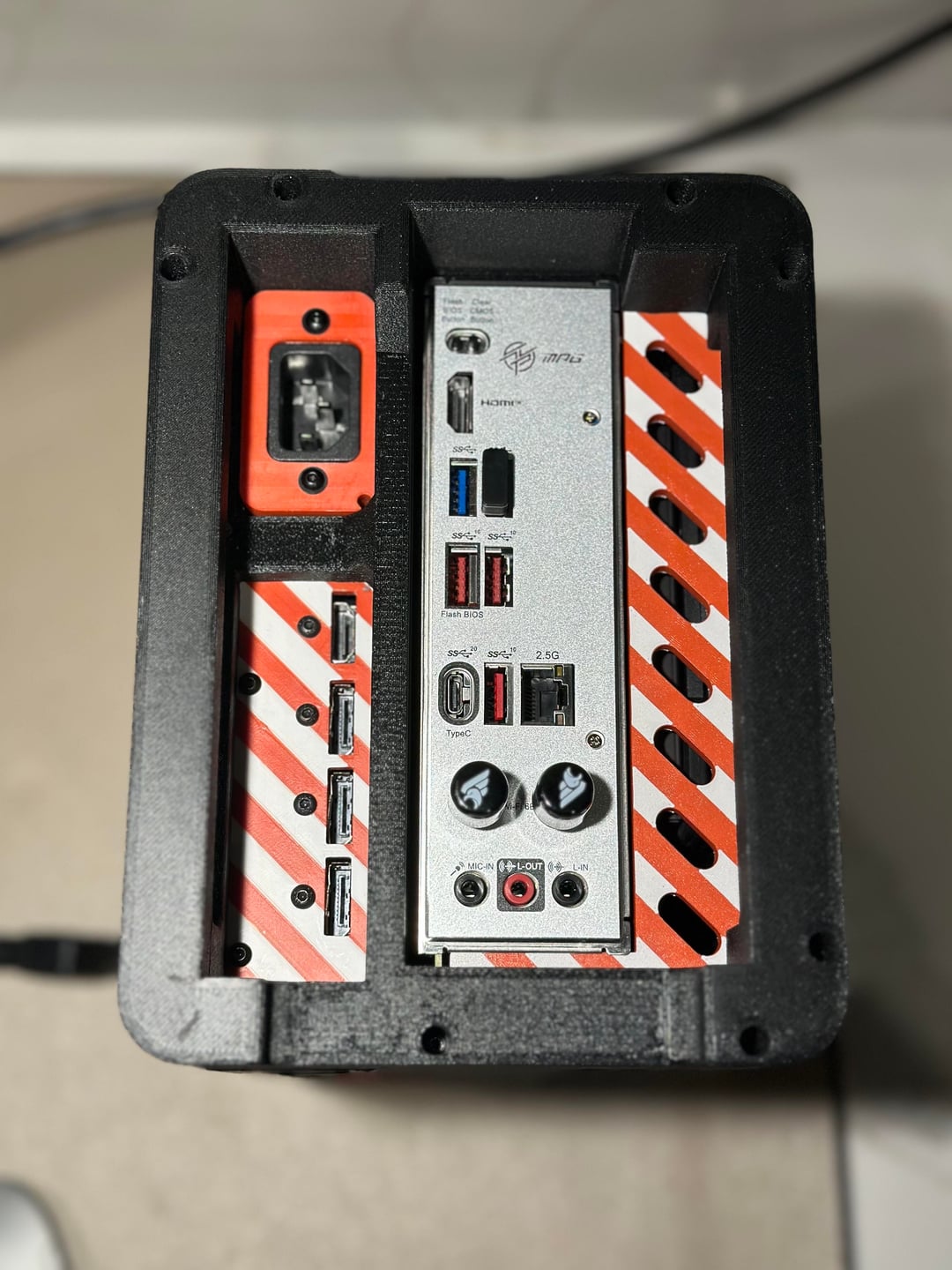
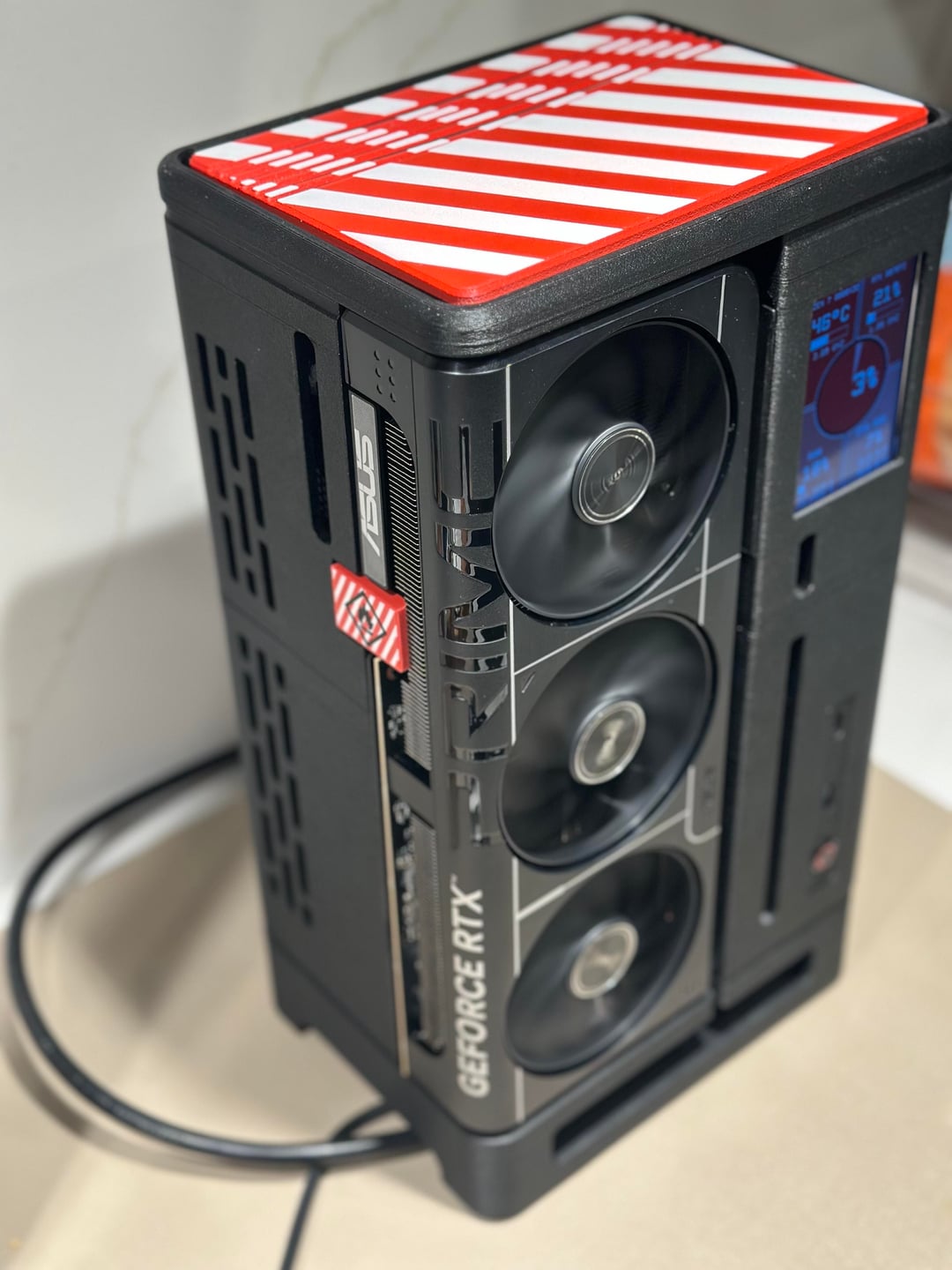
Case: FF04MOD BLOCK I (heavily modified Xikii FF04 style)
Printed entirely on my P1S using Polymaker HT PLA GF for better rigidity and print quality compared to earlier attempts.
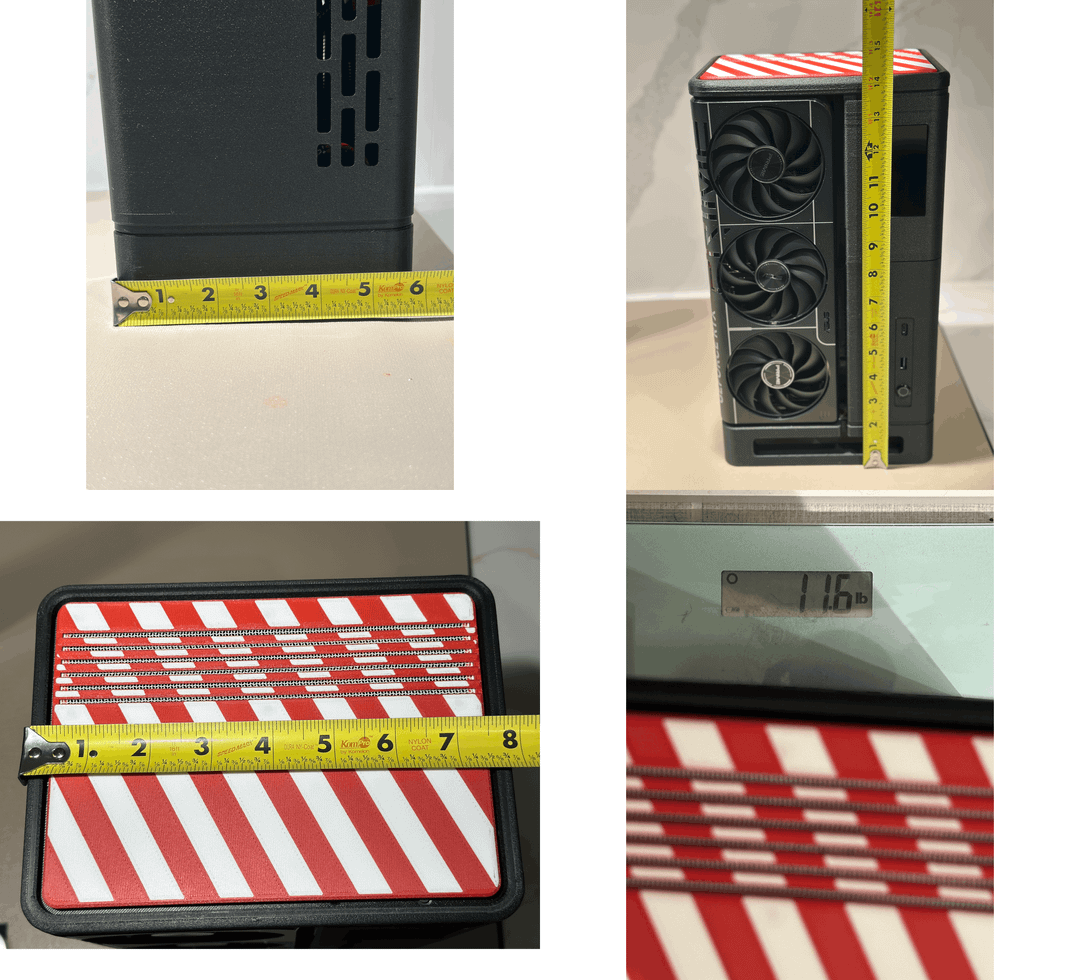
Dimensions
• Height: 14.5 in
• Depth: 5.75 in
• Width: 8.75 in
• Weight: 11.6 lbs assembled
Designed around SFF constraints while still fitting modern GPUs without going full shoebox mode.
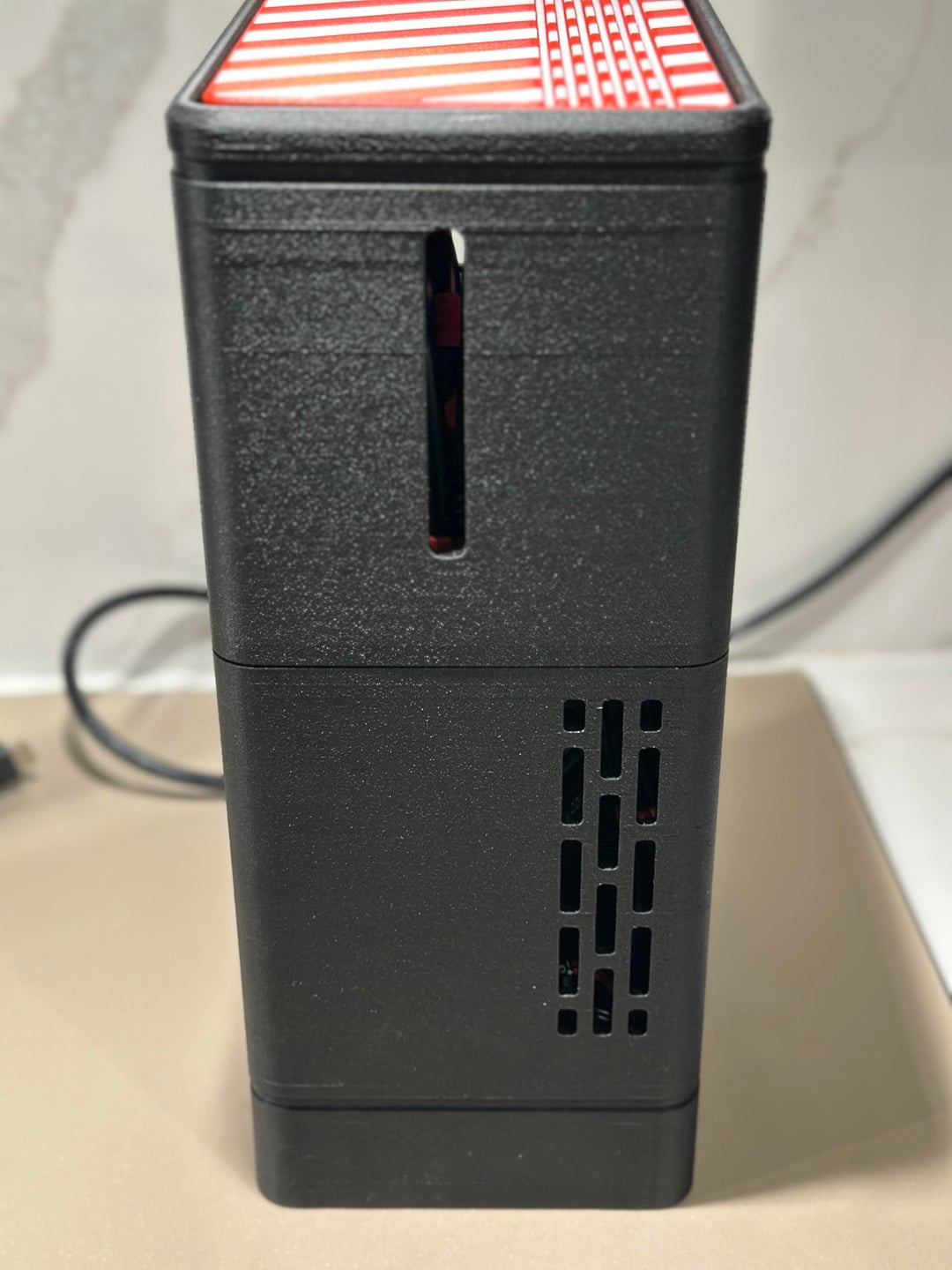
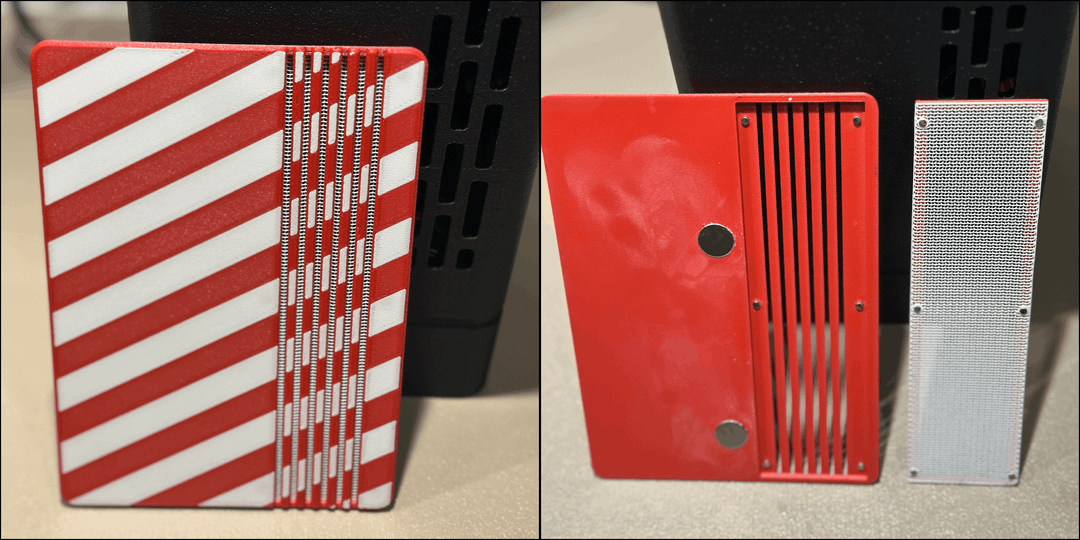
Later photos show where I modified the lid to include a magnetized removable vent for better airflow.
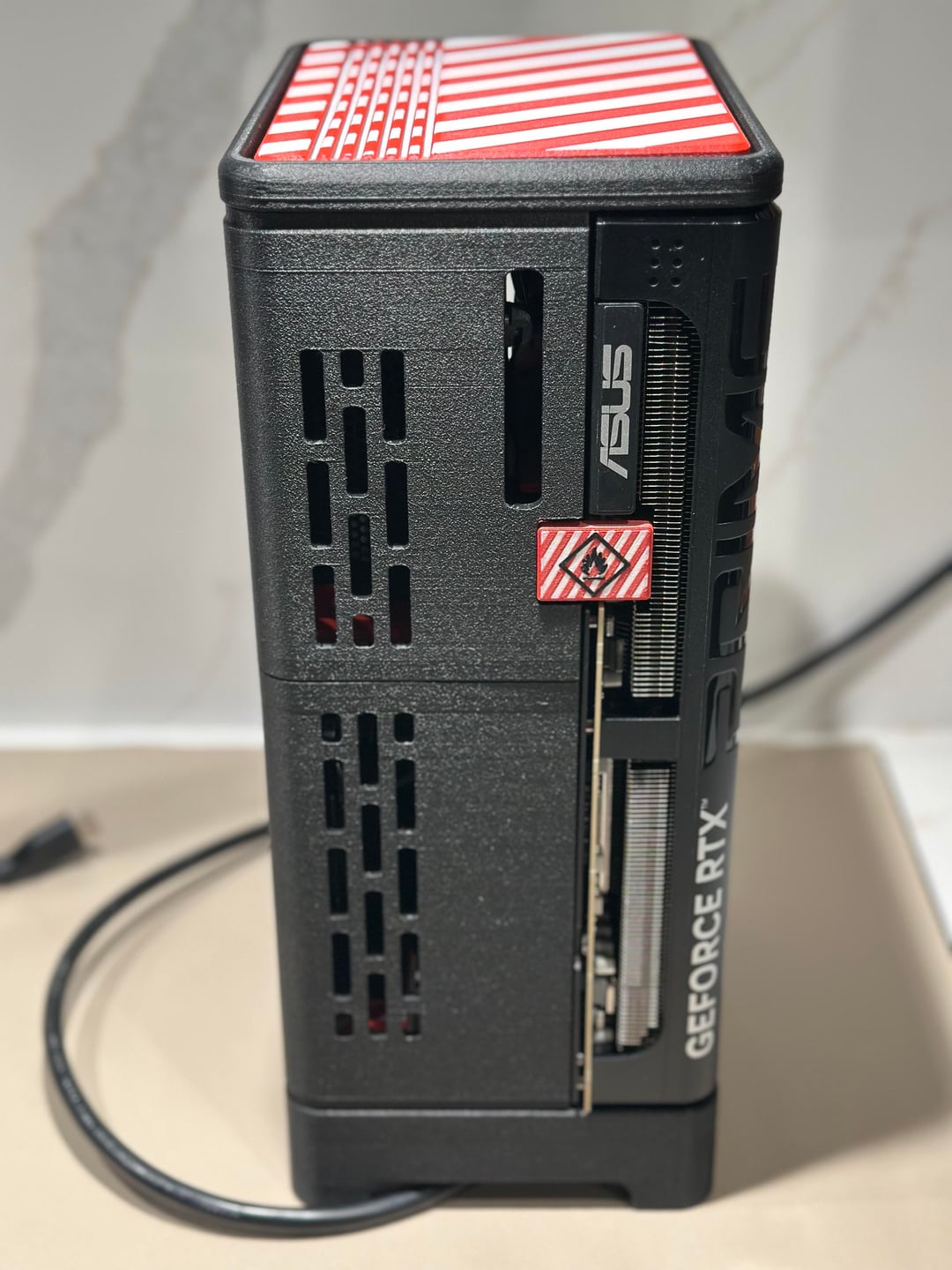
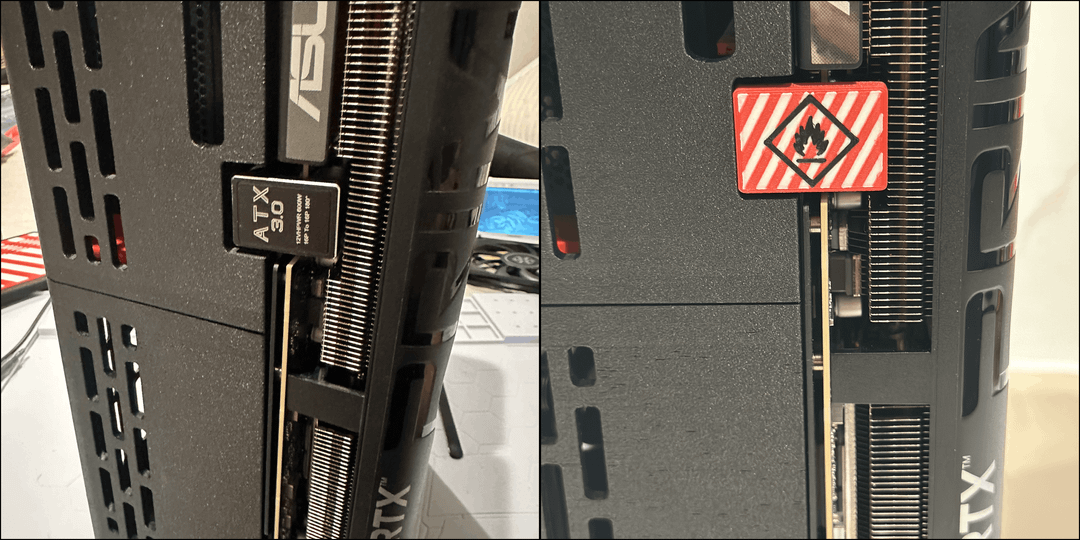
I also had some fun with the 12VHPWR cable. If they won’t fix the melting issue, might as well slap a hazard symbol on it.
Build Specs
CPU: AMD Ryzen 7 9800X3D – $449.99
GPU: ASUS RTX 5070 Ti PRIME OC – $809
Motherboard: MSI B650I Edge WiFi – $209
RAM: KLEVV BOLT V 32GB (2×16GB) DDR5-6000 CL30 – $345
Storage: Crucial P510 2TB Gen5 NVMe – $209
PSU: Corsair SF850 Platinum – $178.99
CPU Cooler: Thermalright AXP120 – $29.90
AM5 Frame: Thermalright CPU frame – $9.99
Thermal Pad: Thermal Grizzly KryoSheet – $24.99
PCIe Riser: LINKUP PCIe 5.0 x16 – $90.99
GPU Power Adapter: 12VHPWR angled adapter – $19.99
WiFi Antennas: FlyFishRC stubby RP-SMA antennas – $19.47
Approximate system cost so far: ~$2,400 pre-tax
Performance Results (All Stock Settings)
Everything below is running at stock clocks. No tuning or undervolting yet.
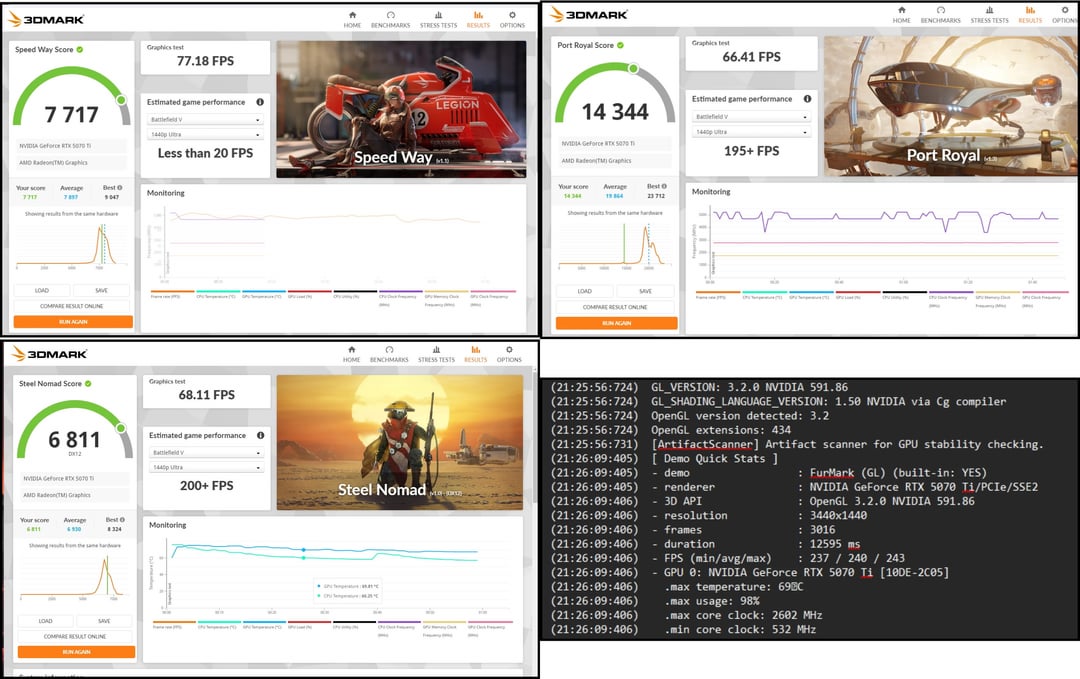
3DMark Results
(All tests stayed around ~69–70°C GPU temps and ~60°C CPU temps.)
Speed Way: 7,717 score, ~77 FPS
Port Royal: 14,344 score, ~66 FPS
Steel Nomad: 6,811 score, ~68 FPS
Performance lands exactly where a stock 5070 Ti should.
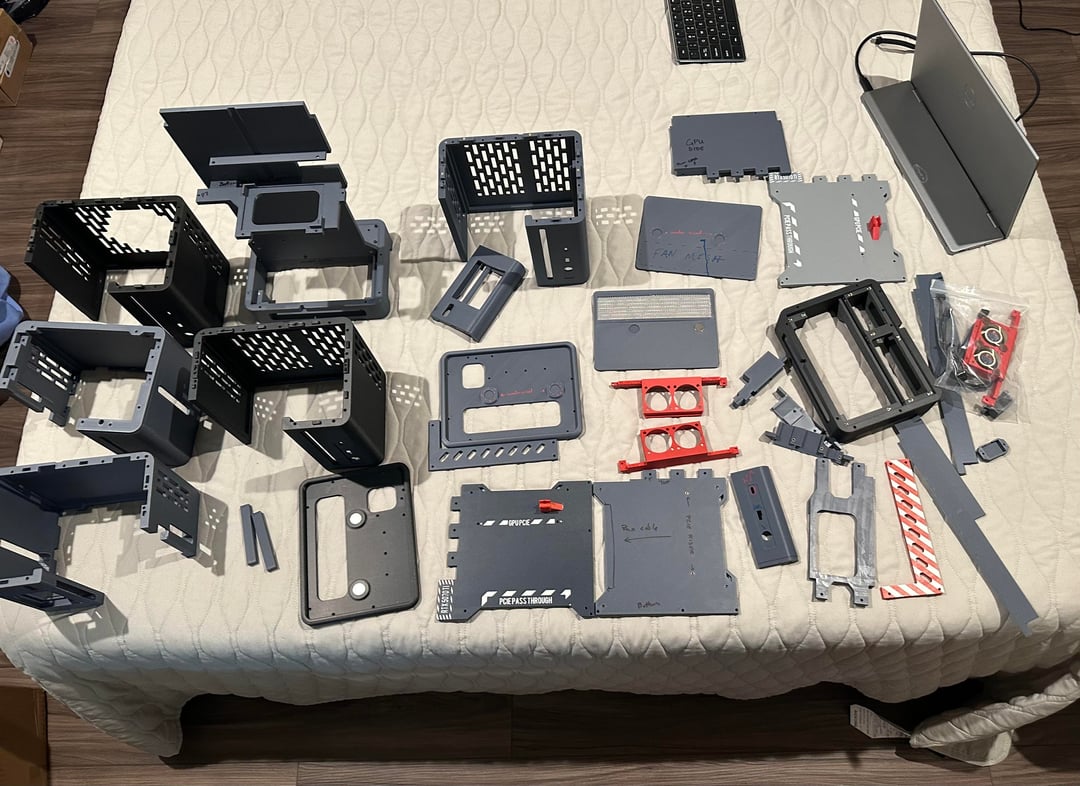
The last photo also shows how many print iterations and revisions went into getting the case right.
FurMark Stability Test
Ran FurMark for over an hour at 3440×1440:
• GPU utilization ~98%
• GPU temps stabilized around 69°C
• CPU temps stayed around 60°C
• No throttling or instability observed
For an SFF build, thermals look solid.
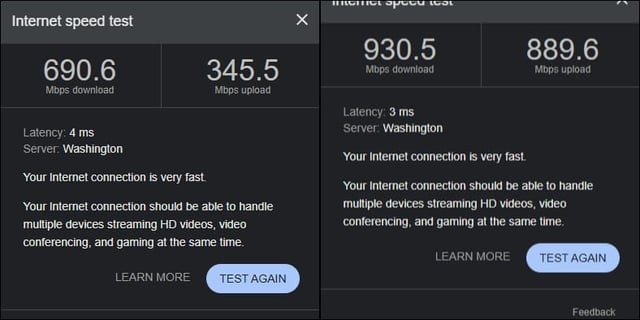
Network Speeds
Stubby antennas still pull:
• ~690 Mbps download over WiFi
• ~930 Mbps wired, effectively maxing my ISP plan
WiFi performance is surprisingly strong for such compact antennas.
Overall Takeaway
• GPU stays under ~70°C under sustained load
• CPU temps hover around ~60°C during testing
• System is stable under long stress runs
• Performance matches expectations
• WiFi performance exceeded expectations
All results are at stock settings, so there’s probably room left for tuning.
Files & Build Guide Coming
I’m planning to publish the files along with a build guide this weekend once I finish cleaning up the print profiles and documenting the build steps.
Quick question for anyone interested in printing one:
Would people prefer a multi-color version like mine, or would most prefer a simpler mono-color version?
Trying to decide what to prioritize packaging first.
Advice Welcome
Everything is still stock, so if anyone has advice on:
• AM5 BIOS tuning
• X3D optimization
• Memory tuning
• PBO or undervolting
• SFF airflow tweaks
I’m all ears. My PC tuning knowledge is pretty outdated and I’d like to squeeze safe performance out of it.
Thanks to everyone who gave advice along the way.
Disclaimer: I used AI to help organize formatting and grammar, but all build decisions, testing, and results are my own.