
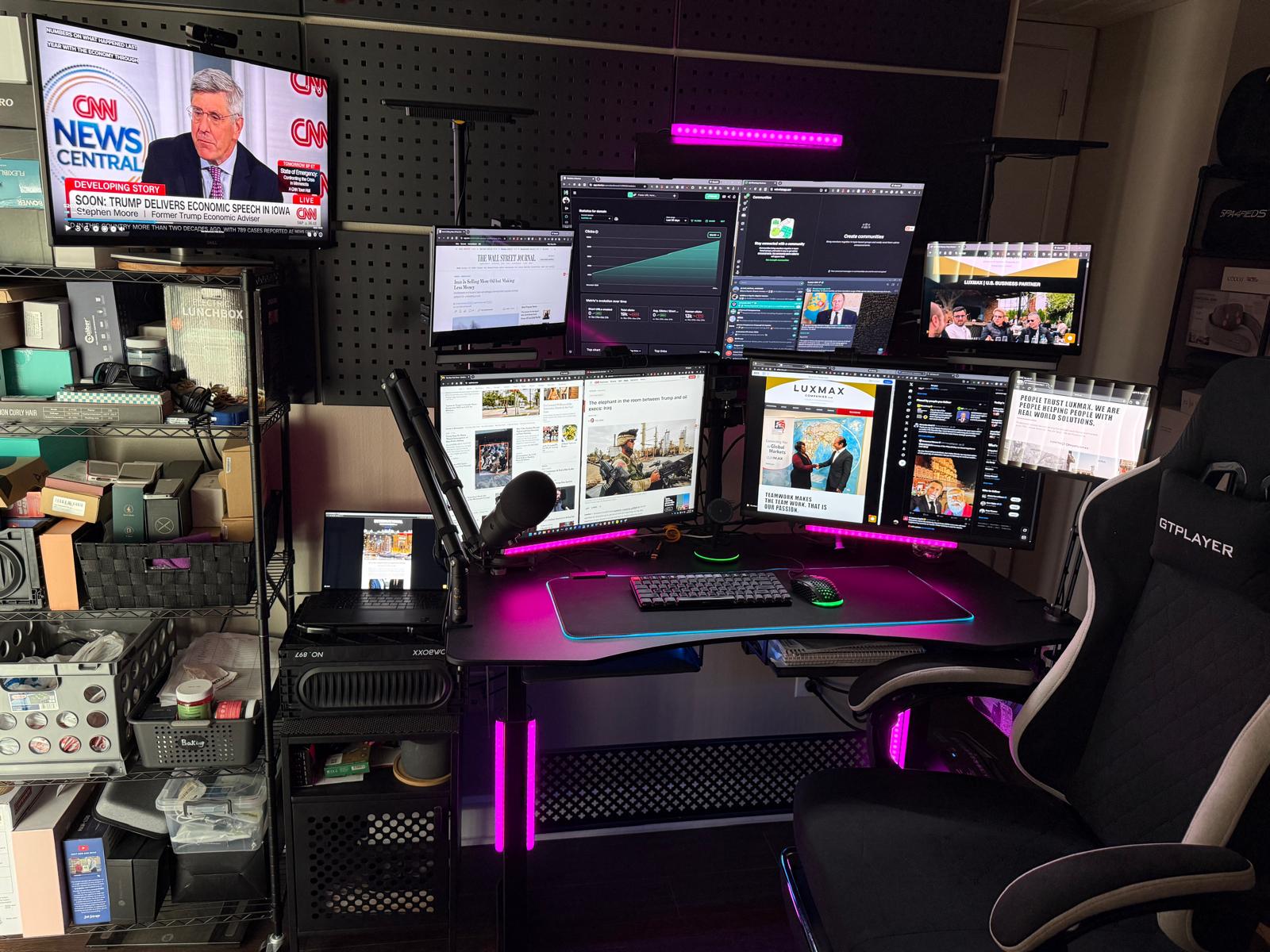
I previously posted my home office business battle station. I have tweaked it now to 8 displays (9th is coming later this year) that includes my laptop and iPad 10.5" 5Gen. It wasn't easy. It required an in-depth knowledge of how docking stations work in conjunction with multiple high resolution displays, using the right cables, understanding how data lanes work, setting the right resolution and scaling to have a complex yet stable high end display system. There is no lag, and all displays are clear with no flickering. In addition, had to tweak the registry several times to get it right, along with cooling the laptop, docking station, and HDMI adapters. I used more than one docking station to be able to connect the LED lights, mouse pad, monitor lights, microphone, soundbar, and powering the smaller monitors and mini-docking station. It's a matter of balancing power needs ensuring there is sufficient power across all devices. My setup uses a 300W charging adapter for the docking station, a Dell WD25TB5 model connected to a 2020 Dell XPS-13, 9310, 1TB SSD, 16GB RAM tuned for High Performance. The end result is better efficiency, higher production, relaxed back posture, 14 tabs open at any given time allow me to work a shorter work day, but getting much done. My work consists of real estate, contract procurement, export, advising, foreign affairs, and government sales. This setup is not for gaming purposes. It's strictly for business use only.