
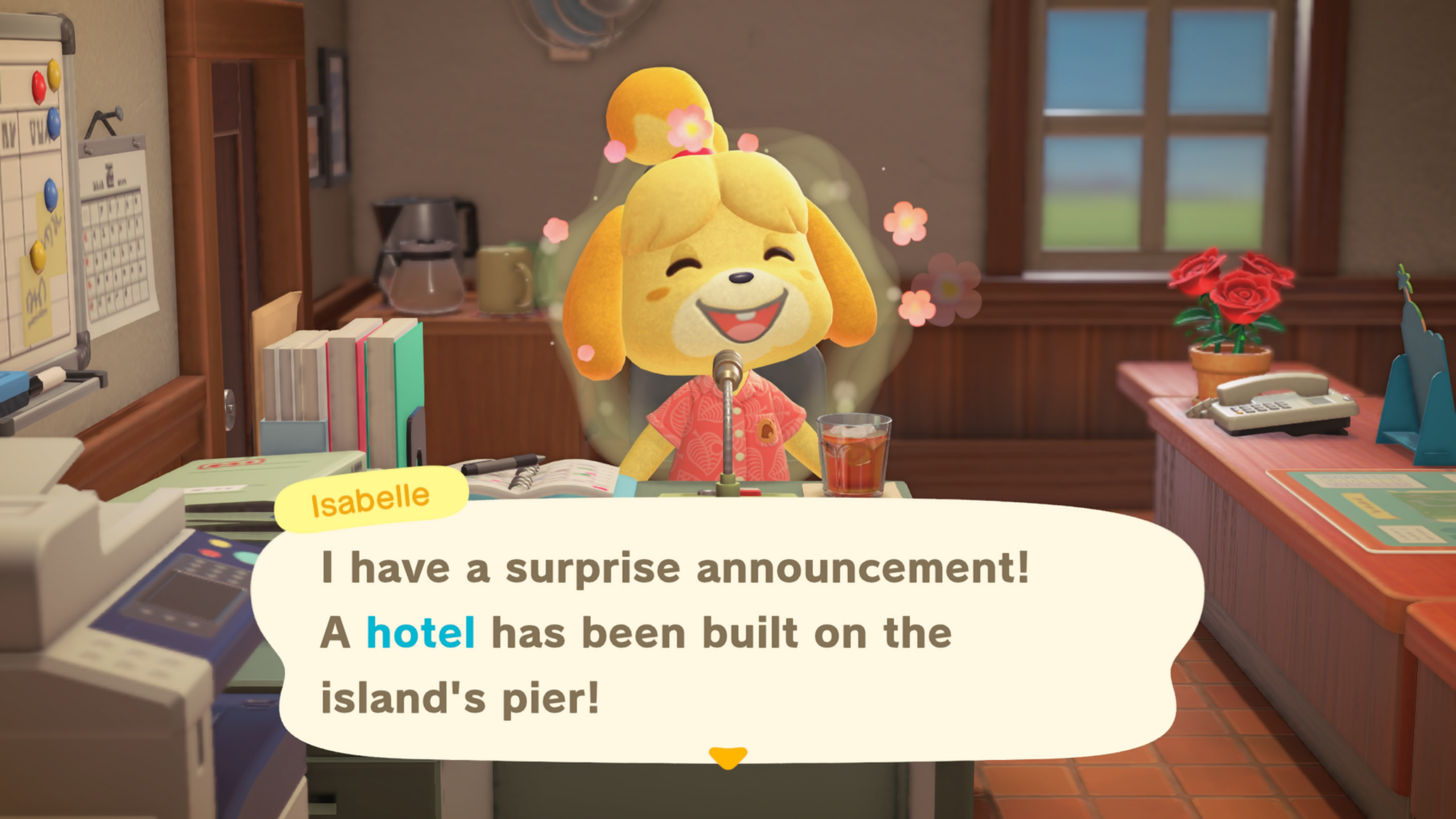
Kapp’n’s Family Hotel, otherwise known as the Resort Hotel is the showcase new feature in Animal Crossing: New Horizon’s 3.0 Update, upgrading the pier in on the southern coast of your island with a hotel run by Kapp’n’s family. On this page of our ACNH guide, we’ll help you with unlocking the hotel, and how it all works!
Looking for a specific section? Click the links below to jump to…
How to Start Kapp’n’s Family Hotel

Because most of us have fairly advanced islands in New Horizons by this point, we’ve actually unlocked Kapp’n’s Family Hotel straight off the bat. Our best guess is that it unlocks after you upgrade Resident Services from a tent to a proper building with a plaza, since this is also when the Happy Home Paradise DLC unlocks (as well as when you build the Campsite).
You’ll know when you’ve unlocked the Resort Hotel when Isabelle announces it on the island broadcast at the start of a new day.
Day 1 – Grams’ Store and Rooms 1 & 2Head to the Hotel
Once you’ve met the requirements and Isabelle announces the opening of the hotel, head to the pier at the southern corner of your island to find that the hotel has already been built (exactly which corner depends on the island, but it’ll always been the one across the river from Resident Services). Kapp’n’ is inside, so you’ll be unable to go on his Boat Tours until you learn what’s going on first.
You’ll be greeted by Tom Nook and Kapp’n in the lobby of the hotel, as well as Kapp’n’s wife, Leilani. She’ll explain that they haven’t quite finished prepping the hotel, specifically, the guest rooms. Luckily, that’s where you come in!
Leila and Grams aren’t too talkative at the moment, so head to the reception desk to move things along.
Room 1 – Seaside Room
Talk to with Leilani at the reception desk to get started with your first room: the appropriately-named Room 1! Leilani thinks that giving each room its own unique theme is the best approach, and the theme for Room 1 is “Seaside Room”. If you’ve played the Happy Home Paradise DLC, this will be familiar territory for you!
Here’s how designing Hotel Rooms at the Resort Hotel works:
The goal is to use items that match the given theme Leilani assigns the room. The best way to do that is to use the “Recommended” tab in the items menu: you can get here quickly by pressing the Right button on the D-Pad. The Recommended tab will contain items that you don’t even own yet (marked with a blinking red dot), which means you don’t have to go out buying all the stuff you need to furnish a room. Thank goodness! The most convenient way to decorate a room is to use the Decorating Mode, which you can access by pressing Down on the D-Pad when not in the Storage Menu. Items marked with a paint brush can have their appearance customized! In the item menu, you press the X button to access this, but if you’re in the Decorating Mode, it’s Down on the D-Pad. If you get a bit overwhelmed with what to place, throw caution to the wind and add every item in the Recommended tab that interests you all at once. You can sort out where they go after that. If you’ve unlocked the extra Design Features in the Happy Home Paradise DLC (Polishing, Room Size, Windows and Entryway, Lighting and Soundscapes), you can use them when decorating the Hotel Rooms! If you’re playing the Nintendo Switch 2 Edition, you can use the JoyCon 2’s Mouse Controls when in Decorating Mode! The right JoyCon 2 is used as the mouse and will have slightly different controls (notably, the camera is now operated with the left analog stick instead of the right analog stick). Lastly, if you want to close the curtains or shut the blinds on the windows, walk up to them as your character and press the A Button!
The last thing you’ll need to do is take a photo to represent the room (although you only have to do this for Room 1). To take a photo, pull up the NookPhone with ZL and select the Camera App. You can use the full suite of Camera features here, including the Camera Pro features like the handheld camera mode for an up-close perspective. When you’ve got the angle you want, press the + Button to take the shot, making it the room’s photo!
Once you’re done decorating and have taken the photo, talk to Leilani and pick “All done!” to finish up.
When you arrive back in the lobby, just as Leilani is congratulating you on a job well done, you’ll be interrupted by your first hotel guest! Which Villager this is will be chosen randomly (I got Lucky), and they’ll say they want to stay at the hotel! Perfect timing, eh? After showing the new arrival to their room, Leilani will return and pay you in 200 Hotel Tickets.
You’ll now have unlocked Room 2, and Grams’ Souvenir Shop! You’ll also accomplish a new Nook Milestone: Decorate a Hotel Room, earning you 300 Nook Miles and the “Chill” and “Organizer” title keywords for your Passport. Nice work!
Grams’ Souvenir Shop
Grams’ Souvenir Shop works rather like Nook’s Cranny, and even more like the Paradise Planning Shop in the Happy Home Paradise DLC. Here you can buy exclusive items that are only available to buy at this storefront, with a stock that changes daily.
Like the Paradise Planning Shop, talking to Grams will let you access a catalogue with all the items exclusive to her Souvenir Shop, but the downside is that ordering through that will cost more around 30% more Hotel Tickets than if you bought them from the physical storefront next to Grams.
If you buy an item from her storefront, Grams will mention that the more guests there are in the hotel, the more items she can have in her catalogue! So, the long-term play here is to add more hotel guests to expand Grams’ Souvenir Shop catalogue with more cool items for you to buy with Hotel Tickets. Every pair of rooms you complete will unlock more items to buy!
Room 2 – Introducing Theme Choices
Starting on Room 2 works just like Room 1: talk to Leilani at the reception desk and pick “Yar, I’ll help”. The difference this time is you get to pick from two themes: Japanese Room and Modern Room. Pick the one that appeals to you the most!
This follows exactly the same process as Room 1, so do what you did the first time but with different furniture!
KBABZ Tip
If you decide you want to change the theme of the room, it isn’t obvious how to do that, but there IS a way! Just try to exit out of the room, where Leilani will ask if you want to quit. Pick “Yar. I’m quittin’.” then “Sure.” to abandon the room.
You’ll be returned to the lobby, and if you talk to Leilani again, you’ll take that room from the top, letting you pick another theme!
Once you’re done, you’ll earn another 200 Hotel Tickets. It’s nice to get paid for the work that you do! And that’s all of the rooms you can do today! You’ll have to come back tomorrow to work on more rooms.
This is the primary gameplay look of Kapp’n’s Family Hotel! Talk to Leilana, pick a room theme, renovate, then bank your Hotel Tickets! So, from here on out, we’ll take a broader approach to the hotel’s development and check in when something else has happened on a given day.
Tom Nook’s DIY Requests
After the initial conversation with Tom Nook in the hotel lobby, if you exit the hotel, Tom will call you over for an additional task. He wants you to craft DIY items that Kapp’n will then deliver to promote the island as a, -ahem-, “sails” man (hey it’s the game’s pun, not ours!). In exchange, you’ll get Hotel Tickets that you can spend at Grams’ souvenir shop.
Here’s how all this works:
The box with a sign outside the hotel will have a selection of four DIY Requests, including cooking, that award Hotel Tickets. While you can see the items themselves here, you can’t see the materials needed to craft them. You can check your current DIY Requests, and their required materials, by heading to the new tab in your DIY Recipes menu, all the way on the right. This tab is also available in the crafting menu of DIY benches where you actually make these. The first four DIY Requests of the day will have a x2 bonus applied for double the stated Hotel Tickets! After submitting a required batch of DIY items, a new request will take its place, however it won’t have a x2 Hotel Ticket bonus. DIY Requests will refresh every Monday, meaning that until then, the DIYs on the list will carry over to the next day. This may be annoying if there’s a particular DIY Request you can’t easily get the materials to craft with, like cardboard boxes.KBABZ Tip
I was delighted to discover that you can place furniture on the pier! This means you can have a DIY Bench right next to the DIY Requests box! I also put a Storage Shed here to store any excess crafting materials I gathered for DIY Requests, freeing up Inventory space.
I also put the Mario Warp Pipe on the pier so I can quickly warp over here from Resident Services, which is where I placed the other end of the pipe.
Once the conversation is over, you’ll be free to do your own thing, and Kapp’n will resume his usual post for his Boat Tours (only a lot more east than he used to be!).
After you submit your first five DIY Requests, Kapp’n’ will give you 50 Hotel Tickets as a reward!
Day 2 – Hotel Outfits
Alright, day two on the job! When you enter the lobby, you’ll find Leilani fussing over the two mannequins you may have spotted in front of Grams’ Souvenir Store. These are the two Hotel Outfits, and the allow both hotel guests and other players visiting your island to don one of the two outfits for the duration of their stay!
You can customize them however you like, but do be aware that the hotel guests, being animals, prefer to Donald Duck it and won’t wear the pants, socks or shoes of any outfit.
The themes for Rooms 3 and 4 are:
Room 3 – Simple Room / Ranch Room Room 4 – Kiddie Room / Dreamy Room
As with Rooms 1 and 2, you’ll get 200 Hotel Tickets as payment for each room you complete. And that’ll be it for today! Check back tomorrow for two more rooms to decorate.
Days 3 & 4 – More Decoratin’!
Days 3-4 (assuming you’re keeping up with the room decorating) will play rather the same as Day 2. Each day, you’ll be tasked with completing up to two rooms, each of which has a pair of themes for you to choose from.
On Day 3, make sure to check back with Grams’ Souvenir Shop! She’ll have expanded her stock now that you have more guests added from your work yesterday.
Here are the available themes for you to choose from on Days 3 and 4:
Day #
Room #
Theme
Day 3Room 5Skyscraper Room
Diner Room
Room 6Lodge Room
Japanese Retro-Room
Day 4Room 7Exquisite Room
Frozen Room
Room 8Luxurious Room
Antique Room
Day 5 – The VIP Room
On Day 5, you’ll be introduced to a new mechanic of the Resort Hotel! Leilani will announce there’s one extra type o’ guest room: the VIP Room. The VIP Room works a little bit differently from the Standard Rooms:
By default, the VIP Room isn’t occupied: you must manually talk to Leilani at reception, ask to do up the VIP Room, then select one of the eight Villagers currently staying at the Resort Hotel. The VIP Room is NOT a permanent lodging for the Villager you invite to it: they’ll leave the next day, just like all the other hotel guests. Every time a new guest is invited to the VIP Room, you must redesign it completely! Unlike the Standard Rooms, it never has a permanent theme that multiple guests can use. VIP Rooms can be decorated according to one of 45 themes, including the 15 themes you could choose from for the Standard Rooms. The final difference is that you can click down on the left stick (on PlayStation that’d be called L3) to drop the VIP guest into the room, to help you visualize the space you’re designing just for them.
Other than the above, working on a VIP Room is just like with a Standard Room!
When you’ve finished your work and returned to the lobby, you may have noticed the green amiibo scanner on the left side of the reception desk. This newly-unlocked feature is much like the one at Paradise Planning in the Happy Home Designer DLC: scan in the amiibo of any Animal Crossing character (or Zelda and Splatoon amiibo for their four Villagers) to invite them to VIP Room!
By this point, you’ll also hit the second Decorate a Hotel Room Nook Milestone for decorating on five days. That gets you the “Forward-Thinking” and “Interior Designer title keywords for your passport, and 1,000 Nook Miles!
The third milestone unlocks after decorating at least one Hotel Room across 20 separate days.
Completing the VIP Room has initiated a few more changes to the Resort Hotel going forward:
You can now go back to the original eight Standard Rooms to redecorate, either to the existing theme, to a new theme, or to no theme at all! Once a day, Leilani will reward you with 200 Hotel Tickets if you redesign a room completely from scratch!
If you just want to do the bare minimum, pick a new theme, then place any furniture item into the room. While Leilani will point out that the room is rather simple, she’ll still give you the 200 Hotel Tickets as a thank-ye gift. The Standard Rooms can now be designed according to any of the fifteen themes you could choose from during Days 1-4. The other thirty themes are exclusive to the VIP Room. Oh, and Grams’ Souvenir Shop has had its stock expanded again!
Looking for more on the 3.0 Update? Check out these other pages of our guide!