
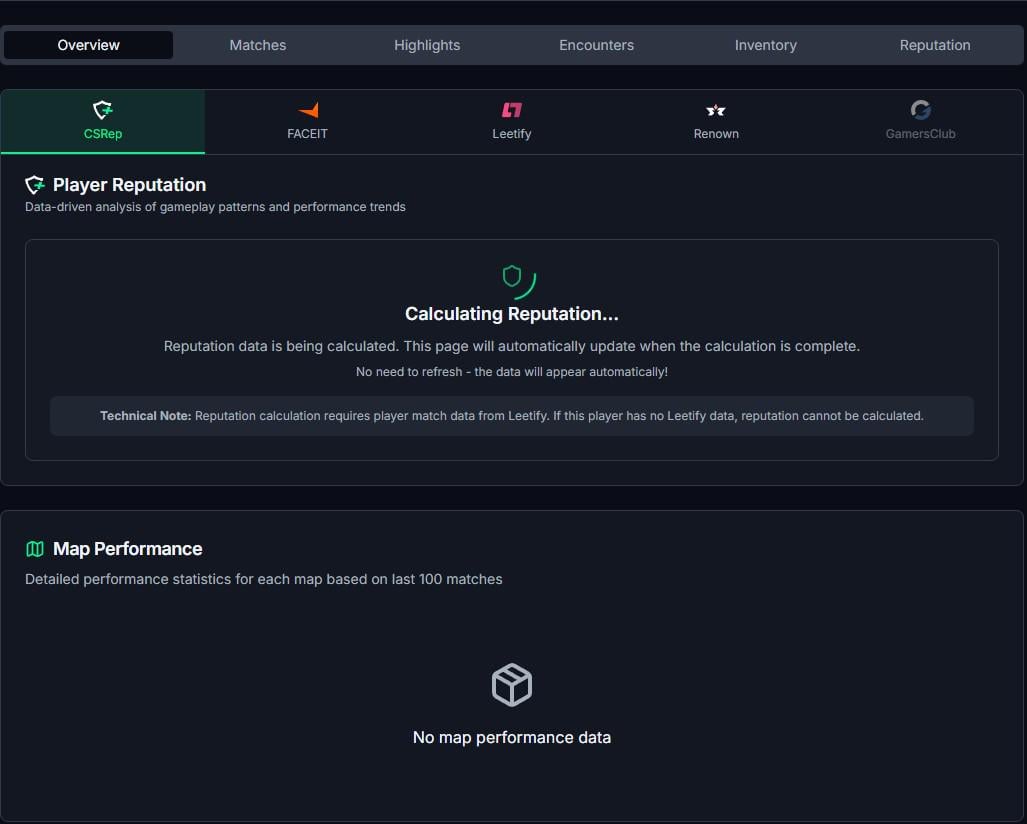
Until two days ago or so, all you had to do was add a “w” before “steamcommunity” in a user's Steam link and you would be taken to a really good overview page (I think it was csstats.gg-related, but I'm not 100% sure).
There you could immediately see whether someone had a high risk of being a cheater, or a low risk, and so on.
Now, if you type the “w” before “steamcommunity,” you end up on a csrep page that just loads and loads and loads. Nothing happens.
I already miss the old overview. Does anyone know how to easily access it over the Steam link?
Thanks in advance!
Happy New Year to all of you.
Edit: It was cswatch I was asking / looking for, not csstats. Thank you guys for your answers!