
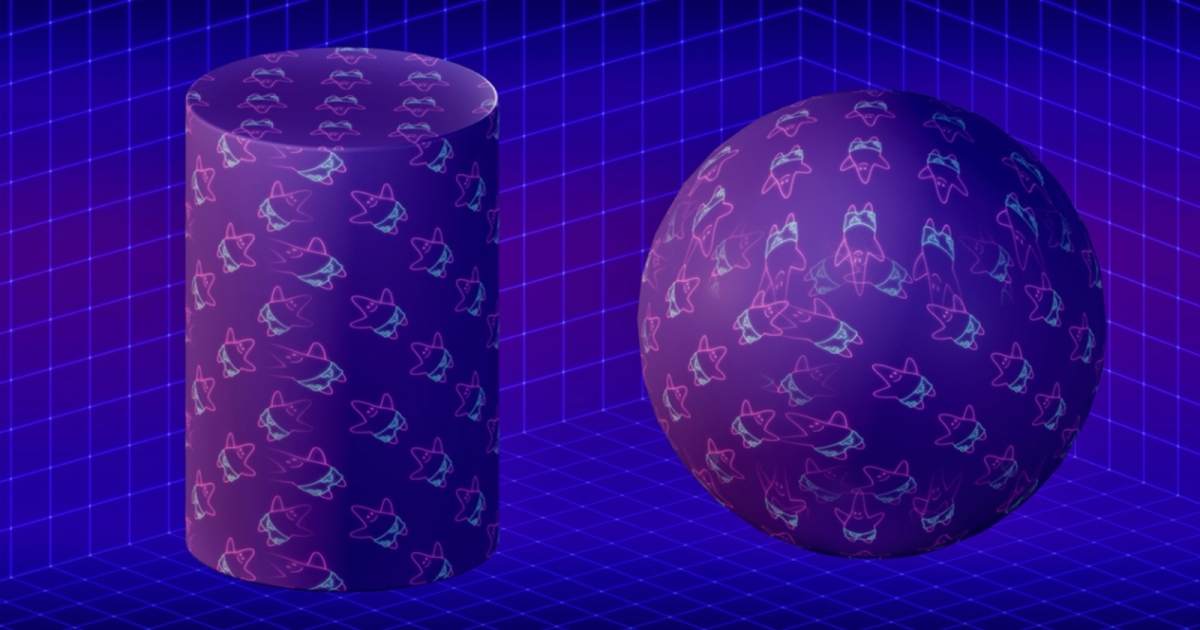
How WorldAlignedNormal Works
Now that WorldAlignedTexture is clear, it’s time to move on to WorldAlignedNormal, which ships alongside it. It’s important that they work in sync: if the color is seamless but the normals aren’t, the lighting will immediately reveal the seams.
The overall principle is similar: three projections along X, Y, and Z, each blended with its own mask. However, normals have their own nuances, and simply copying the texture logic does not produce correct results.
The reason is that in a Normal Map, the same RGB channels carry a completely different meaning.
If a texture is imported as Color, the engine interprets each RGB channel as a color component in the [0…1] range. It contributes to albedo (the visible color of the surface) and doesn’t affect lighting, normals, or light direction. For example, a pixel with color (100, 149, 237) becomes approximately (0.39, 0.58, 0.93) after normalization and is perceived as “cornflower blue”. Put simply, red, green, and blue add up to a visible image without any physical interpretation of those numbers.
If the texture is imported as a Normal Map, its data are interpreted differently: the engine reads them as direction vector components in Tangent Space and remaps them to [-1…1] (because a normal can point in the negative direction along any axis). Thus, the pixel (100, 149, 237) (“cornflower blue”) after processing becomes approximately (-0.24, 0.19, 0.95) in Tangent Space, that is, a vector pointing slightly left and slightly forward from the surface. This is a vector of the imaginary perpendicular to the surface at that point. The engine then assumes this part of the surface is slightly tilted, and lighting produces a soft highlight or shadow, as if there were micro-relief. This lets a flat mesh appear to have detail that isn’t present in the real geometry.
In the video below, you can see how the same numeric values turn from an ordinary color into a normal vector. On the left, the texture is imported as Color, so a pixel (127, 127, 255) normalizes to (0.5, 0.5, 1.0) and looks like a light violet tint. On the right, the same texture is imported as a Normal Map; for (127, 127, 255) this yields roughly (0, 0, 1) in Tangent Space, a normal strictly perpendicular to the surface. So the “blue” on the right isn’t a color; it’s a direction, and the shader uses it to compute highlights and shadows.