
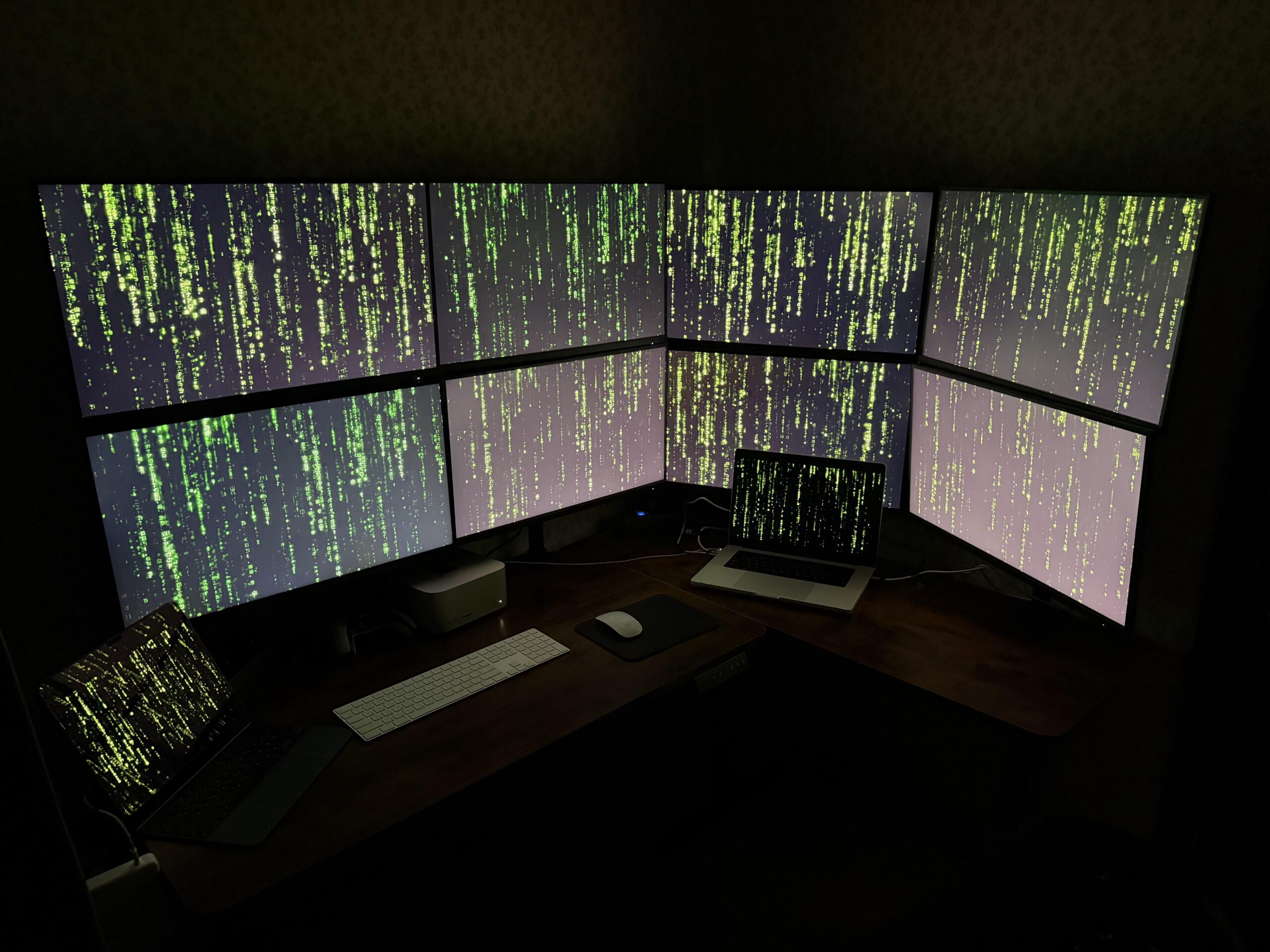
After years of iOS development, I finally decided to build something I’ve wanted for a long time — a quiet, high-performance workspace where everything has its place.
⸻
Specs
— Mac Studio M3 Ultra — 24-core CPU / 80-core GPU / 96 GB RAM / 1 TB SSD
— MacBook Pro M4 Max 16″ — 48 GB RAM / 1 TB SSD
— 8 external 27, 2K 100 Hz monitors
— Magic Keyboard, Magic Mouse
⸻
Setup logic
Each screen serves a specific purpose — Xcode, simulator, Instruments, documentation, dashboards, Slack, and various testing or AI environments.
It keeps everything visible without constantly switching windows.
Sometimes I run up to 16 Cursor projects simultaneously — great for testing, builds, and AI workflows.
⸻
Design goals
I wanted to keep the space clean, quiet, and distraction-free.
The Mac Studio handles heavy builds and pipelines, while the MacBook takes care of mobile simulators and secondary tasks.
⸻
Aesthetic choice
The Matrix wallpaper ties it all together — maybe a bit cliché, but it just feels right for an eight-screen setup.
And yes, these are just test monitors for now — I’m planning to build an additional desk soon and expand the setup to a total of 24 screens.
⸻
Ergonomics
People often assume setups like this hurt your neck, but it’s actually the opposite — with multiple screens you move your neck and eyes naturally instead of staying locked in one position for hours.
⸻
⚙️ Still improving cable management and lighting — ideas from pros are welcome!