
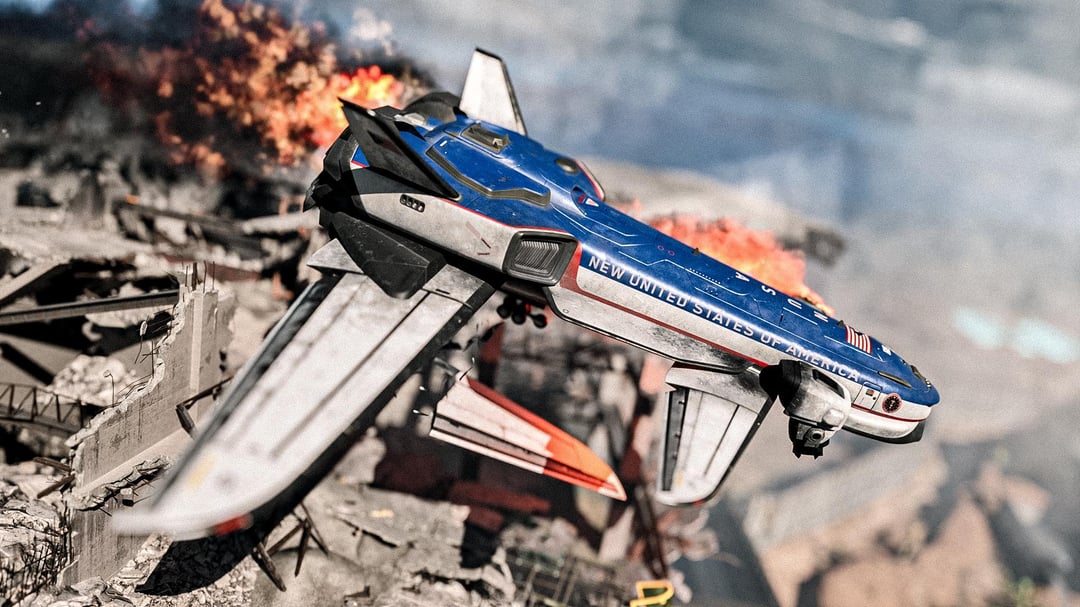
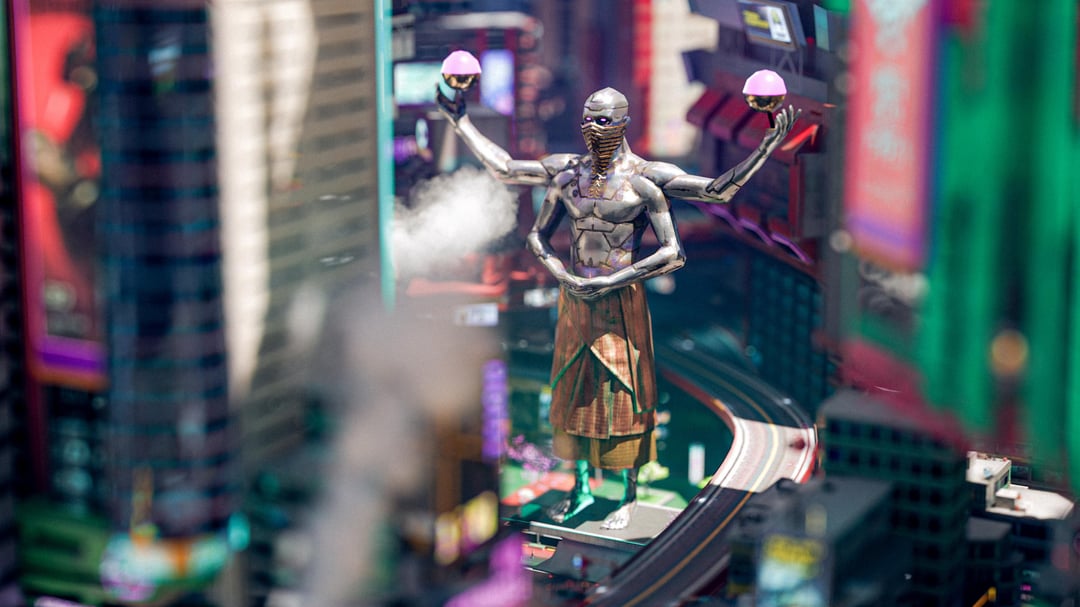
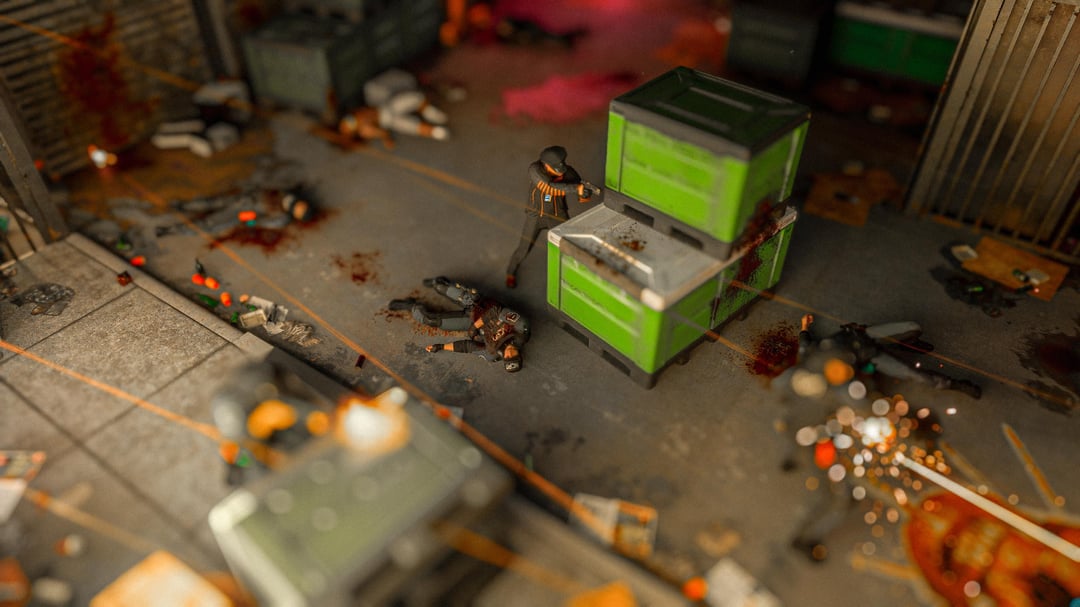
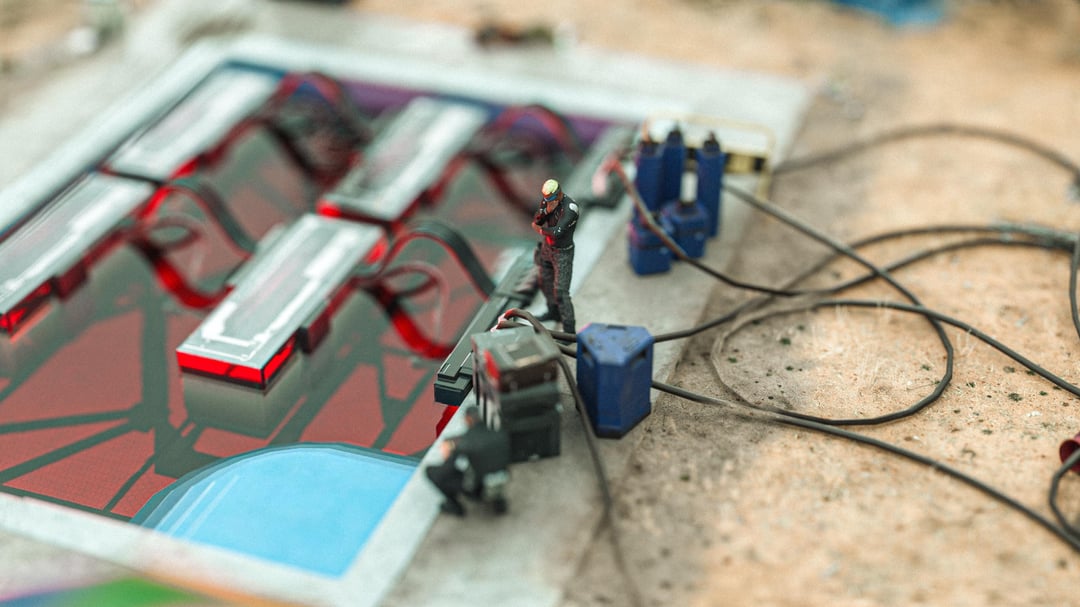
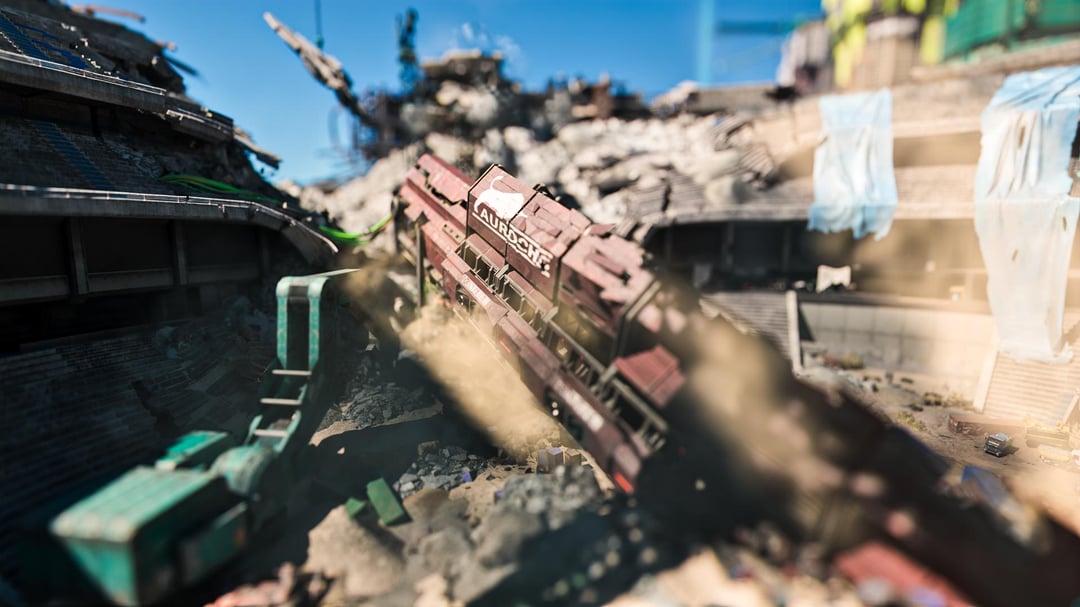
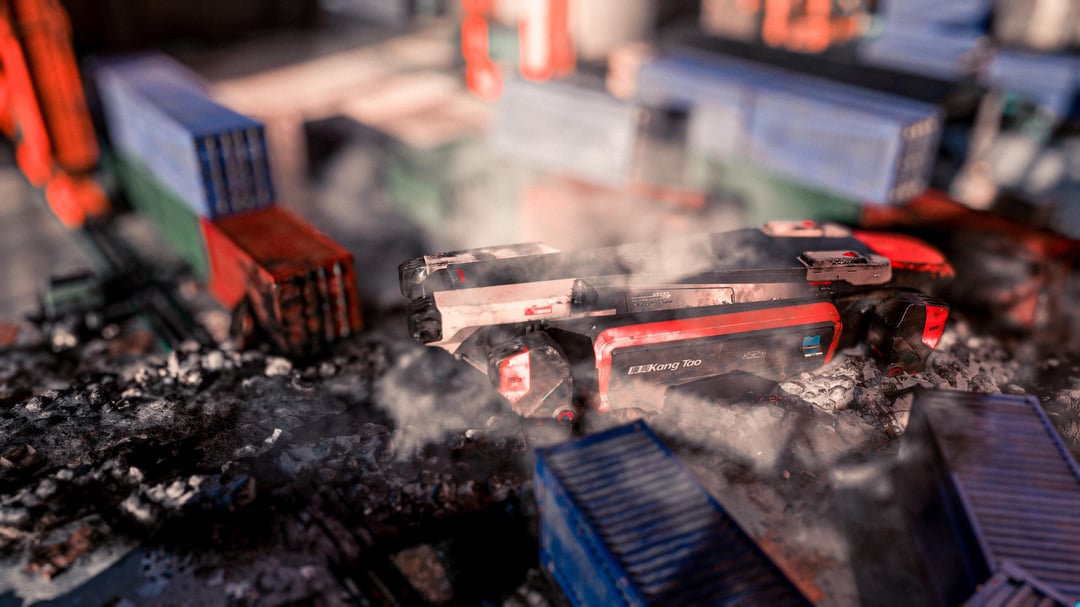
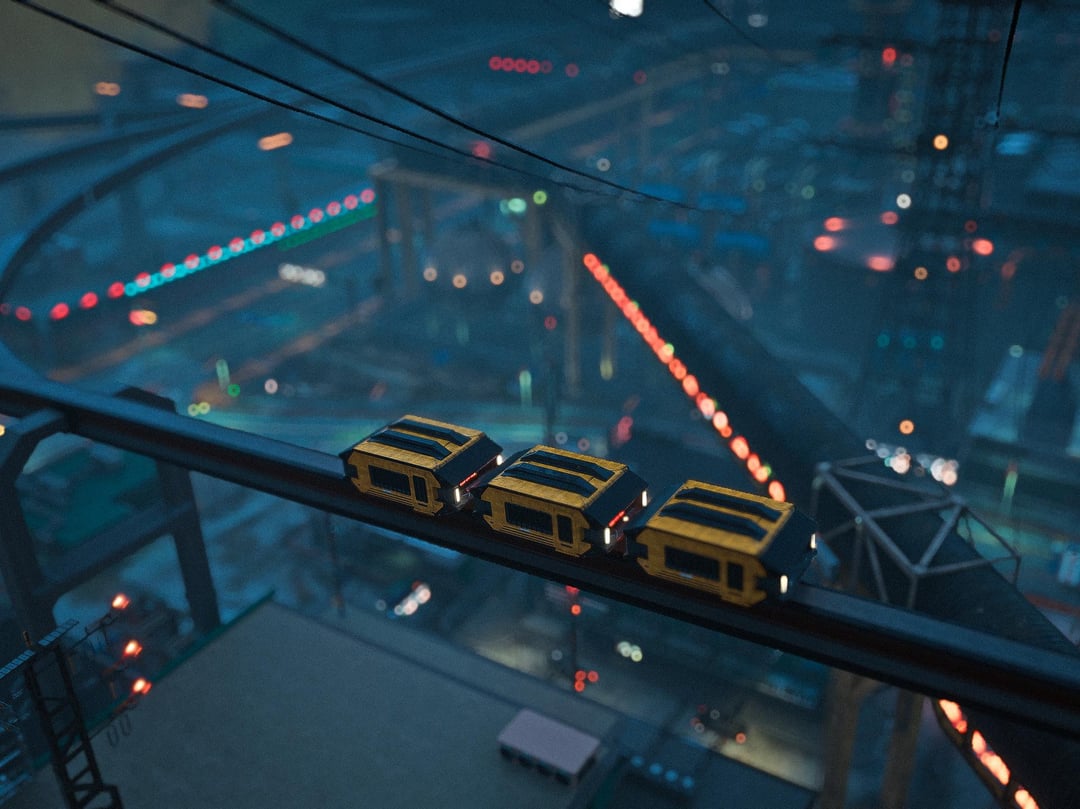
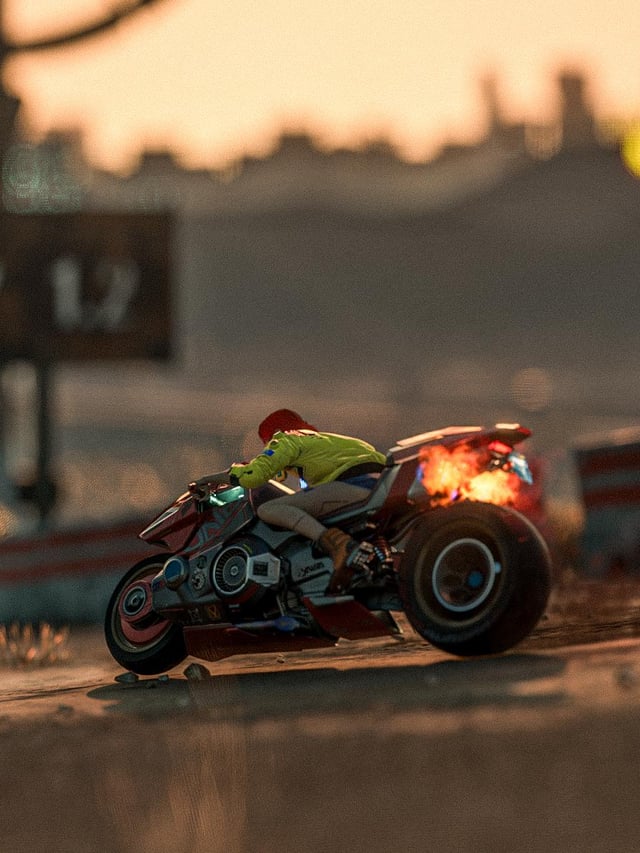
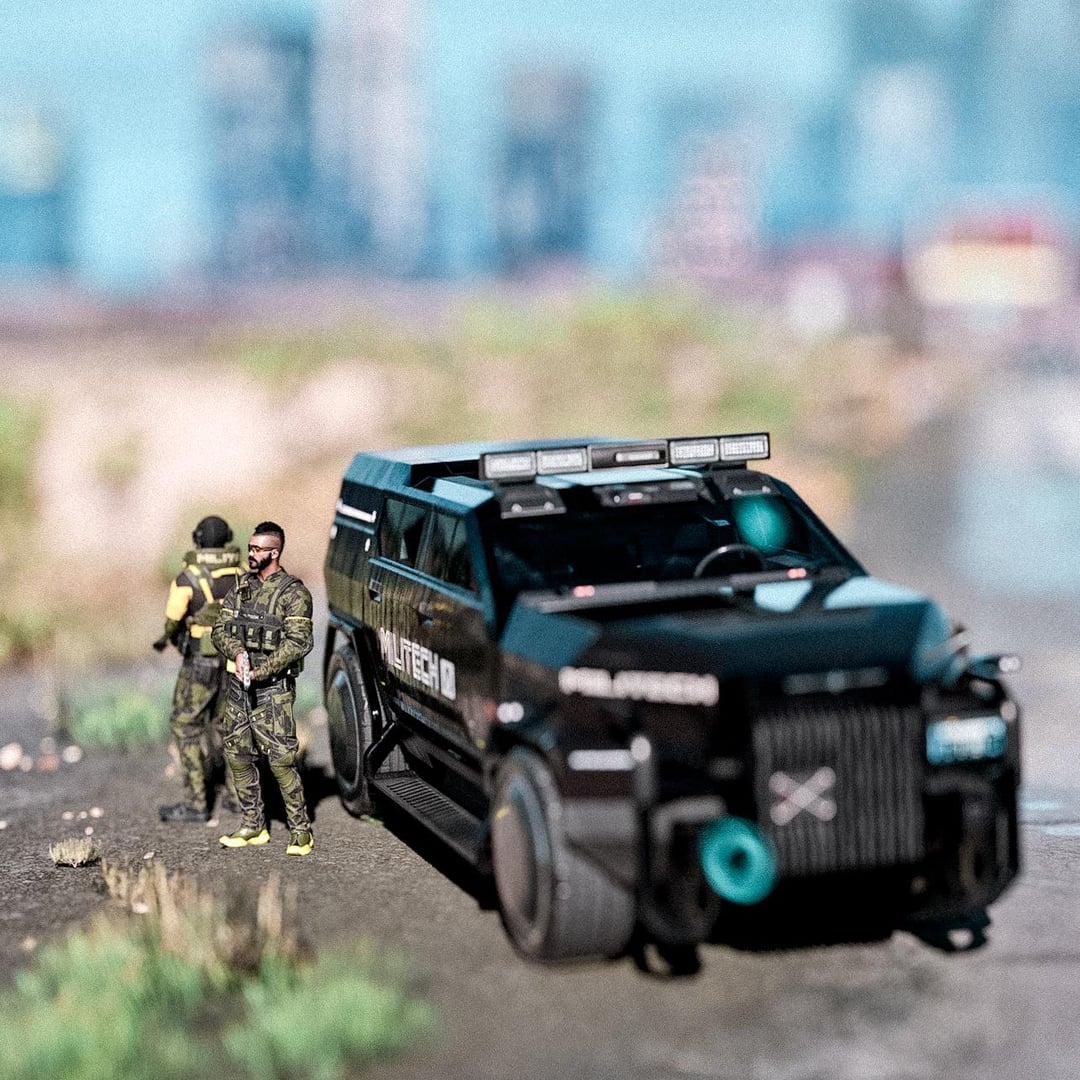
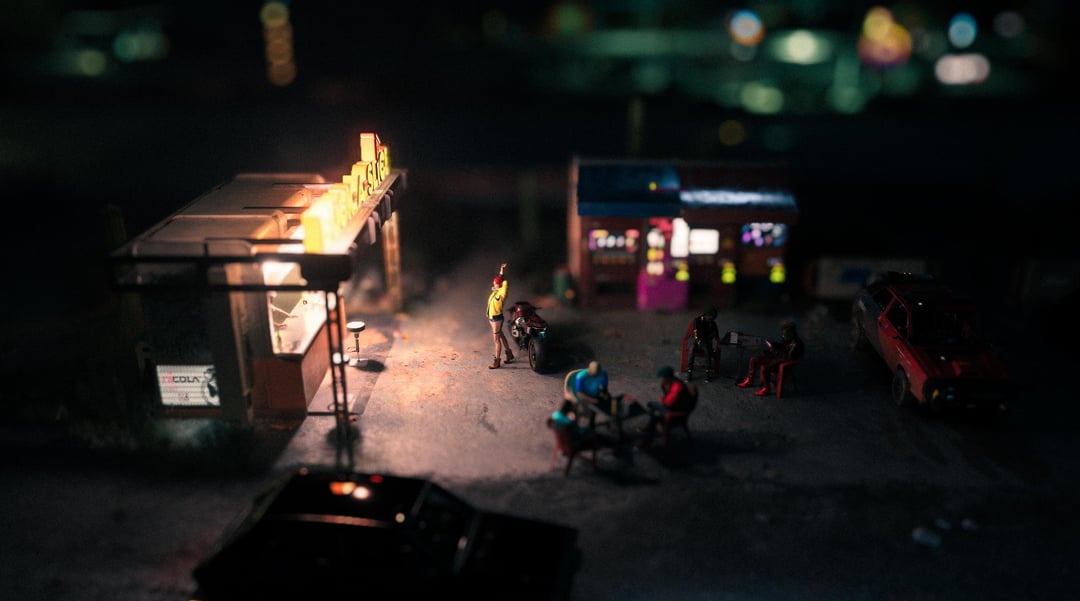
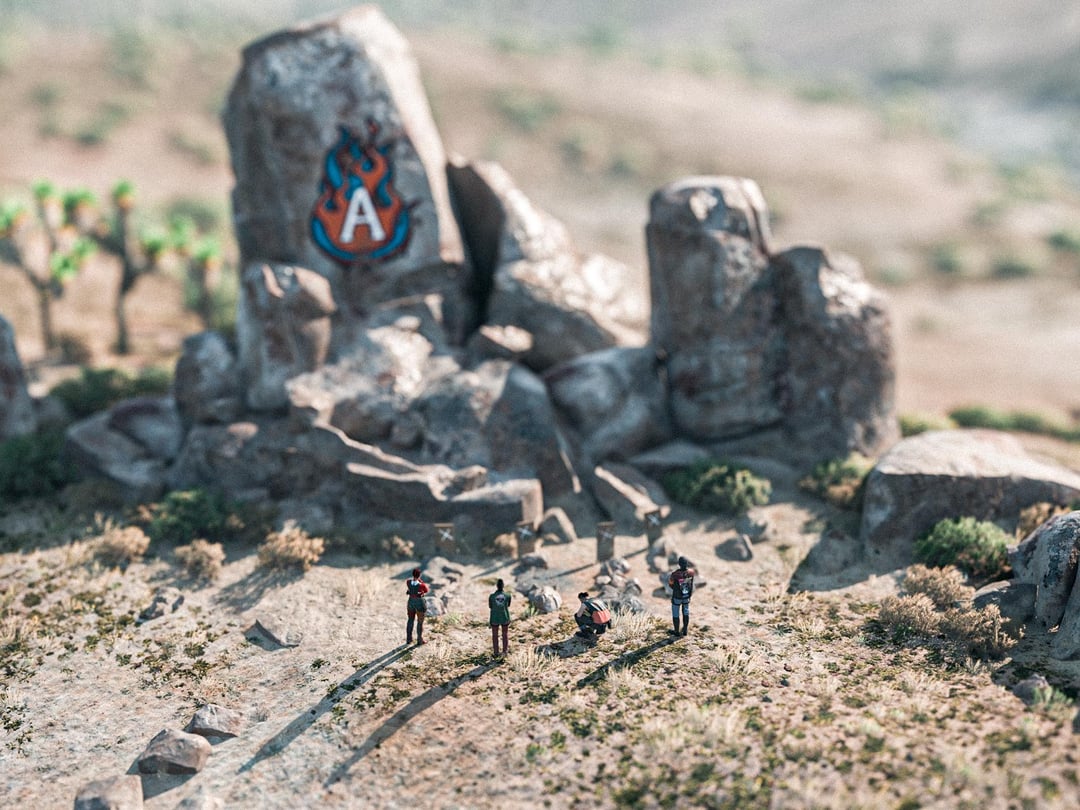
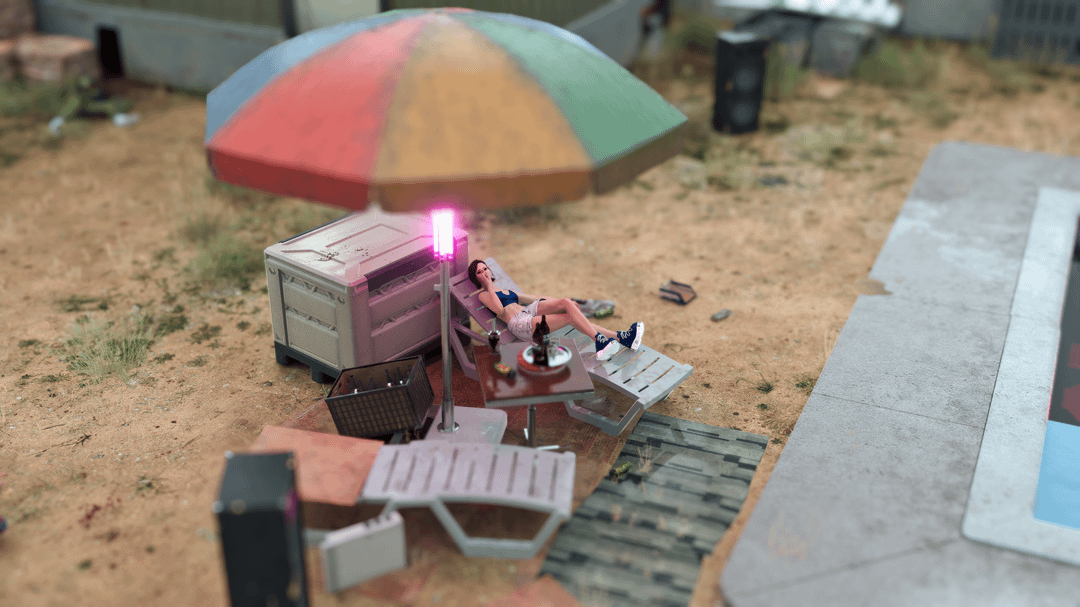
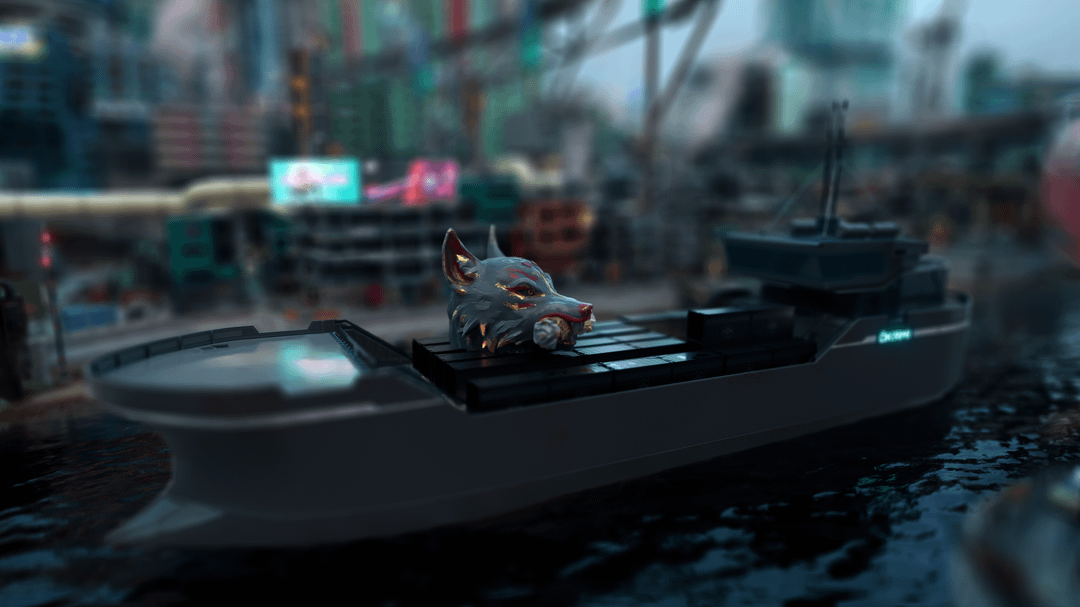
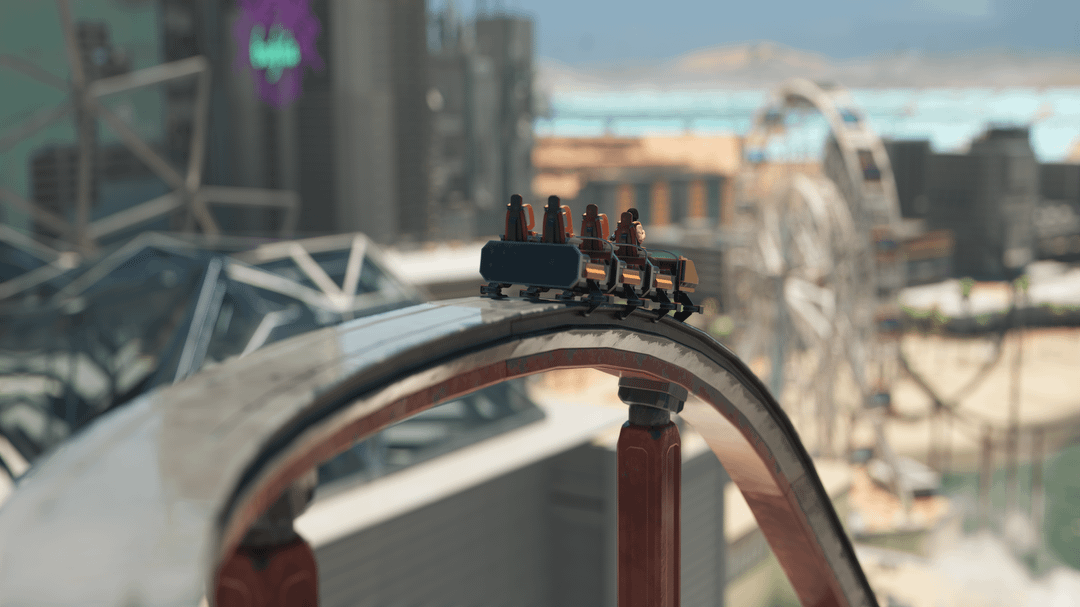
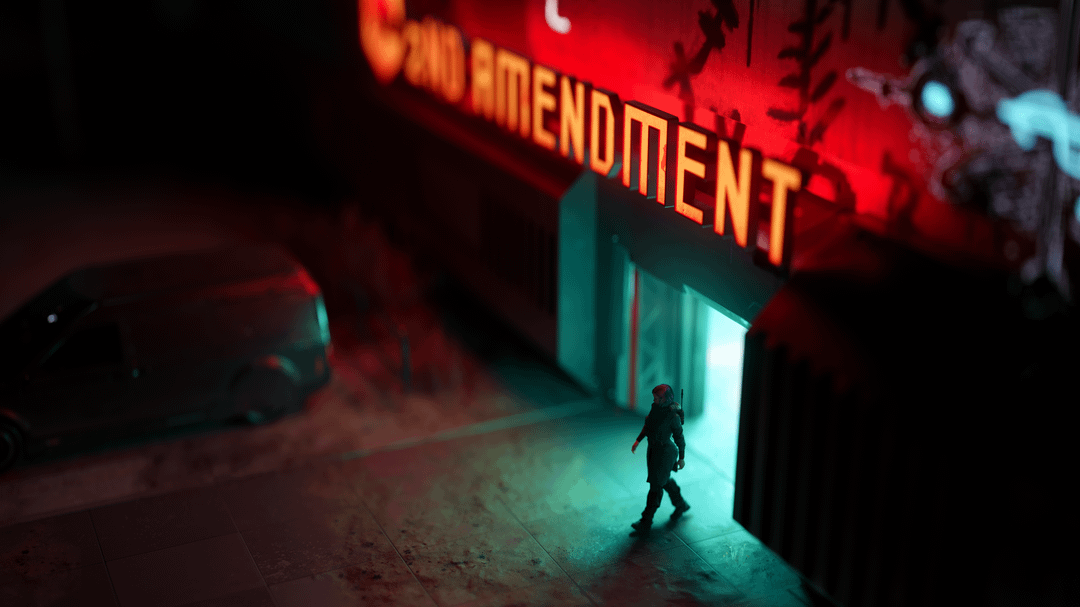
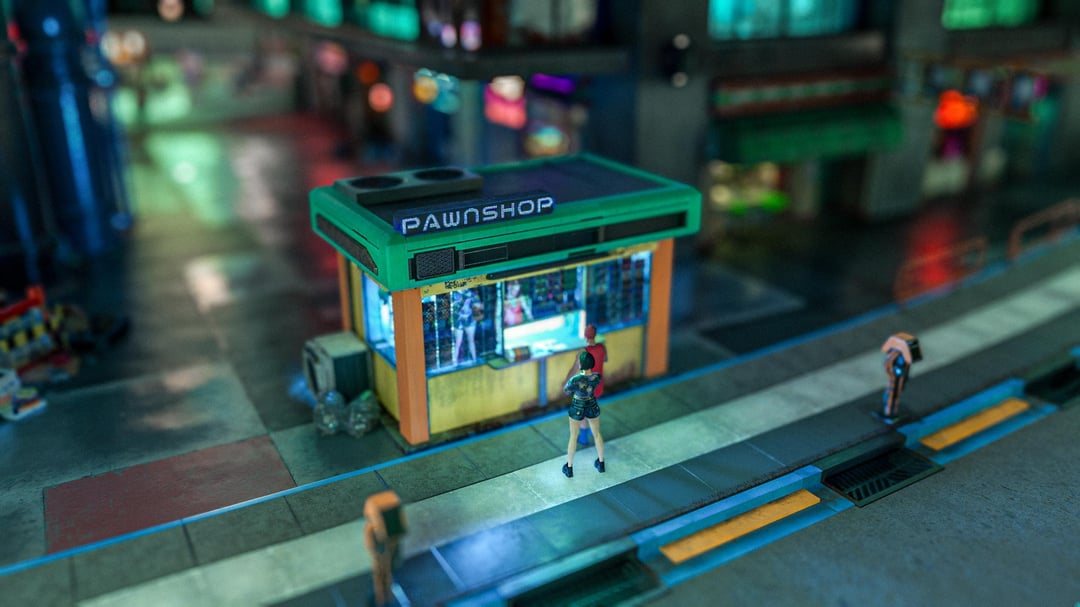
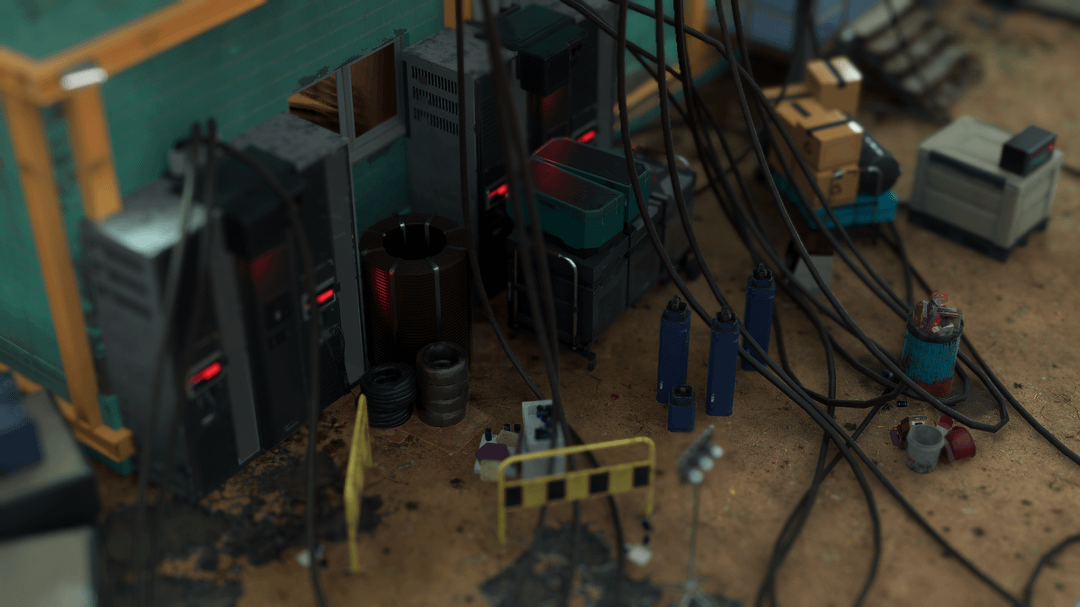
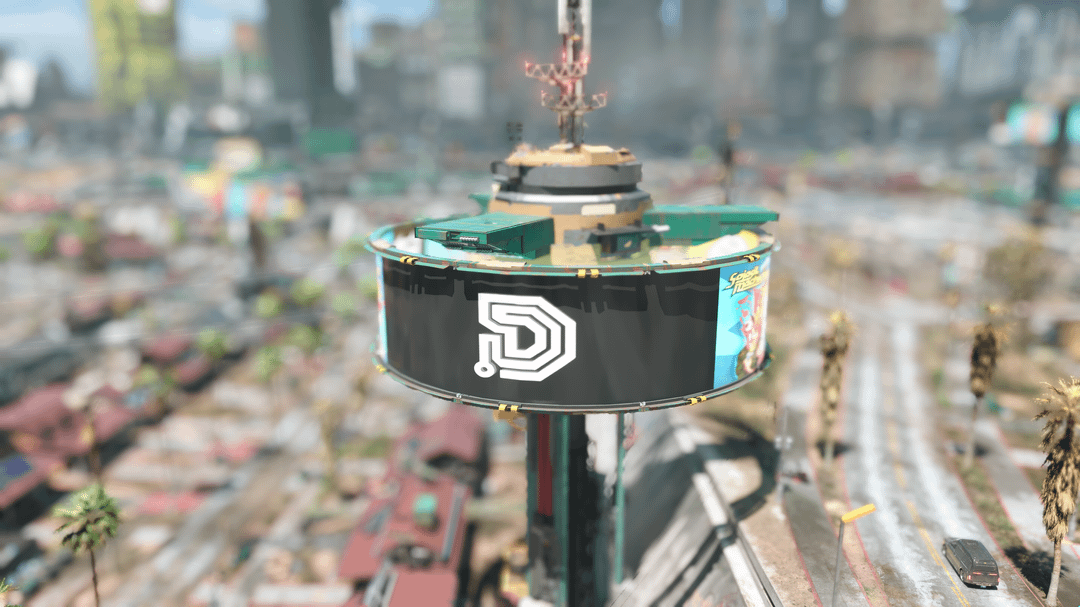
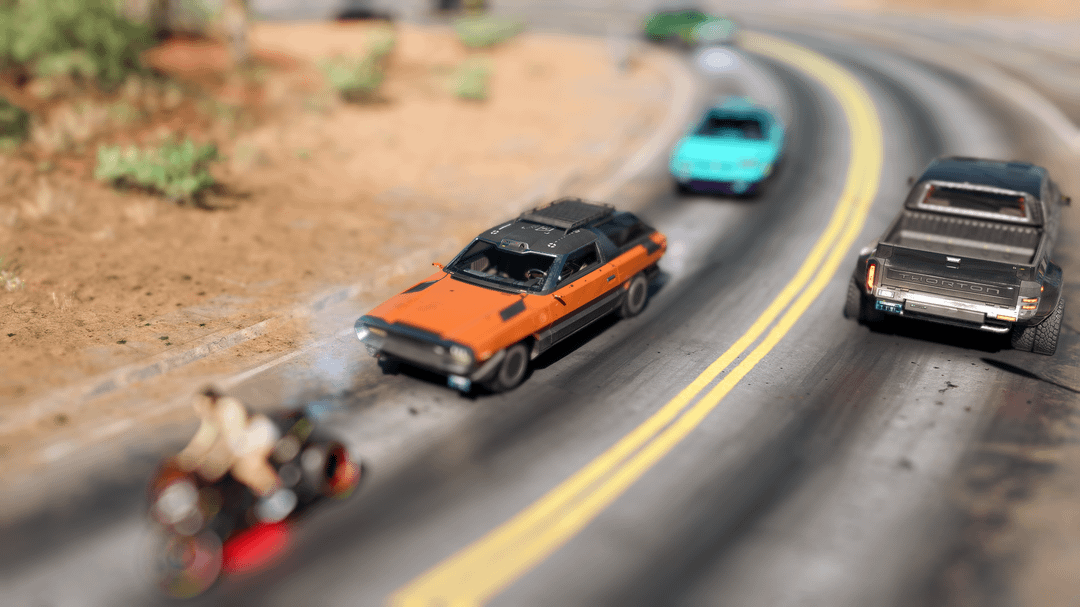
This is called Tilt-Shift it can be achieved with photoshop etc or also ingame but you need an additional program to achieve it.
Requirement:
A. download 'Reshade' – the reason why it is for pc only.
B. Once you install Reshade make sure "CinematicDOF" by OtisFx is also included at shader selection
- Once you have chosen the photo you want to take go into photo mode
- Open Reshade (Instructions of using it is also on their site. Pls read notes first before downloading it and try this)
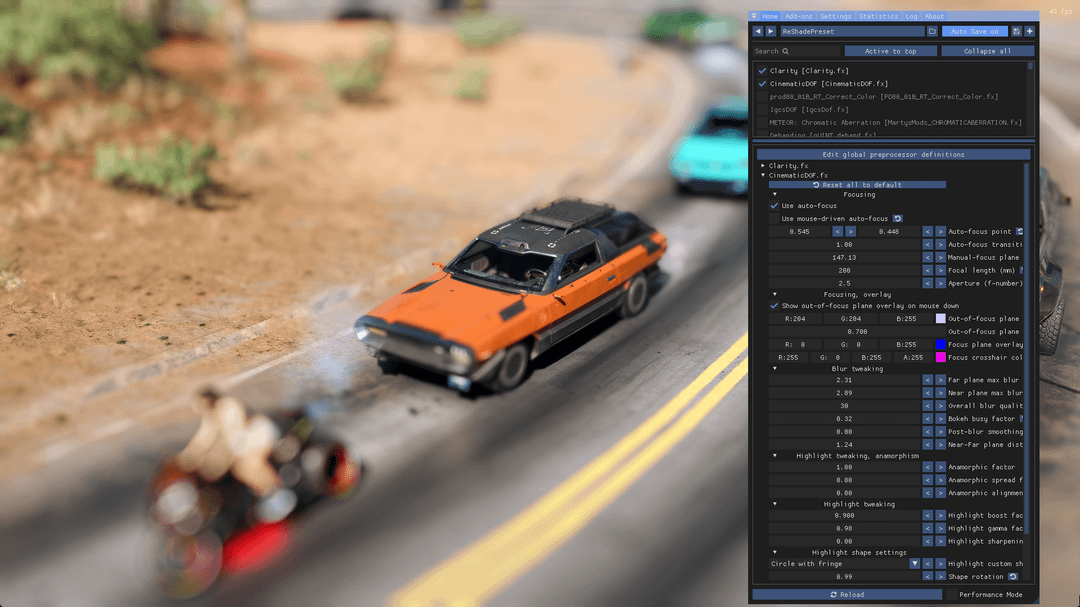
- Activate CinematicDOF (the reason this style works)
- My settings are shown in picture #20
a. Focusing:
-Manual is recommended but for beginners auto-focus is fine, adjust auto-focus point to where you want to point the focus
-Focal length atleast keep it between 200-300
-Aperture atleast 1 – 2.5
b. Blur tweaking
-Far Plane max blur and near max blur – make sure they are almost similarly blurred so it wont look weir on your photo
C. Others are just optional, you can combine other shaders too like me I included "clarity" for extra punch.
Hope you understand my instructions.
Thank you.