
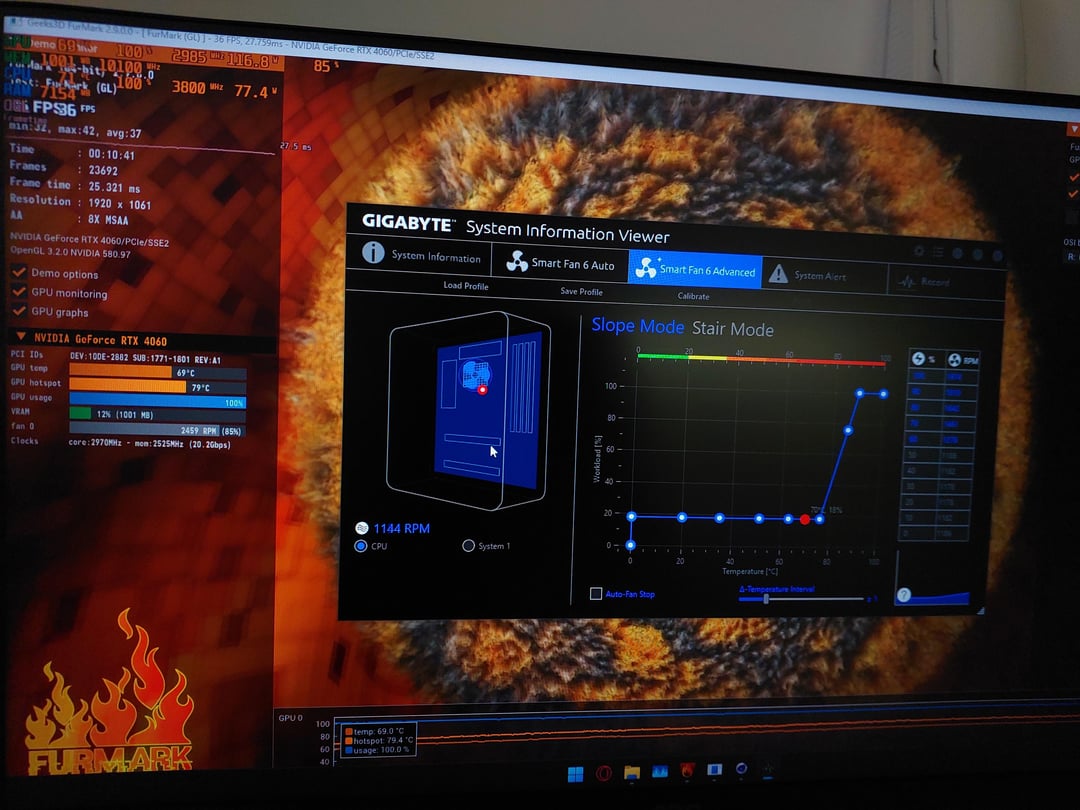
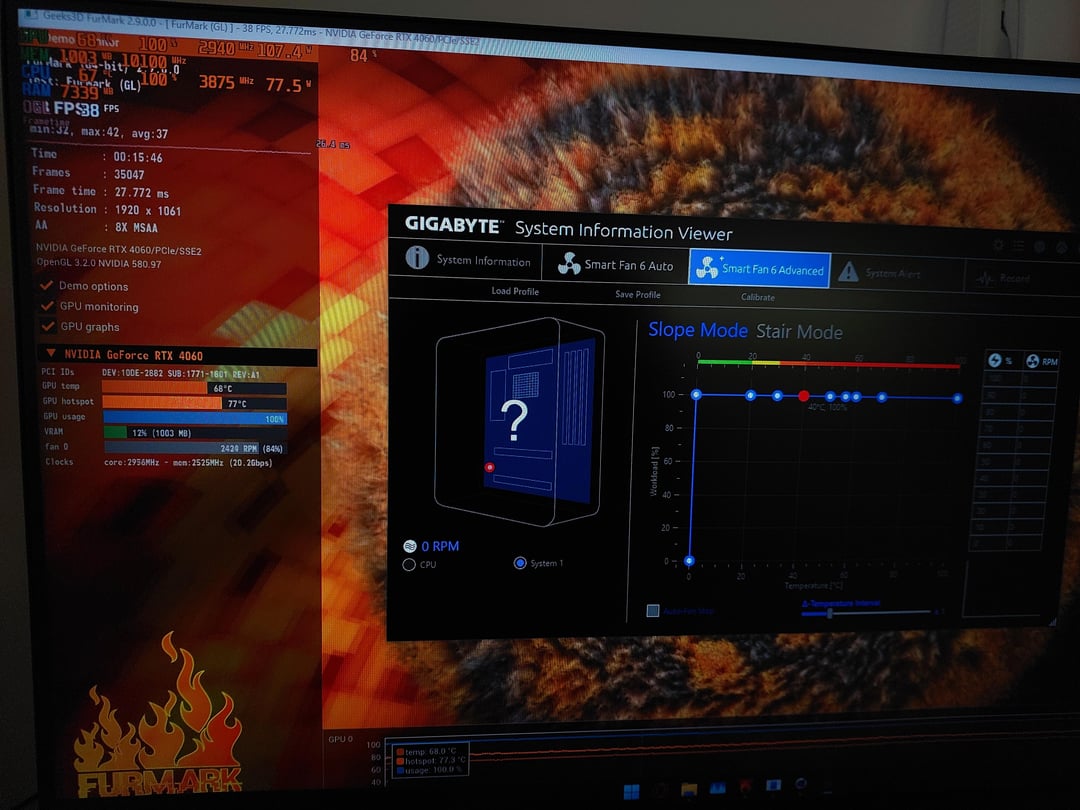
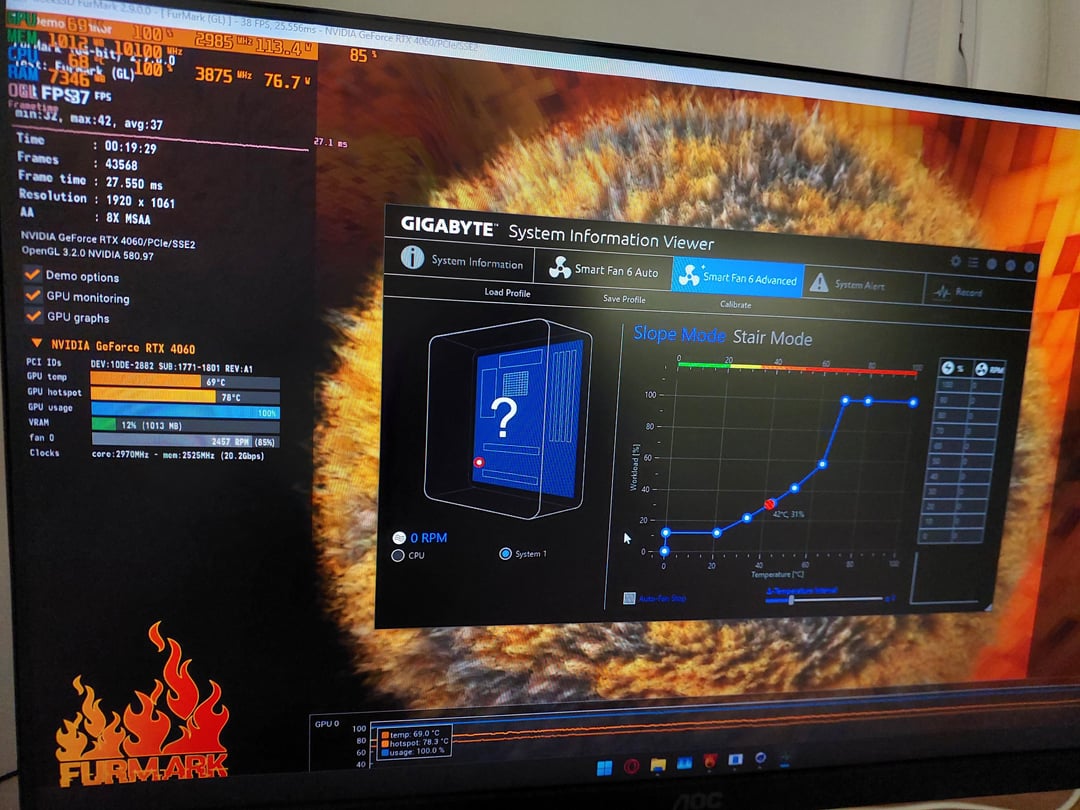
So i basically wanted to find the best fan speed % for my setup and here is what i found.
Setting the fan speed from 10% to 100% , testing each setting for 15minutes shows a 1-2c difference.
Even on the lowest speeds the fans were able to push fresh air in and move hot air out without causing any turbulence.
While the 100% fanspeed did show better results, those results were negligible. Only 1 or 2c lower temps on gpu and cpu. This may be caused by high speed fans making turbulence by crashing airwaves together.
Testing with 30-40% fan speed showed almost same results as 100% , maybe 1c difference at most but almost same, also the pc was much quieter. Less noise.
Testing with 70% speed showed identical results with 40% , so no need to make more noise for sae results.
So the best fan curve would be to set the lowest curve speed to 20% for idle and max it out at 70% on the top of the fancurve as anything beyond 70% would just cause turbulence and not achieve anything it terms of cooling.
All testing was done for the fanspeed of the case fans.
Cpu air cooling fan showed different results, as it is cooling a small heatsing. The higher the fan speed the better the cooling for the cpu.