……dvi? Only dual-link dvi can support 1440p. The issue is your cable, or, maybe you forgot to change the resolution in your display settings.
simagus
Is it a new installation of Windows and have you manually set the screen resolution or checked what it is currently set to?
Might also be worth running Windows Update and checking the manufacturers website for the manual and set-up instructions.
GhoulGooey
Windows Settings, Display, Scroll to Resolution, Set it as 1440p
Maybe that cable port doesnt support it? Not 100% sure only ever used HDMI and Display Port for PC
degenerusreincarnate
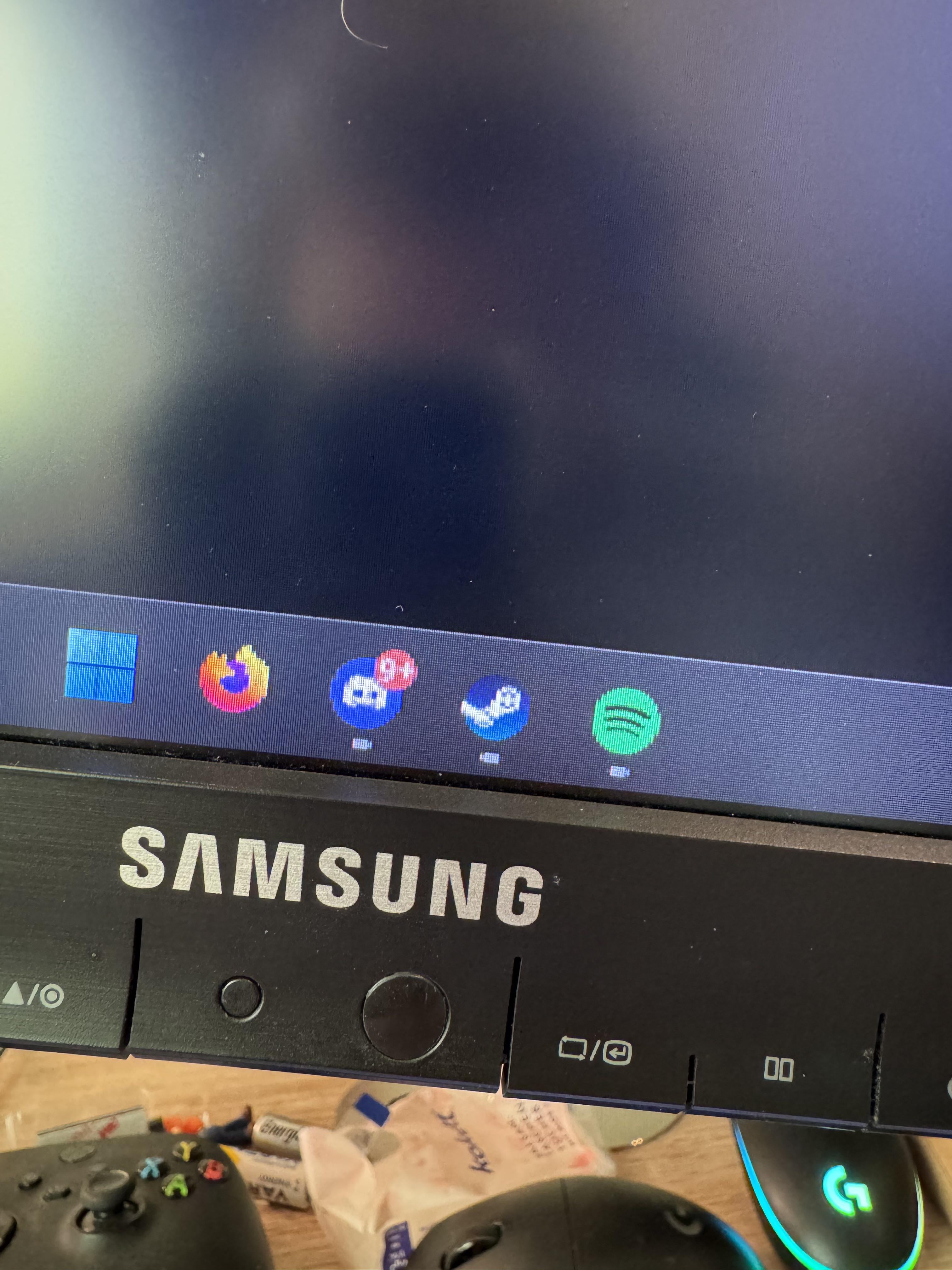
Is that a smiley face on steam ?
133DK
Kinda want that worm steam logo
giganizer
is it set to 1440p?
WhisperingDoll
I had same issue, it was my GPU.
Greenstone5113
That reflection in the monitor looks sus. But maybe it’s just me…
Obvious_Camera_9879
I think you’re gonna need a better cable than DVI, also, what do you plan on doing at 1440p on a 960? Good luck running anything but the desktop lol
TjMorgz
I don’t think that monitor does 1440p. They max out at 1440×900. 1440p is 2560×1440.
DrKingOfOkay
1440p with a 960? What is that? Like 25 fps?
Mustang260Rog
yo seriously you are using 2009 hardware that is 16 years old I can understand you have no liquidity but damn don’t play video games if you have these specs you better buy a console most likely a ps3 has more definition and doesn’t have a dvi lol

18 Comments
……dvi? Only dual-link dvi can support 1440p. The issue is your cable, or, maybe you forgot to change the resolution in your display settings.
Is it a new installation of Windows and have you manually set the screen resolution or checked what it is currently set to?
Might also be worth running Windows Update and checking the manufacturers website for the manual and set-up instructions.
Windows Settings, Display, Scroll to Resolution, Set it as 1440p
Maybe that cable port doesnt support it? Not 100% sure only ever used HDMI and Display Port for PC
Is that a smiley face on steam ?
Kinda want that worm steam logo
is it set to 1440p?
I had same issue, it was my GPU.
That reflection in the monitor looks sus. But maybe it’s just me…
I think you’re gonna need a better cable than DVI, also, what do you plan on doing at 1440p on a 960? Good luck running anything but the desktop lol
I don’t think that monitor does 1440p. They max out at 1440×900. 1440p is 2560×1440.
1440p with a 960? What is that? Like 25 fps?
yo seriously you are using 2009 hardware that is 16 years old I can understand you have no liquidity but damn don’t play video games if you have these specs you better buy a console most likely a ps3 has more definition and doesn’t have a dvi lol
What model of monitor?
This doesn’t look like a 1440p monitor to me.
DVI? Lol – what is this, 2009?
You answered yourself in caption
Absolutely 0 chance that monitor is 1440p pal
new screen
I think 2060s go for like 50 dollars nowadays