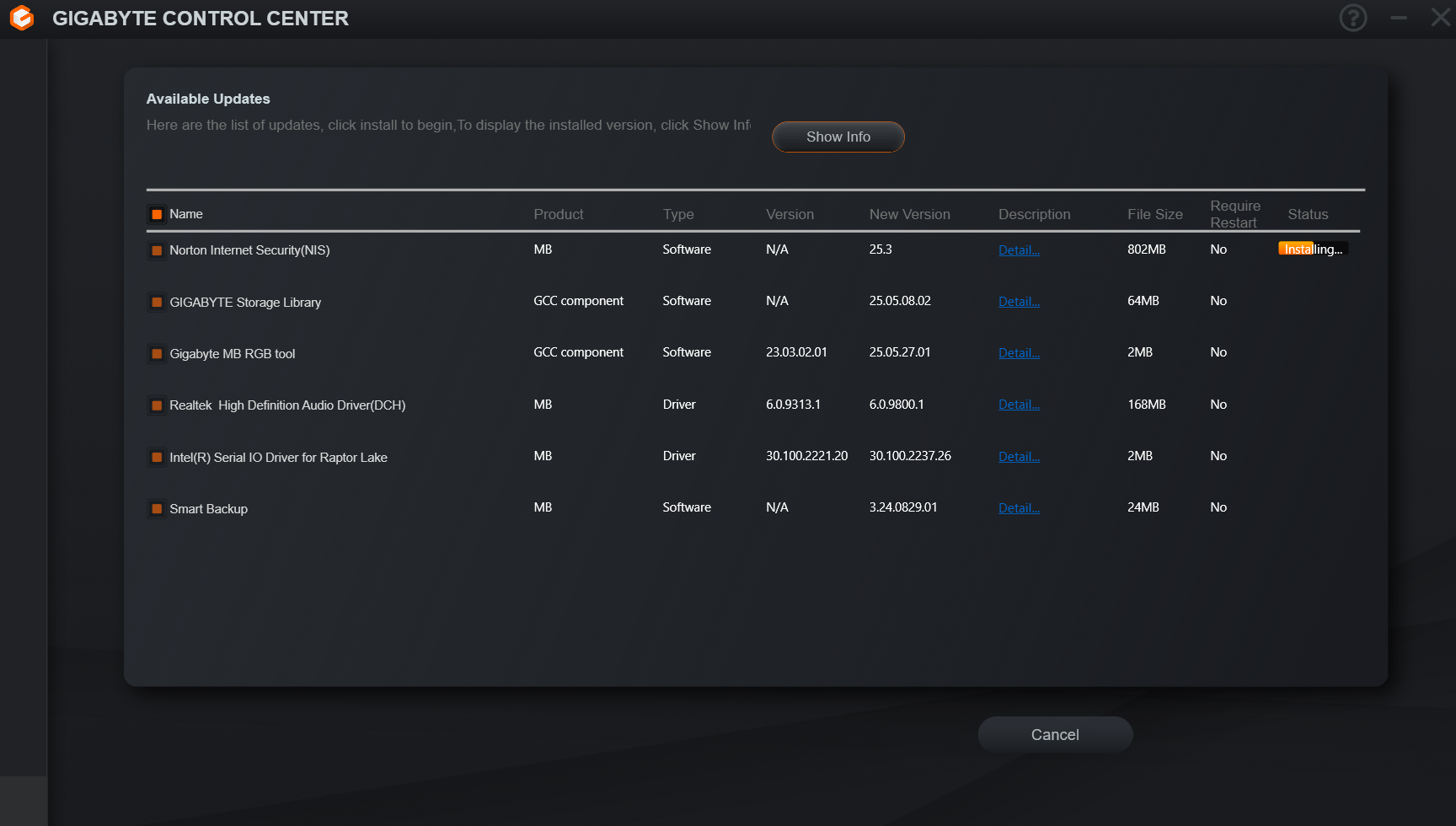
Gigabyte updater installing a Virus after I specifically told it NOT to install it. After the reboot from BIOS update it just decided I need this.

Gigabyte updater installing a Virus after I specifically told it NOT to install it. After the reboot from BIOS update it just decided I need this.
10 Comments
As much as I’ll use Gigabyte hardware, they’re just as shitty as Asus for their software.
Gigabyte Control Center is GB’s version of Armory Crate and just as evil. Don’t infect yourself with it. It’s optional. You don’t need it.
Make sure you run the Norton removal tool to get rid of it (I’d try it even if you aborted the install). That AV is notoriously difficult to remove manually.
[https://support.norton.com/sp/en/us/home/current/solutions/v60392881](https://support.norton.com/sp/en/us/home/current/solutions/v60392881)
It is not virus they just dont have signed driver
At least some GCC old rgb fusion stuff
you didnt uncheck it it even shows you didnt in your picture.
You don’t need Gigabyte’s software. I have their AM5 motherboard and I’ve been fine without it.
Used this countless times and it’s never done this. You just didn’t uncheck the box.
You can update the BIOS on your board via a USB boot, you don’t need that.
why you use such software even? windows update keeps everything up to date if companys supply
Installing a virus… classic Gigabyte
That’s weird, mine didn’t do that.