
Hello everyone,
I know that this type of posts is repeated a lot, but I would greatly appreciate your help. 🙌
I recently built my new PC with the Lian Li A3 case and an MSI MAG B850M MORTAR, and I'm trying to adjust the temperatures of the CPU, a Ryzen 9 9800X3D.
I have started doing undervolt following this video:
🔗 https://youtu.be/X21gGLS4h9k
For now, I have applied an offset of -0.075V, although I am not 100% sure if it is the most appropriate value. If anyone sees something to correct or improve, feedback is appreciated.
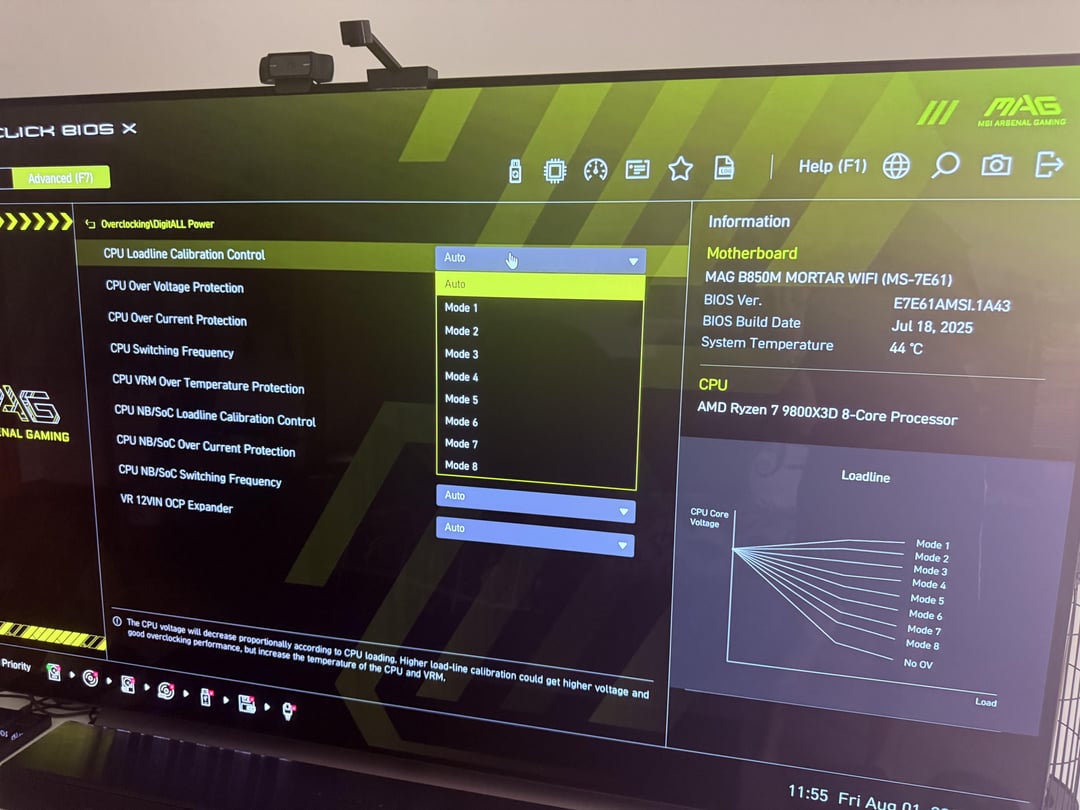
I have also seen the CPU Load Line Calibration Control option (the famous voltage curve) in the BIOS, and right now it is in Auto, but I am not clear what the optimal mode would be to reduce temperatures without losing stability. Could someone with experience on this board guide me?
🔥 Current temperatures and data:
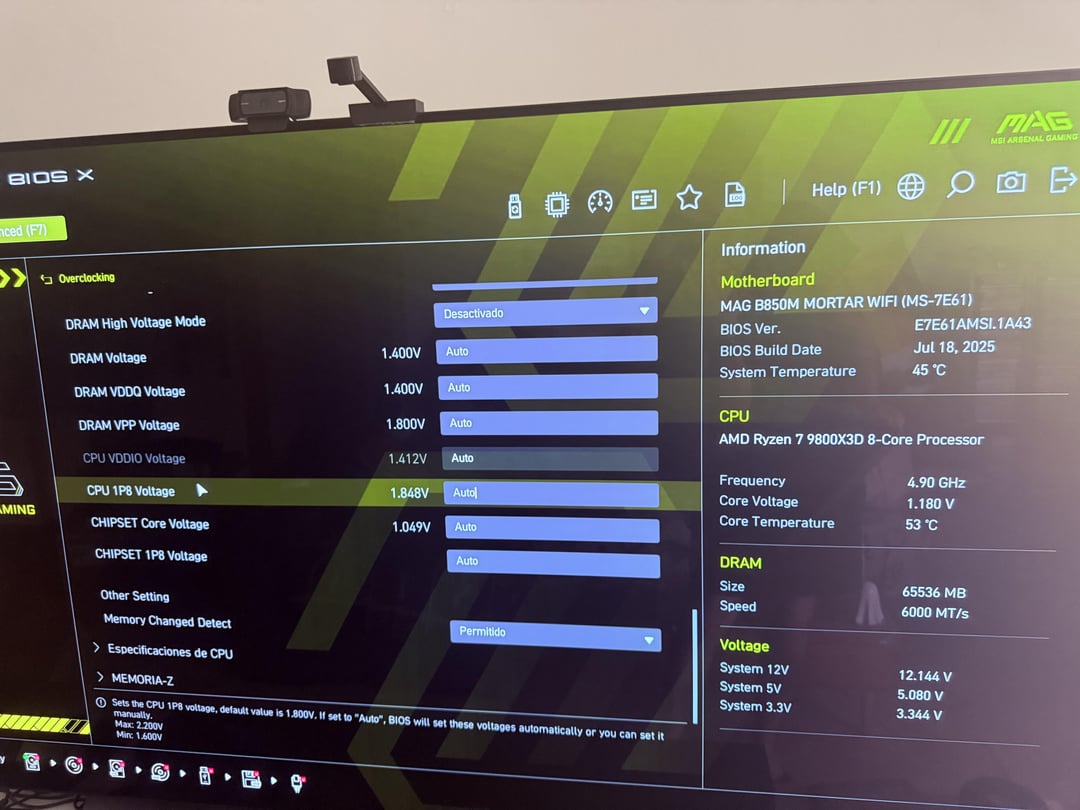
• In idle (BIOS) I am between 51 and 53°C.
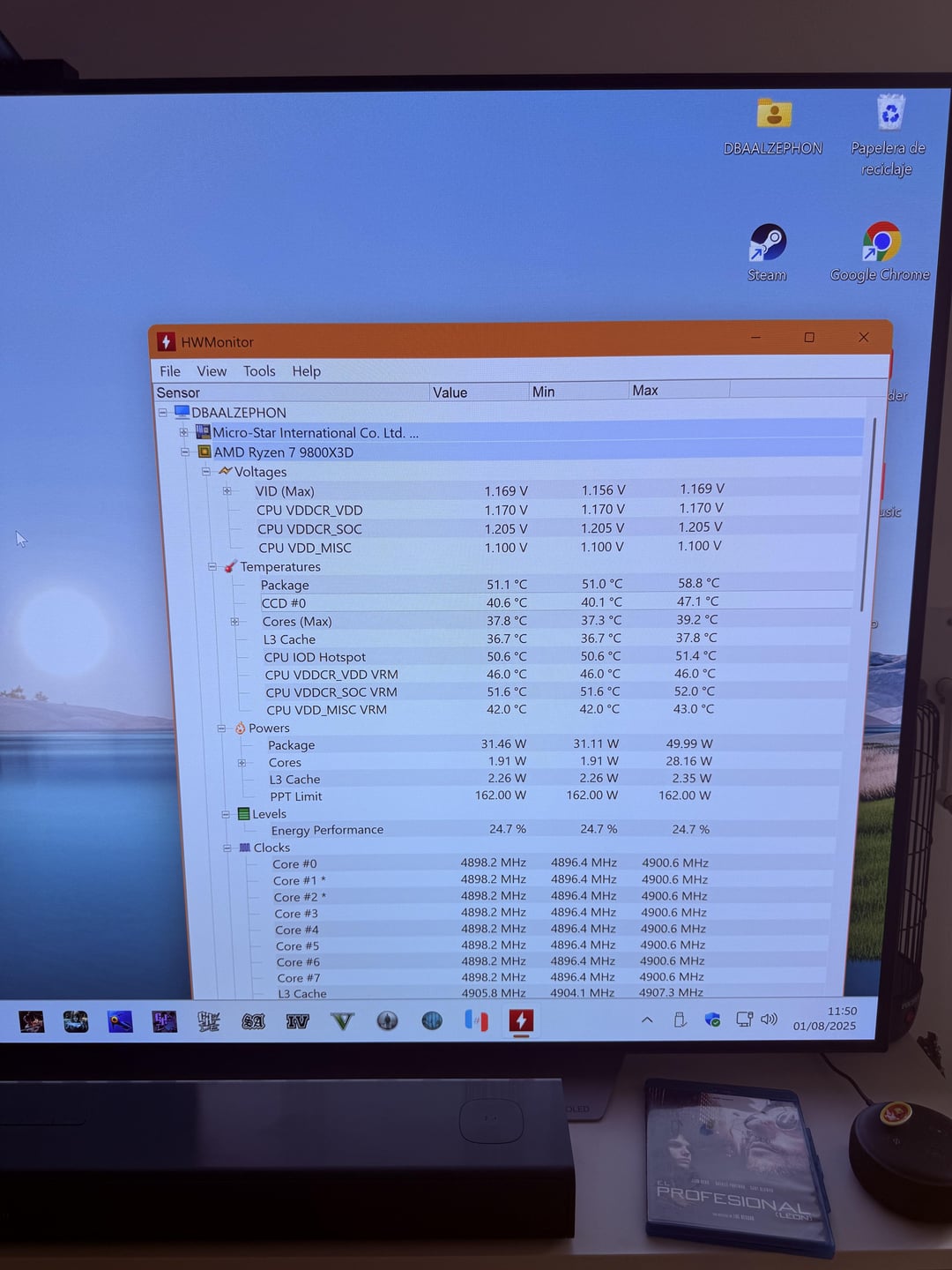
• In Windows it also remains in that range or drops a few degrees more, depending on use.
🛠️ Current BIOS settings:
• Motherboard: MSI MAG B850M MORTAR (BIOS E7E61AMS.1A43 – 07/18/2025)
• Case: Lian Li A3 (quite compact, tight flow)
• CPU: Ryzen 9 9800X3D
• Undervolt: Offset of -0.075 V
• Core Voltage in BIOS: 1,180 V
• CPU 1P8 Voltage: 1.848 V (Auto) – maybe too high?
• Load Line Calibration: in Auto (considering trying Mode 3 or 4 for better balance between stability and temperatures)
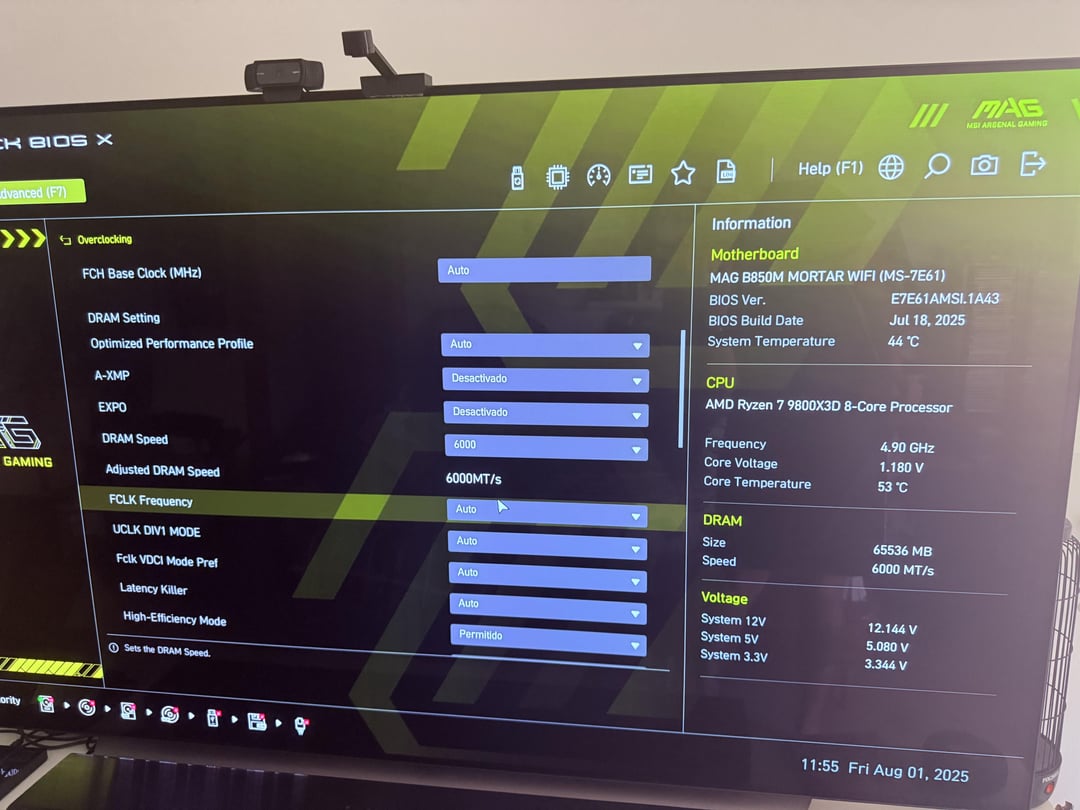
• RAM: 64GB @ 6000 MT/s (EXPO disabled for now for stability)
• FCLK: 6000 MHz
❓ Main doubts:
• Are these temperatures normal for this chip in a case like the Lian Li A3?
• What LLC (Load Line Calibration) mode would you recommend for this board?
• Are there any other adjustments I'm missing to lower the temperatures a little more?
I attach a few images..
Any help, experience or suggestions will be more than welcome. Thank you for reading this far and for giving me a hand! 🙏
3 Comments
What type of cooler are you using.. air or water?
I would just try a simple undervolt on all cores. Mine is around 38°C and I just put something simple for undervolt. I did -15 volts on all cores and +100 mhz and its been staying relatively cool.
Maybe someone with more experience with that board can help guide you. I went to AMD overclocking and curve optimizer in BIOS to change the negative offest.
Idle 45~55 is normal.
This CPU has a high idle temp.