
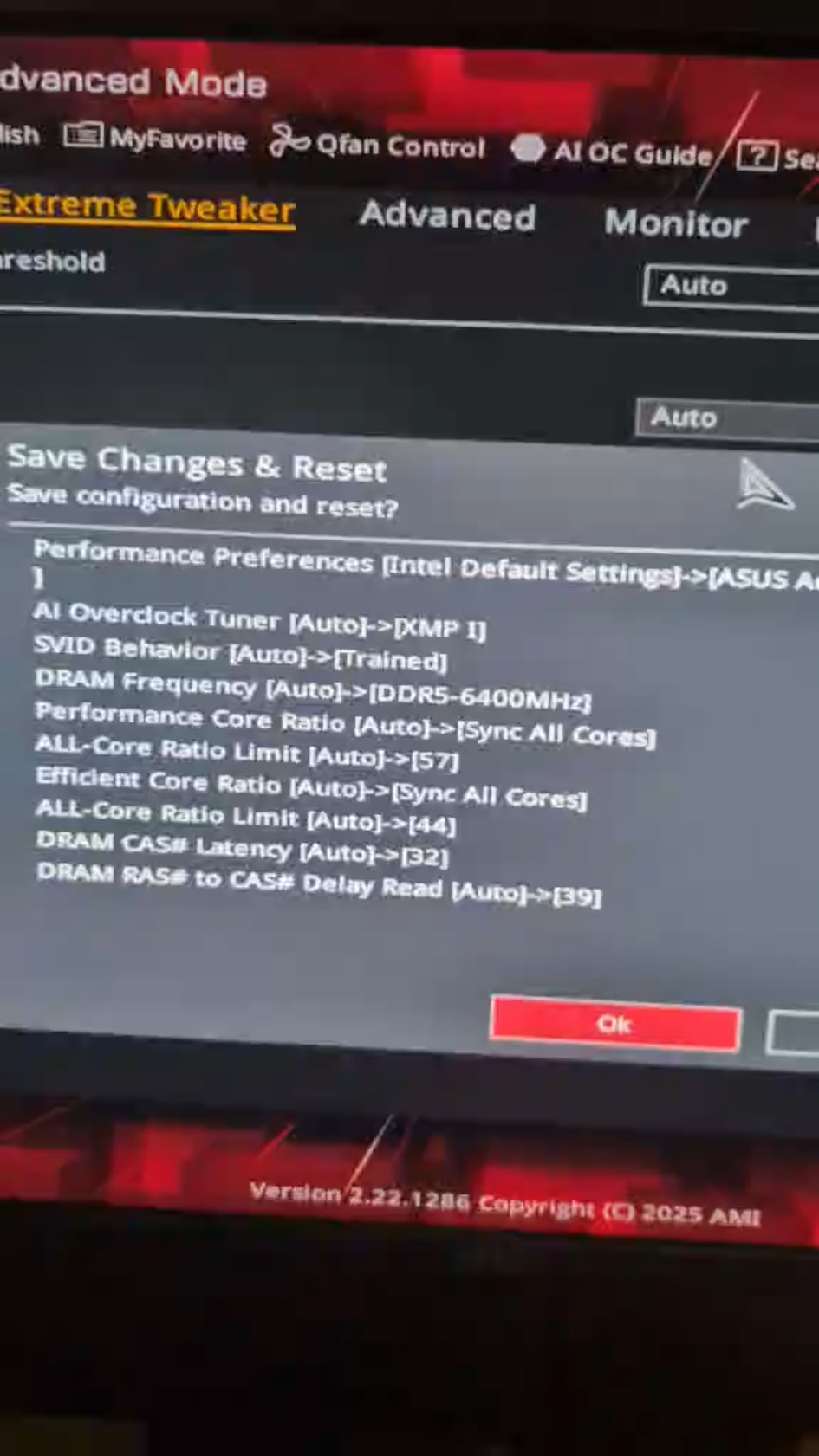
I've got a problem with my pc, I've upgraded the bios and since my CPU runs at 80 to 100c at idle, no overclock and I got traces of every manipulation I've tried to try to fix it.
I've tried to fix it myself with the help of an IT that I know that worked 26 years in building and troubleshooting pc's and we didnt find the problem, we've tried undervolting, changing the SVID behavior underclocking the CPU but the problem persist,
the problem was there when I got the PC but he fixed it, unfortunatly he dosent remember which settings he changed cause it was almost 7 months ago, I've borrowed an intel 13600k from him to see if it would be any diffrent but nothing has changed, my processor is an intel 14900kf and I have the same problem than the other one, weve tried another cooler but the persist, here are my specs and I'd really love that someone could help me cause I'm going insane trying to fix it.
Mobo: asus rog maximus z790 hero
CPU: Intel 14900kF and 13600K
GPU: PNY 4080
Ram: Trident Z 5 RGB 6400 Mhz
M.2: samsung evo 970
My last Bios firmware was 2801,
I've tried 3001 but freaked everything
When I activate XMP, just on windows the idle is ranging from 86 to 100c without it it goes from 66 to 87, these are approximatives but and if I remember correctly the problem was a single setting, we worked on it 2 days for it to finally be able to be stable at arround 45c at idle and not go over 85 in gaming,
I think it was a problem with an IA feature but I cant remember correctly, The CPU seems to always stay at a high clock above 5Ghz at idle wich I dont find usual…
I've also tried multiples downgraded bios firmware and reinstalling windows on an other ssd wich didnt change anything at all
I've also followed this video but didnt changed anything but making the pc unusable even on BIOS
1 Comment
I dont know how to add pictures with the video