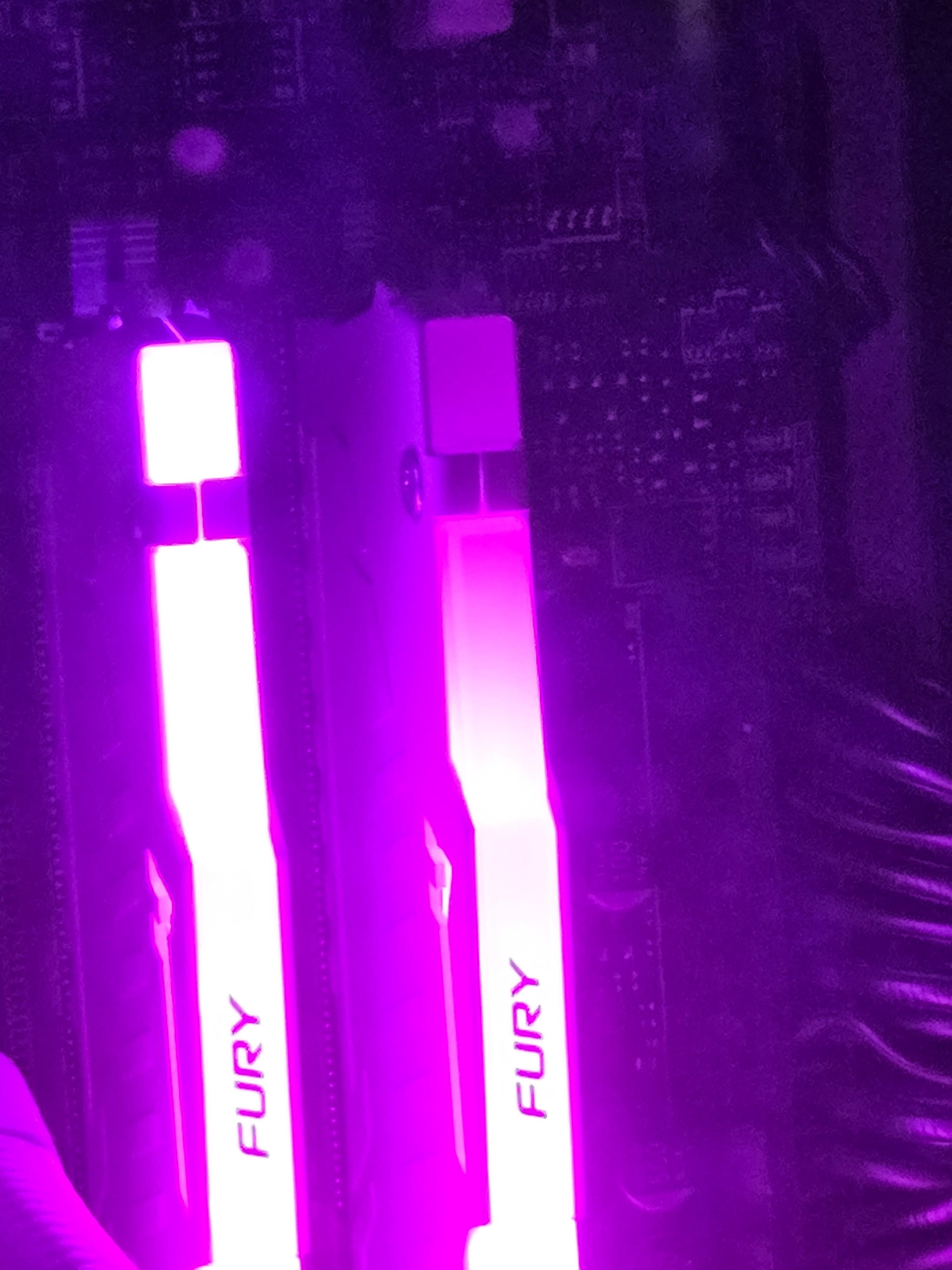
One of the LED inside the RAM sticks failed. Its a 32gb (16×2) kit FURY Beast in white which I bought exactly 1 year back. I barely switch on the RGB. I requested an RMA in India and hope they accept it. Any other ideas on how to get it to work?

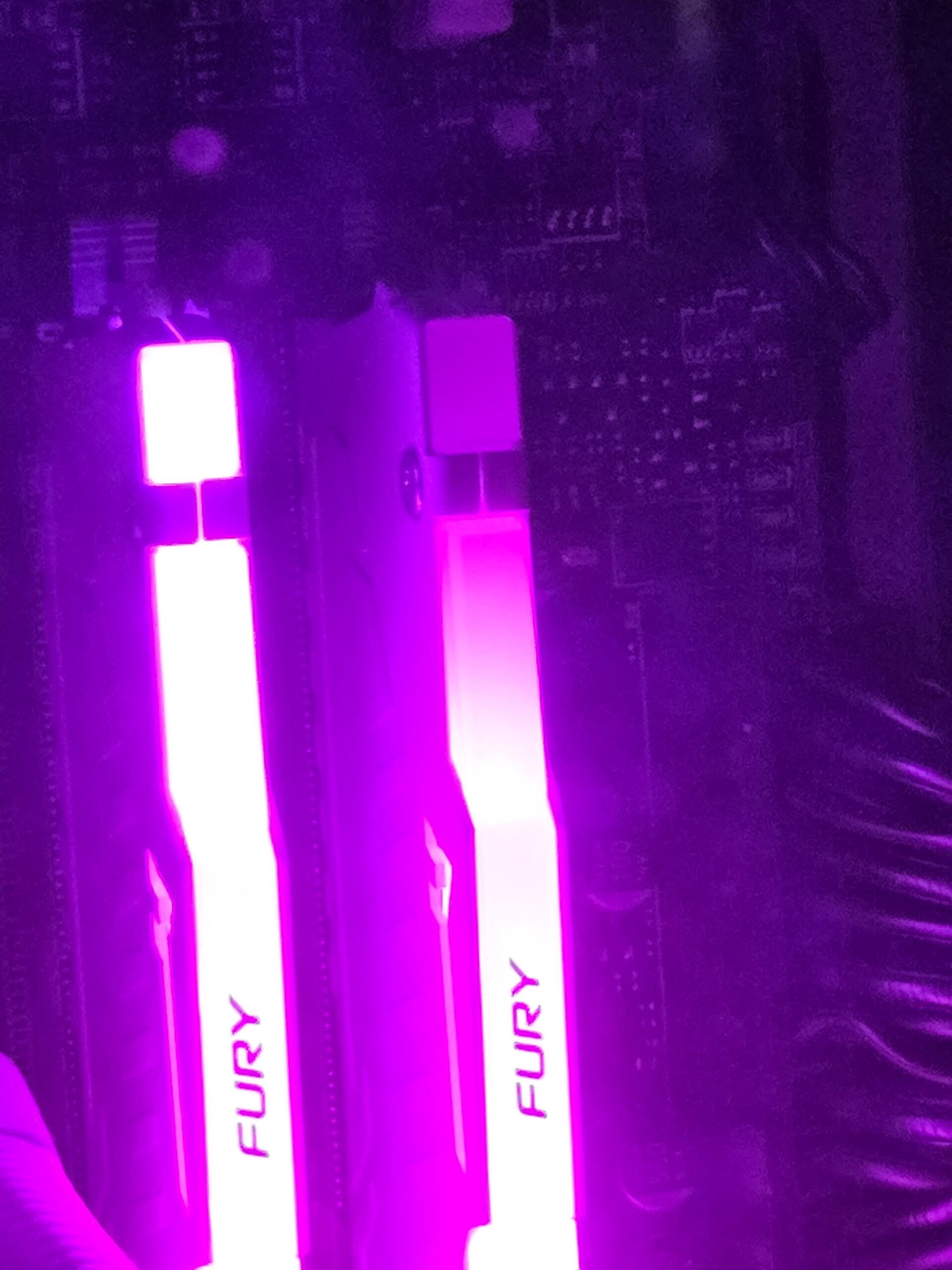
One of the LED inside the RAM sticks failed. Its a 32gb (16×2) kit FURY Beast in white which I bought exactly 1 year back. I barely switch on the RGB. I requested an RMA in India and hope they accept it. Any other ideas on how to get it to work?
22 Comments
I don’t think they will rma it, best to just turn it off and live with no light on ram.
I would not try to open it or smth till they answer else they could say you broke it
It has a lifetime warranty on it, so just use the RMA process.
Yeah after buying these and having the colors drift, I probably won’t be buying Kingston RAM again.
You can ask the RMA team if it fits a conformity RMA because the LED died, you bought them for the lights also not only the dimm itself so it should be under a conformity warranty.
-5 fps in games now
One of the reason I will never buy a product with LED anymore. Not only it’s unreliable, the software that it’s need is also a problem.
Omg… This is the end
Less LED = Less FPS 😉
Less FPS = Less pussy
Poor [MarxTheDog](https://www.reddit.com/user/MarxTheDog/) 🙁
Trash it literally unusable at this point 😃
*old man voice* Back in my days we used to have real problems, like “why on earth my brand new DDR3 Fury RAM give’s me BSOD every 15 minutes?” you youngsters don’t know what real pain is.
Add another 6month…its starting yellowing
Turn off the first LED on the other stick in your software and forget about it
.. that’s it .. the whole PC is unusable now … I’ll kindly help you ecologically dispose of it !
RMA with the manufacturer, they will repair or replace for free. Nearly all RAM has lifetime warranty.
Remember, if it was a matched pair kit, you will need to RMA both memory sticks, even if the other one is 100% good.
Yeah thats why I moved on from the LED fishtanks.
Enough time passes and they die, its annoying
r u serious did you just try to RMA because of broken RGB
People, throw rgb in the bin

I think it means you need to add more RAM-fluid. It’s starting to run low. Should still be ok though.
Dang I got the same sticks
Boohoo
Oh no.