
I asked Google and it said it's okay but I'd like to check with y'all before I add this older RAMM.
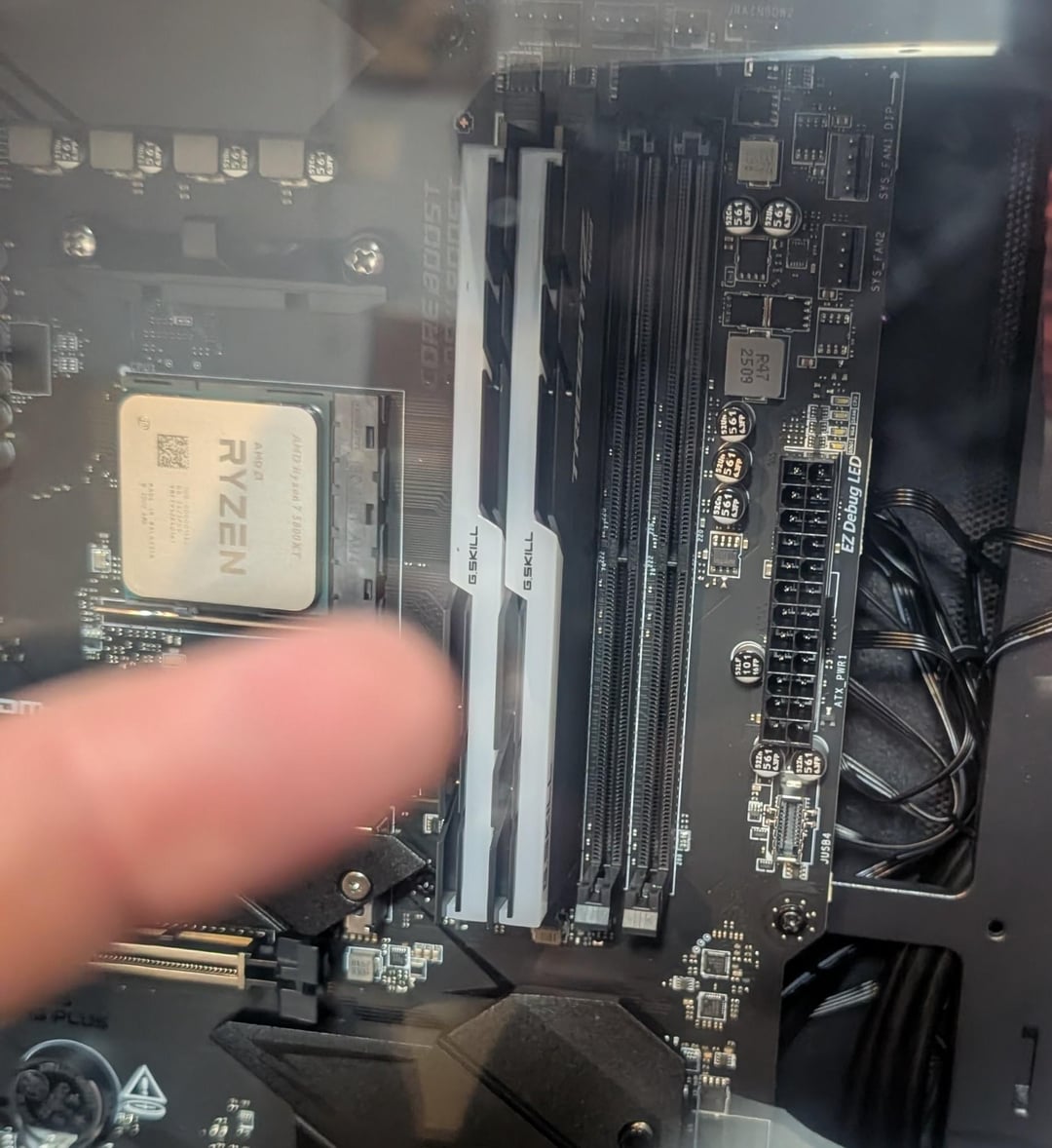
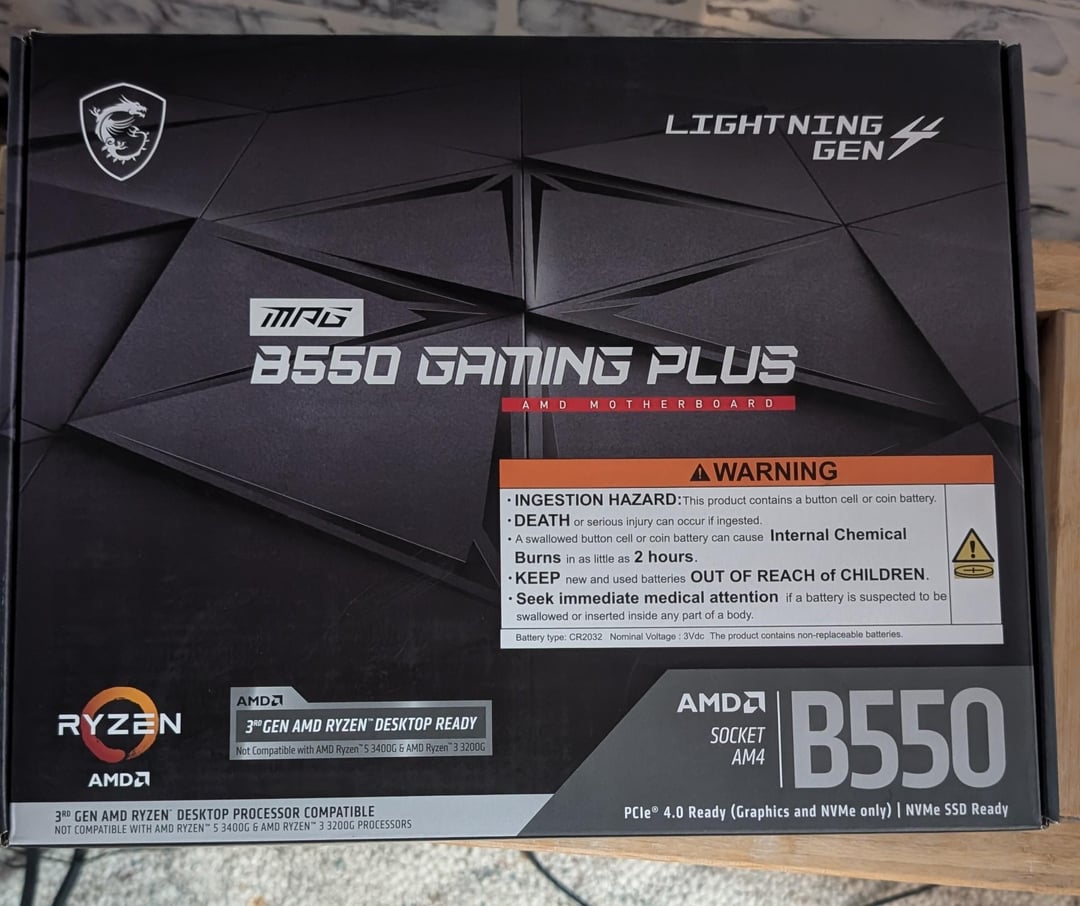
My new PC I'm putting together has a MAG B550 Gaming Plus AMD motherboard which has 4 slots for RAMM. The new RAMM I'm putting in it is G.Skill's TridentZ RGB DDR4 (32GB – 2x16GB chips). That leaves two empty slots for RAMM. I'm happy with that.
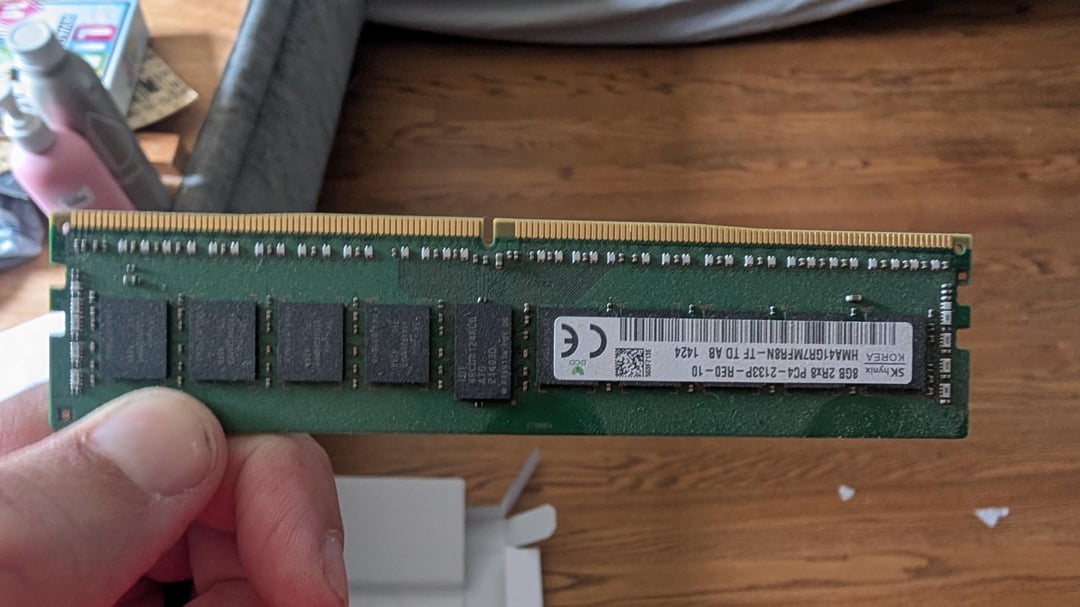
But, the old PC I'm replacing has 4 8GB 2Rd8 PC4 – 2133P – RE0 – 10 chips. Instead of selling or tossing them, I am wondering if I could use two of those 8GB chips safely in those two empty slots? I'm fine with the new 32GB of RAMM, but if I can use the other 2 empty slots with 2 of the 8GB chips I have, I'd love to. 48GB is better than 32, after all. =}
What I'm trying to avoid is putting something not so great in my PC that could slow it down or, worse, break it.
Like I said, Google says it's fine, but I'd like some human confirmation too.
Thanks,
Van
6 Comments
Hello VG5150, and thank you for your submission to Gaming PC! If you are new please check out our rules over at the wiki [here](https://www.reddit.com/r/gamingpc/wiki/rules)!
We have recently added the useful feature of Title Flair! You can set this manually by clicking Flair under your post once you have submitted your post, but if you missed it in the rules there is a much better way that will automatically flair your post!
To do this simply add what your post is about in brackets before your title. For example for a Build Log you can type [Build Log] before your post so that it looks like this; [Build Log]My new awesome build!, and the bot will automatically set your flair to Build Log! This works for Build Log, Build Showcase, News, Hardware News, Hardware Release, Discussion, and Miscellaneous!
Also remember that this is a place for discussing and sharing our love of Gaming Computers! This is NOT the place for help building or determining what parts you should buy, that is better suited for /r/buildapc. Troubleshooting questions should be directed to /r/techsupport. Thank you again!
*I am a bot, and this action was performed automatically. Please [contact the moderators of this subreddit](/message/compose/?to=/r/gamingpc) if you have any questions or concerns.*
First, your ram should be on slot 2 and 4, not 1 and 2. Please read the manual.
Second, you could use the oldest ram but then all your ram will run at the lowest speed of the four.
Third, 32gb are totally fine, you don’t need the extra ram.
Fourth, enjoy your new rig.
Not sure what speed those TridentZ are, but if they’re faster 2133mhz, the other sticks at 2133 would make it all run at that speed. Most games prefer faster RAM than more RAM, so I’d just stick with the two TridentZ. Also for two sticks on that board, you want them in slot 1 and 3 instead of both by the CPU.
Thanks everyone!
See, now that’s community.
I knew the answer had to be more nuanced than what Google was going to supply. I thank all of you very much.
This is a bit of a question but certainly I can’t be the only one to run into this issue.
The motherboard I bought came with a 1 TB SSD. Not the SATA type, but the kind that resembles a stick of RAM.
Anyway, I was following directions…I removed the heat sync cover, put the chip in at 33 degrees, pushed it down into position, and then realized that the screw you’re supposed to use to secure it in place did not come with the case, motherboard, nor SSD! It’s super small. I went to Walmart and even Lowe’s (just in case) but no go. I ended up ordering a group of “PC motherboard screws” off Amazon that said it would work.
I was so frustrated that the Case has a bunch of screws included but the motherboard doesn’t include the one screw you need to put that type of ram in, which seems to be the standard now. I don’t know man drove me crazy. Is this a common thing?
Bro… What are we doing…? This gives me a headache. Your RAM is in the wrong slots and no.