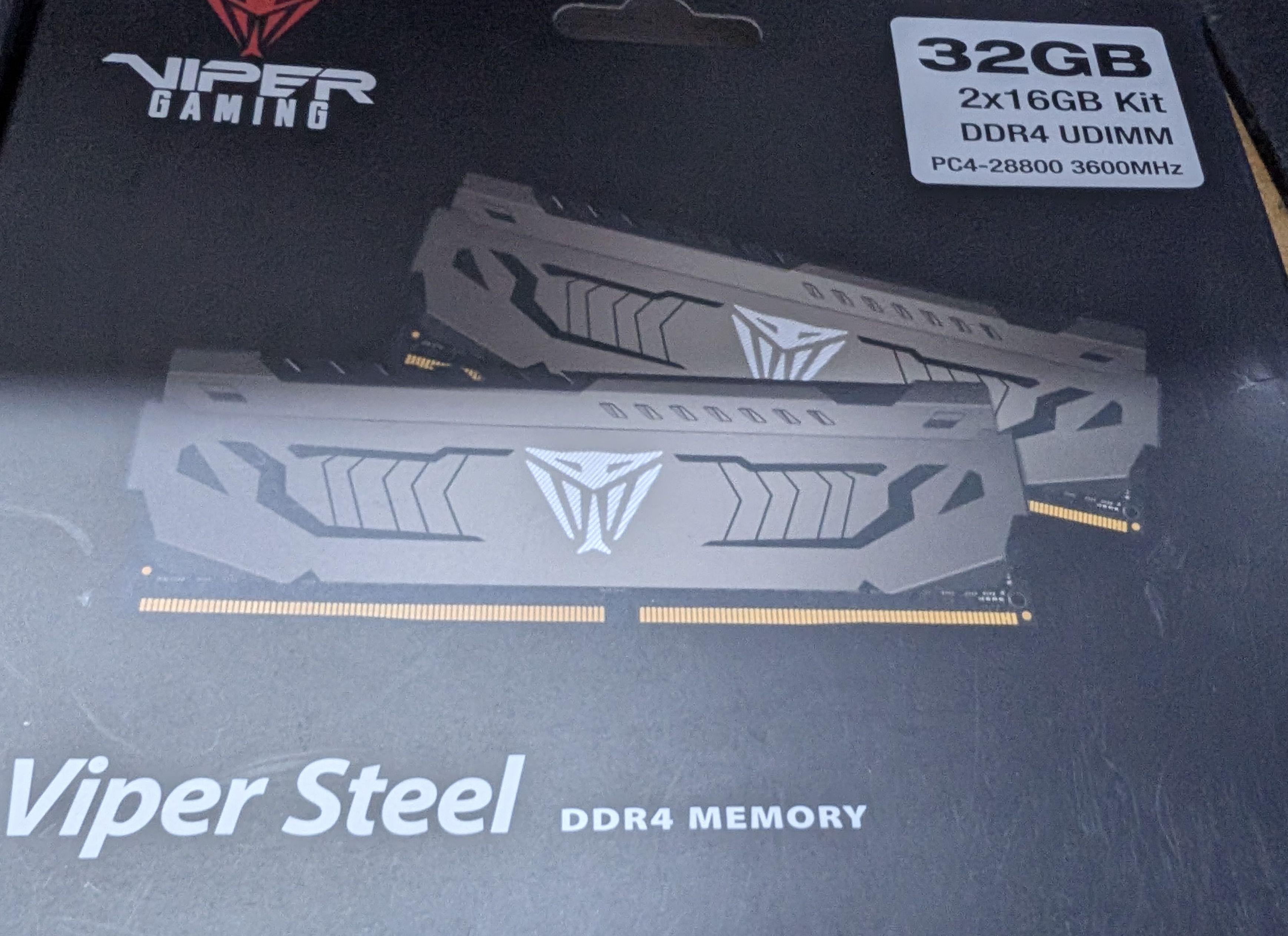
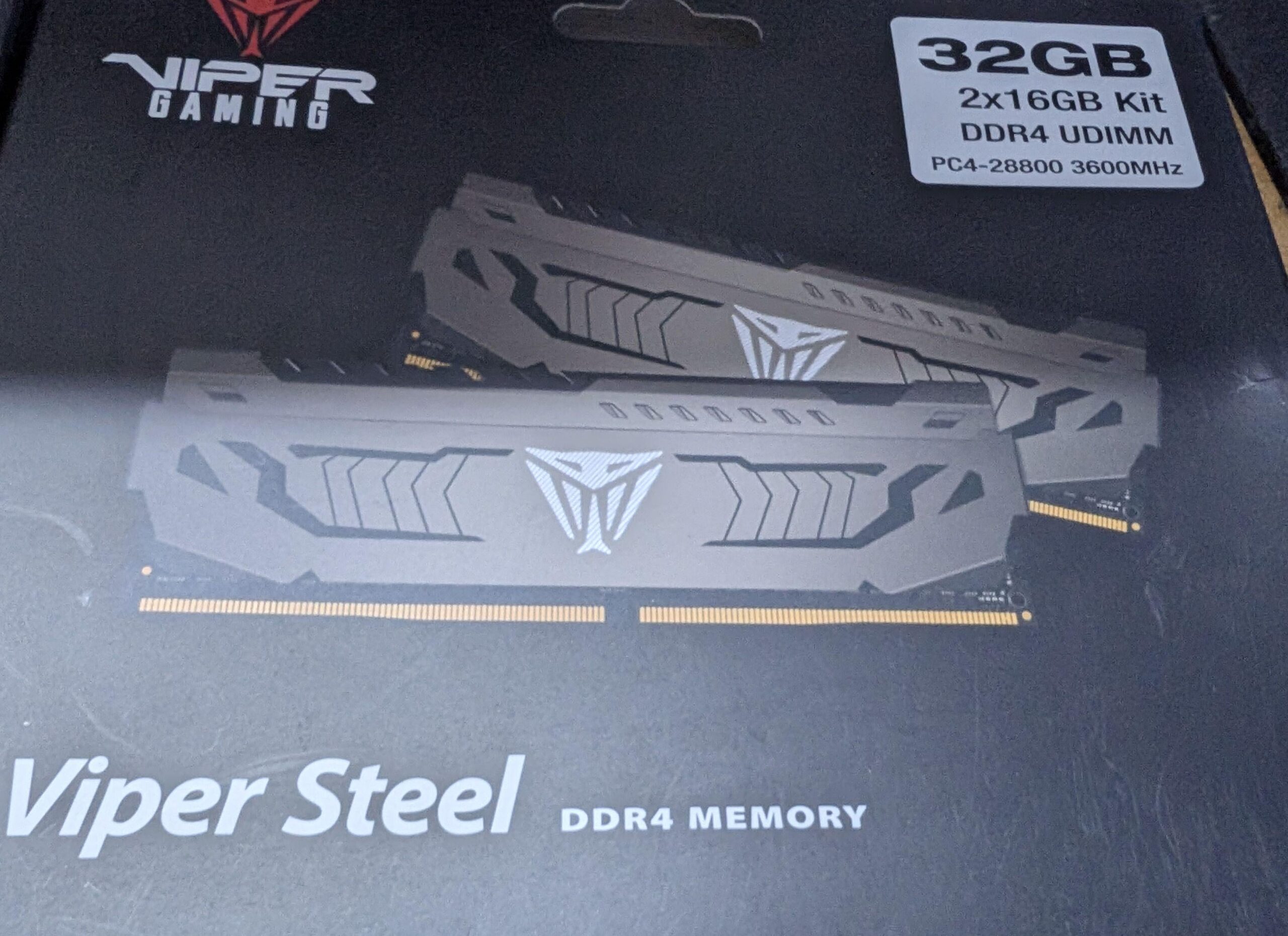
Product number of the sticks by itself does not mean anything. Check what chips the sticks contain. If Thaiphoon Burner doesn’t work then you can either remove the heat spreaders to check, or trial and error different settings.
The general tuning process is the same for all DDR4, knowing the chips just helps you stay in a safe voltage range and have a good starting point for timings.

2 Comments
Product number of the sticks by itself does not mean anything. Check what chips the sticks contain. If Thaiphoon Burner doesn’t work then you can either remove the heat spreaders to check, or trial and error different settings.
The general tuning process is the same for all DDR4, knowing the chips just helps you stay in a safe voltage range and have a good starting point for timings.
https://github.com/integralfx/MemTestHelper/blob/oc-guide/DDR4%20OC%20Guide.md
Check in these videos from Buildzoid:
[https://www.youtube.com/@ActuallyHardcoreOverclocking/search?query=ddr4](https://www.youtube.com/@ActuallyHardcoreOverclocking/search?query=ddr4)